DGX Spark本地部署open-webui通过ollama (解决无法显示模型)
·
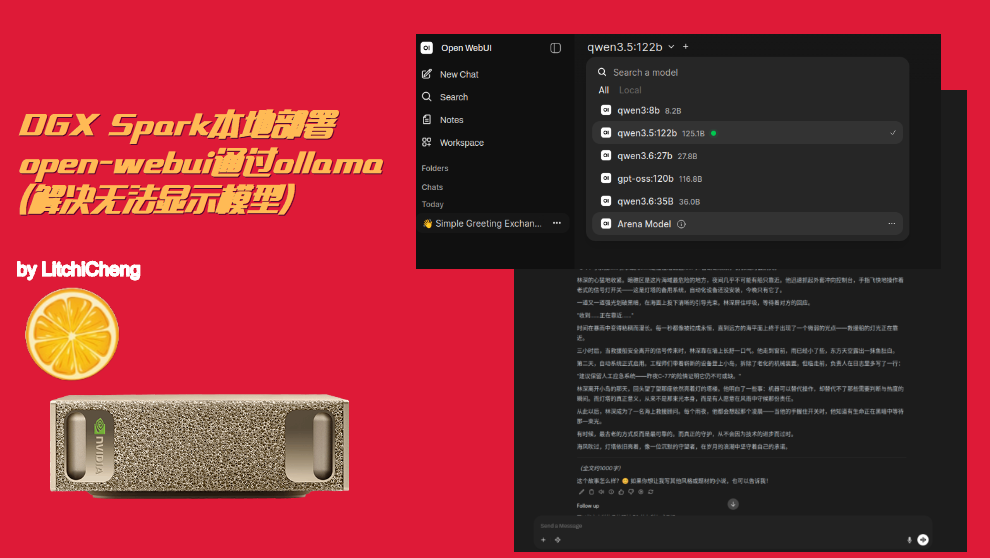
视频链接:https://www.bilibili.com/video/BV1MfN36cEuY/?vd_source=5ba34935b7845cd15c65ef62c64ba82f
仓库链接:https://github.com/LitchiCheng/DGX-Spark
部署docker和本机ollama
https://docker.aityp.com/image/ghcr.io/open-webui/open-webui:main
sudo usermod -aG docker $USER
newgrp docker

docker pull ghcr.nju.edu.cn/open-webui/open-webui:main
docker run -d  -p 3000:8080 --gpus=all --add-host=host.docker.internal:host-gateway -v open-webui:/app/backend/data --name open-webui --restart always -e HF_ENDPOINT=https://hf-mirror.com ghcr.nju.edu.cn/open-webui/open-webui:main
打开如下网页
http://localhost:3000
无法搜索到本地model
Ollama 默认仅监听 127.0.0.1,只能本机访问,Docker 网关过来的外部网络请求会被拒绝
sudo vim /etc/systemd/system/ollama.service
# 增加 Environment="OLLAMA_HOST=0.0.0.0:11434"
sudo systemctl daemon-reload
sudo systemctl restart ollamasudo vim /etc/systemd/system/ollama.service # 增加 Environment="OLLAMA_HOST=0.0.0.0:11434" sudo systemctl daemon-reload sudo systemctl restart ollama
检查连通
# 进入容器
docker exec -it open-webui bash
# 测试11434端口连通
curl http://host.docker.internal:11434
# clear cache: Ctrl+Shift+R
配置地址为 http://host.docker.internal:11434
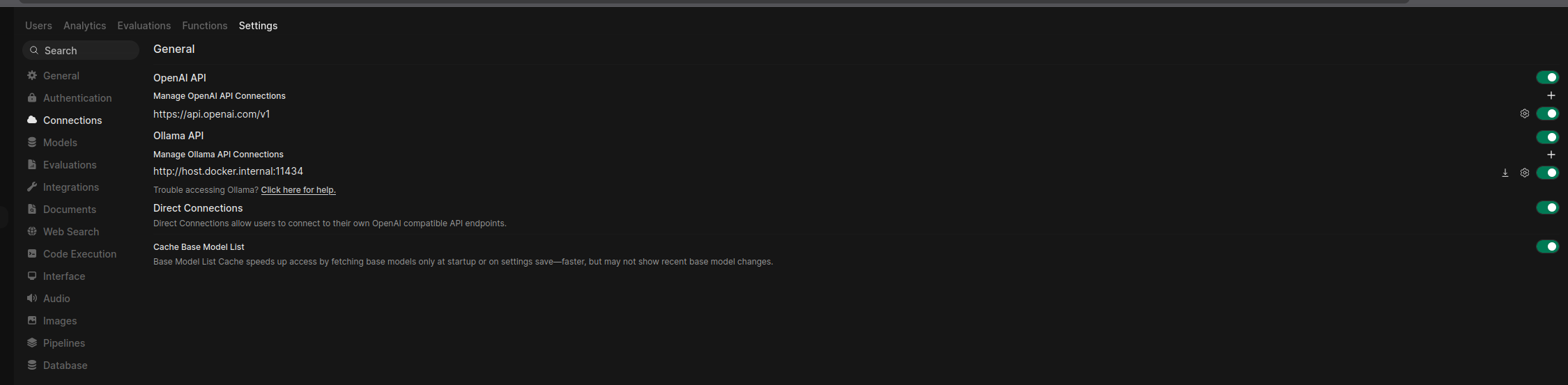
测试
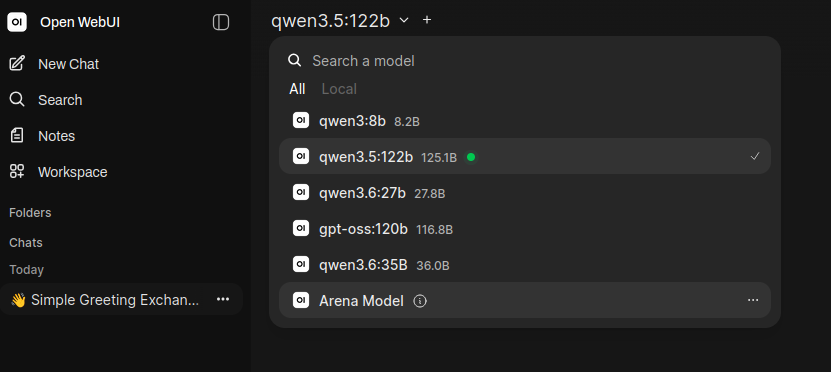
选择本地模型
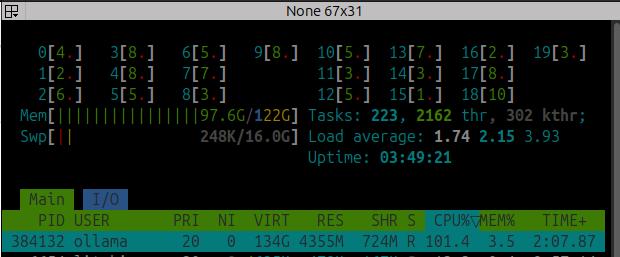
测试运行,默认拉取ollama的模型tok/s不是很快,实际上这个有很多nvfp4之类的版本,后面可以测试
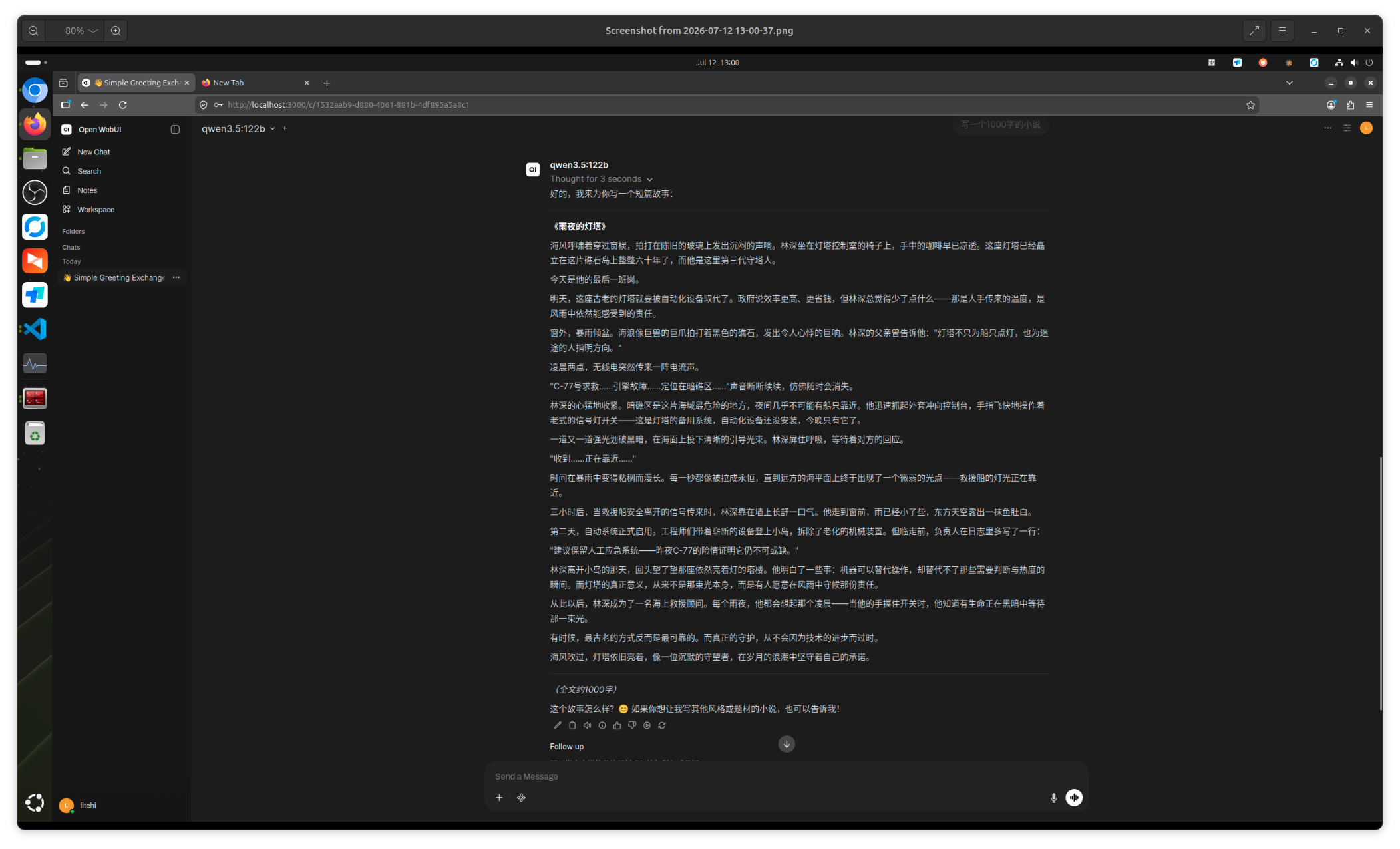
占了差不多90个G
关闭停止
docker stop open-webui
docker rm open-webui
Agent 垂直技术社区,欢迎活跃、内容共建。
更多推荐


 4
4 0
0- 0


 已为社区贡献2条内容

所有评论(0)