Python learning record from zero
It is indeed difficult for a totally newer to code in python without any tutorial, you don’t know what is programming, you don’t know how to install a python shell which is the core of the language for running in computer, you don’t know the IDLE Shell, you don’t know the editor, you do know nothing with program, that’s the hard point, you do not know to code.
Your feelings are completely normal; starting with Python or any programming language can feel overwhelming when you don't know where to begin
. There's a lot of foundational knowledge to acquire, from understanding basic concepts to installing the right tools. Fortunately, there are many excellent resources to guide you from absolute zero.
Here is a step-by-step path to get you started with Python.
Step 1: Understand the basics of programming
Before writing code, it's helpful to understand the core ideas behind programming.

    What it is: At its core, a programming language is a set of instructions you give to a computer to perform tasks.
    Syntax: Just like human languages have grammar, programming languages have syntax. This is the specific set of rules for how you write code so the computer can understand it.
    Variables: A variable is a named storage location that holds a value. You can think of it like a label you place on a box to help you find its contents later.
    Functions: A function is a block of organized, reusable code that performs a single, related action. For example, the print() function in Python displays text on the screen.

Step 2: Set up your Python environment
You don't need to install anything initially, as several websites provide online editors where you can run Python code directly in your browser. This is an excellent way to start without worrying about installations.
However, when you are ready to install Python on your computer, the process is straightforward:

    Download Python: Go to the official Python website at python.org and download the latest version.
    Run the installer: During installation, it is very important to check the box that says "Add python.exe to PATH". This will allow you to run Python from your command line.
    Use IDLE: When you install Python, you automatically get IDLE (Integrated Development and Learning Environment). It provides both an interactive shell and a simple text editor.
    Confirm installation: You can test that everything is working by opening a Command Prompt or Terminal and typing python --version.

Step 3: Write your first program
The traditional first program is called "Hello, World!"
Using the IDLE Shell (for instant feedback)

    Open IDLE from your start menu.
    In the shell window that appears, type print("Hello, World!").
    Press Enter. You will see the phrase printed immediately on the next line.

Using the IDLE Editor (for saving a program)

    In IDLE, click File > New File.
    In the new editor window, type your code: print("Hello, World!").
    Save the file by clicking File > Save. Name it hello.py. The .py extension is important for Python files.
    Run your program by clicking Run > Run Module or pressing F5. The output will appear in the IDLE shell window.

Step 4: Continue learning with resources and practice
The best way to get over the initial difficulty is to practice consistently and work on simple projects.

    Free Online Courses: Websites like Programiz, W3Schools, and Real Python offer structured, interactive lessons for beginners.
    Video Tutorials: YouTube offers a huge number of tutorials, with many designed specifically for people with no prior experience.
    Beginner Projects: Once you know the basics, try building small projects like a guessing game or a simple calculator to apply your new skills.
Learning python by MSVS will be hard, there are many useless files, and only the first one works.
 Try by IDLE:
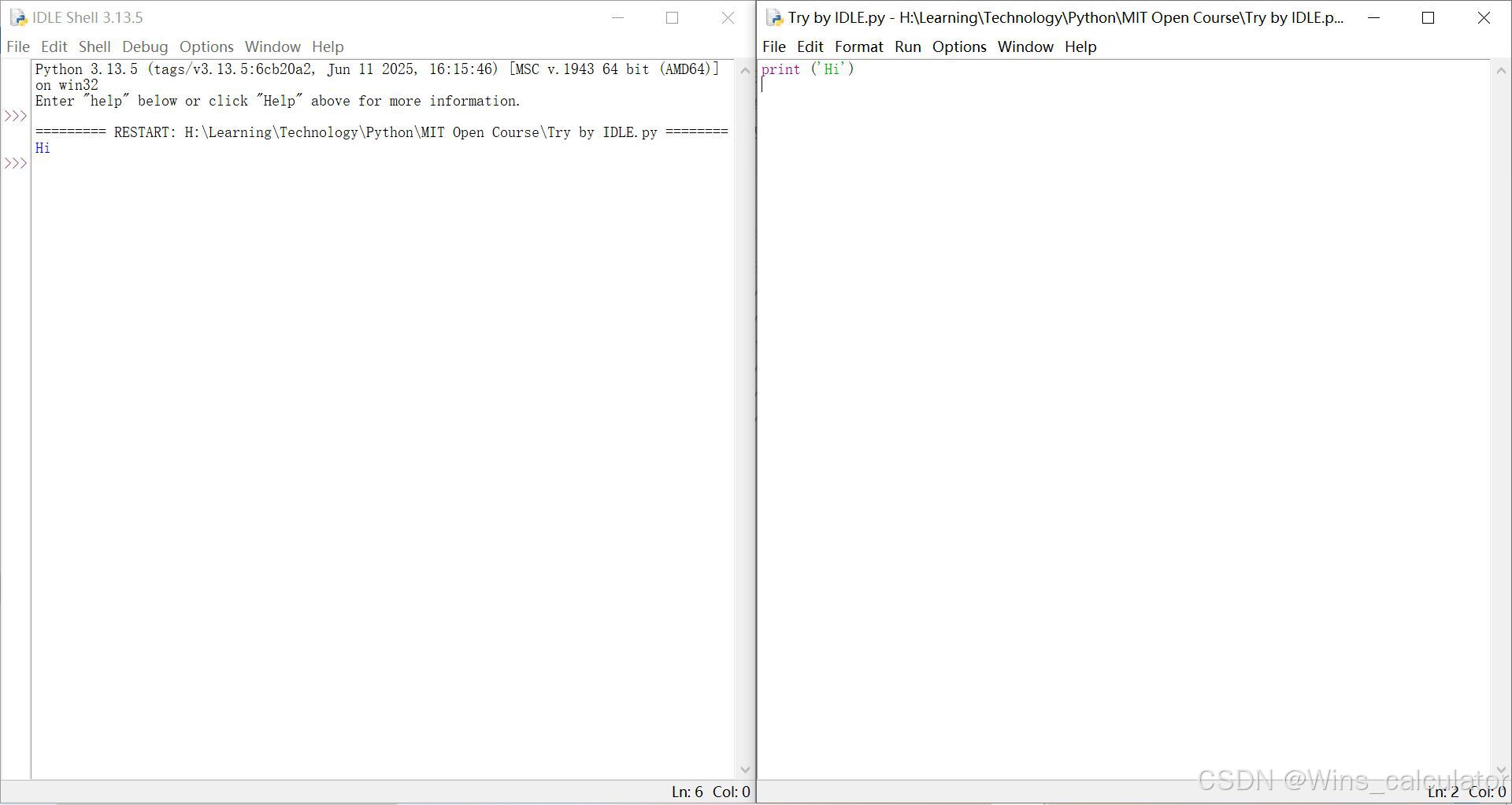
Learning IDLE in Runoob tutorial.
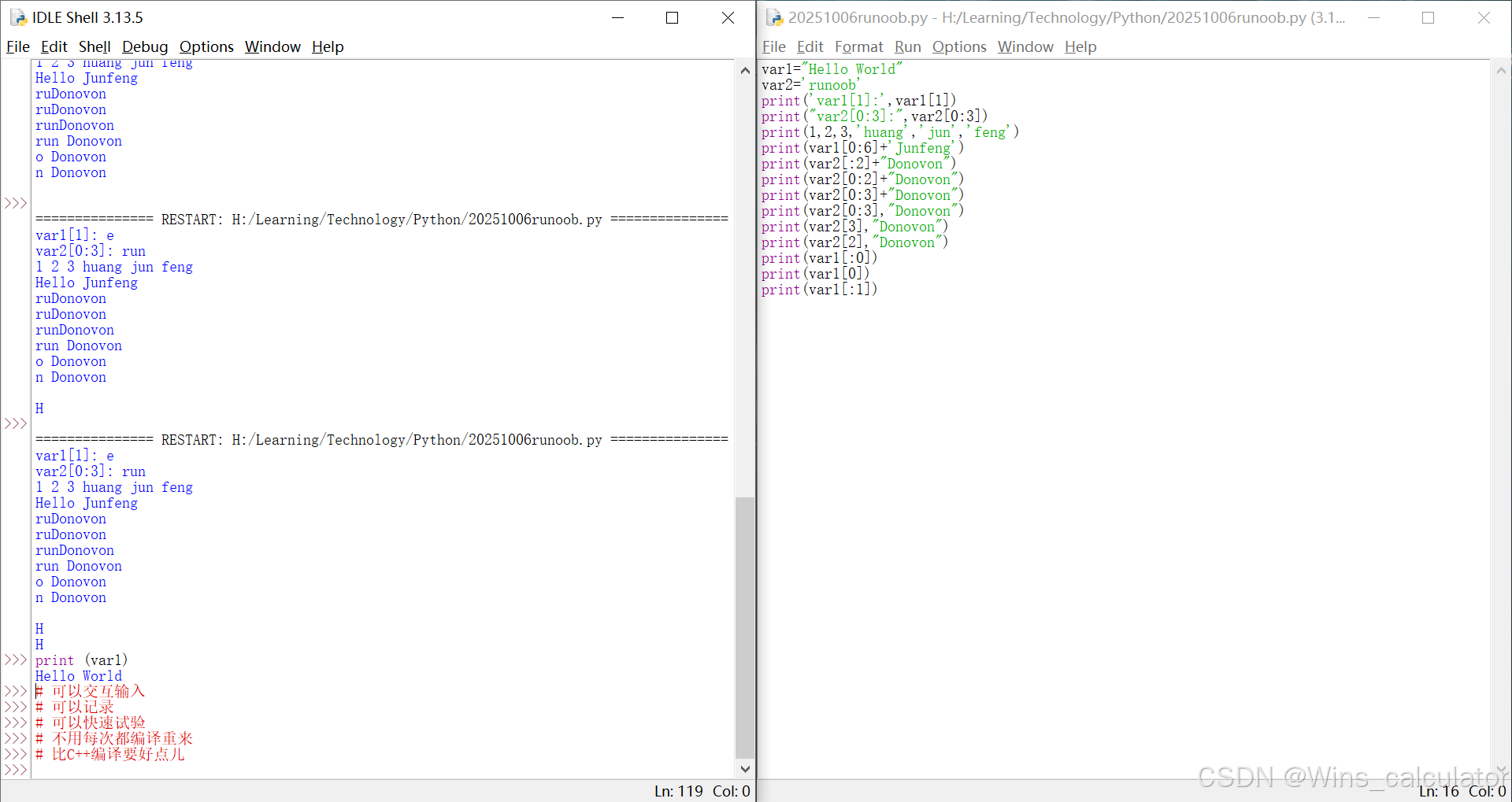
You can use * to replace name for quick command in terminal.
donovon@donovon-TM1613:~/mount/disk6/Learning/Technology/Python/program$ ls
Family-finance-manager  number_game.py  xiaozhi
donovon@donovon-TM1613:~/mount/disk6/Learning/Technology/Python/program$ python3 *.py
Welcome to the Number Guessing Game!
I have selected a number between 1 and 10. You have 3 tries to guess it.
Enter your guess: 3
Your guess is too low. Try again.
Enter your guess: 2
Your guess is too low. Try again.
Enter your guess: 1
Your guess is too low. Try again.
Sorry, you ran out of guesses. The correct number was 7.
You can touch a test file which has no conflict with others in the path /usr/lib/python3/dist-packages, and then try to import the test as a module. Probably a root privilege will be good at it.
donovon@donovon-TM1613:/usr/lib/python3/dist-packages$ python3
Python 3.12.3 (main, Aug 14 2025, 17:47:21) [GCC 13.3.0] on linux
Type "help", "copyright", "credits" or "license" for more information.
>>> import inspect
>>> import test
hello world
>>> print(inspect.getsource(test))
print('hello world')
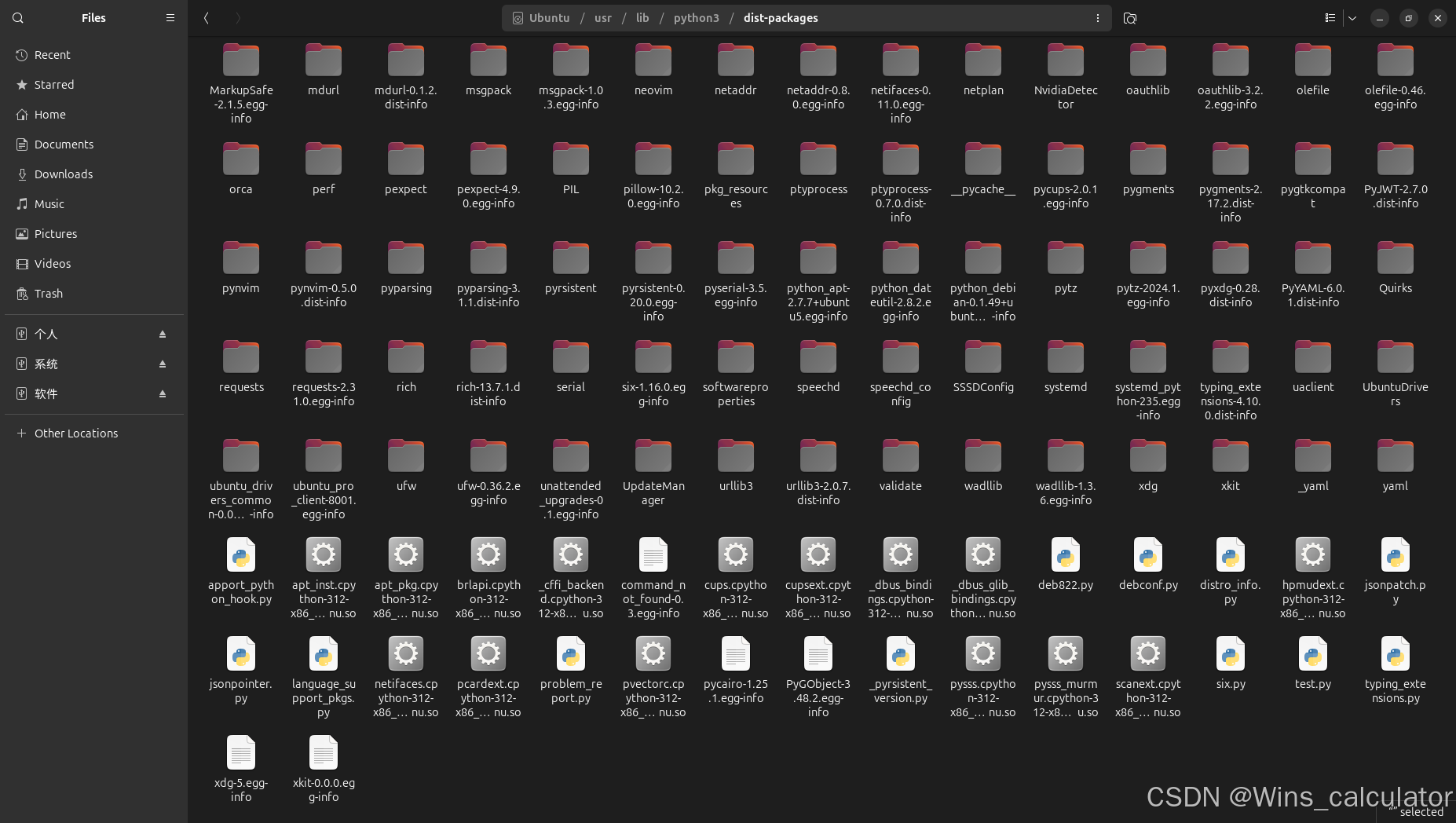
2025-11-22
Coding everday without methods is a lack of system, maybe you are just repeating simple and blindly knocking on the code.

Simple Project
The first simple number guess game i wrote based on daily code for learning. It is only a CLI program without any graphic.
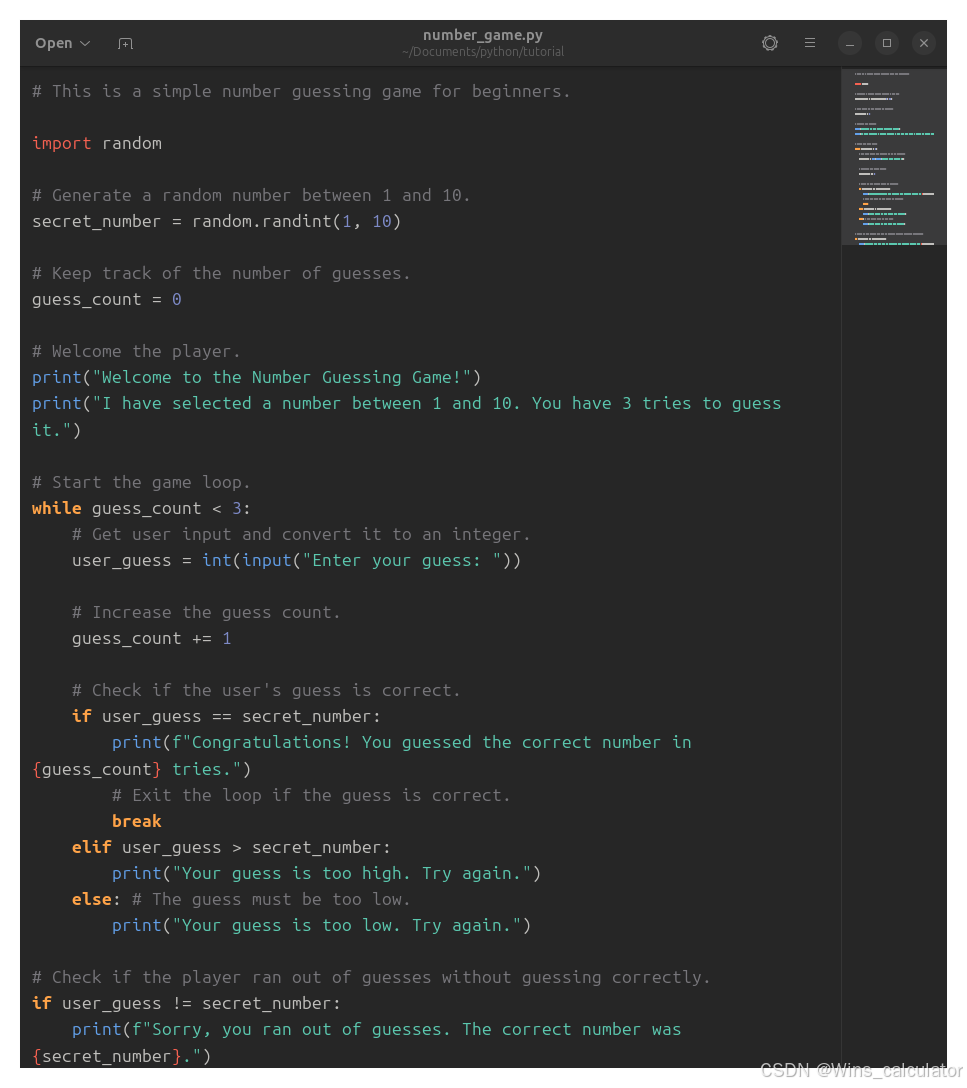
How to run a GUI game within Python? I found this one but i do not want to repeat it because it is just one page just like Gobang in C++.
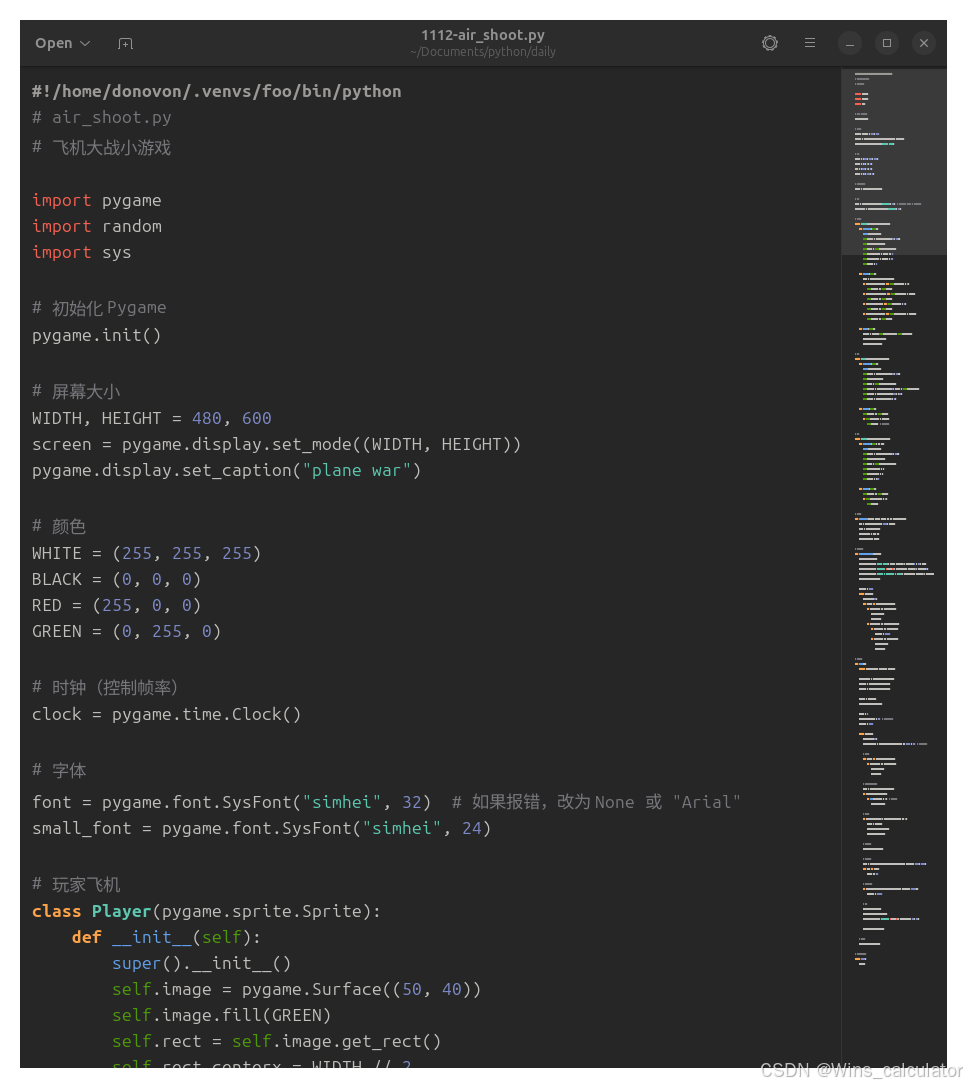
pygame
There are too many pygame sources, and i select PyPacman for learning the structure that is a little hard for me.

Tutorials
It makes me much time to search source. There are some websites showing you a part of tutorials but aimed for your payment, for example : realpython.
Something must be lost between the syntax education with the industrial project, for example: the file organization and the project organization. I would like to grow within the real industrial software engineer, but since i can not join the work now, how to gain those knowledge in the open community?

Agent 垂直技术社区,欢迎活跃、内容共建。
更多推荐


 8
8 0
0- 0


 已为社区贡献5条内容

所有评论(0)