C++中使用cpp-httplib和nlohmann_json库实现http请求获取天气数据
C++中使用cpp-httplib和nlohmann_json库实现http请求获取天气数据
关于cpp-httplib和nlohmann_json库
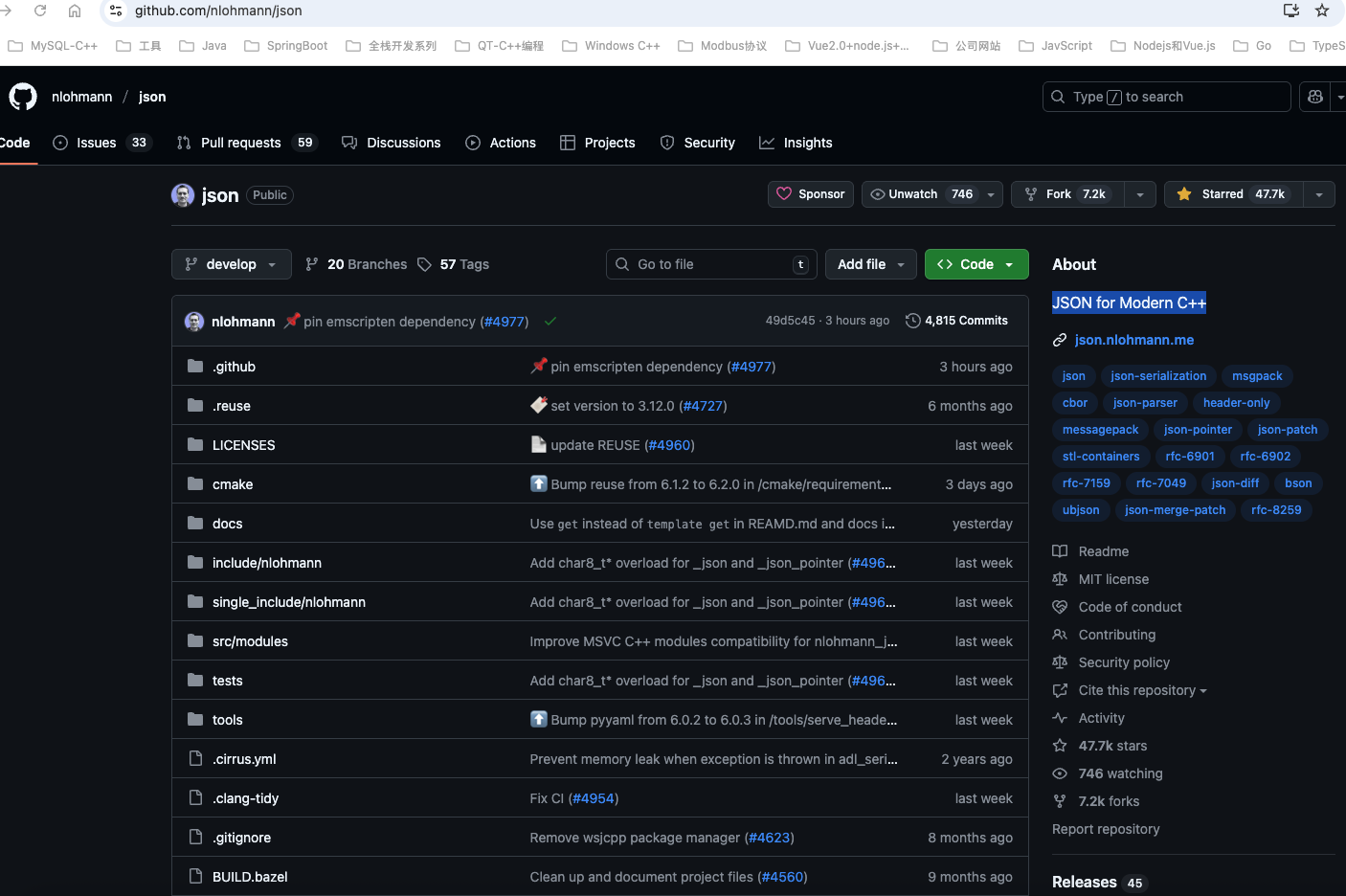
C++中没有像Java、C#、Python那样好用的http库,看到油管博主The Cherno的一个视频HTTP in C++使用到了cpp-httplib和nlohmann_json库这两个库,这两个库的好处是只需要包含头文件即可,比较方便使用,其中cpp-httplib库可以用作开发http/https客户端和服务端的库,nlohmann_json库则是一个比较好用的C++ json解析库,如果不考虑性能通常使用它也是一个不错的选择,很大大型商用项目都使用到了这个库,目前Github上star已达到47.7k。
这两个C++库的Github源代码地址分别如下:
- https://github.com/yhirose/cpp-httplib
A C++ header-only HTTP/HTTPS server and client library - https://github.com/nlohmann/json
JSON for Modern C++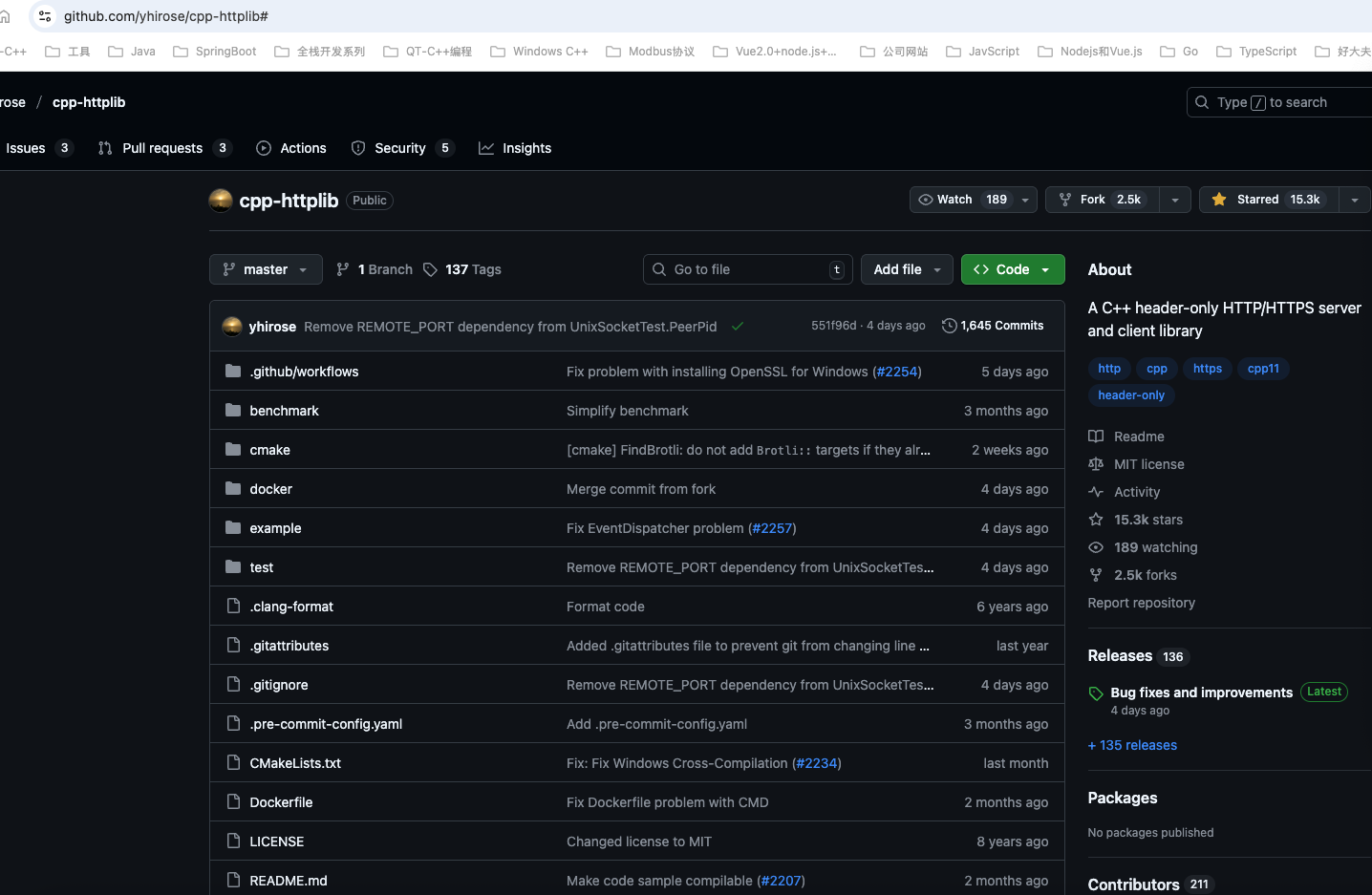
使用cpp-httplib和nlohmann_json库实现http请求获取天气数据
为了方便,我在我的MacMin4电脑上使用cmake编译构建上面两个库的源代码并将它们安装到/usr/local目录方便开发使用。
这里我们用https://open-meteo.com/en/docs/这个天气API数据网站作为http请求的数据来源,如下图所示: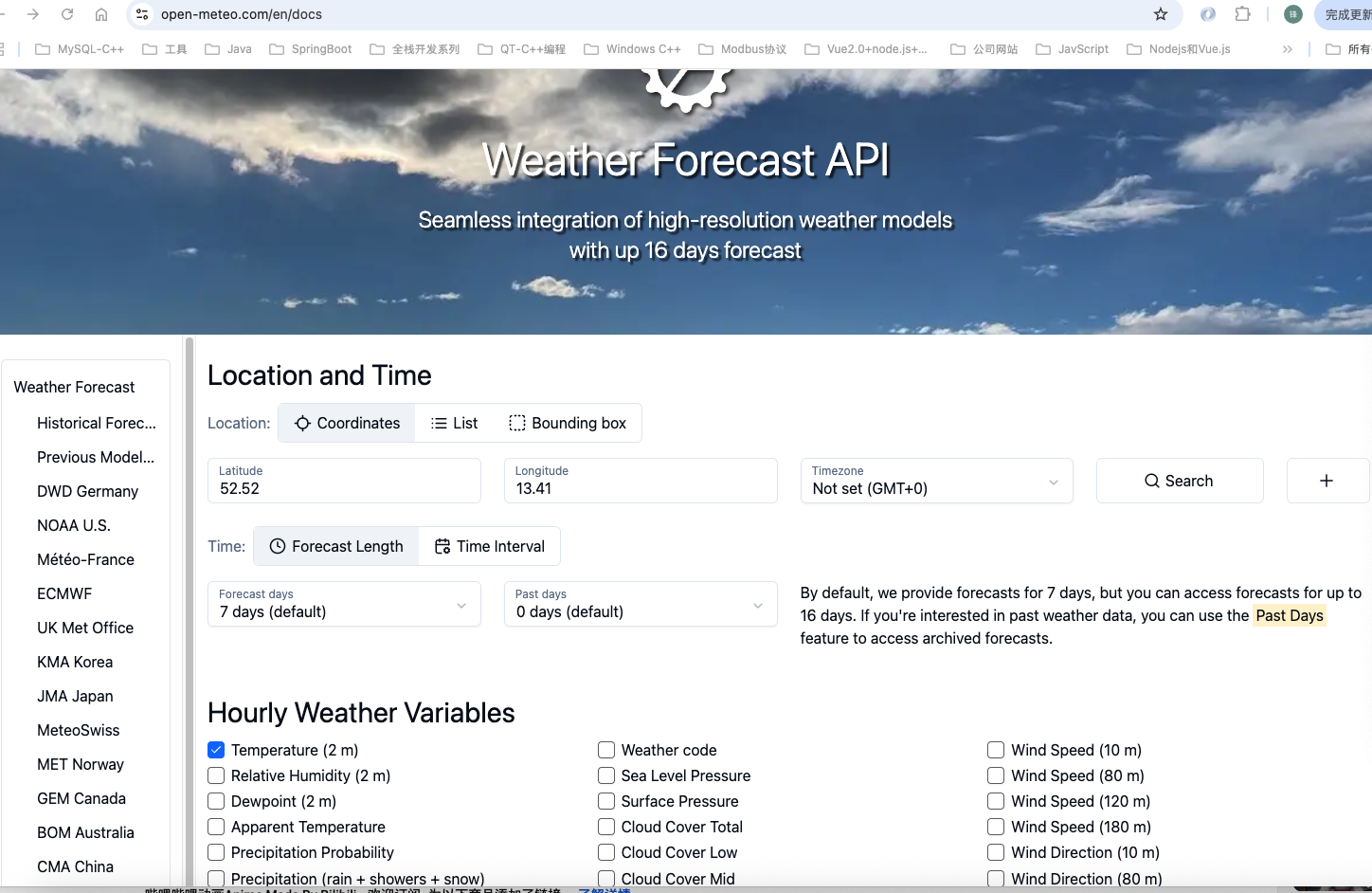
我们在Google浏览器中输入如下地址:https://api.open-meteo.com//v1/forecast?latitude=37.8136&longitude=144.9631¤t=temperature_2m
得到如下json格式的数据: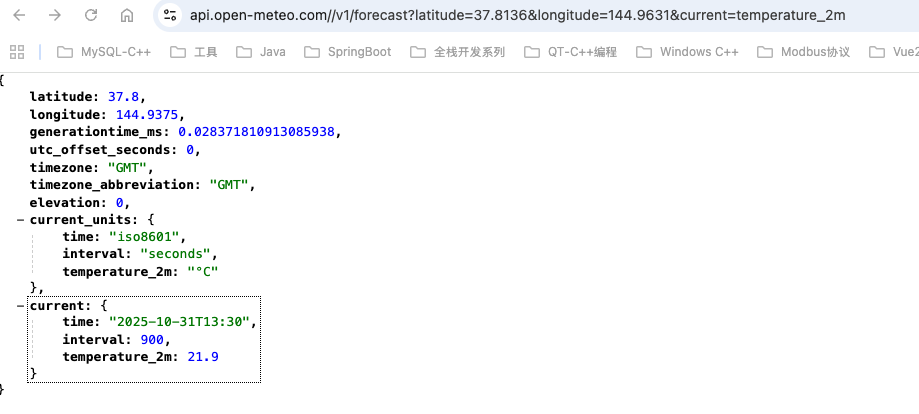
{
	latitude: 37.8,
	longitude: 144.9375,
	generationtime_ms: 0.028371810913085938,
	utc_offset_seconds: 0,
	timezone: "GMT",
	timezone_abbreviation: "GMT",
	elevation: 0,
	current_units: {
		time: "iso8601",
		interval: "seconds",
		temperature_2m: "°C"
	},
	current: {
		time: "2025-10-31T13:30",
		interval: 900,
		temperature_2m: 21.9
	}
}
这样就比较明确了,我们先使用https://github.com/yhirose/cpp-httplib构造一个http客户端,发送http请求到https://api.open-meteo.com/,请求地址为:http://api.open-meteo.com//v1/forecast?latitude=37.8136&longitude=144.9631¤t=temperature_2m,拿到数据之后,由于响应体是json数据格式,我们再通过https://github.com/nlohmann/json库解析,当然为了模拟真实场景,我们另外单独开了一个线程用于获取天气数据。
https://github.com/yhirose/cpp-httplib官方给到的http客户端get请求示例代码如下:
#define CPPHTTPLIB_OPENSSL_SUPPORT
#include "path/to/httplib.h"

// HTTP
httplib::Client cli("http://yhirose.github.io");

// HTTPS
httplib::Client cli("https://yhirose.github.io");

auto res = cli.Get("/hi");
res->status;
res->body;
我们通过C++中使用cpp-httplib和nlohmann_json库实现http请求获取天气数据示例代码如下:
#include <iostream>
#include <string>
#include <thread>
#include <chrono>
#include <nlohmann/json.hpp>
#include <httplib.h>
void requestWeather()
{
httplib::Client client("http://api.open-meteo.com");
// http get请求
auto res = client.Get("/v1/forecast?latitude=37.8136&longitude=144.9631¤t=temperature_2m");
std::cout << "Http Status: " << res->status << std::endl;
auto json = nlohmann::json::parse(res->body);
if (json.is_discarded())
{
std::cerr << "Failed to parse JSON response." << std::endl;
return;
}
// explicit conversion to string
std::cout << "weather info: " << json.dump(4) << std::endl;
double temperature = json.at("current").at("temperature_2m").get<double>();
std::string temperature_unit = json.at("current_units").at("temperature_2m").get<std::string>();
std::cout << "Current temperature is " << temperature << temperature_unit << std::endl;
}
void requestWeatherAsync()
{
std::thread requestThread = std::thread([](){
requestWeather();
});
std::this_thread::sleep_for(std::chrono::seconds(5)); // Wait for the request to complete
requestThread.join();
}
int main()
{
requestWeatherAsync();
return 0;
}
运行结果如下图所示: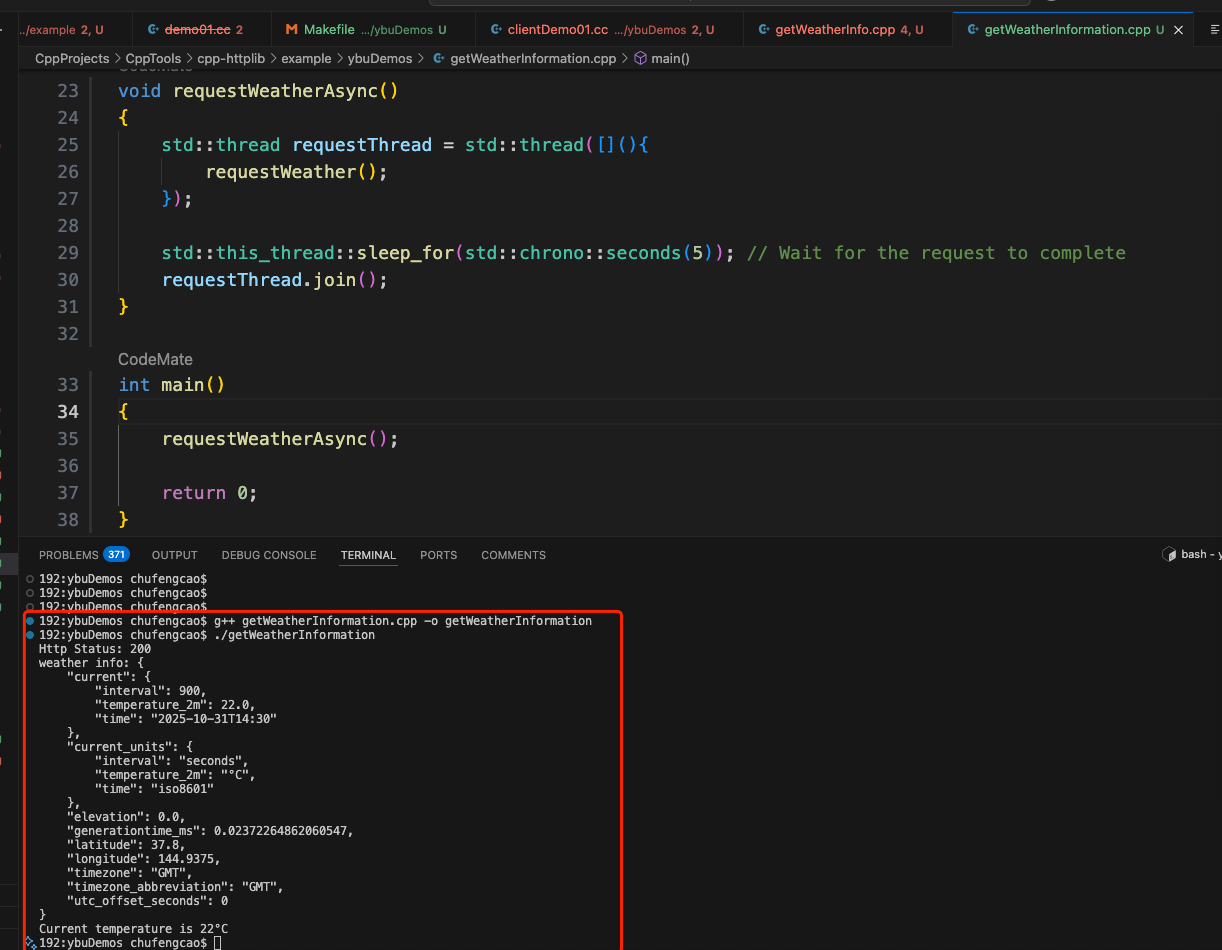

Agent 垂直技术社区,欢迎活跃、内容共建。
更多推荐

 25
25 0
0- 0


 已为社区贡献5条内容

所有评论(0)