【SpringBoot】基于 Hutool 的 SpringBoot 小案例:前后端分离验证码
·
文章目录
验证码案例
随着安全性的要求越来越高,目前项目中很多都使用了验证码,验证码的形式也是多种多样,更复杂的图形验证码和行为验证码已经成为了更流行的趋势.
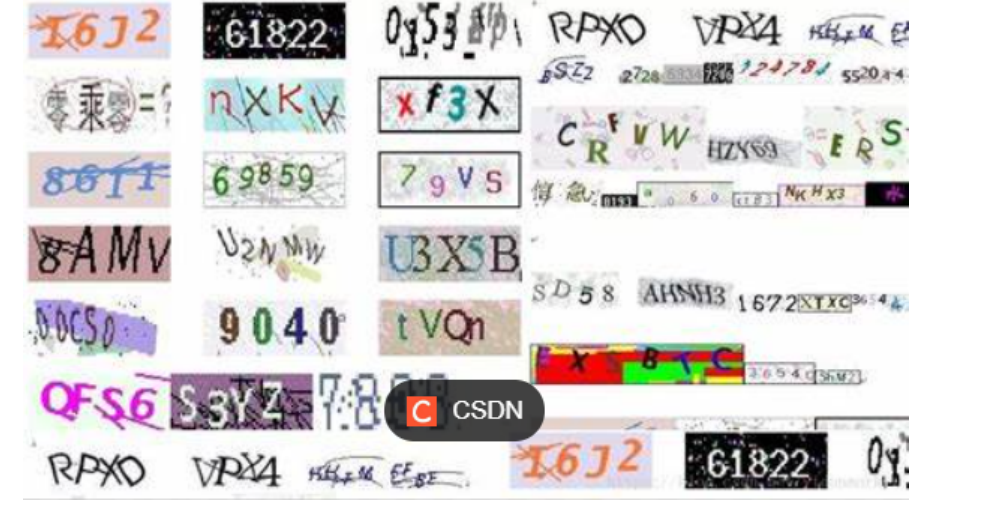
验证码的实现方式很多,可以前端实现,也可以后端实现.网上也有比较多的插件或者工具包可以使用,咱们选择使用Hutool提供的小工具来实现
(一) 需求
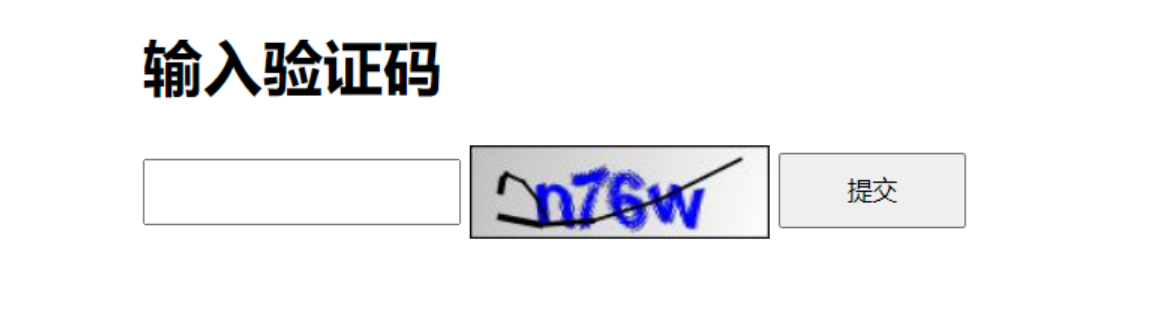
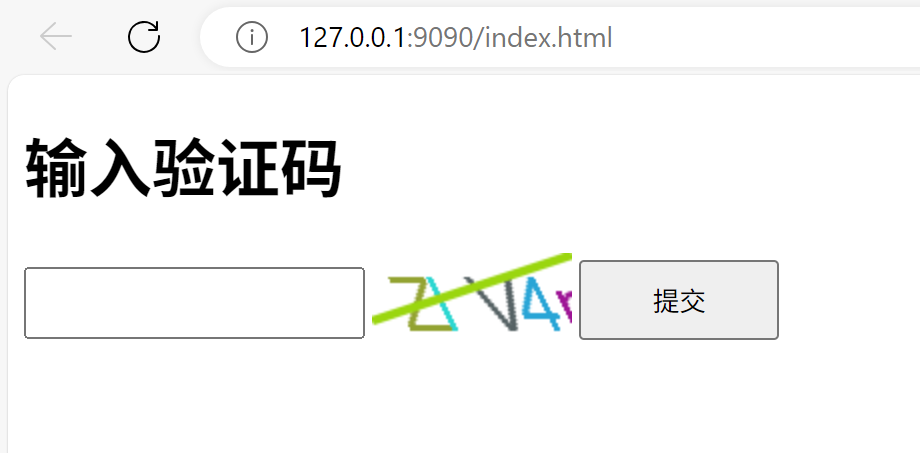
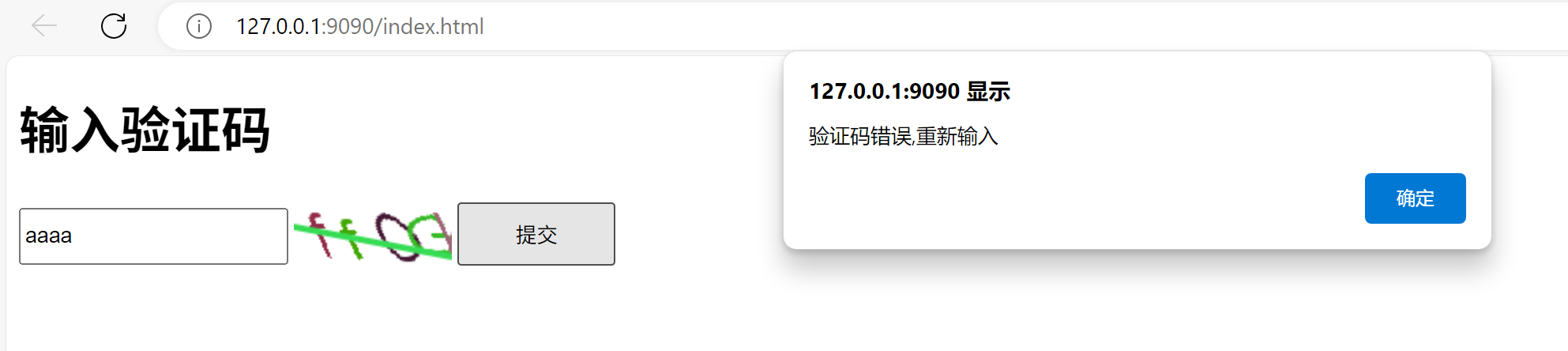
界面如下图所示
- 1. 页面生成验证码
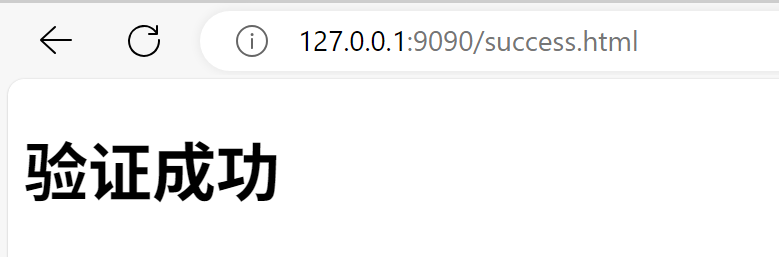
- 2. 输入验证码,点击提交,验证用户输入验证码是否正确,正确则进行页面跳转
(二) 约定前后端交互接口
1. 需求分析
后端需要提供两个服务
- 1.生成验证码,并返回验证码
- 2.校验验证码是否正确
2. 接口定义
- 1.生成验证码
请求:
请求URL:/captcha/getCaptcha
响应:验证码图片内容
浏览器给服务器发送一个
/captcha/getCaptcha这样的请求,服务器返回一个图片,浏览器显示在页面上
- 2.校验验证码是否正确
请求:
请求URL:/captcha/check
请求参数:captcha=xn8d
请求参数:captcha=xn8d
响应:
true
根据用户输入的验证码,校验验证码是否正确. true: 验证成功. false: 验证失败.
Hutool工具介绍
我们的个人验证码案例,使用Hutool小工具来实现
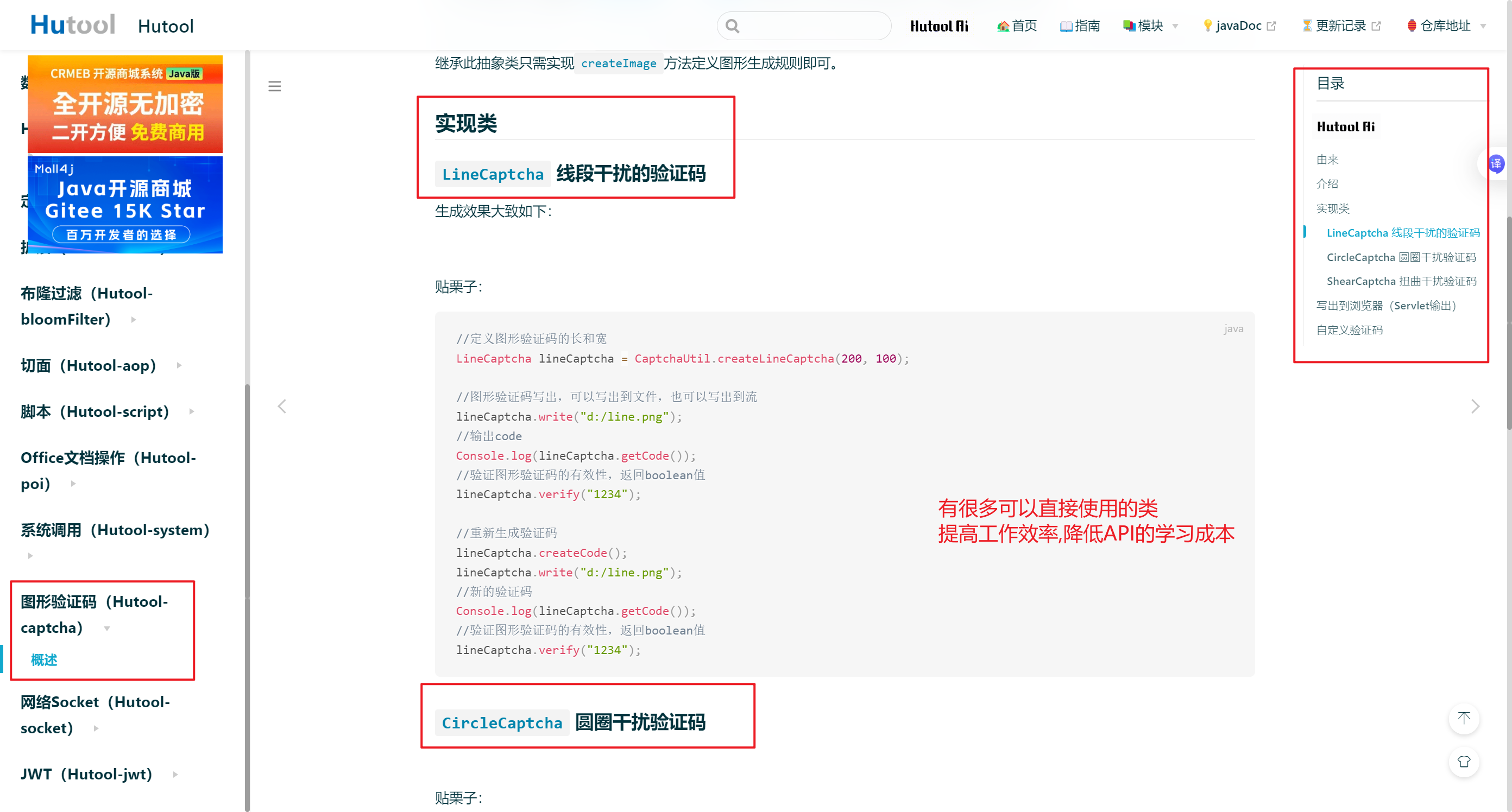
Hutool是一个Java工具包类库,对文件、流、加密解密、转码、正则、线程、XML等JDK方法进行封装,组成各种Util工具类.
Hutool是一个小而全的Java工具类库,通过静态方法封装,降低相关API的学习成本,提高工作效率
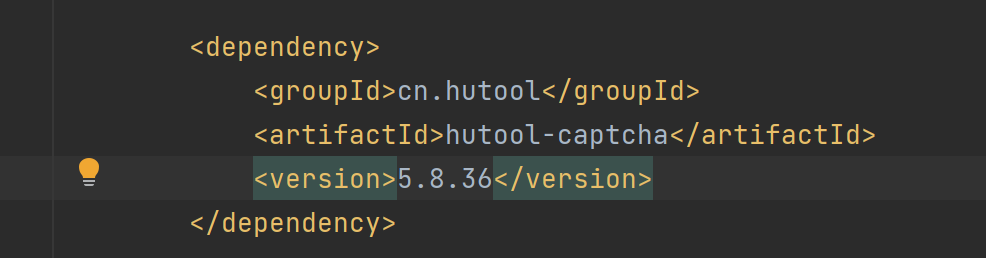
<dependency>
    <groupId>cn.hutool</groupId>
    <artifactId>hutool-captcha</artifactId>
    <version>5.8.36</version>
</dependency>
引入该工具的依赖
(三) 实现服务端代码
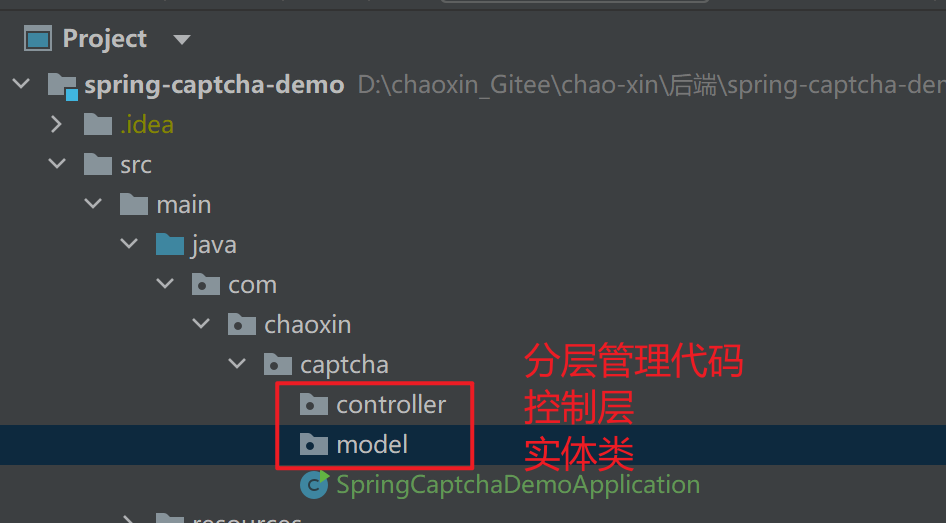
创建新的spring项目之后,无法使用spring的注解解决方法:
配置 IDEA 使用该版本:
- 打开 IDEA → File → Settings(Windows)/ Preferences(Mac)→ Build, Execution, Deployment → Build Tools → Maven。
- 右侧 Maven home path:选择你本地的 Maven 安装目录(需与 mvn -v 版本一致)。
- 取消勾选 Use embedded Maven(避免用 IDE 自带的兼容问题版本)。
- 点击 Apply → OK,重启 IDEA。
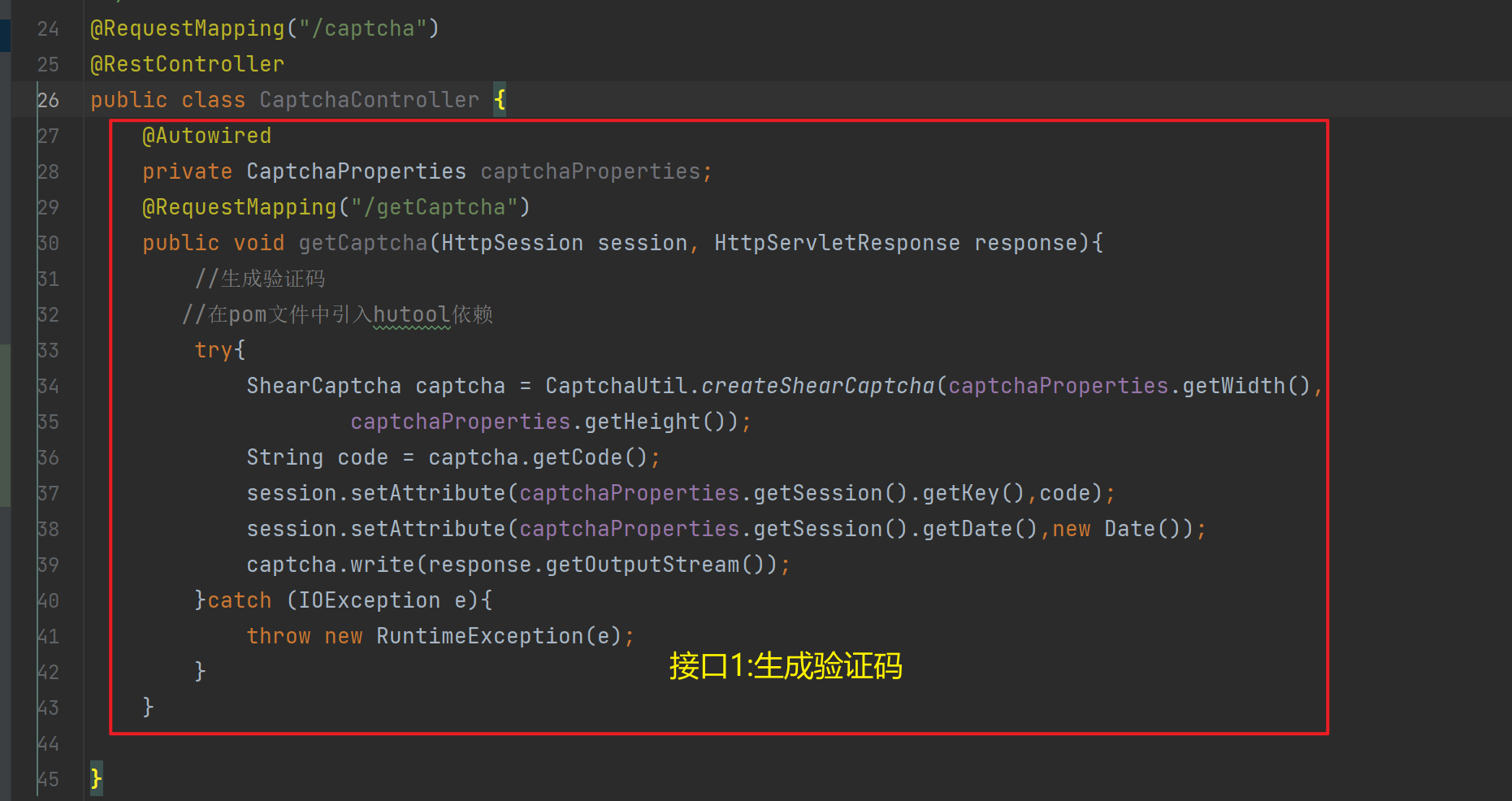
接口1:生成 验证码
controller层
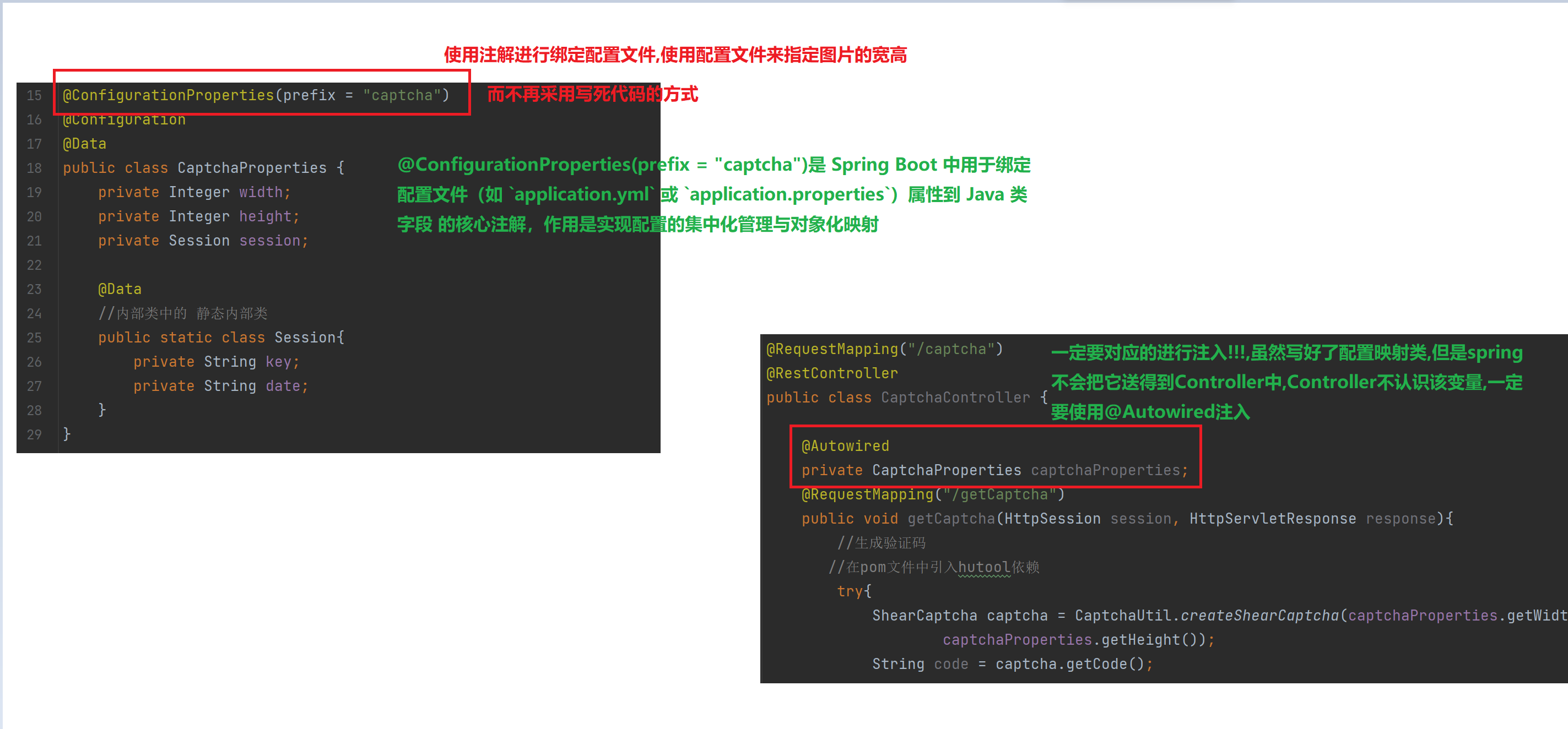
 @Autowired
    private CaptchaProperties captchaProperties;
    @RequestMapping("/getCaptcha")
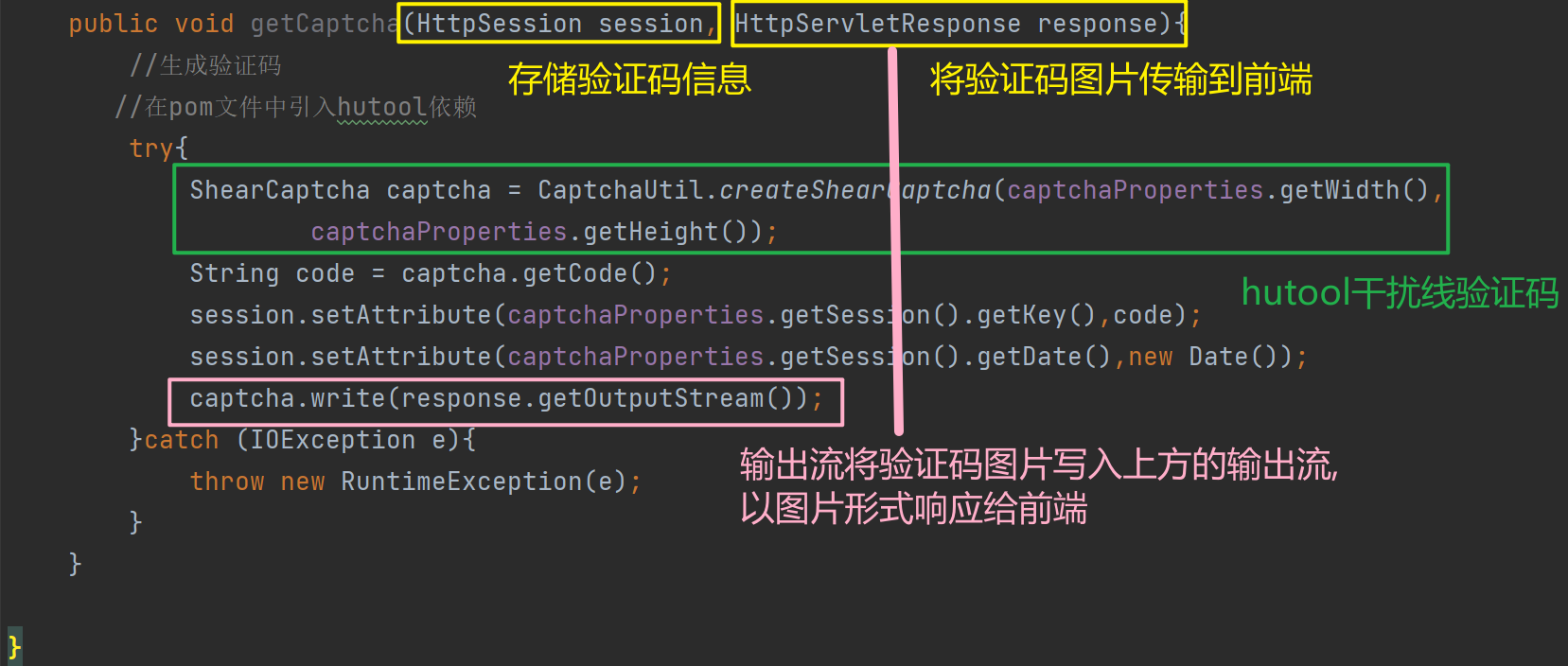
    public void getCaptcha(HttpSession session, HttpServletResponse response){
        //生成验证码
       //在pom文件中引入hutool依赖
        try{
            ShearCaptcha captcha = CaptchaUtil.createShearCaptcha(captchaProperties.getWidth(),
                    captchaProperties.getHeight());
            String code = captcha.getCode();
            session.setAttribute(captchaProperties.getSession().getKey(),code);
            session.setAttribute(captchaProperties.getSession().getDate(),new Date());
            captcha.write(response.getOutputStream());
        }catch (IOException e){
            throw new RuntimeException(e);
        }
    }
model层
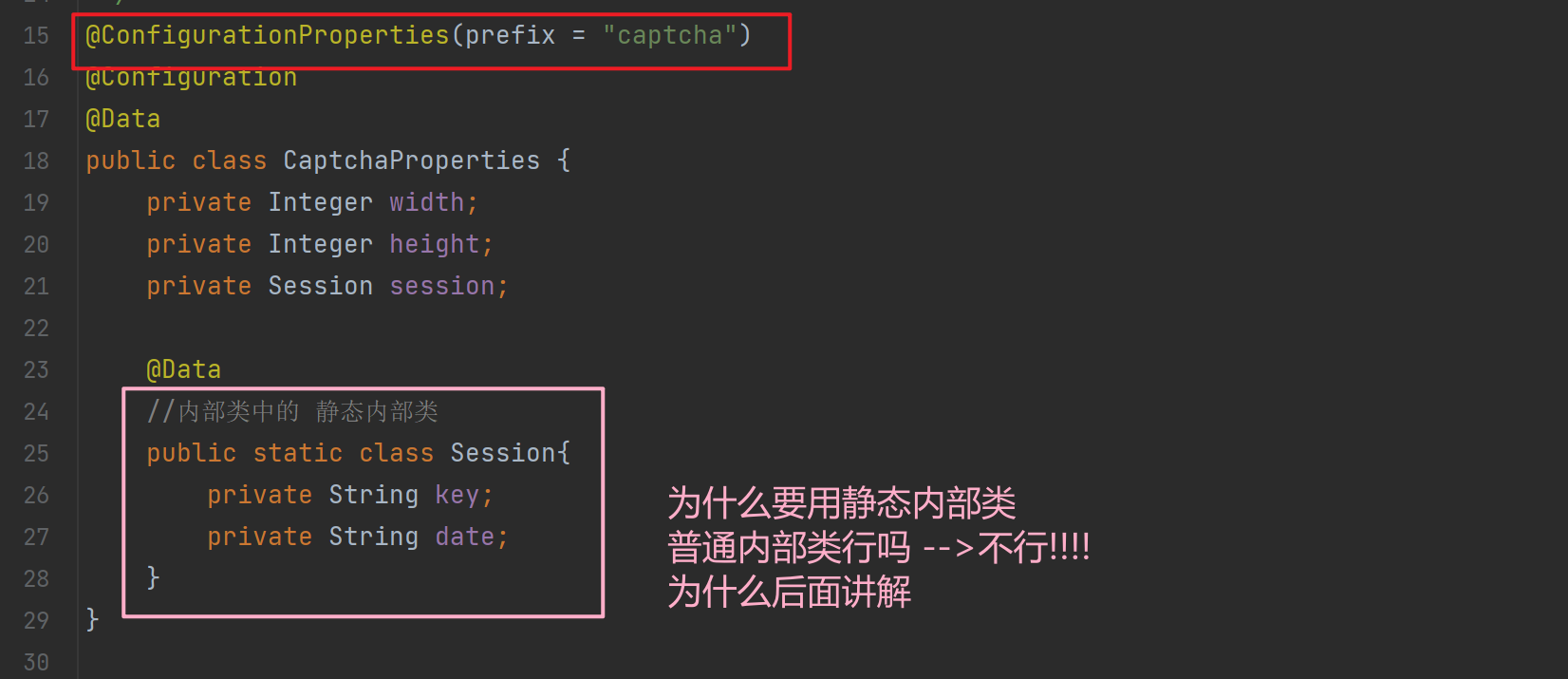
@ConfigurationProperties(prefix = "captcha")
@Configuration
@Data
public class CaptchaProperties {
    private Integer width;
    private Integer height;
    private Session session;

    @Data
    //内部类中的 静态内部类
    public static class Session{
        private String key;
        private String date;
    }
}
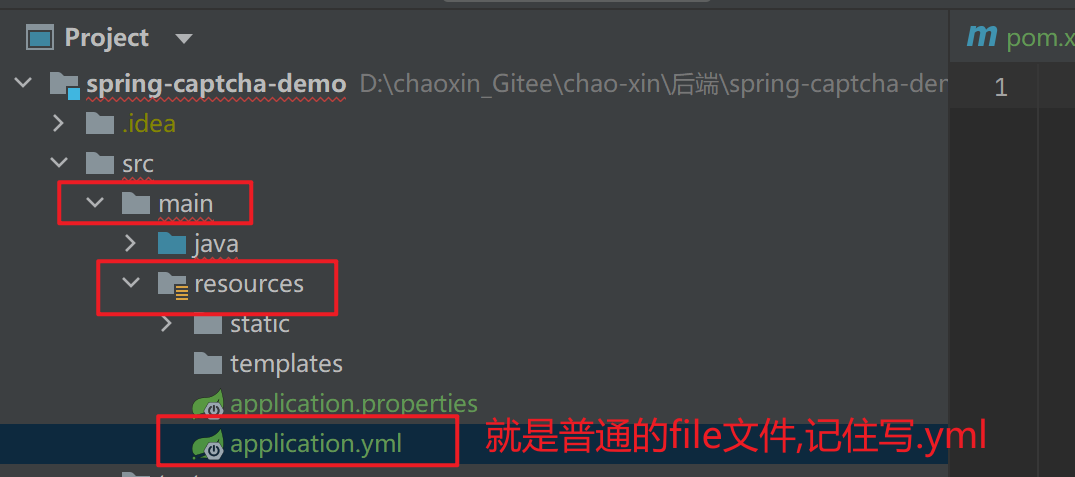
配置文件yml
spring:
  application:
    name: spring-captcha-demo

captcha:
  width: 100
  height: 50
接口2:验证 验证码
controller层
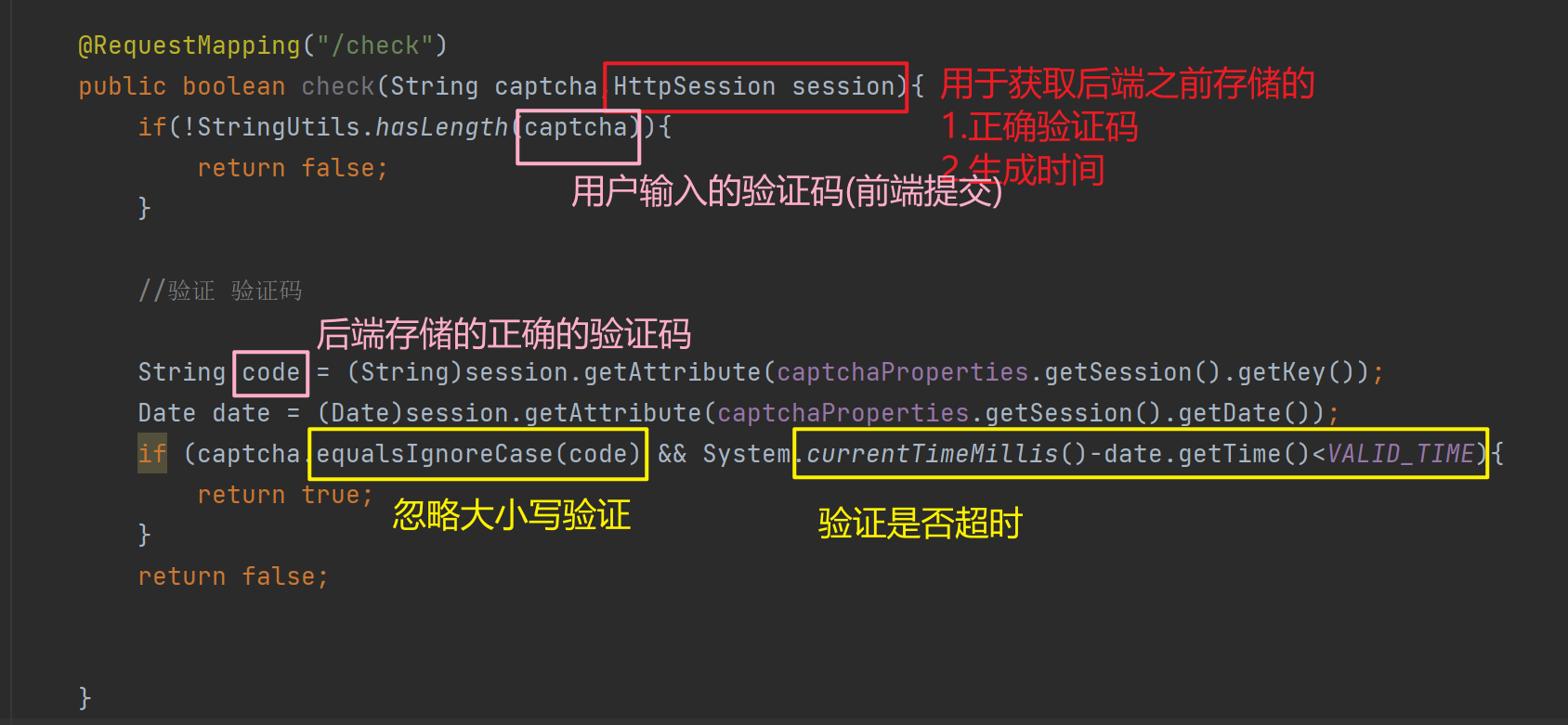
 @RequestMapping("/check")
    public boolean check(String captcha,HttpSession session){
        if(!StringUtils.hasLength(captcha)){
            return false;
        }

        //验证 验证码

        String code = (String)session.getAttribute(captchaProperties.getSession().getKey());
        Date date = (Date)session.getAttribute(captchaProperties.getSession().getDate());
        if (captcha.equalsIgnoreCase(code) && System.currentTimeMillis()-date.getTime()<VALID_TIME){
            return true;
        }
        return false;
    }
private final static Long VALID_TIME = 30601000L;//30分钟内输入验证码
以上两个接口代码,并不成熟,生成验证码的接口还没有传图片,一般情况下这是由前端处理的
添加验证码图片
@Autowired
    private CaptchaProperties captchaProperties;
    private final static Long VALID_TIME = 30*60*1000L;//30分钟内输入验证码
    @RequestMapping("/getCaptcha")
    public void getCaptcha(HttpSession session, HttpServletResponse response){
        long start =System.currentTimeMillis();
        response.setContentType("image/jpeg");//一般情况下,这个由前端处理
        response.setHeader("Progma","No-cahce");

        //生成验证码
       //在pom文件中引入hutool依赖
        try{
            ShearCaptcha captcha = CaptchaUtil.createShearCaptcha(captchaProperties.getWidth(),
                    captchaProperties.getHeight());
            String code = captcha.getCode();
            session.setAttribute(captchaProperties.getSession().getKey(),code);
            session.setAttribute(captchaProperties.getSession().getDate(),new Date());
            captcha.write(response.getOutputStream());
        }catch (IOException e){
            throw new RuntimeException(e);
        }
        long end = System.currentTimeMillis();
        System.out.println("getCaptcha cost time:" + (end-start) + "ms");
    }
相应的将前端的img标签的路径改为网络路径

@RequestMapping("/captcha")
@RestController
public class CaptchaController {

    @Autowired
    private CaptchaProperties captchaProperties;
    private final static Long VALID_TIME = 30*60*1000L;//30分钟内输入验证码
    @RequestMapping("/getCaptcha")
    public void getCaptcha(HttpSession session, HttpServletResponse response){
        long start =System.currentTimeMillis();
        response.setContentType("image/jpeg");//一般情况下,这个由前端处理
        response.setHeader("Progma","No-cahce");

        //生成验证码
       //在pom文件中引入hutool依赖
        try{
            ShearCaptcha captcha = CaptchaUtil.createShearCaptcha(captchaProperties.getWidth(),
                    captchaProperties.getHeight());
            String code = captcha.getCode();
            session.setAttribute(captchaProperties.getSession().getKey(),code);
            session.setAttribute(captchaProperties.getSession().getDate(),new Date());
            captcha.write(response.getOutputStream());
        }catch (IOException e){
            throw new RuntimeException(e);
        }
        long end = System.currentTimeMillis();
        System.out.println("getCaptcha cost time:" + (end-start) + "ms");
    }


    @RequestMapping("/check")
    public boolean check(String captcha,HttpSession session){
        if(!StringUtils.hasLength(captcha)){
            return false;
        }

        //验证 验证码

        String code = (String)session.getAttribute(captchaProperties.getSession().getKey());
        Date date = (Date)session.getAttribute(captchaProperties.getSession().getDate());
        if (captcha.equalsIgnoreCase(code) && date!=null && System.currentTimeMillis()-date.getTime()<VALID_TIME){
            return true;
        }
        return false;
    }

}
前端的跳转
$.ajax({
        type: "post",
        url: "/captcha/check",
        data:{
          captcha: $("#inputCaptcha").val()
        },
        success: function(result){
          if(result){
            location.href = "success.html";

          }else{
             alert("验证码错误,重新输入");
          }
        }
      })

Agent 垂直技术社区,欢迎活跃、内容共建。
更多推荐


 28
28 0
0- 0


 已为社区贡献5条内容

所有评论(0)