【Python】TqdmWarning IProgress not found. Please update jupyter and ipywidgets
·
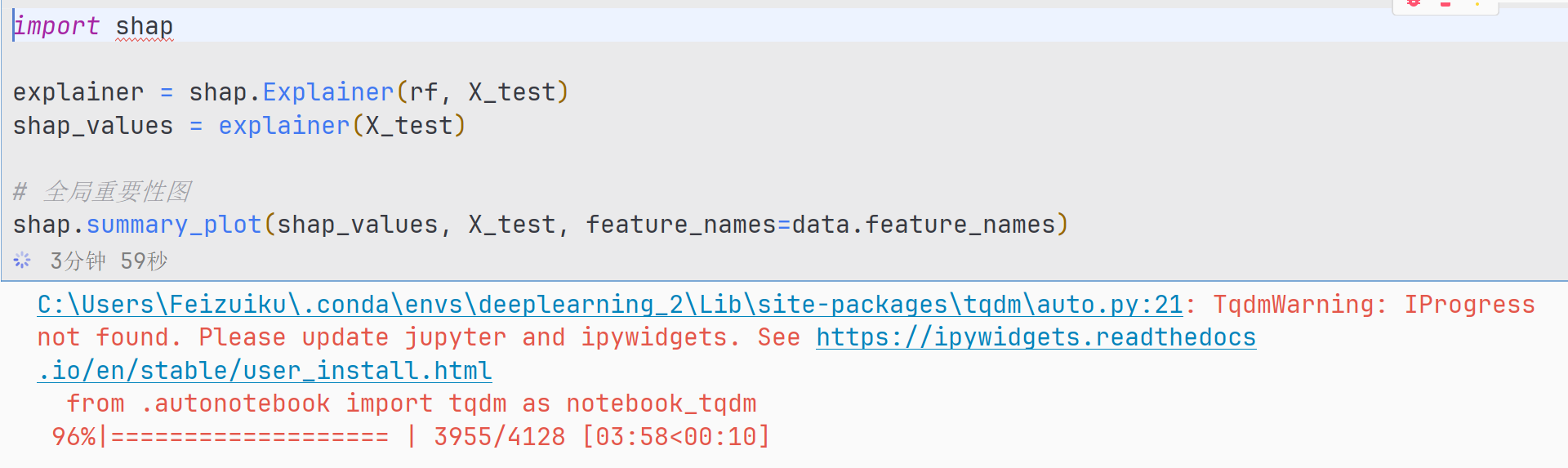
一、报错截图
二、报错代码
import shap

explainer = shap.Explainer(rf, X_test)
shap_values = explainer(X_test)

# 全局重要性图
shap.summary_plot(shap_values, X_test, feature_names=data.feature_names)
三、报错原因
tqdm 在尝试用 Jupyter Notebook 模式显示进度条时,没找到 IProgress 这个组件。这是因为你的 jupyter / ipywidgets 版本过老或没安装。
四、解决方法
1.解决方法(Windows + Conda 环境)
在你的 deeplearning_2 环境里执行:
conda activate deeplearning_2
conda install ipywidgets -c conda-forge
如果你使用的是 Jupyter Lab,还需要:
jupyter labextension install @jupyter-widgets/jupyterlab-manager
如果你用的是 Jupyter Notebook:
jupyter nbextension enable --py widgetsnbextension
保险一点,可以顺便更新 Jupyter:
conda update jupyter
2. 如果不使用 Notebook,只在普通 Python 里运行?
直接忽略这条警告就行,因为 tqdm 会自动降级为普通终端显示方式。
如果你想彻底关闭警告,可以加一行:
import warnings
warnings.filterwarnings("ignore", category=TqdmWarning)
不过一般不推荐屏蔽,修复才是正道。
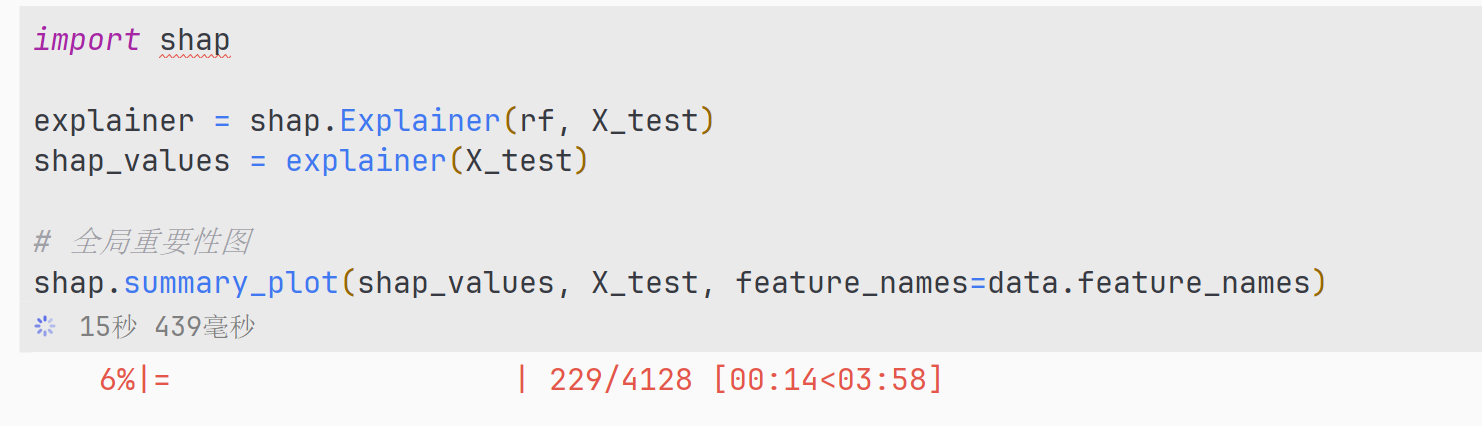
五、成功截图

Agent 垂直技术社区,欢迎活跃、内容共建。
更多推荐


 9
9 0
0- 0


 已为社区贡献25条内容

所有评论(0)