Python 学习 - Day3 - 列表、元组、字典
·
文章目录
一、列表
1. 使用形式:
- 列表是Python中可变的有序序列,用方括号
[]表示,元素之间用逗号分隔。 - 使用list()函数构造。
# 创建列表
empty_list = []  # 空列表
numbers = [1, 2, 3, 4, 5]  # 整数列表
mixed = [1, "hello", 3.14, True]  # 混合类型列表
nested = [[1, 2], [3, 4], [5, 6]]  # 嵌套列表
2. 索引和切片获取列表数据
2.1 索引访问:
-
正索引:从左到右,从0开始
-
负索引:从右到左,从-1开始
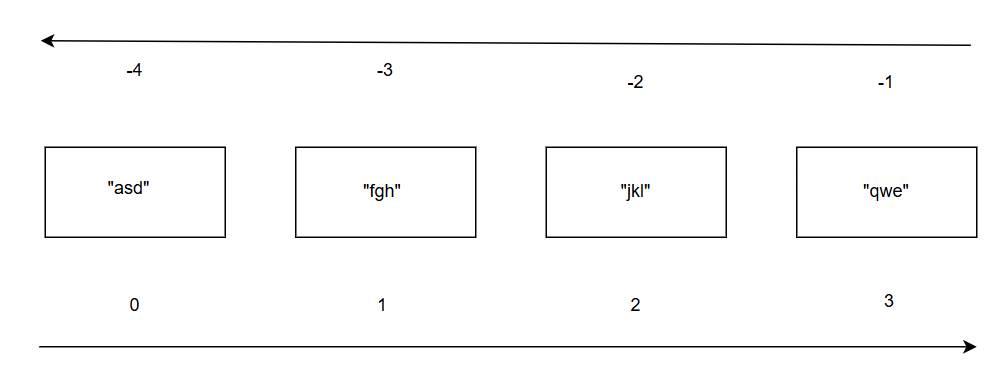
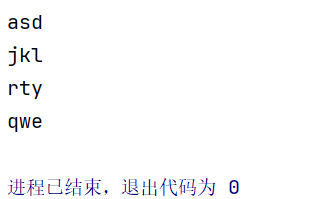
fruits = ["asd", "fgh", "jkl", "qwe", "rty"]

print(fruits[0])      # 第一个元素
print(fruits[2])      # 第三个元素
print(fruits[-1])     # 最后一个元素
print(fruits[-2])     # 倒数第二个元素
2.2 切片操作:
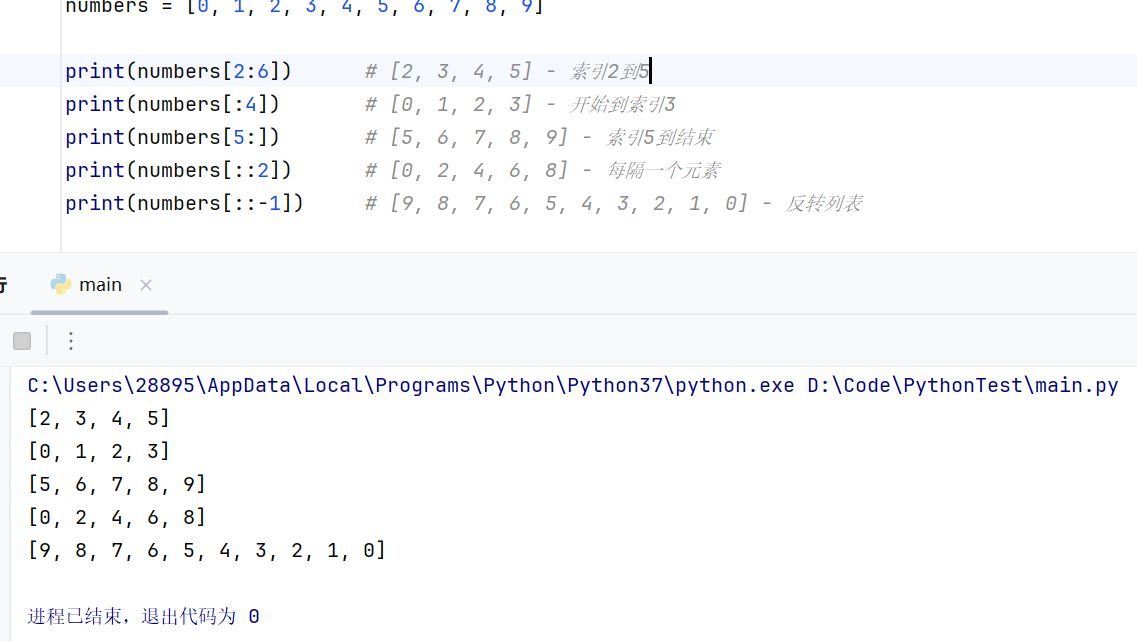
- 语法:list[start:stop:step]
numbers = [0, 1, 2, 3, 4, 5, 6, 7, 8, 9]

print(numbers[2:6])      # [2, 3, 4, 5] - 索引2到5
print(numbers[:4])       # [0, 1, 2, 3] - 开始到索引3
print(numbers[5:])       # [5, 6, 7, 8, 9] - 索引5到结束
print(numbers[::2])      # [0, 2, 4, 6, 8] - 每隔一个元素
print(numbers[::-1])     # [9, 8, 7, 6, 5, 4, 3, 2, 1, 0] - 反转列表
3. 用于处理列表类型数据的方式
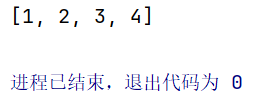
- append(参数):在列表末尾添加新元素
my_list = [1, 2, 3]
my_list.append(4)
print(my_list)
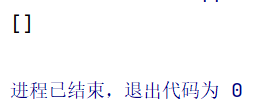
- clear():清空列表中的所有元素
my_list = [1, 2, 3]
my_list.clear()
print(my_list)
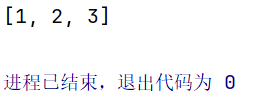
- copy():创建列表的浅拷贝
my_list = [1, 2, 3]
new_list = my_list.copy()
print(new_list)
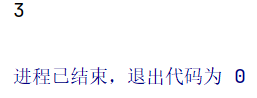
- count(参数):统计某个元素在列表中出现的次数
my_list = [1, 2, 3, 2, 2]
count = my_list.count(2)
print(count)
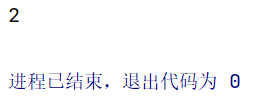
- index(参数):返回某个元素在列表中第一次出现的索引
my_list = [1, 2, 3, 4]
index = my_list.index(3)
print(index)
- insert(参数1, 参数2):在指定位置参数1处插入元素参数2
my_list = [1, 2, 3]
my_list.insert(1, 5)
print(my_list)
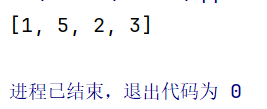
- pop(参数):移除并返回指定位置的元素(若无参数则默认最后一个)
my_list = [1, 2, 3, 4]
popped = my_list.pop(1)
print(popped)
print(my_list)
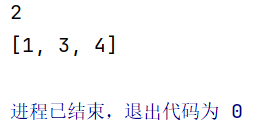
- remove(参数):移除列表中第一个匹配的元素
my_list = [1, 2, 3, 2]
my_list.remove(2)
print(my_list)
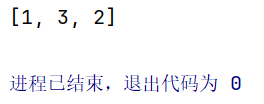
- reverse():反转列表中的元素顺序
my_list = [1, 2, 3, 4]
my_list.reverse()
print(my_list)
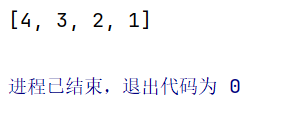
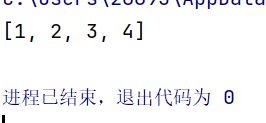
- sort(参数):对列表进行排序,默认为升序,若参数为reserse = True则为降序
my_list = [3, 1, 4, 2]
my_list.sort()
print(my_list)
- 列表推导式:
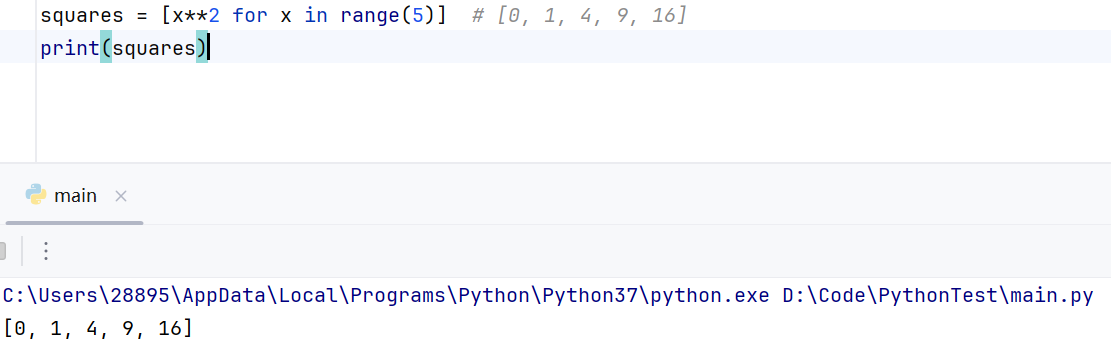
# 基本列表推导式
squares = [x**2 for x in range(5)]  # [0, 1, 4, 9, 16]
print(squares)
4. 索引获取嵌套列表元素
# 二维列表(矩阵)
matrix = [
    [1, 2, 3],
    [4, 5, 6],
    [7, 8, 9]
]

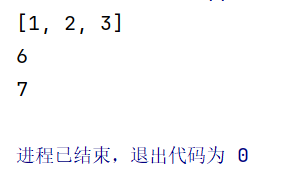
print(matrix[0])        # [1, 2, 3] - 第一行
print(matrix[1][2])     # 6 - 第二行第三列
print(matrix[2][0])     # 7 - 第三行第一列
5. 循环遍历列表元素
- 使用for循环:
fruits = ["apple", "banana", "cherry"]

# 直接遍历元素
for fruit in fruits:
    print(fruit)

# 使用range()和len()通过索引遍历
for i in range(len(fruits)):
    print(f"第{i+1}个水果: {fruits[i]}")
- 遍历嵌套列表:
matrix = [[1, 2, 3], [4, 5, 6], [7, 8, 9]]

# 遍历二维列表
for row in matrix:
    for element in row:
        print(element, end=' ')
    print()


# 使用嵌套循环和索引
for i in range(len(matrix)):
    for j in range(len(matrix[i])):
        print(f"matrix[{i}][{j}] = {matrix[i][j]}")
二、元组
1. 使用形式
- 元组是不可变的有序序列,使用圆括号()表示。
- 使用tuple()构造函数
# 创建元组
empty_tuple = ()  # 空元组
single_tuple = (1,)  # 单个元素需要加逗号
multiple_tuple = (1, 2, 3, 4, 5)  # 多个元素
mixed_tuple = (1, "hello", 3.14, True)  # 混合类型
三、字典
1. 使用形式:键值对
- 字典是无序的键值对集合,使用花括号{}表示。
- 使用dict()构造函数
# 创建字典
empty_dict = {}  # 空字典
person = {
    "name": "Alice",
    "age": 25,
    "city": "New York",
    "hobbies": ["reading", "swimming"]
}

# 使用dict()构造函数
student = dict(name="Bob", grade="A", subject="Math")

# 字典键必须是不可变类型
valid_keys = {
    "string": "value1",
    123: "value2",
    (1, 2): "value3"  # 元组可以作为键
}
2. 获取字典元素:使用键获取值
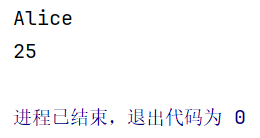
person = {"name": "Alice", "age": 25, "city": "New York"}

# 使用方括号访问
name = person["name"]  # "Alice"
age = person["age"]    # 25

print(name)
print(age)
3. 用于处理字典类型数据的方式
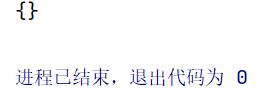
- clear():清空字典中的所有键值对
student = {"name": "Bob", "grade": "A"}
student.clear()
print(student)
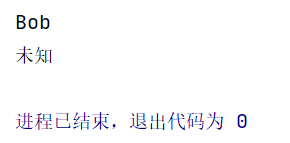
- get(参数1,参数2):获取指定键的值,如果键不存在返回默认值
student = {"name": "Bob", "grade": "A"}
name = student.get("name")
email = student.get("email", "未知")
print(name)
print(email)
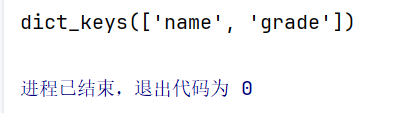
- keys():返回字典中所有键的视图
student = {"name": "Bob", "grade": "A"}
keys = student.keys()
print(keys)
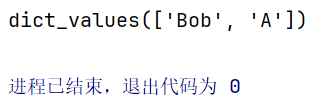
values():返回字典中所有值的视图
student = {"name": "Bob", "grade": "A"}
values = student.values()
print(values)
- items():返回字典中所有键值对的视图
student = {"name": "Bob", "grade": "A"}
items = student.items()
print(items)

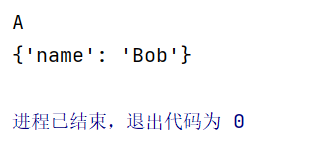
- pop(参数):移除并返回指定键的值
student = {"name": "Bob", "grade": "A"}
grade = student.pop("grade")
print(grade)
print(student)
4. for循环遍历字典内容
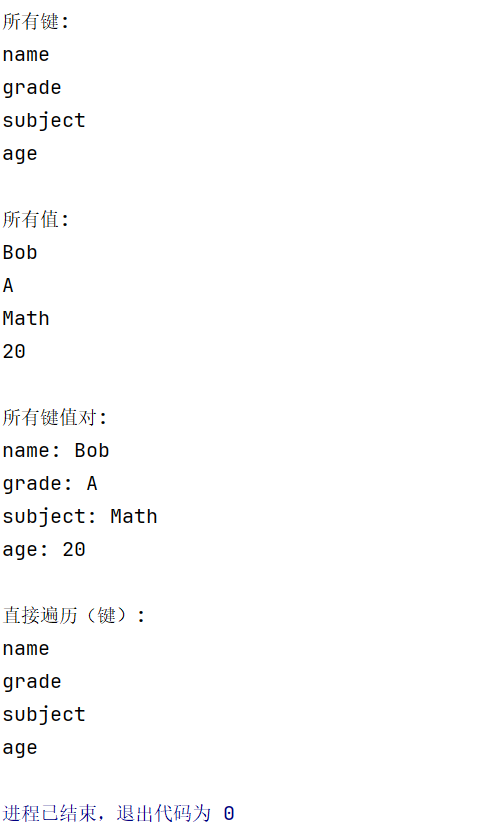
student = {"name": "Bob", "grade": "A", "subject": "Math", "age": 20}

# 遍历所有键
print("所有键:")
for key in student.keys():
    print(key)


# 遍历所有值
print("\n所有值:")
for value in student.values():
    print(value)


# 遍历所有键值对
print("\n所有键值对:")
for key, value in student.items():
    print(f"{key}: {value}")


# 直接遍历字典(默认遍历键)
print("\n直接遍历(键):")
for key in student:
    print(key)
5. 数据的维度
- 一维数据: 列表、元组
# 一维列表
scores = [85, 90, 78, 92, 88]

# 一维元组
colors = ("red", "green", "blue")
- 二维数据: 列表的列表、字典的列表等
# 二维列表(表格数据)
students = [
    ["Alice", 85, "A"],
    ["Bob", 92, "A"],
    ["Charlie", 78, "B"]
]

# 字典列表(更结构化)
students_dict = [
    {"name": "Alice", "score": 85, "grade": "A"},
    {"name": "Bob", "score": 92, "grade": "A"},
    {"name": "Charlie", "score": 78, "grade": "B"}
]
- 高维数据:
# 三维列表(如RGB图像数据)
image_data = [
    [[255, 0, 0], [0, 255, 0], [0, 0, 255]],
    [[128, 128, 128], [64, 64, 64], [192, 192, 192]]
]

# 嵌套字典(复杂数据结构)
company = {
    "departments": {
        "engineering": {
            "manager": "Alice",
            "employees": ["Bob", "Charlie", "David"]
        },
        "sales": {
            "manager": "Eve",
            "employees": ["Frank", "Grace"]
        }
    }
}
四、列表、元组、字典的比较
| 特性 | 列表(List) | 元组(Tuple) | 字典(Dict) |
|---|---|---|---|
| 定义符号 | 方括号 [] | 圆括号 () | 花括号 {} |
| 可变性 | 可变 | 不可变 | 可变 |
| 有序性 | 有序 | 有序 | Python 3.7+ 有序 |
| 元素类型 | 任意类型 | 任意类型 | 键值对 |
| 索引方式 | 数字索引 | 数字索引 | 键索引 |
| 重复元素 | 允许 | 允许 | 键不允许重复 |
| 创建方式 | [1, 2, 3]、list() | (1, 2, 3)、tuple() | {'a': 1, 'b': 2}、dict() |

Agent 垂直技术社区,欢迎活跃、内容共建。
更多推荐


 24
24 0
0- 0


 已为社区贡献12条内容

所有评论(0)