Vue3.x —— Vuex 状态管理

在这之前讲过了关于 Vuex 的数据状态管理内容,讲了关于 Vuex 中的五大核心属性:state、getter、mutations、actions、module,在 Vue2 转 Vue3,Vuex的使用会有哪些变化呢?下面来简单的了解:
main.js
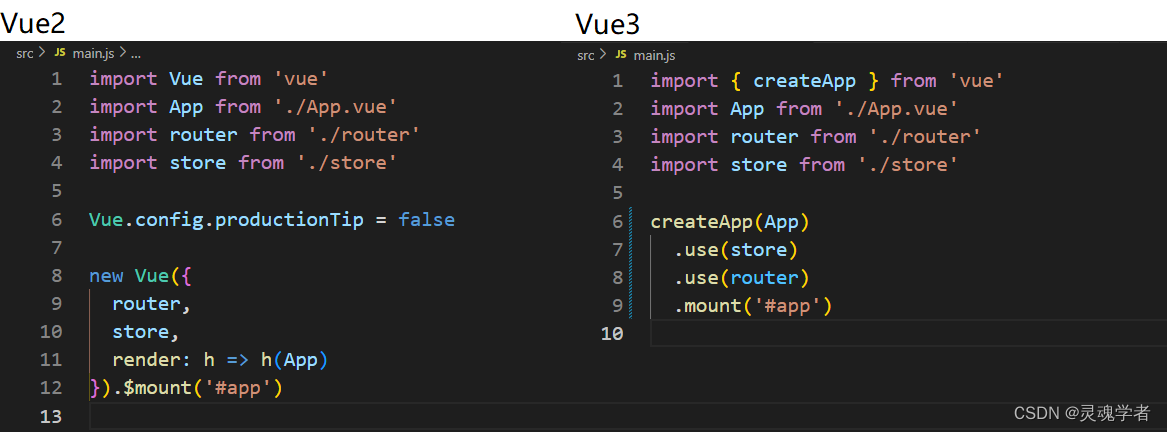
在项目中来去使用 Vuex,使用脚手架创建项目可以进行选择使用vuex,可以在项目创建后的main.js 文件中看到,在这之前也讲过 Vue2 和 Vue3 两个文件之间的对比,在这就不再赘述。
store/index.js
在 store/index.js 文件下创建 store 对象( createStore ):
// store/index.js
import { createStore } from 'vuex'

export default createStore({
  state: {
  },
  getters: {
  },
  mutations: {
  },
  actions: {
  },
  modules: {
  }
})
mutations / actions
下面来进行一个运用,在 onMounted 生命周期使用axios发起数据请求,请求回来的数据进行store状态管理 ( 注:安装axios和配置反向代理 );
<!-- App.vue -->
<template>
  <div>

  </div>
</template>
<script>
// https://m.maizuo.com
// X-Client-Info: {"a":"3000","ch":"1002","v":"5.2.1","e":"16753207015161962279272449"}
// X-Host: mall.film-ticket.film.list
import axios from 'axios'
import { onMounted } from 'vue'
import { useStore } from 'vuex'
export default {
  setup () {
    const store = useStore()
    onMounted(() => {
      axios({
        url: 'https://m.maizuo.com/gateway?cityId=440300&pageNum=1&pageSize=10&type=1&k=7778789',
        method: 'GET',
        headers: {
          'X-Client-Info': '{"a":"3000","ch":"1002","v":"5.2.1","e":"16753207015161962279272449"}',
          'X-Host': 'mall.film-ticket.film.list'
        }
      })
        .then(res => {
          // console.log(res)
          // commit 提交
          store.commit('getInfoList', res)
        })
    })
  }
}
</script>
// store/index.js
import { createStore } from 'vuex'
export default createStore({
state: {
InfoList: []
},
getters: {
},
mutations: {
getInfoList (state, result) {
state.InfoList = result
console.log(state.InfoList)
}
},
actions: {
},
modules: {
}
})
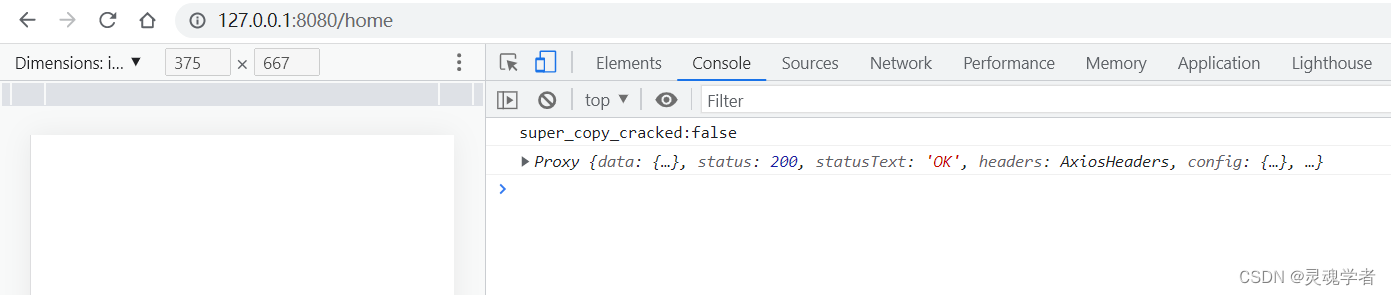
在这之前在 Vue2 项目中使用的即是 this.$store.commit(...) 进行提交,之前讲到在 Vue3 这么使用会有 this 的指向问题,所以对于 Vue3 的复合式API也同样有着不同的访问方式,上述就是一个访问 Mutation 的操作了,而访问 actions 也同样使用 store.dispatch(...) 即可!
state
访问 Mutations 和 Actions 的方式已经了解了,那么如何在页面当中去使用所管理的数据状态呢?即如何来去访问 state 中的数据状态;
对于 state 的访问需要去创建 computed 引用以保留响应性。下面来调整一下代码:
<tempalte>
    <div>{{ InfoList }}</div>
</template>
<script>
...
import { onMounted, computed } from 'vue'
import { useStore } from 'vuex'
setup(){
    const store = useStore()
    onMounted(()=>{ ... })
    return {
        InfoList: computed(() => store.state.InfoList)
    }
}
...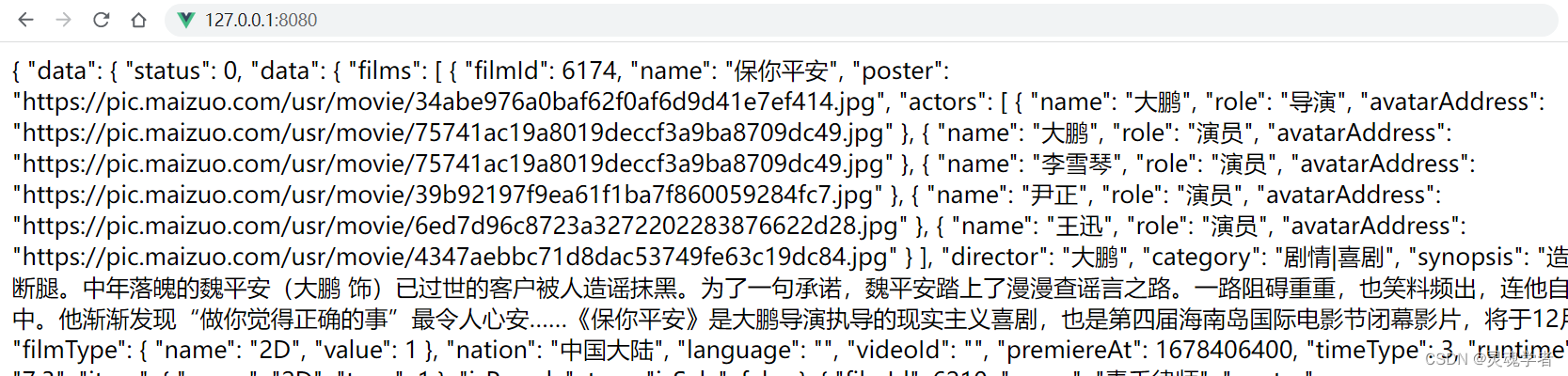
已让成功访问了 state 中的数据状态, 对于这块部分内容可以参考 Vuex 所提的官方文档进行阅读,这里附上链接:点击跳转 ,那么下面也提供一些关于本篇所设计到相关知识点的篇目,感兴趣的可以翻阅,再次感谢大家的支持!!!


Agent 垂直技术社区,欢迎活跃、内容共建。
更多推荐



 30
30 0
0- 0


 已为社区贡献8条内容

所有评论(0)