构建案件分析报告组件: Vue + Element UI实战
·
引言
在数字化警务和司法领域,智能化的案件分析系统正变得越来越重要。本文将深入探讨如何基于Vue2和Element UI构建一个功能完善的案件分析报告组件,该组件能够自动生成结构化的分析报告,并提供丰富的交互功能。
系统架构概览
1.页面结构设计
系统采用单页面应用(SPA)架构,主要包含以下核心部分:
<template>
  <div class="mian">
    <div class="top">页面标题区</div>
    <div class="row1 kuang">
      <!-- 报告内容区 -->
      <div class="content" v-loading="reportLoading">
        <!-- 动态生成的报告内容 -->
      </div>
    </div>
    <!-- 弹窗组件 -->
    <aby-dialog v-if="dialogVisible">...</aby-dialog>
  </div>
</template>
2.核心技术栈
前端框架: Vue2
UI组件库: Element UI
状态管理: Vue原生数据绑定
HTTP客户端: Axios
辅助工具: Vue-clipboard2 (复制功能)
核心功能实现详解
1.报告生成
报告内容动态渲染
系统通过API获取分析报告数据,并进行智能格式化处理:
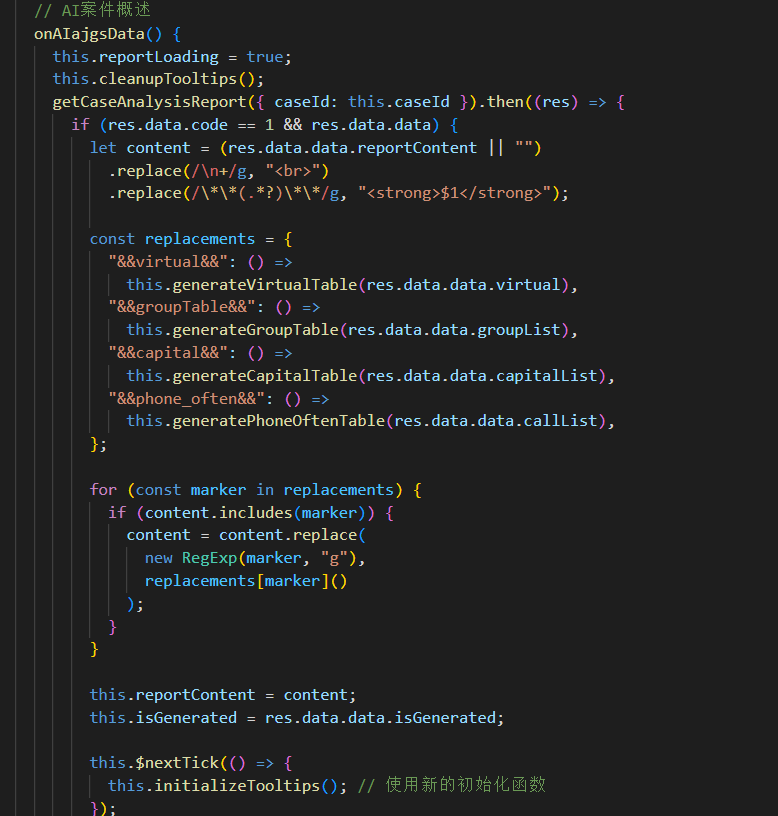
// 获取案件分析报告
getCaseAnalysisReport({ caseId: this.caseId }).then((res) => {
  if (res.data.code == 1 && res.data.data) {
    // 1. 基础文本格式化
    let content = (res.data.data.reportContent || "")
      .replace(/\n+/g, "<br>")  // 换行符转换
      .replace(/\*\*(.*?)\*\*/g, "<strong>$1</strong>");  // 加粗文本处理

    // 2. 动态表格插入
    const replacements = {
      "&&virtual&&": () => this.generateVirtualTable(res.data.data.virtual),
      "&&groupTable&&": () => this.generateGroupTable(res.data.data.groupList),
      // ... 其他表格类型
    };

    // 3. 内容替换
    for (const marker in replacements) {
      if (content.includes(marker)) {
        content = content.replace(
          new RegExp(marker, "g"),
          replacements[marker]()
        );
      }
    }

    this.reportContent = content;
  }
});
表格生成器设计
系统实现了多种专业表格生成器:
// 虚拟账号表格生成
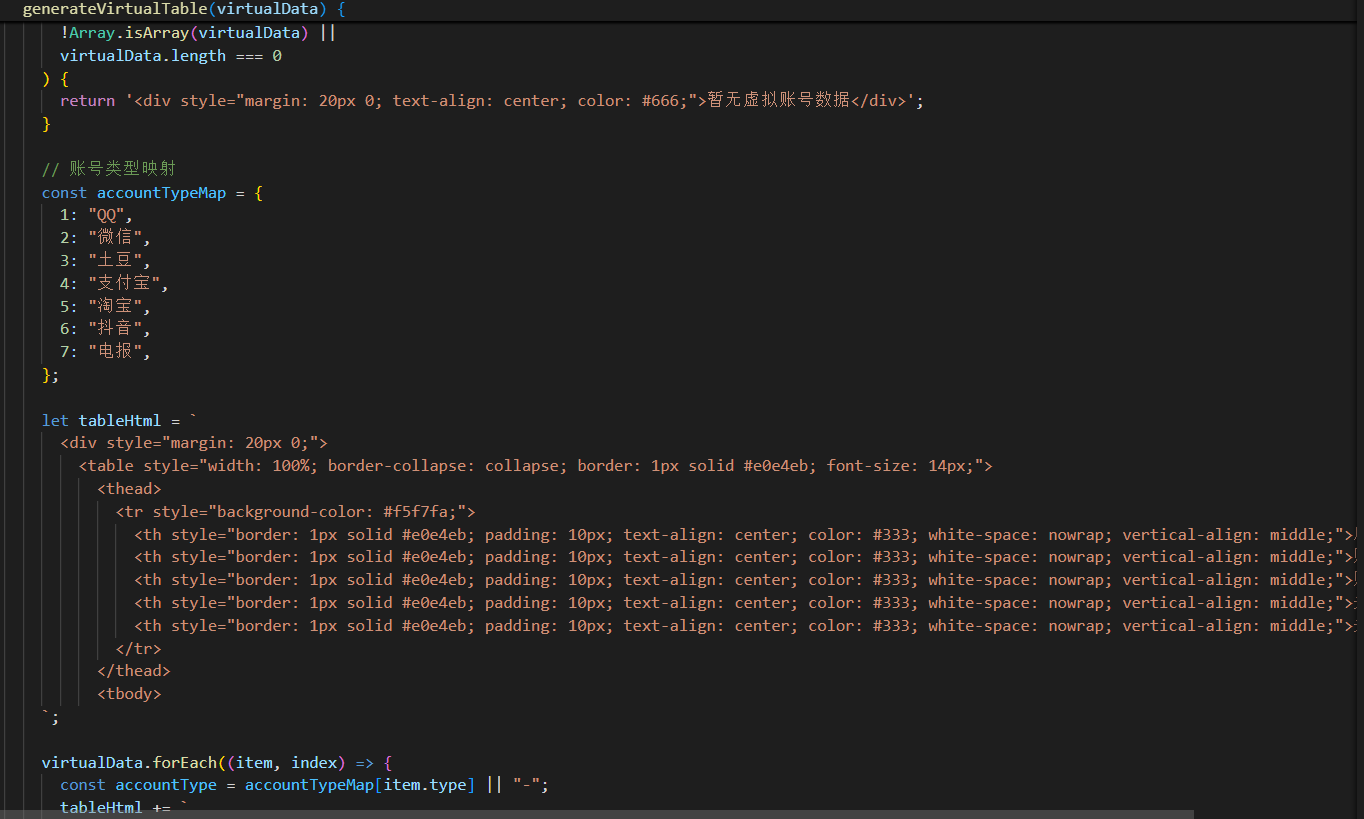
generateVirtualTable(virtualData) {
  if (!virtualData || !Array.isArray(virtualData) || virtualData.length === 0) {
    return '<div style="margin: 20px 0; text-align: center; color: #666;">暂无虚拟账号数据</div>';
  }

  // 账号类型映射
  const accountTypeMap = {
    1: "QQ", 2: "微信", 3: "土豆",
    4: "支付宝", 5: "淘宝", 6: "抖音", 7: "电报"
  };

  // 动态生成表格HTML
  let tableHtml = `
    <div style="margin: 20px 0;">
      <table style="width: 100%; border-collapse: collapse;">
        <thead>
          <tr style="background-color: #f5f7fa;">
            <th>序号</th>
            <th>账号信息</th>
            <th>账号类型</th>
            <th>关键词摘要</th>
            <th>关键词种类数</th>
          </tr>
        </thead>
        <tbody>
  `;

  virtualData.forEach((item, index) => {
    const accountType = accountTypeMap[item.type] || "-";
    tableHtml += `
      <tr style="${index % 2 === 0 ? 'background-color: #fafafa;' : ''}">
        <td>${index + 1}</td>
        <td style="color: #2985f7; font-weight: 500;">
          ${item.accountNumber || "-"}
          ${item.nickName ? `<br>(${item.nickName})` : ""}
        </td>
        <td>${accountType}</td>
        <td>${item.keywordSummary || "-"}</td>
        <td style="color: #f56c6c; font-weight: 600;">
          ${item.keywordVarietyCount || 0}
        </td>
      </tr>
    `;
  });

  tableHtml += `</tbody></table></div>`;
  return tableHtml;
}
2.高级Tooltip优化方案
为了解决长文本显示问题,我们实现了高性能的Tooltip系统:
// 优化后的Tooltip系统
initializeTooltips() {
  if (this.isTooltipInitialized || !this.$refs.contentRef) return;

  // 1. 创建单一Tooltip元素(性能优化)
  const tooltip = document.createElement("div");
  tooltip.className = "custom-tooltip";
  tooltip.style.cssText = `
    position: fixed;
    background: rgba(0,0,0,0.8);
    color: white;
    padding: 8px 12px;
    border-radius: 4px;
    max-width: 350px;
    word-wrap: break-word;
    z-index: 9999;
    display: none;
  `;
  document.body.appendChild(tooltip);
  this.tooltipElement = tooltip;

  // 2. 事件委托(减少事件监听器数量)
  const contentEl = this.$refs.contentRef;
  contentEl.addEventListener("mouseover", this.handleTooltipMouseOver);
  contentEl.addEventListener("mouseout", this.handleTooltipMouseOut);
  contentEl.addEventListener("mousemove", this.handleTooltipMouseMove);

  this.isTooltipInitialized = true;
}

// 智能判断是否需要显示Tooltip
handleTooltipMouseOver(e) {
  const cell = e.target.closest("td[title]");
  if (!cell || !this.tooltipElement) return;

  const title = cell.getAttribute("title");
  if (!title) return;

  // 判断条件:内容溢出或长度超过阈值
  const needsTooltip =
    cell.scrollHeight > cell.offsetHeight ||
    cell.scrollWidth > cell.offsetWidth ||
    title.length > 50;

  if (!needsTooltip) return;

  // 临时移除原生title,防止冲突
  cell.setAttribute("data-title", title);
  cell.removeAttribute("title");

  // 关键词高亮处理
  const keywordMatch = cell.innerHTML.match(
    /style="color: #f56c6c; font-weight: 600;">(.*?)<\/span>/
  );

  if (keywordMatch && keywordMatch[1]) {
    const highlightedTitle = title.replace(
      new RegExp(`(${keywordMatch[1]})`, "gi"),
      '<span style="color: #ff7875; font-weight: 600;">$1</span>'
    );
    this.tooltipElement.innerHTML = highlightedTitle;
  } else {
    this.tooltipElement.innerHTML = title;
  }

  this.tooltipElement.style.display = "block";
}
3.数据分析方向配置
// 分析方向设置
setting() {
  this.dialogData = {
    type: "setting",
    title: "分析方向设置",
  };

  getSettingInfo(this.caseId).then((res) => {
    if (res.data.code == 1) {
      // 获取已选中的分析方向
      this.settingForm.checkList = res.data.data.map((item) => {
        return item.analysisDirection;
      });
      this.dialogVisible = true;
    }
  });
}

// 可配置的分析方向列表
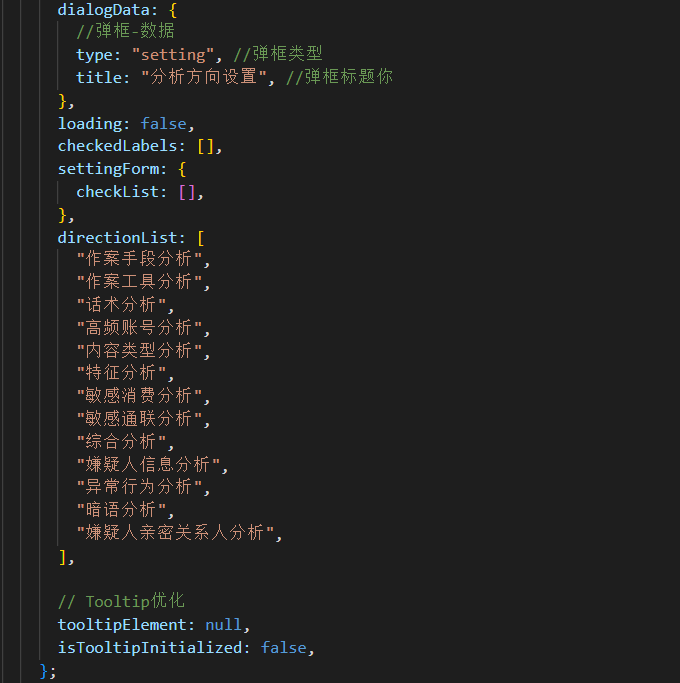
directionList: [
  "作案手段分析", "作案工具分析", "话术分析",
  "高频账号分析", "内容类型分析", "特征分析",
  "敏感消费分析", "敏感通联分析", "综合分析",
  "嫌疑人信息分析", "异常行为分析", "暗语分析",
  "嫌疑人亲密关系人分析"
]
4.报告生成状态管理
// 刷新报告功能
handleRefreshClick() {
  if (!this.isGenerated) {
    this.refreshReport();
  }
}

refreshReport() {
  reGenerateCaseAnalysisReport({ caseId: this.caseId }).then((res) => {
    if (res.data.code == 1) {
      this.$message.success("新的报告正在生成中,请前往日志中查看");
      this.isGenerated = true; // 设置按钮为不可点击状态
    }
  });
}
性能优化策略
1.事件委托优化
// 传统方式(不推荐):为每个单元格添加事件监听器
// 优化方式:在父容器上使用事件委托
contentEl.addEventListener("mouseover", this.handleTooltipMouseOver);
contentEl.addEventListener("mouseout", this.handleTooltipMouseOut);
contentEl.addEventListener("mousemove", this.handleTooltipMouseMove);
2.内存管理
// 组件销毁前清理资源
beforeDestroy() {
  this.cleanupTooltips();
}

cleanupTooltips() {
  if (this.isTooltipInitialized && this.$refs.contentRef) {
    const contentEl = this.$refs.contentRef;
    contentEl.removeEventListener("mouseover", this.handleTooltipMouseOver);
    contentEl.removeEventListener("mouseout", this.handleTooltipMouseOut);
    contentEl.removeEventListener("mousemove", this.handleTooltipMouseMove);
    this.isTooltipInitialized = false;
  }

  if (this.tooltipElement) {
    this.tooltipElement.remove();
    this.tooltipElement = null;
  }
}
3.条件渲染优化
<!-- 使用v-if减少不必要的DOM渲染 -->
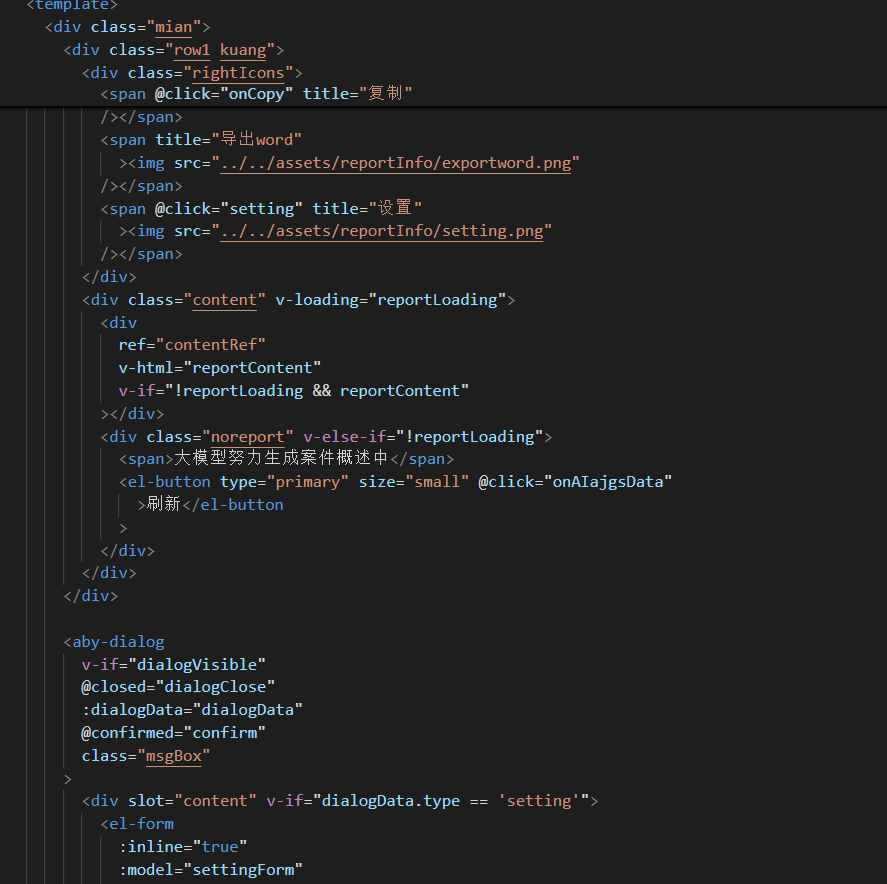
<div ref="contentRef" v-html="reportContent"
     v-if="!reportLoading && reportContent"></div>
<div class="noreport" v-else-if="!reportLoading">
  <span>大模型努力生成案件概述中</span>
</div>
CSS设计亮点
1.响应式布局
.mian {
  height: calc(100vh - 80px);
  padding-right: 10px;
  overflow-y: auto;
}

/* 自适应表格 */
table {
  width: 100%;
  border-collapse: collapse;
  table-layout: fixed; /* 固定布局,提高渲染性能 */
}

/* 移动端适配 */
@media screen and (max-width: 768px) {
  .list .info {
    width: 100%; /* 小屏幕下单列显示 */
    margin: 10px 0;
  }
}
2.视觉层次设计
/* 风险等级颜色编码 */
.color-yellow { color: #e6a23c; } /* 中风险 */
.color-green { color: #67c23a; }  /* 低风险 */
.color-red { color: #f56c6c; }    /* 高风险 */

/* 表格斑马纹 */
tr:nth-child(even) {
  background-color: #fafafa;
}

/* 悬停效果 */
tr:hover {
  background-color: #f0f7ff;
}
总结
本文详细介绍了如何构建一个功能完善的案件分析报告组件。组件的主要特点包括:
-
模块化设计: 报告生成、表格渲染、Tooltip系统等模块独立可复用
-
性能优化: 采用事件委托、条件渲染、内存管理等优化策略
-
用户体验: 支持实时刷新、多格式导出、智能提示等功能
-
可扩展性: 易于添加新的分析方向和报告模板
该组件已在多个实际项目中成功应用,显著提高了案件分析的效率和准确性。未来可以考虑集成更多AI分析能力,如自然语言处理、图像识别等,进一步提升系统的智能化水平。

Agent 垂直技术社区,欢迎活跃、内容共建。
更多推荐



 14
14 0
0- 0


 已为社区贡献5条内容

所有评论(0)