openclaw-weixin插件安装、多账号登录和Cannot find module错误
更新时间:2026.03.29
openclaw-weixin 插件安装和升级
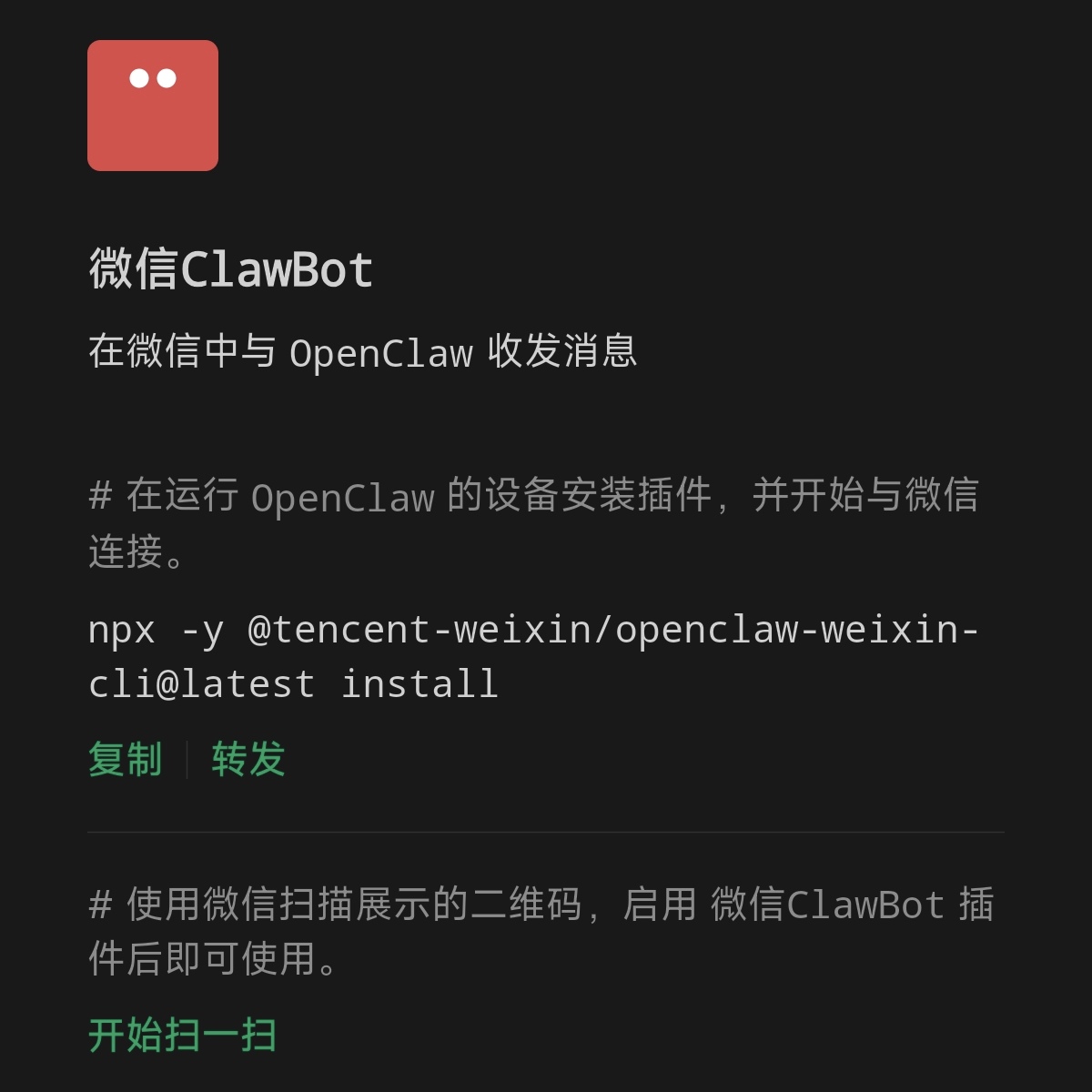
微信官方的快速安装脚本:
npx -y @tencent-weixin/openclaw-weixin-cli@latest install@tencent-weixin/openclaw-weixin-cli 这个 npm 包是 openclaw-weixin 插件的 installer。
@tencent-weixin/openclaw-weixin 这个 npm 包才是 openclaw-微信插件本身,可以直接安装。
注意 @tencent-weixin/openclaw-weixin-cli 这个官方 installer 下载最多的 1.0.2 版本及之前的版本有一个严重 bug:统一使用了 which 命令来查找 openclaw,完全没有考虑到 windows 操作系统没有 which 而是使用 where 命令,所以在 windows 系统中会因为无法找到 openclaw 直接退出安装。但这个错误版本已有十万人下载,所以世界(鹅厂)真是个草台班子……
所以更推荐手动安装 @tencent-weixin/openclaw-weixin 插件 ,并扫码登录,步骤更清晰:
# 直接安装微信插件
openclaw plugins install "@tencent-weixin/openclaw-weixin"

# 启用微信插件(默认自动启用,Channel显示"OK"但未连接可以手动启用)
openclaw config set plugins.entries.openclaw-weixin.enabled true

# 登录微信频道(会弹二维码让你扫码,可以重复运行登录多个微信)
openclaw channels login --channel openclaw-weixin

# 最后重启 openclaw gateway
openclaw gateway restart
注意,每次运行 `openclaw channels login --channel openclaw-weixin` 扫码登录都会创建一个新的账号条目,插件可以支持多个微信号同时在线。
openclaw 微信插件的版本和兼容性
OpenClaw 2026.3.22 版本的 Breaking Changes(破坏性变更,详见 [4] )对很多插件的适配都造成了重大影响,根据腾讯在 npmjs.com 的文档,openclaw-weixin 插件 2.0 以上版本针对 OpenClaw 2026.3.22 以上版本,而 openclaw-weixin 插件 1.0.x 版本针对 OpenClaw 2026.3.22 之前的版本,需要根据自身的 OpenClaw 版本进行选择。
查看 OpenClaw 版本:openclaw --version
| 微信插件版本 | OpenClaw 版本 | npm dist-tag | 状态 |
|---|---|---|---|
| 2.0.x | >=2026.3.22 | latest |
活跃 |
| 1.0.x | >=2026.1.0 <2026.3.22 | legacy |
维护中 |
根据腾讯 OpenClaw 微信插件团队官方的文档:
插件在启动时会检查宿主版本,如果运行的 OpenClaw 版本超出支持范围,插件将拒绝加载。
如果你用的是 OpenClaw 2026.3.13及以前的版本,可以安装 @legacy 版本:
# 快速安装脚本安装1.0.x版本微信插件
npx -y @tencent-weixin/openclaw-weixin-cli@legacy install

# 手动安装1.0.x版本微信插件
openclaw plugins install "@tencent-weixin/openclaw-weixin@legacy"
安装后,如需升级和卸载插件可以用如下命令:
# 升级到最新 open-claw 插件
openclaw plugins update openclaw-weixin

# 卸载 openclaw-weixin 插件
openclaw plugins uninstall openclaw-weixin

# 注意重启 openclaw gateway
openclaw gateway restart
多微信账号登录和会话上下文隔离
每次运行 openclaw channels login --channel openclaw-weixin 扫码登录都会创建一个新的账号条目,插件可以支持多个微信号同时在线。
不同的 OpenClaw 初始化时的配置不同,默认情况下所有渠道的 AI 会话可能共享同一个session的上下文。如果希望每个微信账号的对话上下文相互隔离,需要设置:
openclaw config set agents.mode per-channel-per-peer
这样每个「微信账号 + 发消息用户」组合都会拥有独立的 AI 记忆,账号之间不会串台。
openclaw-weixin 的 Cannot find module 错误
2026.3.28更新
本 bug 仅在 OpenClaw 2026.3.22 和 2026.3.23 版本存在,OpenClaw 2026.3.24 版本已修复。
另外,微信插件的官方安装器 @tencent-weixin/openclaw-weixin-cli 的 2.1.1 版本也已经内置了和本文完全相同的解决方案,在检测到 OpenClaw 2026.3.22 和 2026.3.23 版本时,会自动创建符号链接 (symlink)。
/** Only OpenClaw 2026.3.22–2026.3.23 need node_modules/openclaw symlink for jiti. */
const SYMLINK_OPENCLAW_MIN = "2026.3.22";
const SYMLINK_OPENCLAW_MAX = "2026.3.23";
因此,如果你是使用官方的快速安装脚本安装的 2.1.1 版本,则无需手动处理。
错误现象
OpenClaw 版本在 2026.3.22 之后需要安装或升级到 openclaw-weixin 插件 2.0.1 或更高版本,但2.0.1 版本在实际使用中出现 "Cannot find module" 错误。
错误现象和日志如下:
14:42:18 [plugins] openclaw-weixin failed to load from /Users/claw/.openclaw/extensions/openclaw-weixin/index.ts: Error: Cannot find module 'openclaw/plugin-sdk/channel-config-schema'
Require stack:
- /Users/claw/.openclaw/extensions/openclaw-weixin/index.ts
[openclaw] Failed to start CLI: PluginLoadFailureError: plugin load failed: openclaw-weixin: Error: Cannot find module 'openclaw/plugin-sdk/channel-config-schema'
Require stack:
- /Users/claw/.openclaw/extensions/openclaw-weixin/index.ts
    at maybeThrowOnPluginLoadError (file:///Users/claw/.nvm/versions/node/v24.14.0/lib/node_modules/openclaw/dist/pi-embedded-CbCYZxIb.js:149250:8)
    at loadOpenClawPlugins (file:///Users/claw/.nvm/versions/node/v24.14.0/lib/node_modules/openclaw/dist/pi-embedded-CbCYZxIb.js:149815:2)
    at ensurePluginRegistryLoaded (file:///Users/claw/.nvm/versions/node/v24.14.0/lib/node_modules/openclaw/dist/plugin-registry-D62zMn9j.js:28:2)
    at Object.callback (file:///Users/claw/.nvm/versions/node/v24.14.0/lib/node_modules/openclaw/dist/program-_bI5lB1z.js:135:5)
    at async Command.parseAsync (/Users/claw/.nvm/versions/node/v24.14.0/lib/node_modules/openclaw/node_modules/commander/lib/command.js:1122:5)
    at async runCli (file:///Users/claw/.nvm/versions/node/v24.14.0/lib/node_modules/openclaw/dist/run-main-BV_z8OR1.js:420:3)
openclaw-weixin 插件无法加载,导致 openclaw gateway 也无法启动。
错误原因
错误是由于 openclaw 2026.3.22 版本后的变更和 bug,且微信官方插件 V2.0.1 版本暂未完全适配导致,具体如下。
openclaw-weixin 插件的入口文件 index.ts 包含以下导入语句:
import { buildChannelConfigSchema } from "openclaw/plugin-sdk/channel-config-schema";
openclaw/plugin-sdk/channel-config-schema 是 openclaw 主包 package.json 中 exports 字段定义的一个子路径导出:
{
  "exports": {
    "./plugin-sdk/channel-config-schema": {
      "types": "./dist/plugin-sdk/channel-config-schema.d.ts",
      "default": "./dist/plugin-sdk/channel-config-schema.js"
    }
  }
}
对应的模块文件确实存在于 npm 全局安装的 openclaw 包文件夹内:
/Users/claw/.nvm/versions/node/v24.14.0/lib/node_modules/openclaw/dist/plugin-sdk/channel-config-schema.js
但是:
- openclaw 使用 npm -g 全局安装时,Node.js 无法从插件目录解析到 openclaw 包目录;
-
openclaw 使用 jiti(一个 TypeScript/ESM 模块加载器)的别名机制在全局安装场景下未正确生效。
因此,openclaw-weixin 插件的入口文件 index.ts 从插件目录向上逐级查找时,无法找到全局安装的 node_modules/openclaw 目录,也就无法找到所需的模块文件。
解决方案
在 openclaw-weixin 插件目录内新建 node_modules 目录并创建一个指向 openclaw 包的符号链接,使 Node.js 的标准模块解析能够找到 openclaw 包。
第一步:临时禁用插件
# 如果影响 openclaw 正常使用,可以暂时禁用
openclaw plugins disable openclaw-weixin
第二步:在插件目录内创建 node_modules 目录(如不存在)
mkdir -p "$HOME/.openclaw/extensions/openclaw-weixin/node_modules"第三步:创建符号链接,连接到 openclaw 安装路径
ln -s "$(npm root -g)/openclaw" "$HOME/.openclaw/extensions/openclaw-weixin/node_modules/openclaw"第四步:验证符号链接
# 确认链接存在且指向正确
ls -la "$HOME/.openclaw/extensions/openclaw-weixin/node_modules/openclaw"
# 应显示:openclaw -> /Users/claw/.nvm/versions/node/v24.14.0/lib/node_modules/openclaw

# 确认模块可以解析
cd "$HOME/.openclaw/extensions/openclaw-weixin" && node -e "import('openclaw/plugin-sdk/channel-config-schema').then(m => console.log(Object.keys(m)))"
# 应输出:['buildChannelConfigSchema', 'AllowFromListSchema', ...]
第五步:重新启用插件并重启 OpenClaw Gateway
# 重新启用插件
openclaw plugins enable openclaw-weixin

# 重启 openclaw gateway
openclaw gateway restart
重启后,错误信息应不再出现,微信通道正常加载。
回滚方法
如需回滚,删除符号链接并重启即可:
# 删除符号链接
rm "$HOME/.openclaw/extensions/openclaw-weixin/node_modules/openclaw"

# 重启 openclaw gateway
openclaw gateway restart
重要提示
把这篇文章直接发给 openclaw 看,可以直接让它帮你解决问题!
参考资料:
[1] npm - @tencent-weixin/openclaw-weixin
[2] npm - @tencent-weixin/openclaw-weixin-cli

Agent 垂直技术社区,欢迎活跃、内容共建。
更多推荐


 15
15 0
0- 0


 已为社区贡献2条内容

所有评论(0)