【获取许可】之【JIRA software(server)-license-after-2026.3.30(非atlassian-agent)】
·
问题:Jira License Key 官方正规获取。
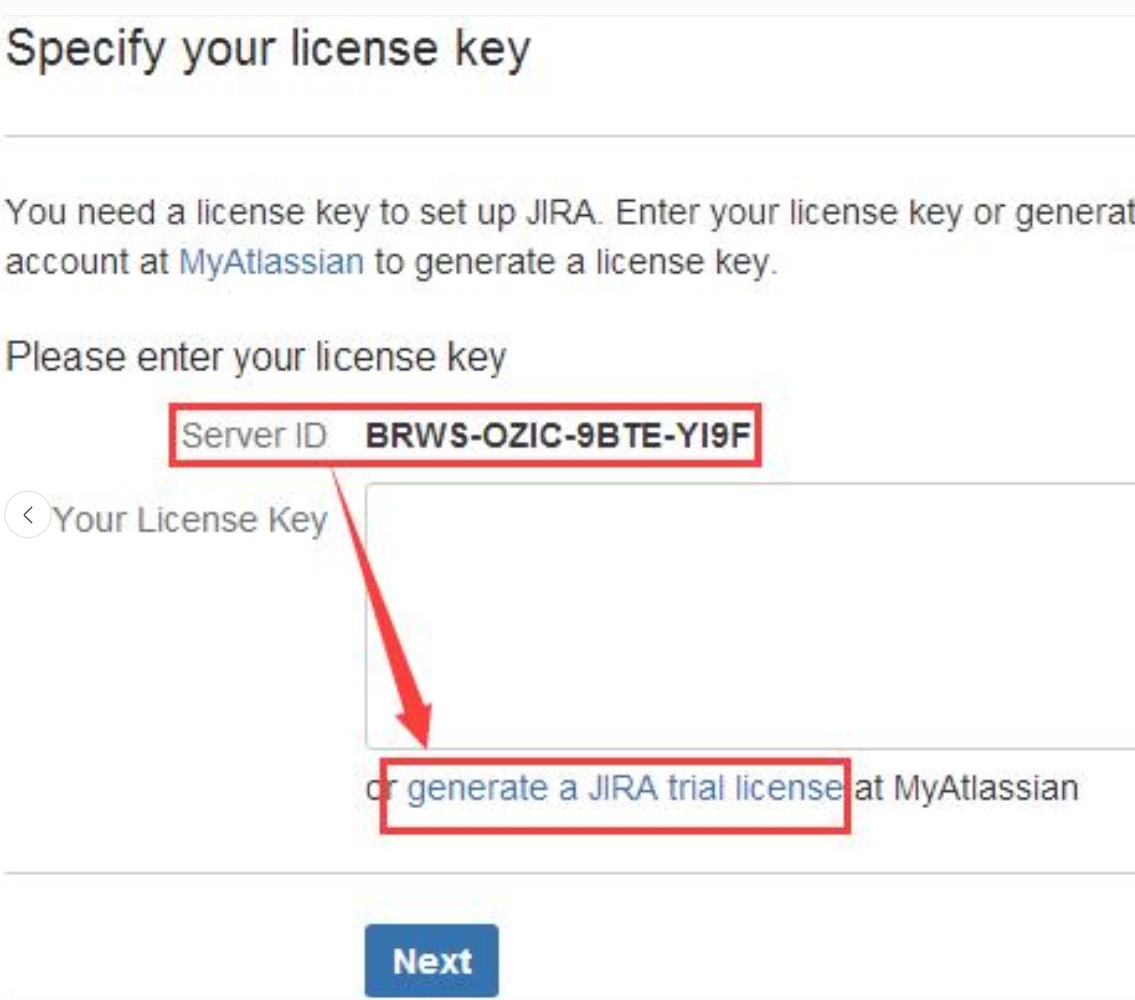
进入链接,出现如下图所示问题。

可采用如下解决办法。在不采取atlassian-agent情况下。
1.无痕浏览器打开:https://id.atlassian.com 注册免费账号。
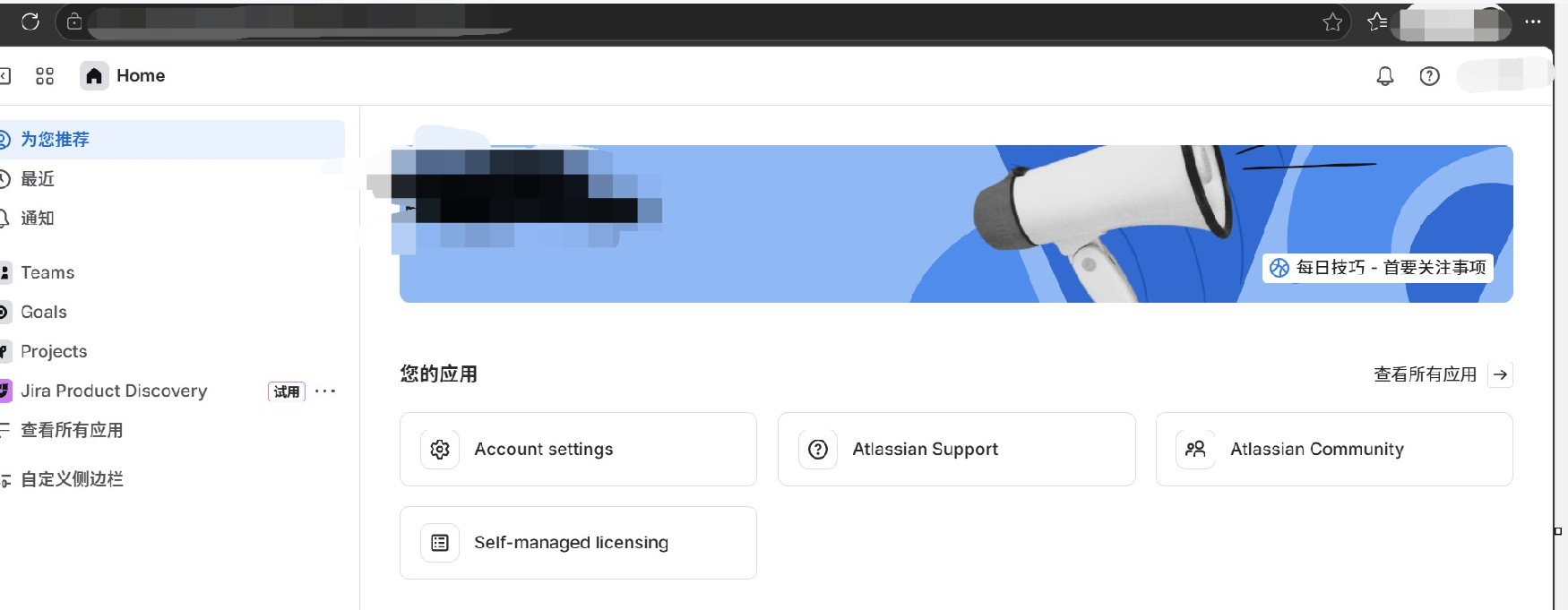
2.选择进入 Self-managed licensing。
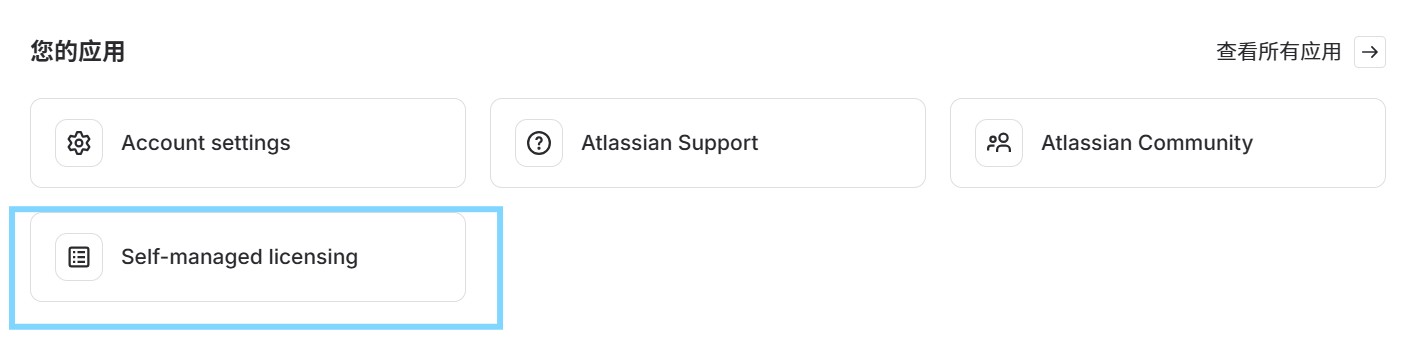
3.选择进入“购买”。
4.选择进入“试用”。
5.搜索框中输入“JIRA Software (Server)”。
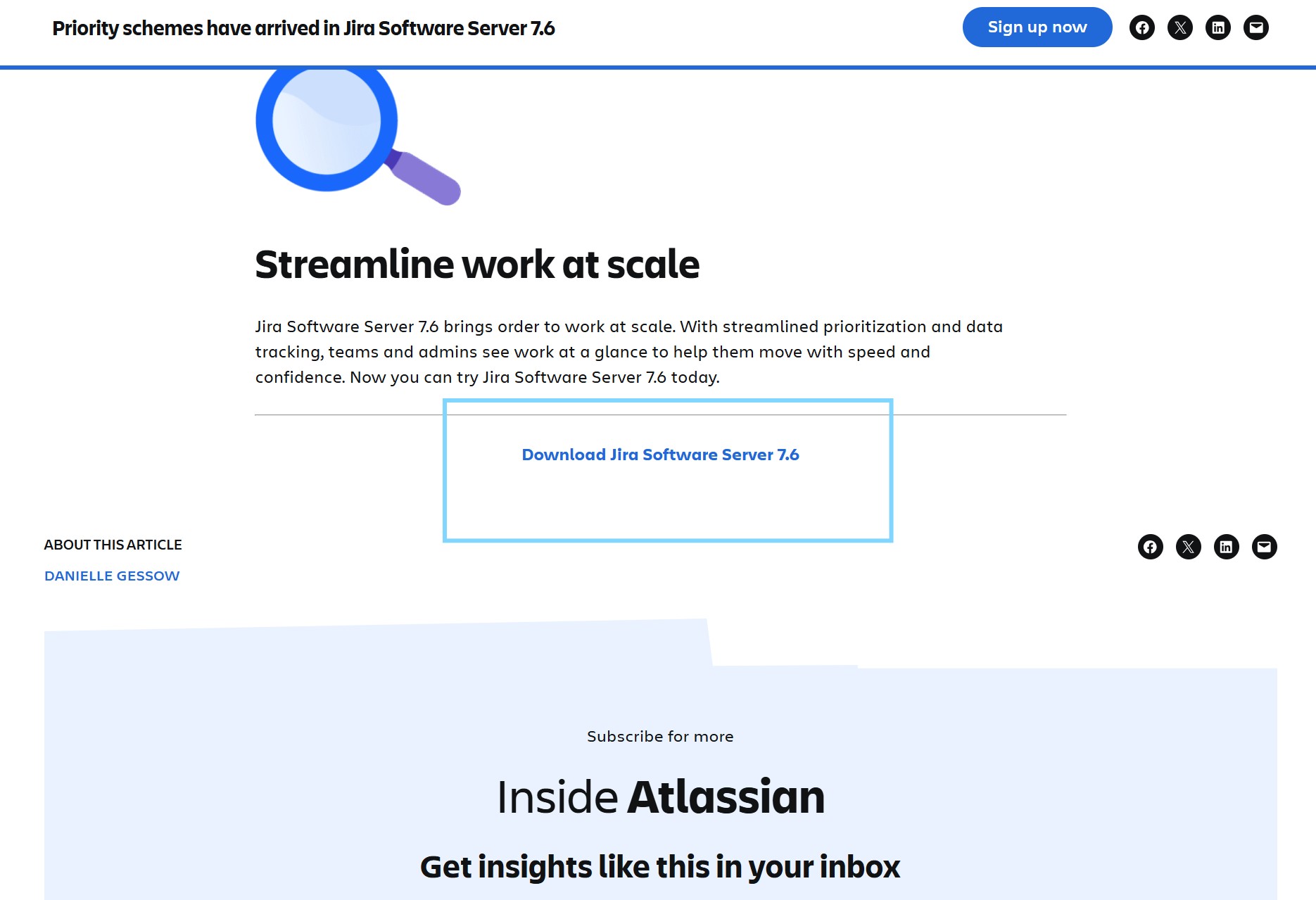
6.选择进入“Priority schemes have arrived in Jira Software Server 7.6 - Inside Atlassian”。
7.划到页面最低端,点击进入“Download Jira Software Server 7.6”。
8.选择进入“learn how”。
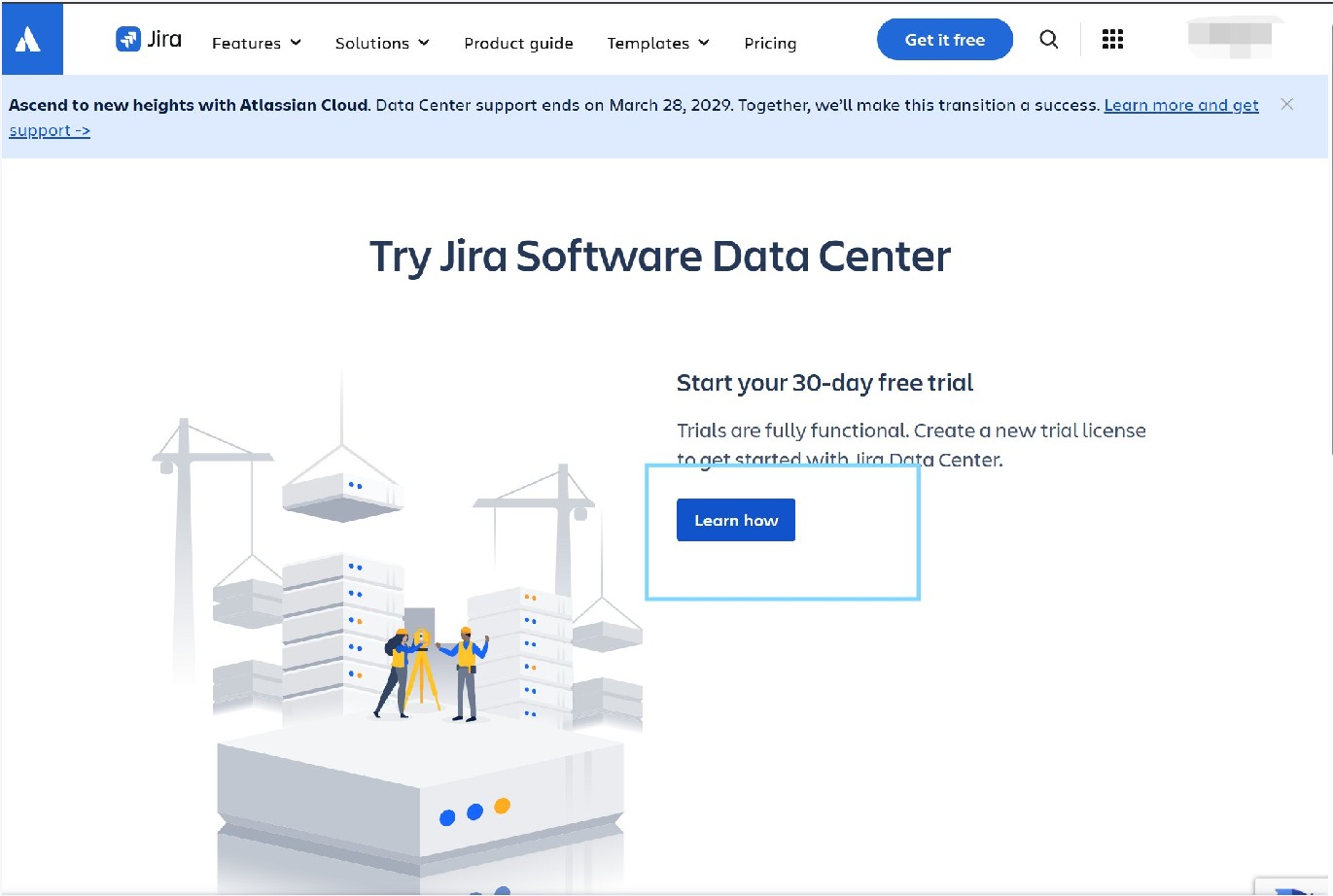
9.根据以下步骤执行,设置完成。
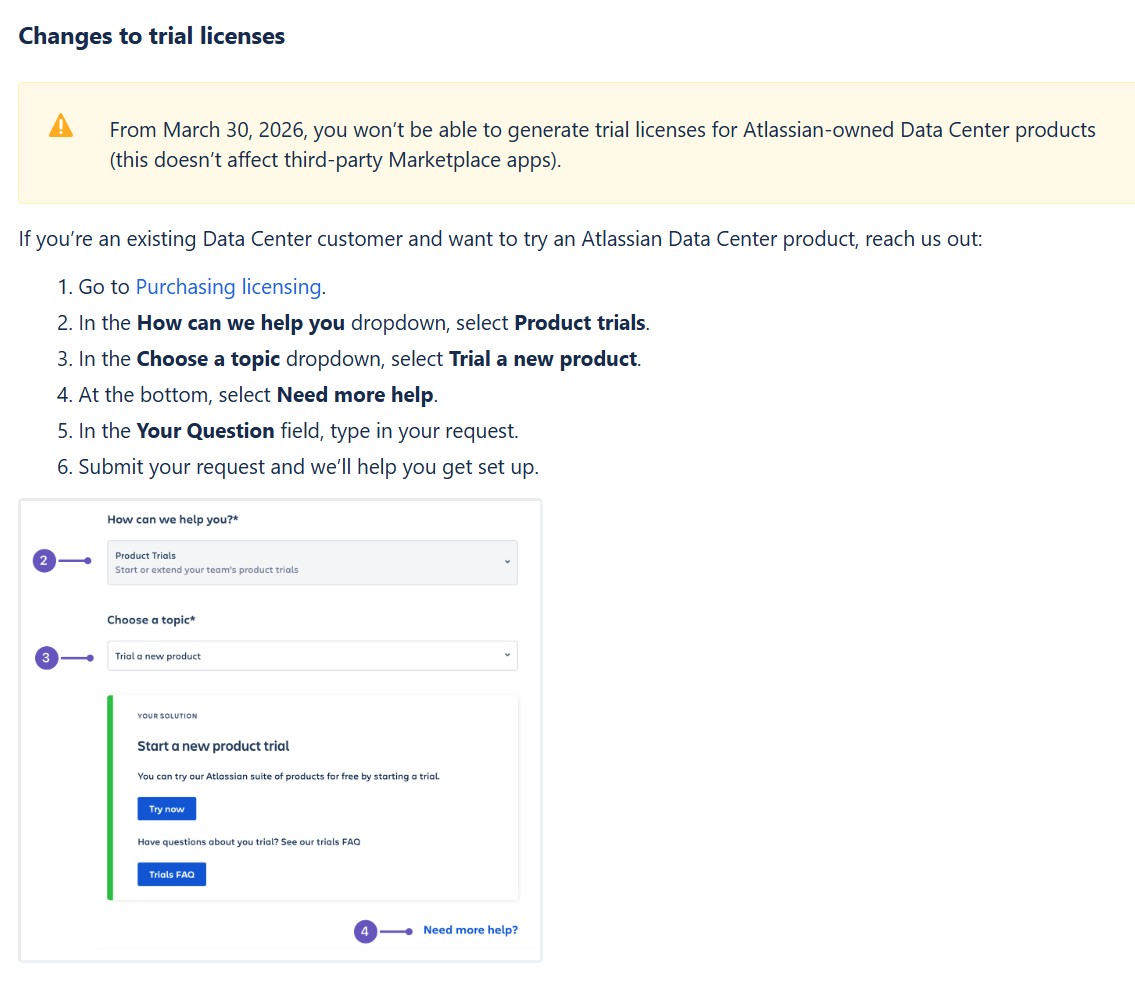
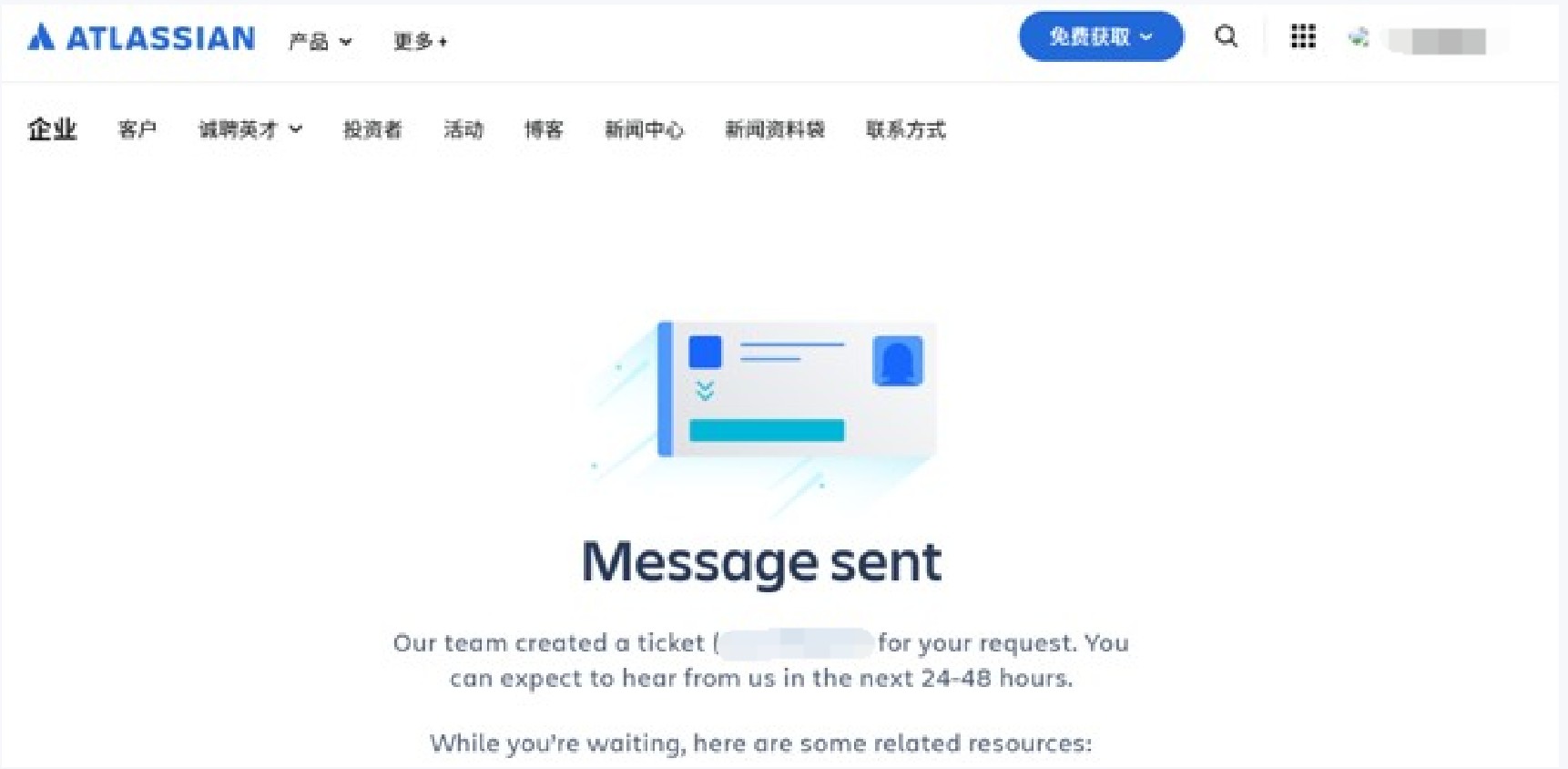
10.设置完成。

Agent 垂直技术社区,欢迎活跃、内容共建。
更多推荐

 5
5 0
0- 0


 已为社区贡献1条内容

所有评论(0)