ESP-IDF在vscode中编译时遇到 include报错+ 无法找到: build/compile_commands.json 问题解决
·
前言
报错内容:
无法找到: "xxxxxx/xxxxx/build/compile_commands.json"
以及include的头文件大面积爆红
一番搜索后,发现网络上给出的结论如下:
1.vscode中C/C++插件错误,导致无法生成json文件
2.CMakeLists.txt文件中的includepath配置错误
以上问题均不使用我的情况,故有此篇笔记。
原因分析
这个报错不是编译器报错,但确实是是 VS Code C/C++ 插件(IntelliSense) 报的。
细究原因,发现首先编译是报错的,那么编译报错的情况下,build/compile_commands.json 自然无法正常生成
前面说的是 “compile_commands.json 找不到”,但实际上这是结果**,不是原因。**
因果关系如下
idf.py build
        │
        ▼
   编译失败(真正的问题)
        │
        ▼
build目录没有生成完整
        │
        ▼
compile_commands.json没有生成
        │
        ▼
VSCode不知道头文件在哪里
        │
        ▼
所有 #include 全部飘红
根本原因
查看终端编译输出,发现:
Component directory C:/esp/v6.0.1/esp-idf/components/mqtt
does not contain a CMakeLists.txt file.
Include directory
'C:/esp/v6.0.1/esp-idf/components/mbedtls/mbedtls/include'
is not a directory.
git describe returned ...
not a git repository
说明是ESP-IDF编译器损坏导致的,而不是什么插件和includepath
于是重装插件,问题解决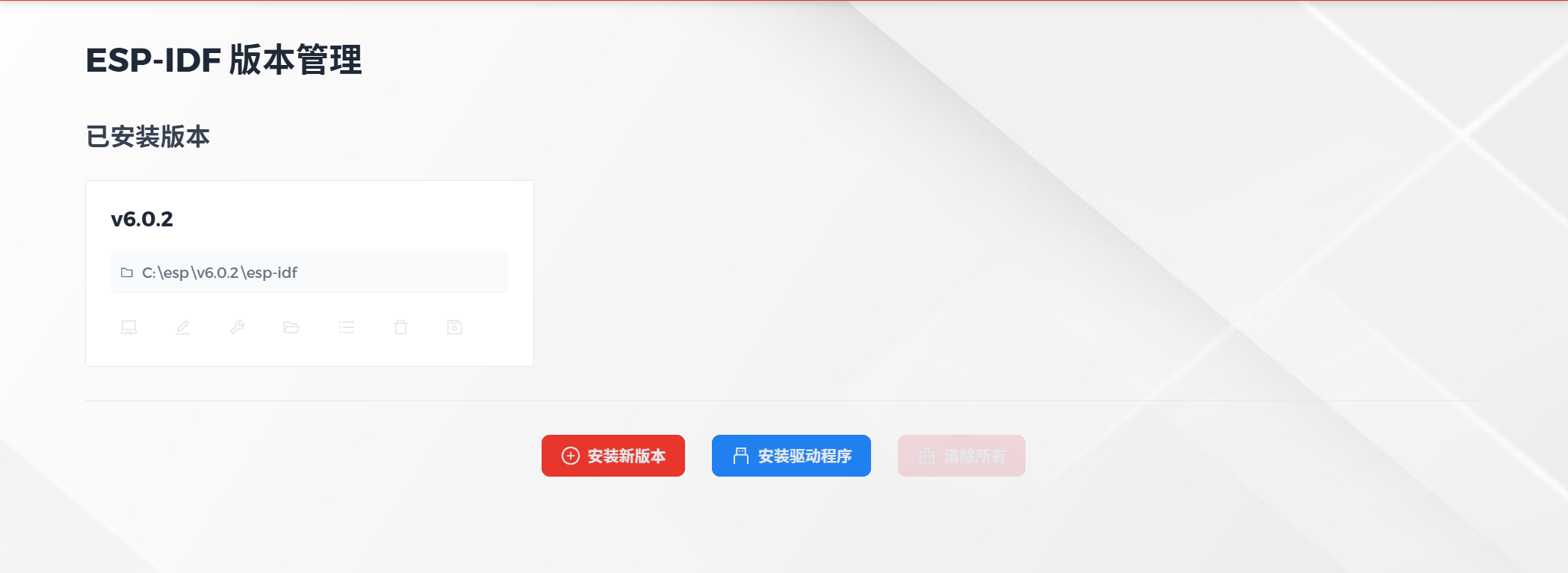

Agent 垂直技术社区,欢迎活跃、内容共建。
更多推荐


 3
3 0
0- 0



 已为社区贡献1条内容

所有评论(0)