影刀RPA 电话录音自动整理:语音转文字与关键信息提取
title: “影刀RPA 电话录音自动整理:语音转文字与关键信息提取”
date: 2026-07-01
author: 林焱
影刀RPA 电话录音自动整理:语音转文字与关键信息提取
客服部门每天有几百通电话录音,要人工听录音、整理问题类型、提取客户诉求,这是典型的重复信息处理工作。影刀配合语音识别API可以自动转录和分类,大幅降低人工复听成本。
什么情况用什么
适合自动化处理的场景:
-
客服电话录音大量积压,需要快速整理
-
需要统计客户问题类型分布
-
从录音中提取订单号、投诉内容等关键信息
-
-
质检抽查,自动检测服务用语规范性
不适合的场景:
拼多多店群自动化上架方案
- 录音音质太差(嘈杂环境、多人同时说话),识别率会很低
- 语言是方言或小语种,通用识别API支持不好
怎么做
方法1:阿里云语音识别API转录(推荐)
阿里云一句话识别和录音文件识别,价格低精度高,支持中文普通话。
【影刀操作】
-
先开通阿里云智能语音服务,获取
AccessKey ID和AccessKey Secret -
添加【Python】指令(安装SDK)
import subprocess subprocess.run(['pip', 'install', 'alibabacloud-nls-python-sdk'], capture_output=True) -
添加【Python】指令(批量转录录音)
import os
import time
import json
import requests

# 使用阿里云录音文件识别(适合>60秒的录音)
# API文档:https://help.aliyun.com/document_detail/90727.html

ACCESS_KEY_ID = 'your_key'
ACCESS_KEY_SECRET = 'your_secret'
APP_KEY = 'your_app_key'

def get_token():
    """获取访问Token"""
    from aliyun_python_sdk_core.client import AcsClient
    from aliyun_python_sdk_core.request import CommonRequest

    client = AcsClient(ACCESS_KEY_ID, ACCESS_KEY_SECRET, 'cn-shanghai')
    request = CommonRequest()
    request.set_method('POST')
    request.set_domain('nls-meta.cn-shanghai.aliyuncs.com')
    request.set_version('2019-02-28')
    request.set_action_name('CreateToken')
    response = client.do_action_with_exception(request)
    token_info = json.loads(response)
    return token_info['Token']['Id']

def submit_transcription_task(file_url, token):
    """提交录音转写任务"""
    headers = {
        'Content-Type': 'application/json',
        'X-NLS-Token': token
    }
    data = {
        'app_key': APP_KEY,
        'file_link': file_url,  # 录音文件的公网URL
        'version': '4.0',
        'enable_words': False,
        'enable_sample_rate_adaptive': True
    }
    resp = requests.post(
        'https://filetrans.cn-shanghai.aliyuncs.com/api/submit',
        headers=headers,
        json=data
    )
    result = resp.json()
    if result['StatusCode'] == 21050000:
        return result['TaskId']
    raise Exception(f'任务提交失败:{result}')

def query_transcription_result(task_id, token):
    """查询转写结果"""
    headers = {
        'Content-Type': 'application/json',
        'X-NLS-Token': token
    }

    for _ in range(60):  # 最多等10分钟
        resp = requests.post(
            'https://filetrans.cn-shanghai.aliyuncs.com/api/query',
            headers=headers,
            json={'app_key': APP_KEY, 'task_id': task_id}
        )
        result = resp.json()
        status = result.get('StatusCode')

        if status == 21050000:  # 成功
            # 提取文本
            sentences = result.get('Result', {}).get('Sentences', [])
            text = ''.join([s['Text'] for s in sentences])
            return text
        elif status == 21050002:  # 处理中
            time.sleep(10)
            continue
        else:
            raise Exception(f'转写失败:{result}')

    raise TimeoutError('转写超时')

# 批量处理录音文件
audio_dir = r'C:\录音文件'
output_dir = r'C:\转录文本'
os.makedirs(output_dir, exist_ok=True)

# 注意:阿里云API需要公网可访问的URL,需要先把文件上传到OSS
# 这里演示处理已有公网URL列表的情况
audio_urls = yda.get_variable('audio_url_list')  # 从前一步获取

token = get_token()

results = []
for idx, audio_url in enumerate(audio_urls):
    print(f'处理第{idx+1}个文件:{audio_url}')
    try:
        task_id = submit_transcription_task(audio_url, token)
        text = query_transcription_result(task_id, token)
        results.append({'url': audio_url, 'text': text, 'status': 'success'})
        print(f'  转录成功:{text[:50]}...')
    except Exception as e:
        results.append({'url': audio_url, 'text': '', 'status': f'failed: {e}'})
        print(f'  转录失败:{e}')

yda.set_variable('transcription_results', json.dumps(results, ensure_ascii=False))
方法2:从转录文本提取关键信息
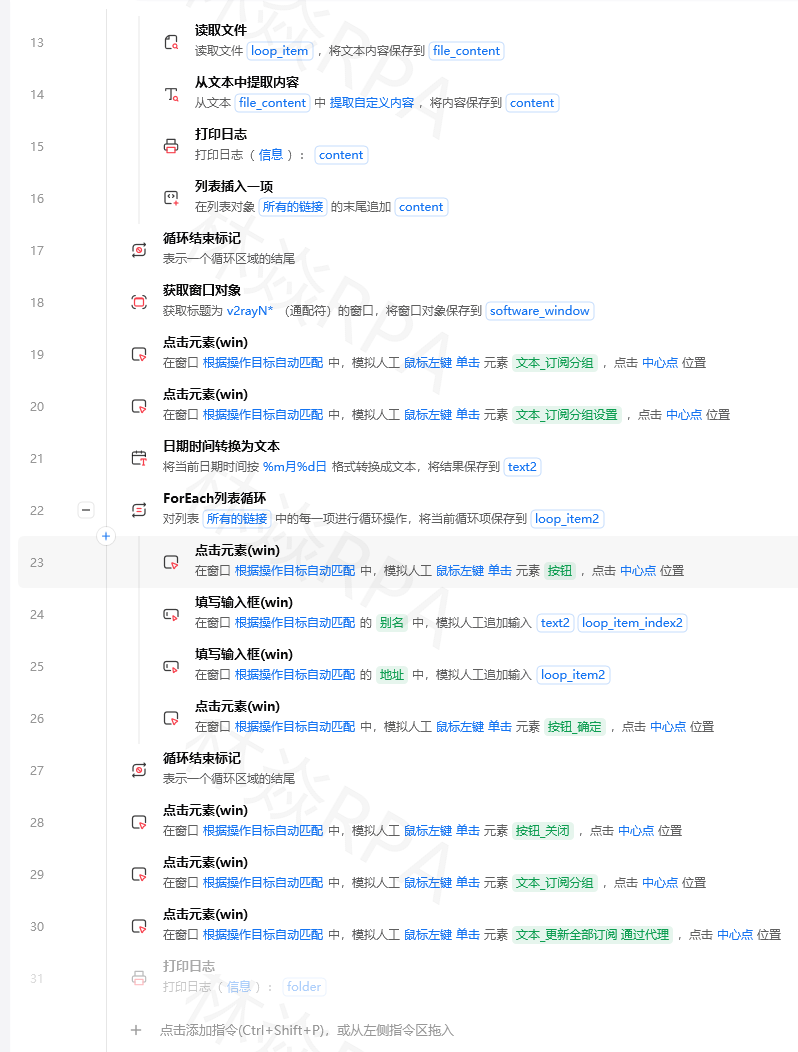
【影刀操作】
- 添加【Python】指令
import re
import json

results = json.loads(yda.get_variable('transcription_results'))

def extract_info(text):
    """从对话文本提取关键信息"""
    info = {}

    # 提取订单号(数字序列)
    order_pattern = r'订单[号码]?[是为::\s]*([A-Z0-9]{8,20})'
    order_match = re.search(order_pattern, text)
    info['order_id'] = order_match.group(1) if order_match else ''

    # 提取手机号
    phone_pattern = r'1[3-9]\d{9}'
    phone_match = re.search(phone_pattern, text)
    info['phone'] = phone_match.group(0) if phone_match else ''

    # 问题分类(关键词匹配)
    complaint_keywords = ['投诉', '质量差', '没收到', '破损', '假货', '退款']
    inquiry_keywords = ['怎么', '如何', '什么时候', '查询', '咨询']

    if any(k in text for k in complaint_keywords):
        info['category'] = '投诉'
    elif any(k in text for k in inquiry_keywords):
        info['category'] = '咨询'
    else:
        info['category'] = '其他'

    # 情感判断(简单版)
    negative_words = ['不满意', '太差', '骗人', '坑', '差评', '无语', '垃圾']
    positive_words = ['谢谢', '很好', '满意', '不错', '感谢']

    neg_count = sum(1 for w in negative_words if w in text)
    pos_count = sum(1 for w in positive_words if w in text)

    if neg_count > pos_count:
        info['sentiment'] = '负面'
    elif pos_count > neg_count:
        info['sentiment'] = '正面'
    else:
        info['sentiment'] = '中性'

    return info

# 处理所有转录结果
enriched_results = []
for item in results:
    if item['status'] == 'success':
        extracted = extract_info(item['text'])
        enriched_results.append({**item, **extracted})
    else:
        enriched_results.append(item)

# 保存到Excel
import pandas as pd
df = pd.DataFrame(enriched_results)
df.to_excel(r'C:\转录文本\分析结果.xlsx', index=False)

# 统计
category_counts = df['category'].value_counts()
sentiment_counts = df['sentiment'].value_counts()
print(f'问题分类:{category_counts.to_dict()}')
print(f'情感分布:{sentiment_counts.to_dict()}')
有什么坑
坑1:录音文件格式不支持
阿里云只支持mp3、wav、aac、m4a等格式,某些系统录音格式是.amr或.silk。
解决方法: 先用ffmpeg统一转换格式:
import subprocess
subprocess.run(['ffmpeg', '-i', 'input.amr', '-ar', '16000', 'output.wav'])
坑2:录音需要公网URL
TEMU店群如何管理运营?
本地文件不能直接传给阿里云API,要先上传到OSS。
解决方法: 在流程里加上传OSS的步骤,获取临时URL再调用转录API。
坑3:多人说话识别混乱
双通道录音(客服和客户各一个麦克风)转录后混在一起,分不清谁说的什么。
解决方法: 使用阿里云的"说话人分离"功能(enable_speaker_diarization: True),会给每句话标注说话人ID。
坑4:转录准确率不高
专业名词、地名、产品型号识别错误率高。
解决方法: 使用阿里云的热词功能,上传企业专有词汇,提高识别准确率。
总结
录音自动化处理的价值被很多人忽视。从文件上传、转录提交、结果查询到关键信息提取,全链路自动化后,一天的电话录音几分钟就能分析完,质检效率提升10倍以上。关键是选好语音识别服务,阿里云、腾讯云、讯飞都可以,对比一下价格和准确率选最适合的。

Agent 垂直技术社区,欢迎活跃、内容共建。
更多推荐

 0
0 0
0- 0


 已为社区贡献3条内容

所有评论(0)