基于springboot+vue的 Java 的电子报销系统设计与实现
·
技术架构设计
采用前后端分离架构,后端使用Spring Boot框架提供RESTful API,前端使用Vue.js构建用户界面。数据库可选择MySQL或PostgreSQL,结合Redis缓存优化性能。
后端技术栈:
- Spring Boot 2.7.x
- Spring Security(认证授权)
- MyBatis-Plus(数据库操作)
- Lombok(简化代码)
- Swagger(API文档)
前端技术栈:
- Vue 3.x
- Element Plus(UI组件库)
- Axios(HTTP请求)
- Vue Router(路由管理)
- Pinia/Vuex(状态管理)
数据库设计
核心表结构设计应包含以下实体:
-- 用户表
CREATE TABLE `user` (
  `id` bigint NOT NULL AUTO_INCREMENT,
  `username` varchar(50) NOT NULL,
  `password` varchar(100) NOT NULL,
  `real_name` varchar(50) DEFAULT NULL,
  `department_id` bigint DEFAULT NULL,
  `role` enum('EMPLOYEE','MANAGER','FINANCE','ADMIN') DEFAULT 'EMPLOYEE',
  PRIMARY KEY (`id`),
  UNIQUE KEY `username` (`username`)
);

-- 报销单表
CREATE TABLE `expense_report` (
  `id` bigint NOT NULL AUTO_INCREMENT,
  `user_id` bigint NOT NULL,
  `title` varchar(100) NOT NULL,
  `amount` decimal(10,2) NOT NULL,
  `submit_time` datetime NOT NULL,
  `status` enum('DRAFT','SUBMITTED','APPROVED','REJECTED','PAID') DEFAULT 'DRAFT',
  `approver_id` bigint DEFAULT NULL,
  `approve_time` datetime DEFAULT NULL,
  `approve_comment` varchar(255) DEFAULT NULL,
  PRIMARY KEY (`id`)
);

-- 报销明细表
CREATE TABLE `expense_item` (
  `id` bigint NOT NULL AUTO_INCREMENT,
  `report_id` bigint NOT NULL,
  `type` enum('TRAVEL','MEAL','OFFICE','OTHER') NOT NULL,
  `amount` decimal(10,2) NOT NULL,
  `date` date NOT NULL,
  `description` varchar(255) NOT NULL,
  `receipt_url` varchar(255) DEFAULT NULL,
  PRIMARY KEY (`id`),
  KEY `report_id` (`report_id`)
);
后端实现要点
用户认证与授权:
@Configuration
@EnableWebSecurity
public class SecurityConfig extends WebSecurityConfigurerAdapter {
    @Override
    protected void configure(HttpSecurity http) throws Exception {
        http.csrf().disable()
            .authorizeRequests()
            .antMatchers("/api/auth/**").permitAll()
            .antMatchers("/api/reports/**").hasAnyRole("EMPLOYEE", "MANAGER", "FINANCE")
            .anyRequest().authenticated()
            .and()
            .addFilter(new JwtAuthenticationFilter(authenticationManager()))
            .addFilter(new JwtAuthorizationFilter(authenticationManager()))
            .sessionManagement().sessionCreationPolicy(SessionCreationPolicy.STATELESS);
    }
}
报销单服务层示例:
@Service
@RequiredArgsConstructor
public class ExpenseReportService {
    private final ExpenseReportMapper reportMapper;
    private final ExpenseItemMapper itemMapper;

    @Transactional
    public void submitReport(Long reportId, Long userId) {
        ExpenseReport report = reportMapper.selectById(reportId);
        if (!report.getUserId().equals(userId)) {
            throw new BusinessException("无权操作该报销单");
        }
        report.setStatus(ReportStatus.SUBMITTED);
        report.setSubmitTime(LocalDateTime.now());
        reportMapper.updateById(report);
    }

    public Page<ExpenseReportVO> getReportsByUser(Long userId, Pageable pageable) {
        return reportMapper.selectPageByUser(userId, pageable);
    }
}
前端实现要点
报销单提交页面(Vue 3 Composition API):
<template>
  <el-form :model="form" label-width="120px">
    <el-form-item label="报销标题">
      <el-input v-model="form.title" />
    </el-form-item>
    <el-divider>报销明细</el-divider>
    <div v-for="(item, index) in form.items" :key="index">
      <el-form-item :label="`明细 ${index + 1}`">
        <el-select v-model="item.type" placeholder="请选择类型">
          <el-option label="差旅" value="TRAVEL" />
          <el-option label="餐饮" value="MEAL" />
          <el-option label="办公" value="OFFICE" />
          <el-option label="其他" value="OTHER" />
        </el-select>
        <el-input-number v-model="item.amount" :min="0" :precision="2" />
        <el-date-picker v-model="item.date" type="date" placeholder="选择日期" />
        <el-input v-model="item.description" placeholder="描述" />
        <el-upload action="/api/upload" :on-success="handleUploadSuccess(index)">
          <el-button type="primary">上传凭证</el-button>
        </el-upload>
      </el-form-item>
    </div>
    <el-button @click="addItem">添加明细</el-button>
    <el-button type="primary" @click="submit">提交报销单</el-button>
  </el-form>
</template>

<script setup>
import { reactive } from 'vue'
import { ElMessage } from 'element-plus'
import axios from 'axios'

const form = reactive({
  title: '',
  items: [
    { type: '', amount: 0, date: '', description: '', receiptUrl: '' }
  ]
})

const addItem = () => {
  form.items.push({ type: '', amount: 0, date: '', description: '', receiptUrl: '' })
}

const handleUploadSuccess = (index, response) => {
  form.items[index].receiptUrl = response.data.url
}

const submit = async () => {
  try {
    await axios.post('/api/reports', form)
    ElMessage.success('提交成功')
  } catch (error) {
    ElMessage.error('提交失败')
  }
}
</script>
系统功能模块
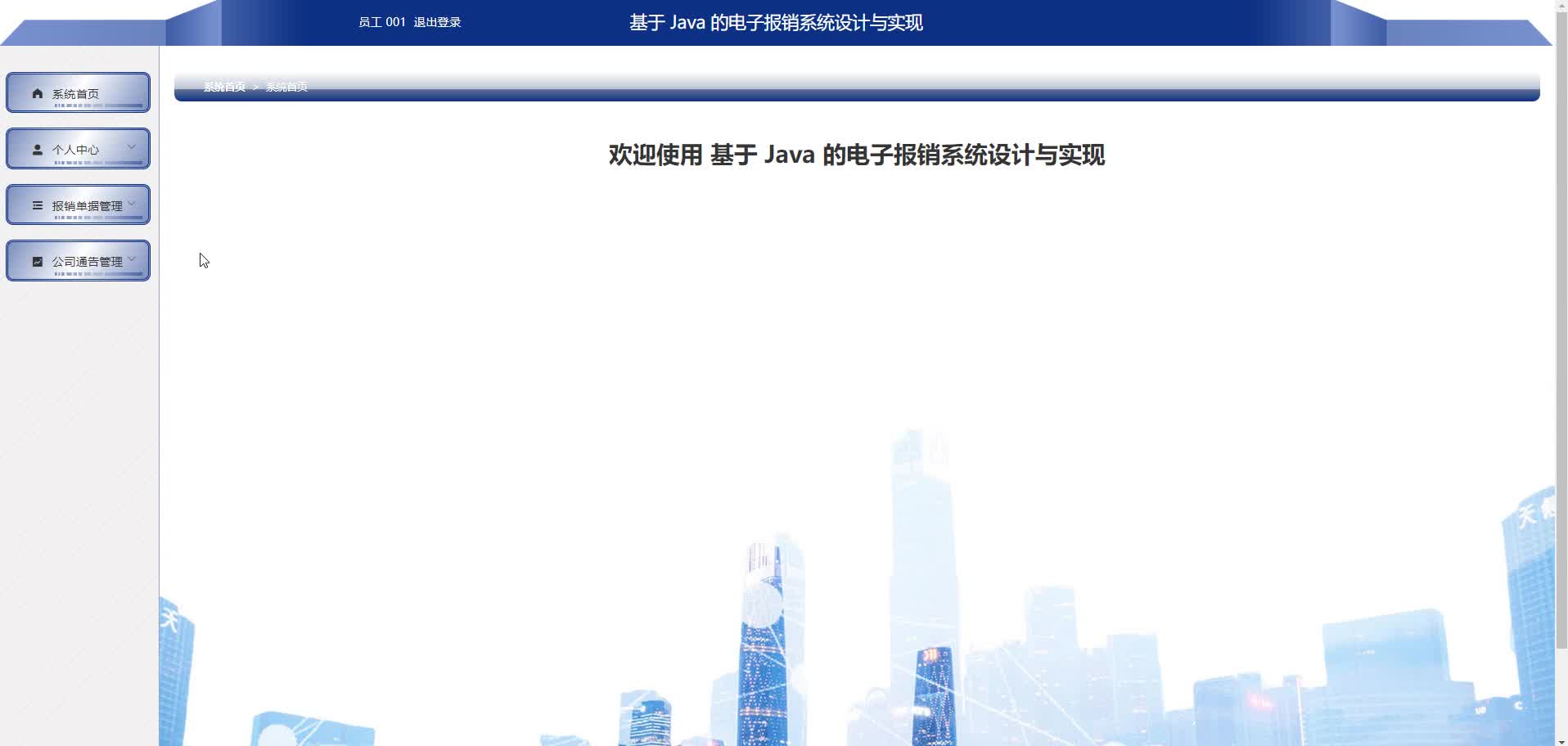
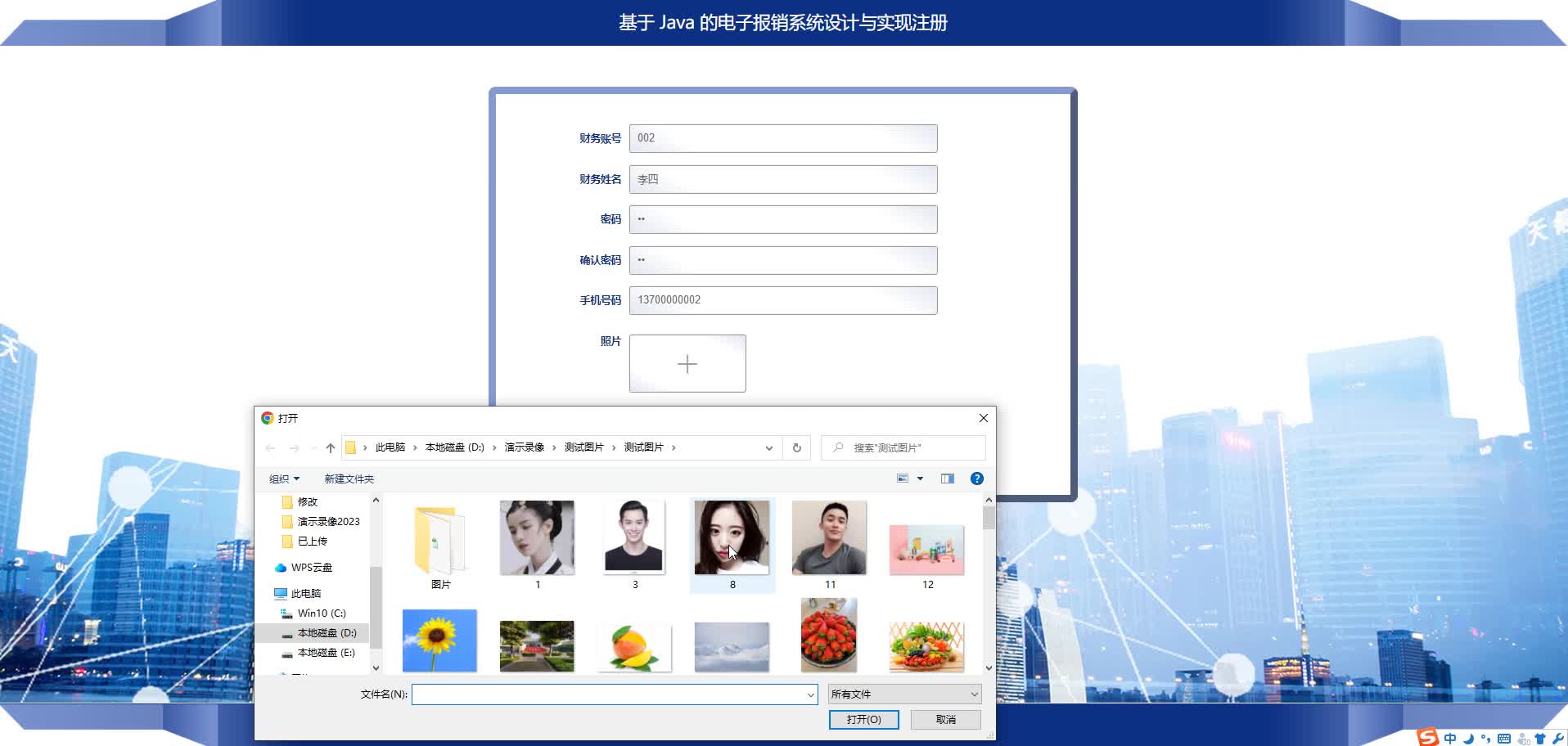
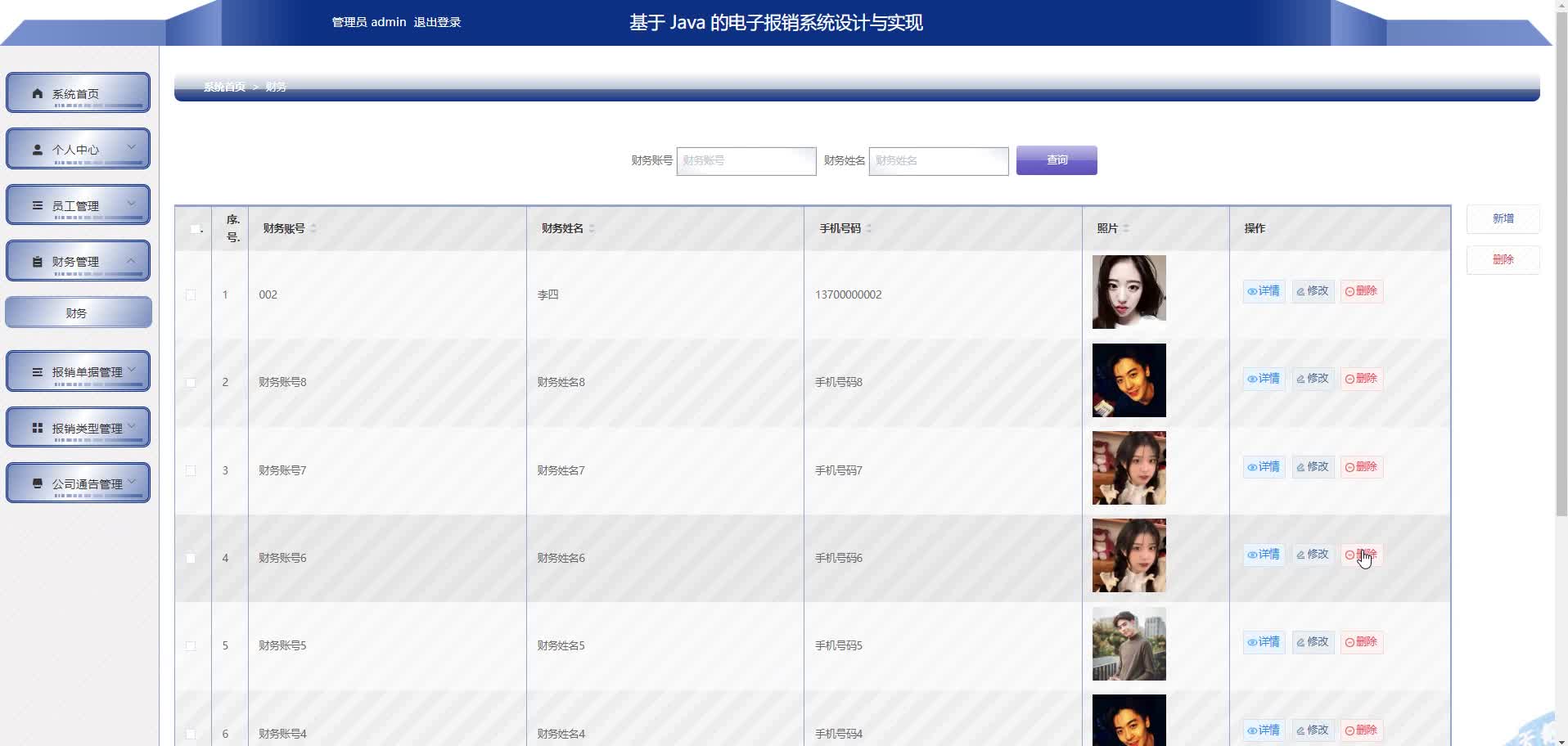
用户管理模块:
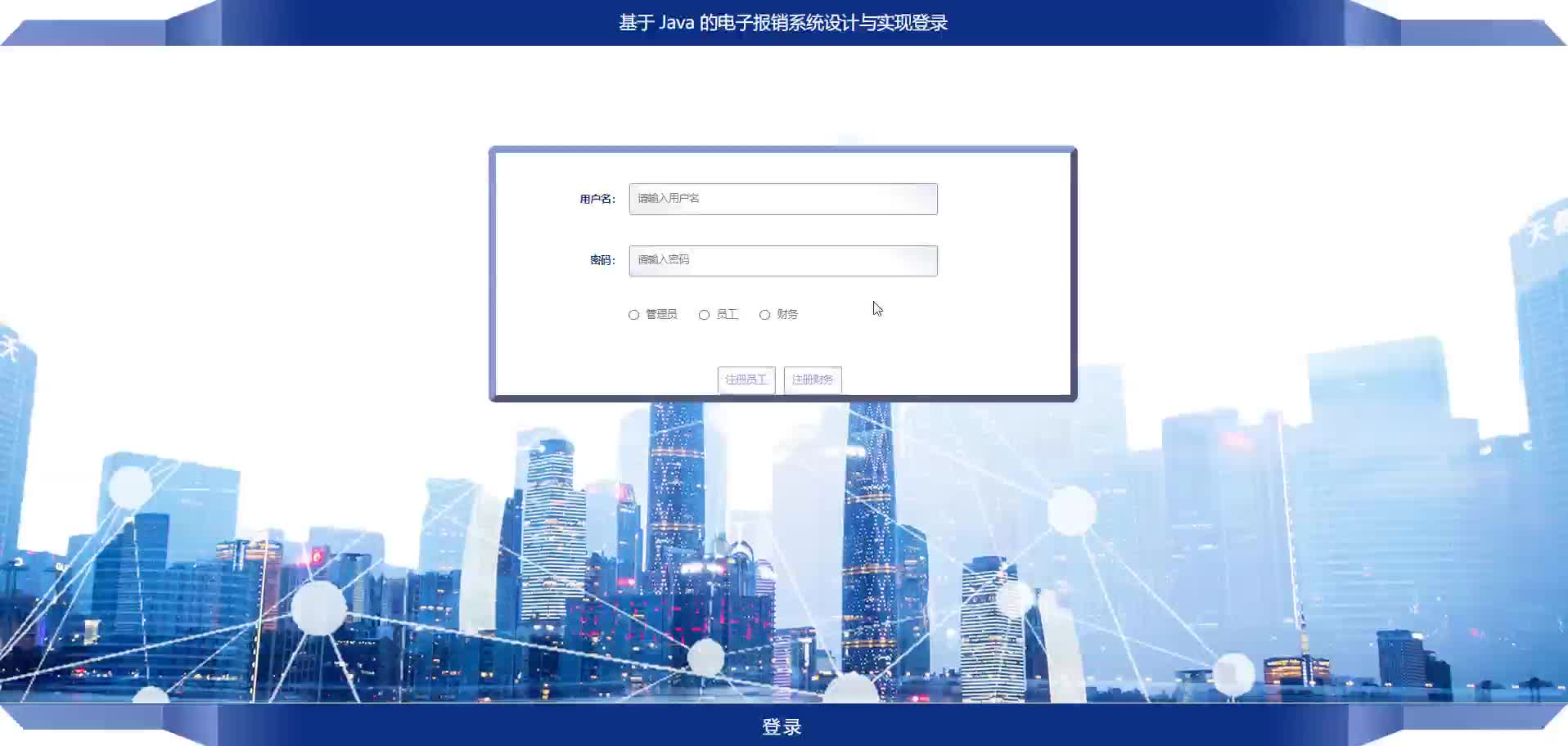
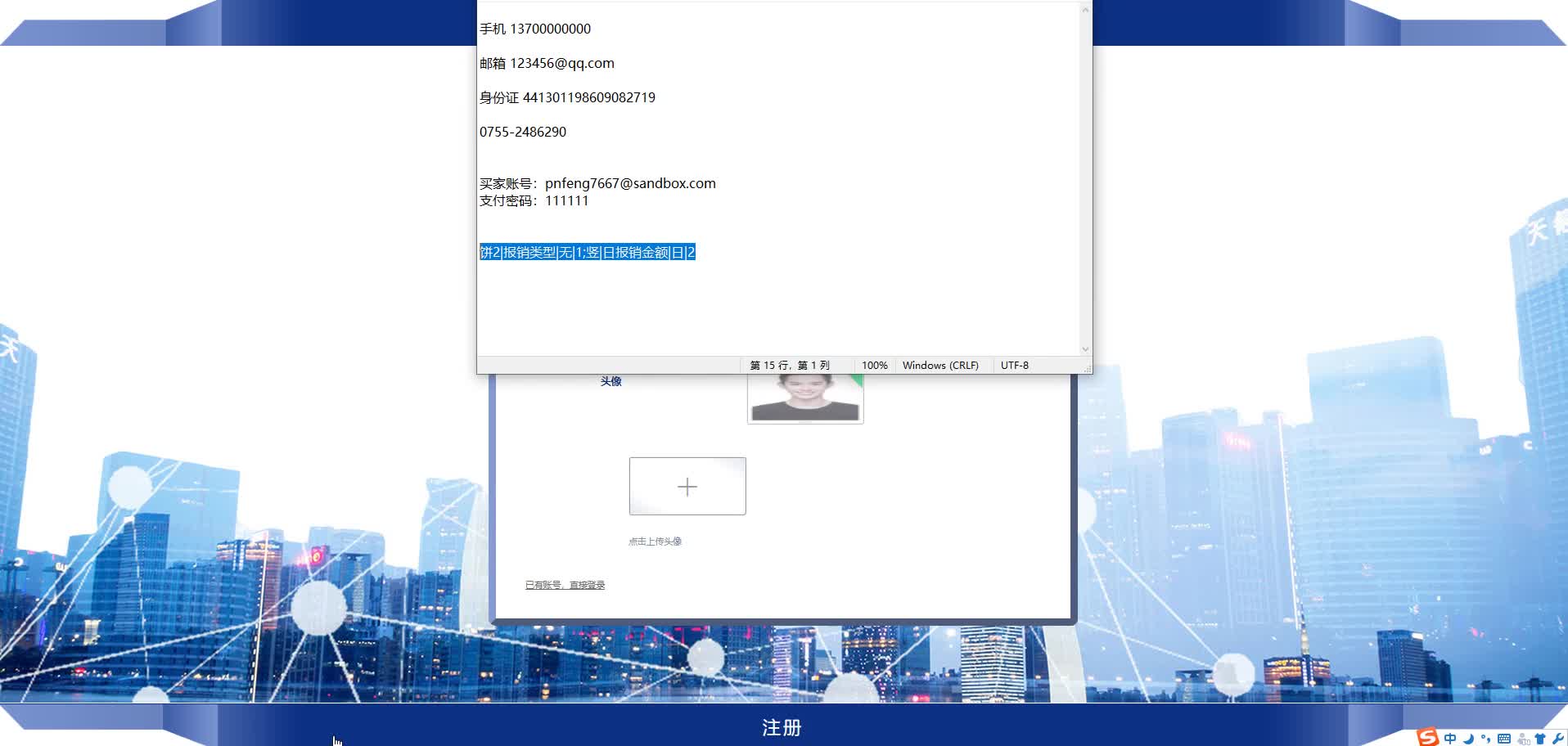
- 用户注册/登录(JWT认证)
- 角色权限管理(员工、部门经理、财务、管理员)
- 个人信息维护
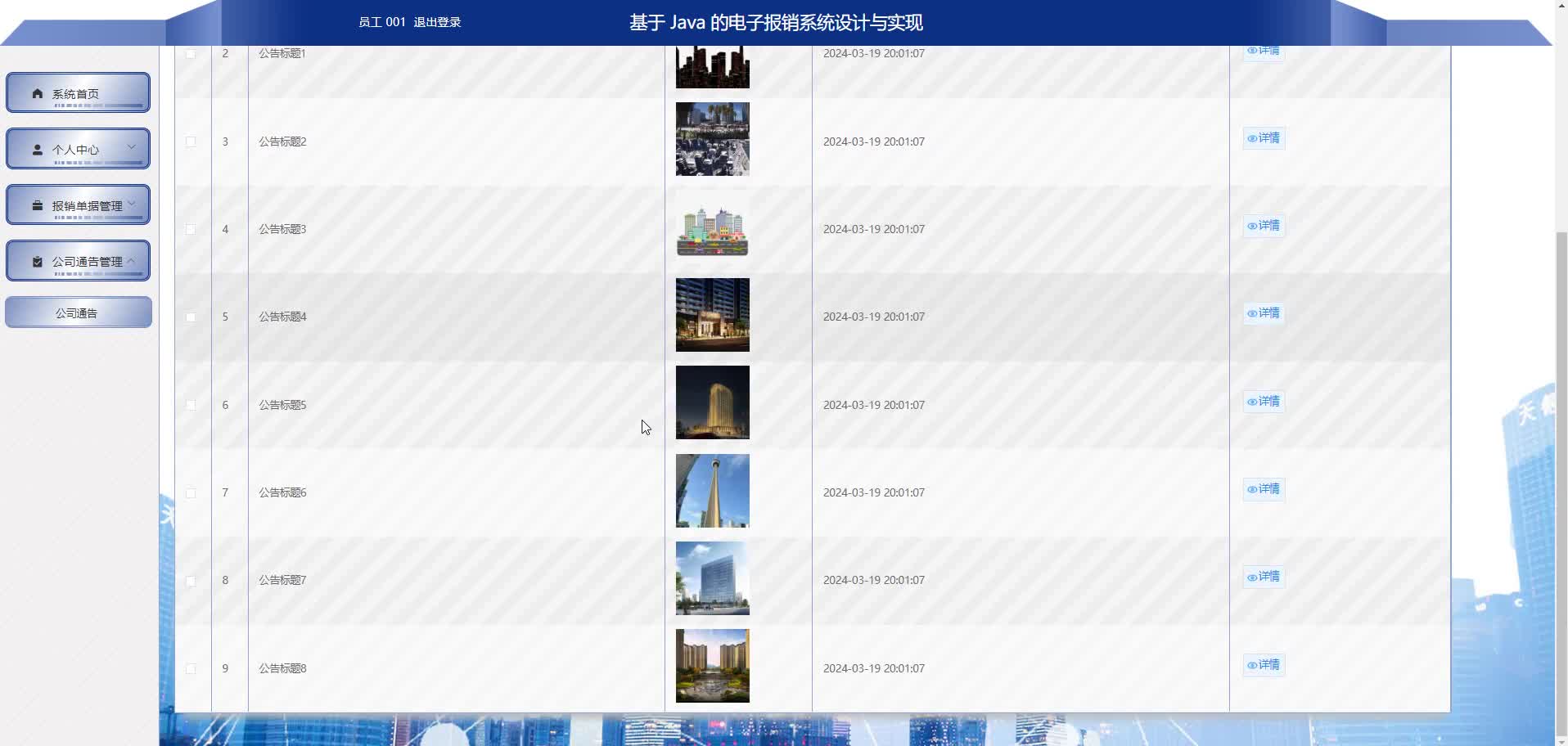
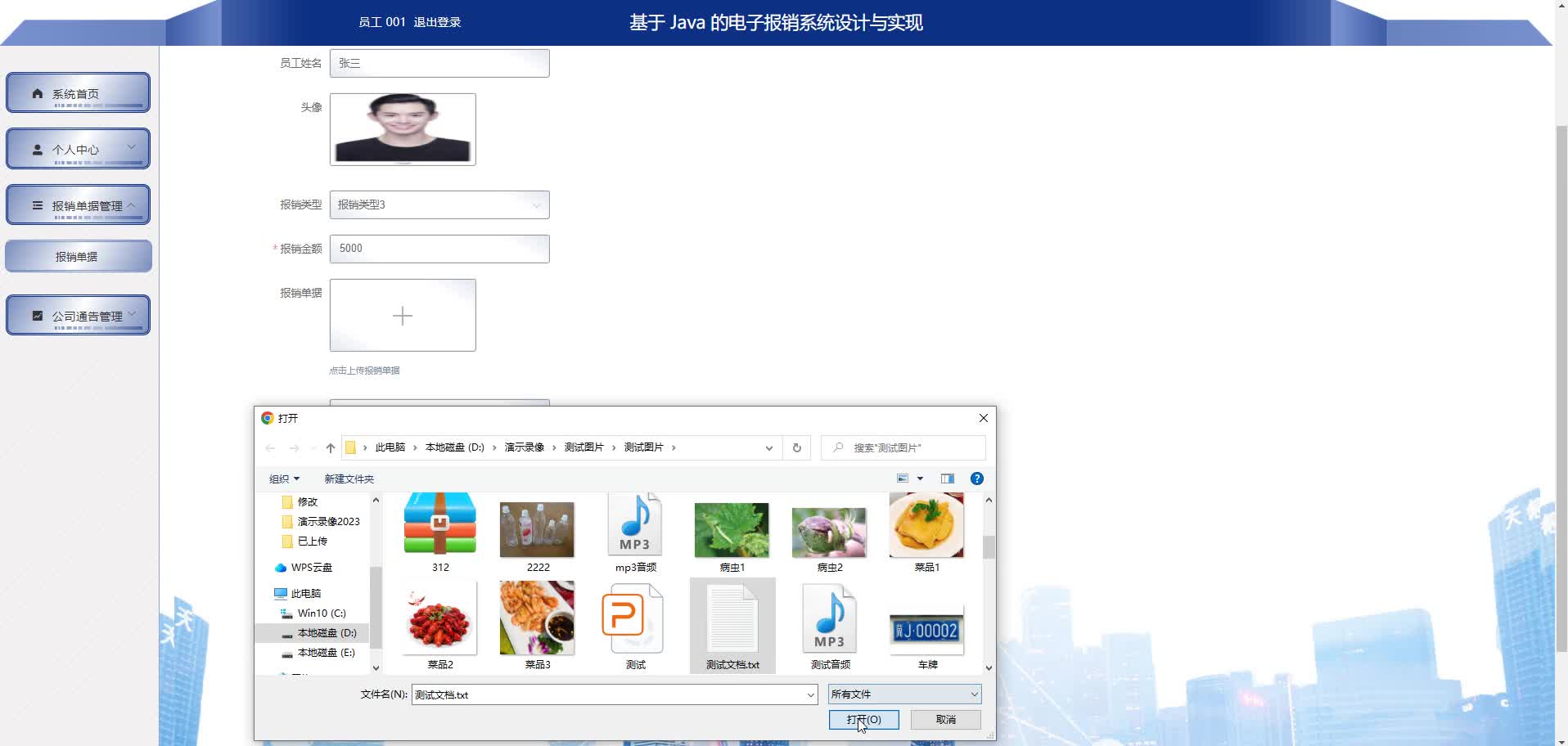
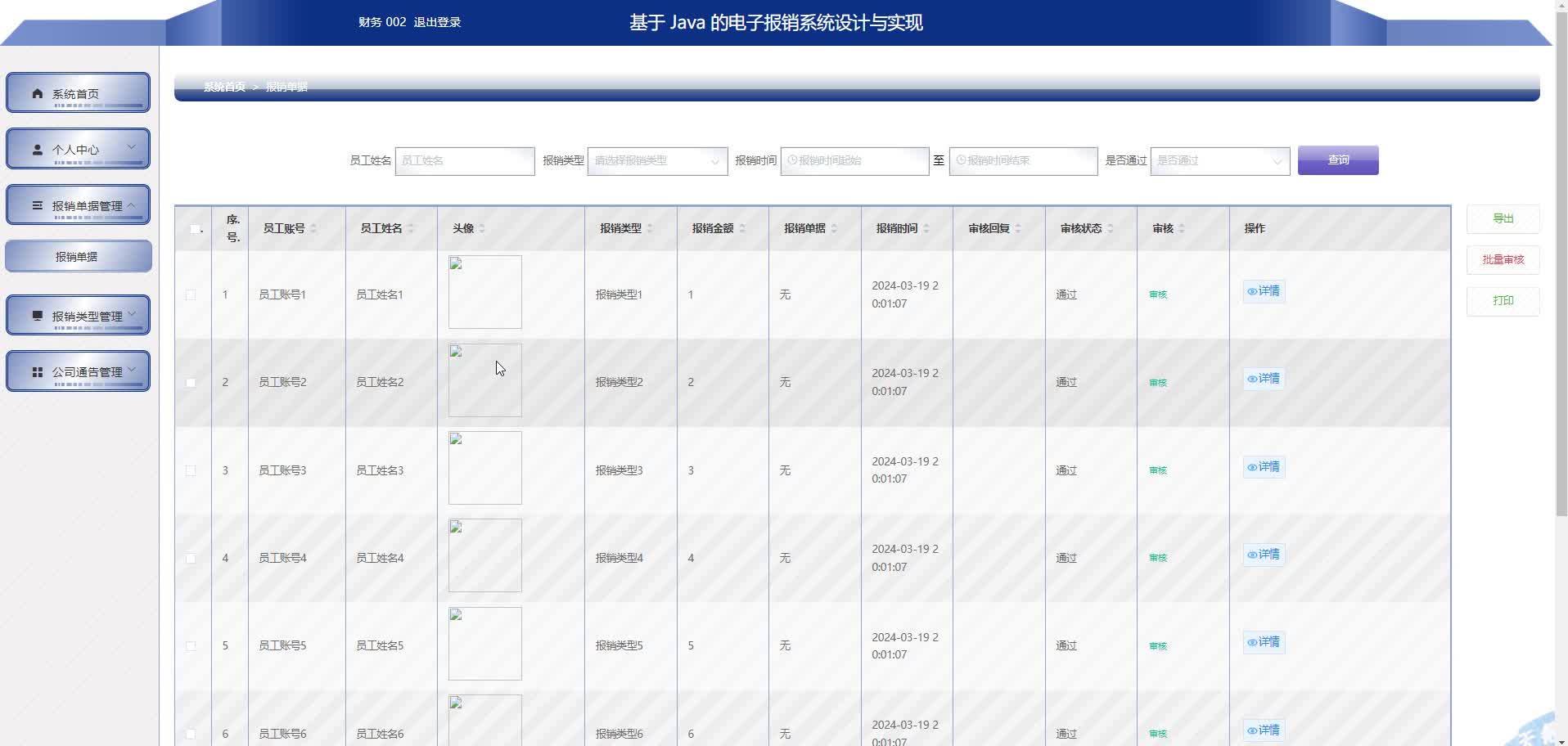
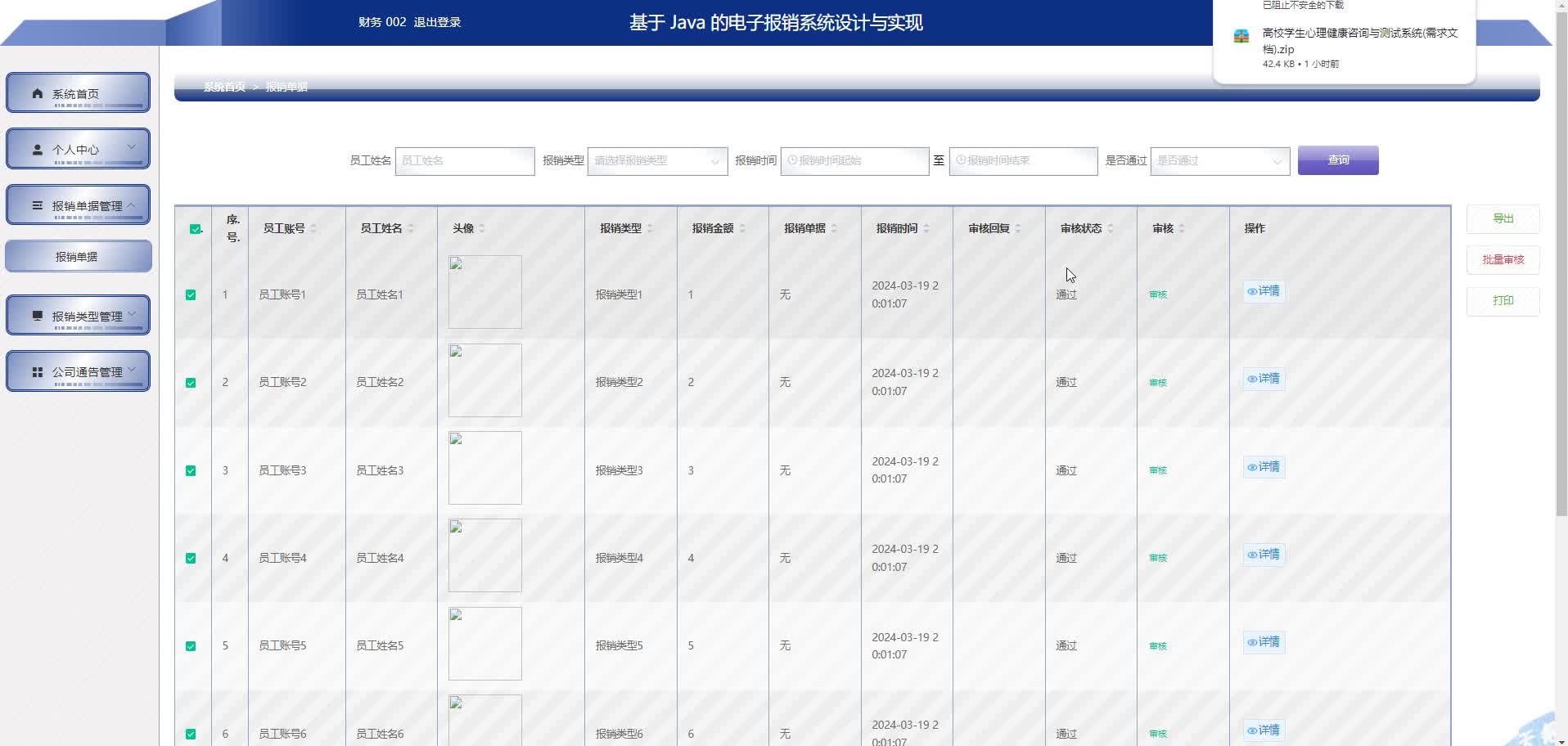
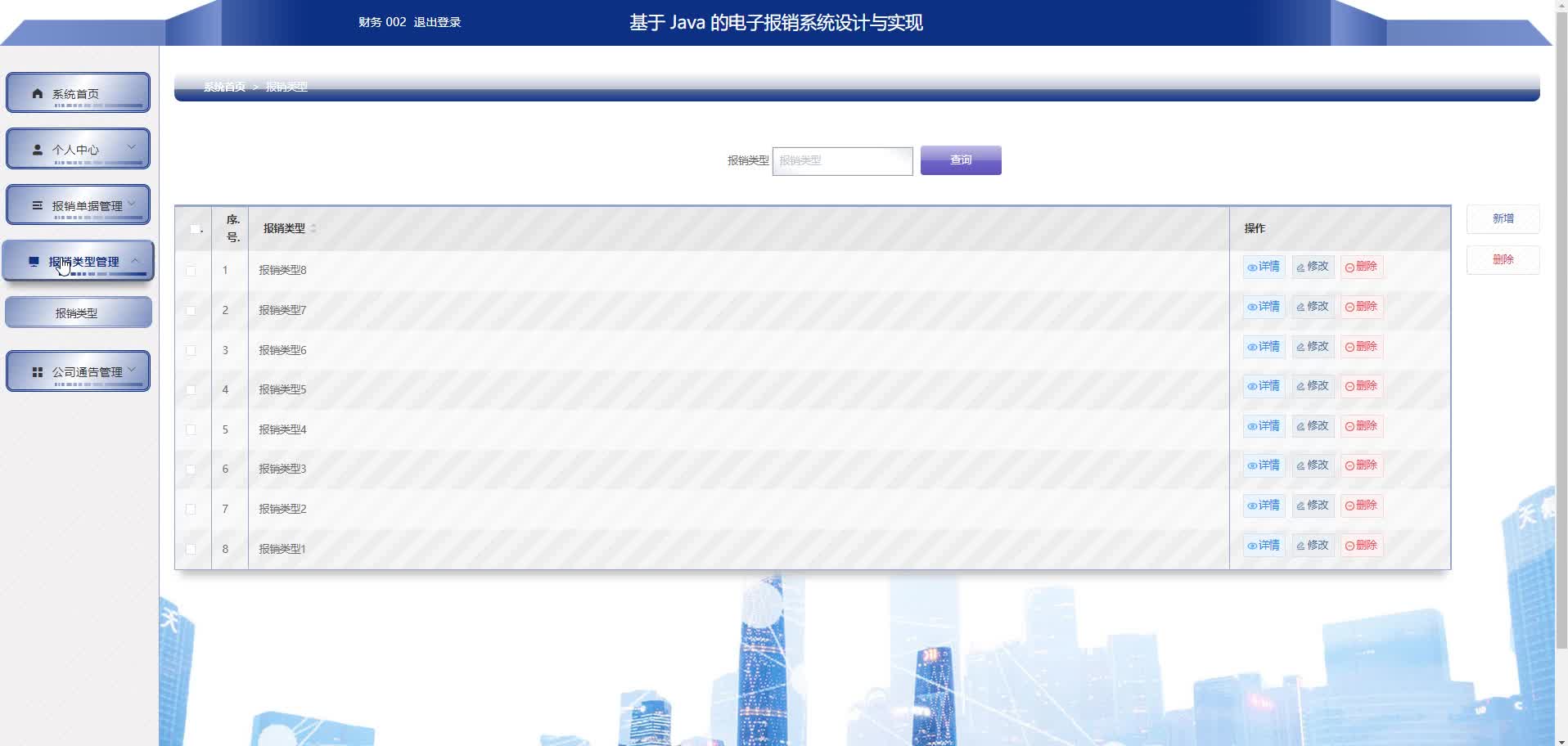
报销单管理模块:
- 报销单创建、编辑、删除(草稿状态)
- 报销单提交、撤回
- 报销明细管理
- 凭证上传(集成OSS服务)
审批流程模块:
- 部门经理审批(多级审批可扩展)
- 财务审核
- 审批意见填写
- 审批状态跟踪
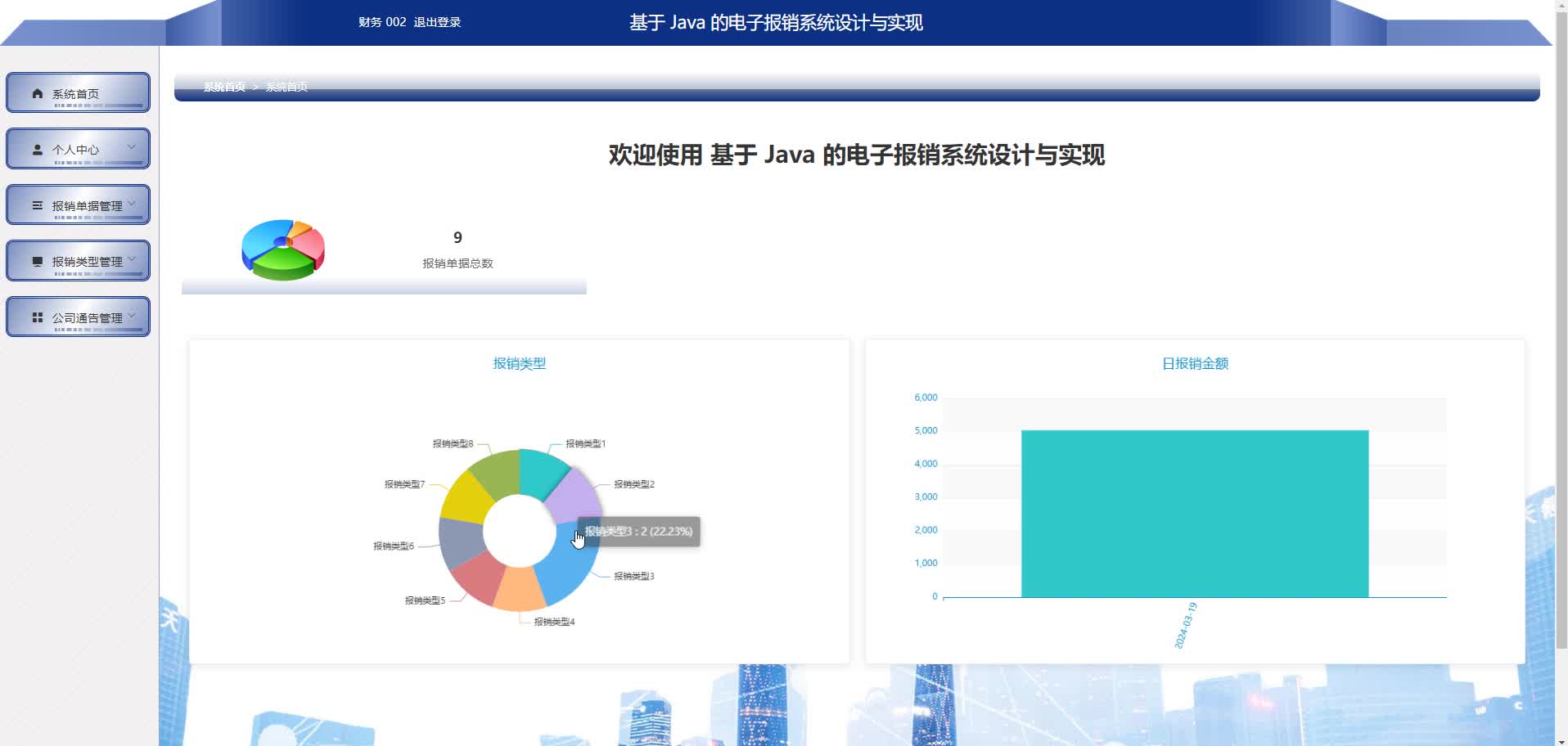
统计报表模块:
- 部门报销统计
- 个人报销历史
- 报销类型分布
- Excel导出功能
部署方案
开发环境:
- 本地运行:前端npm run dev,后端Spring Boot直接运行
- 联调测试:使用Docker Compose部署MySQL+Redis
生产环境:
- 前端:构建静态文件部署至Nginx
- 后端:打包为Jar文件,使用Docker容器部署
- 数据库:MySQL主从配置
- 缓存:Redis集群
- 文件存储:阿里云OSS或MinIO
CI/CD流程:
- Git提交触发Jenkins流水线
- 自动化测试(JUnit+Jest)
- SonarQube代码质量检查
- Docker镜像构建与推送
- Kubernetes滚动更新部署


Agent 垂直技术社区,欢迎活跃、内容共建。
更多推荐
 4
4 0
0- 0


 已为社区贡献9条内容

所有评论(0)