黑马小兔鲜项目(vue3)day2
·
1 pinia
1.1 添加pinia到vue项目
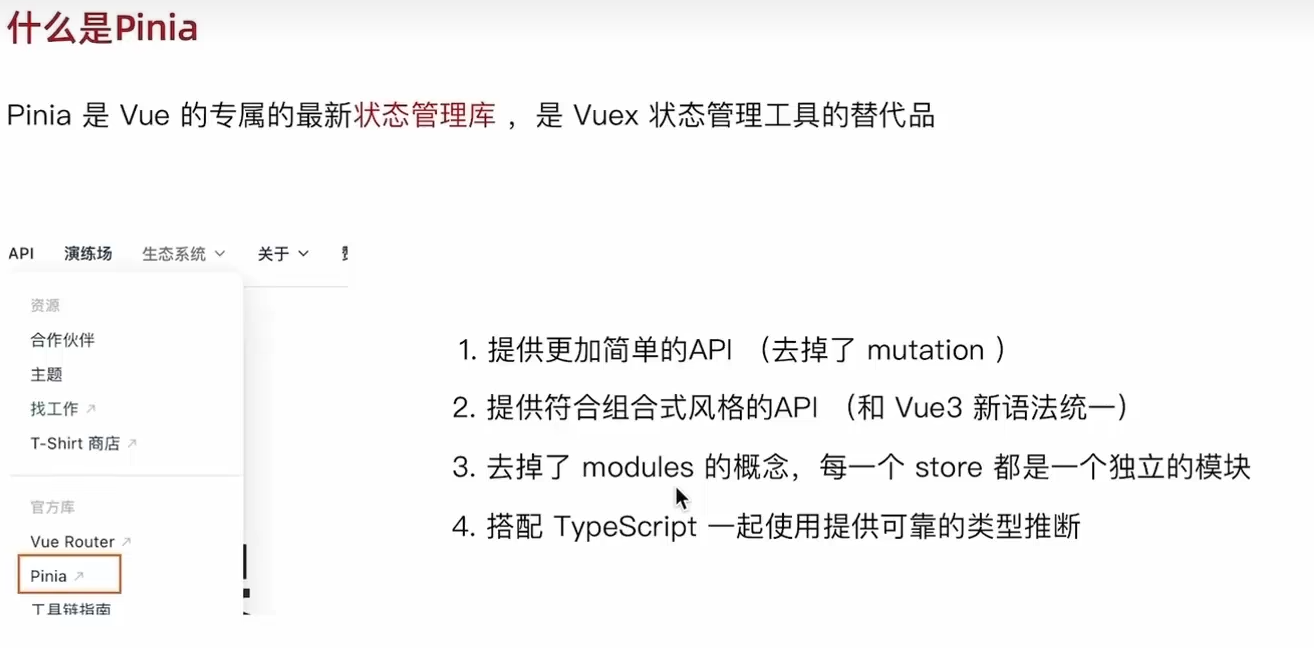
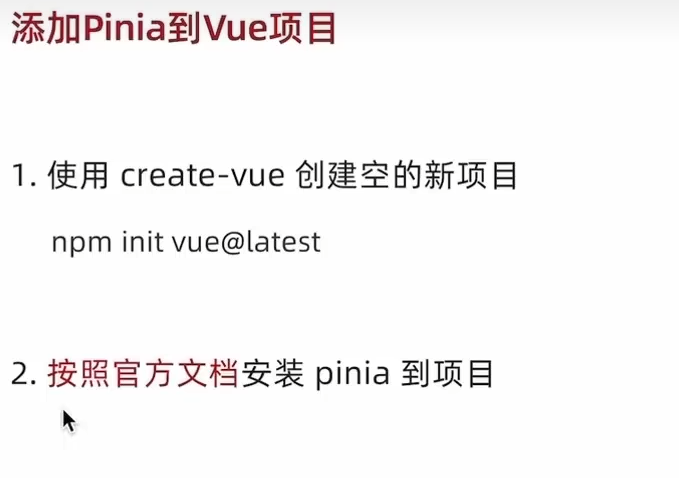
创建vue3项目:
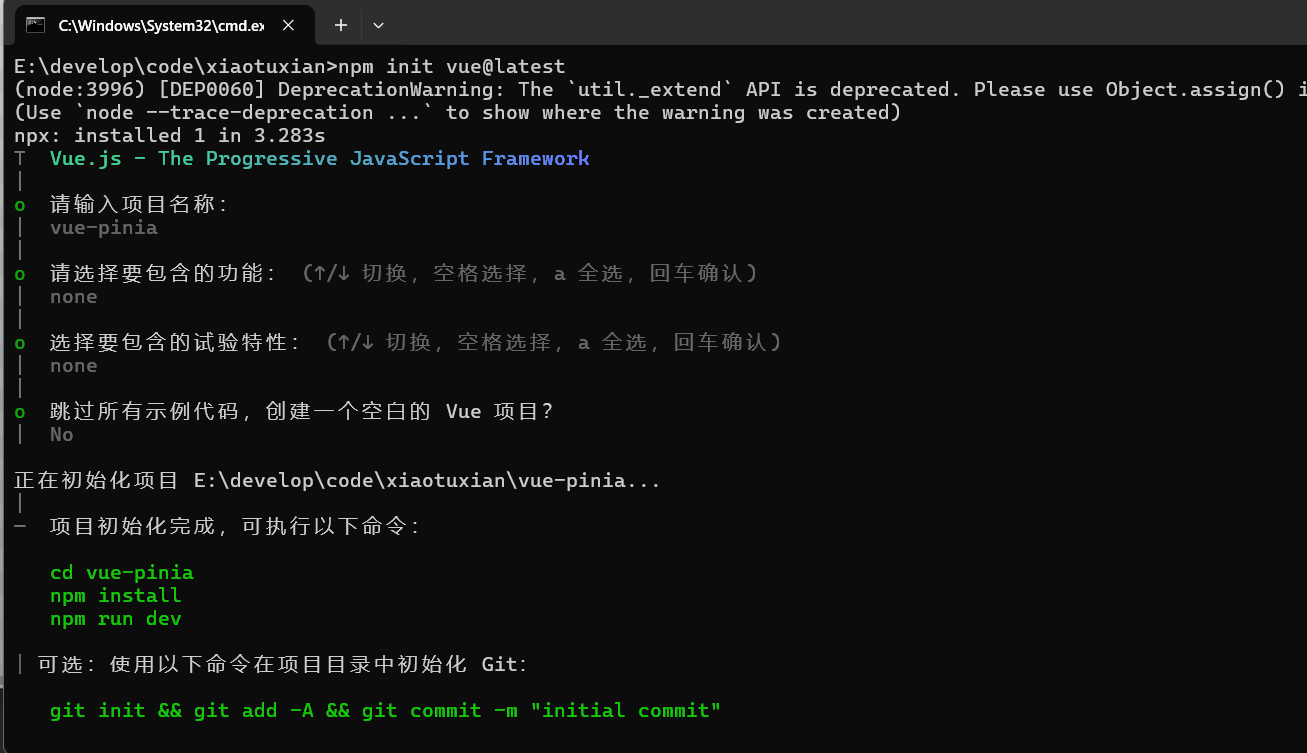
打开刚创建的项目,使用 npm install
打开pinia官方文档Pinia | The intuitive store for Vue.js
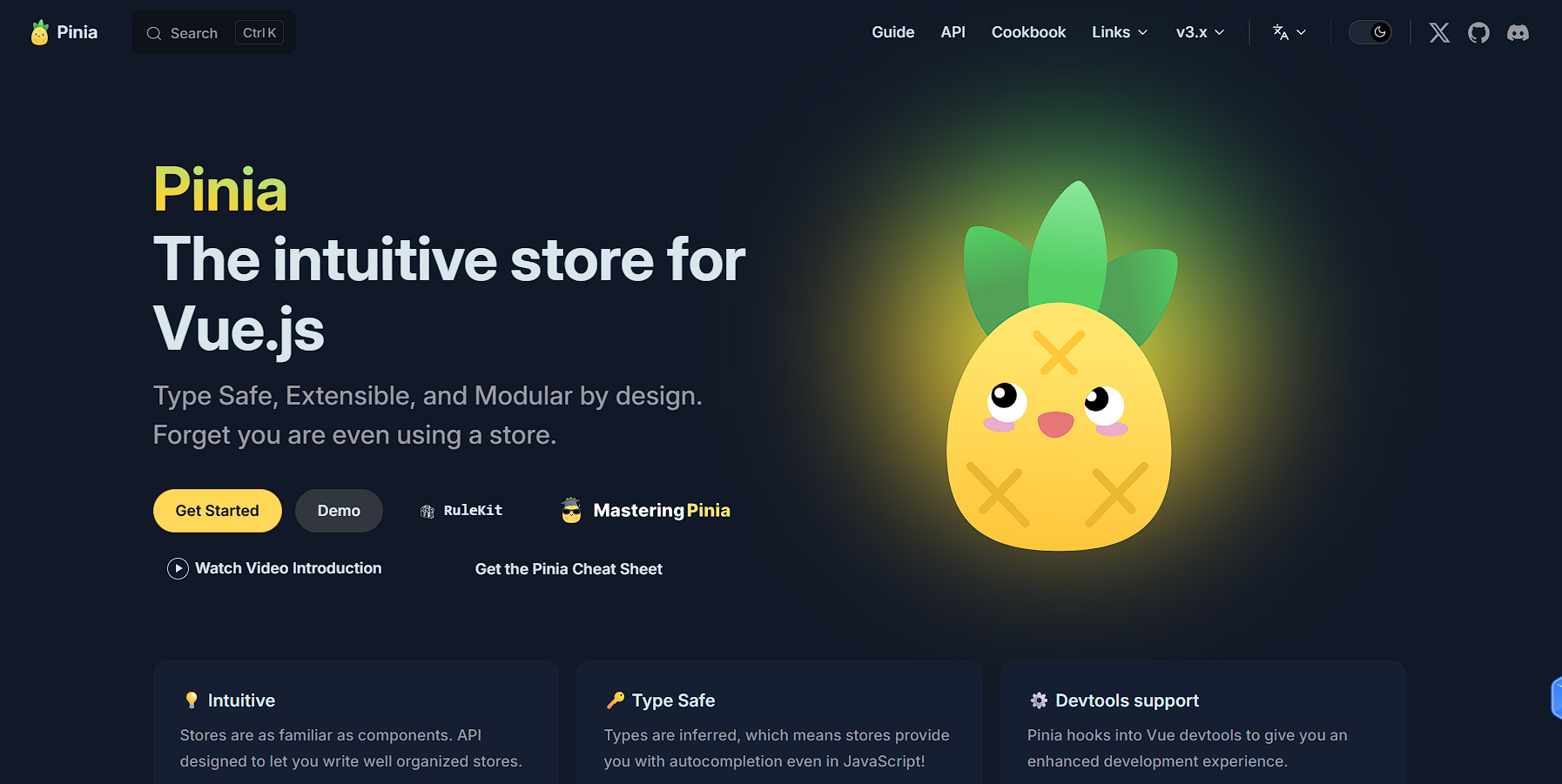
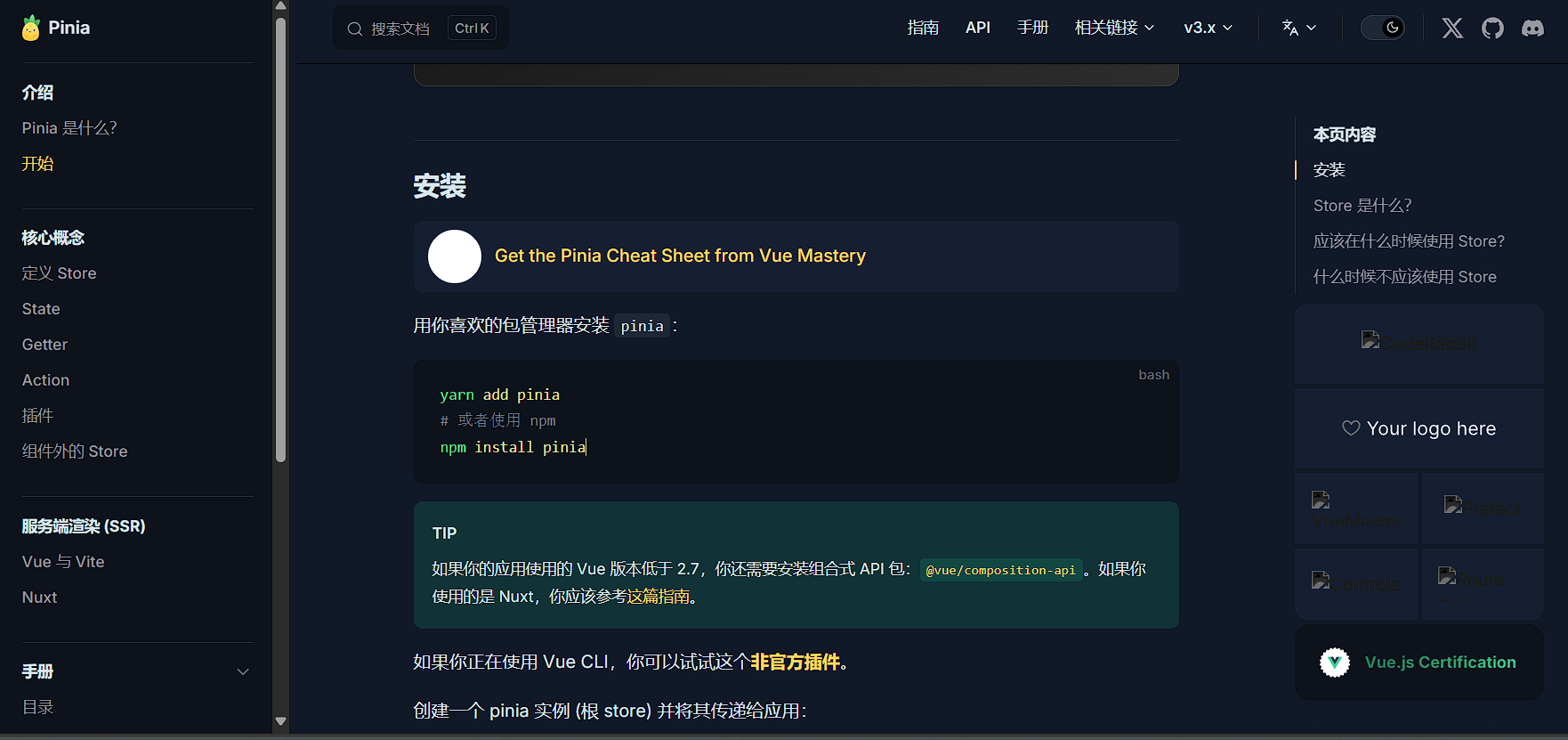
因为我们项目一直用npm,所以依旧用npm包管理器命令进行pinia安装
运行 npm install pinia
创建一个 pinia 实例 (根 store) 并将其传递给应用:
import { createApp } from 'vue'
import { createPinia } from 'pinia'
import App from './App.vue'

const pinia = createPinia()
const app = createApp(App)

app.use(pinia)
app.mount('#app')
在main.js中进行操作:
import './assets/main.css'

import { createApp } from 'vue'
import App from './App.vue'
//1.调入createPinia
import { createPinia } from 'pinia'

//2.执行方法得到实例
const pinia = createPinia

//3.把pinia实例加入到app应用中
createApp(App).use(pinia).mount('#app')
添加成功!
1.2 Pinia-counter 基本使用
看pinia的官方文档
定义 Store 推荐使用语法Setup Store,与 Vue 组合式 API 的 setup 函数 相似
export const useCounterStore = defineStore('counter', () => {
  const count = ref(0)
  const name = ref('Eduardo')
  const doubleCount = computed(() => count.value * 2)
  function increment() {
    count.value++
  }

  return { count, name, doubleCount, increment }
})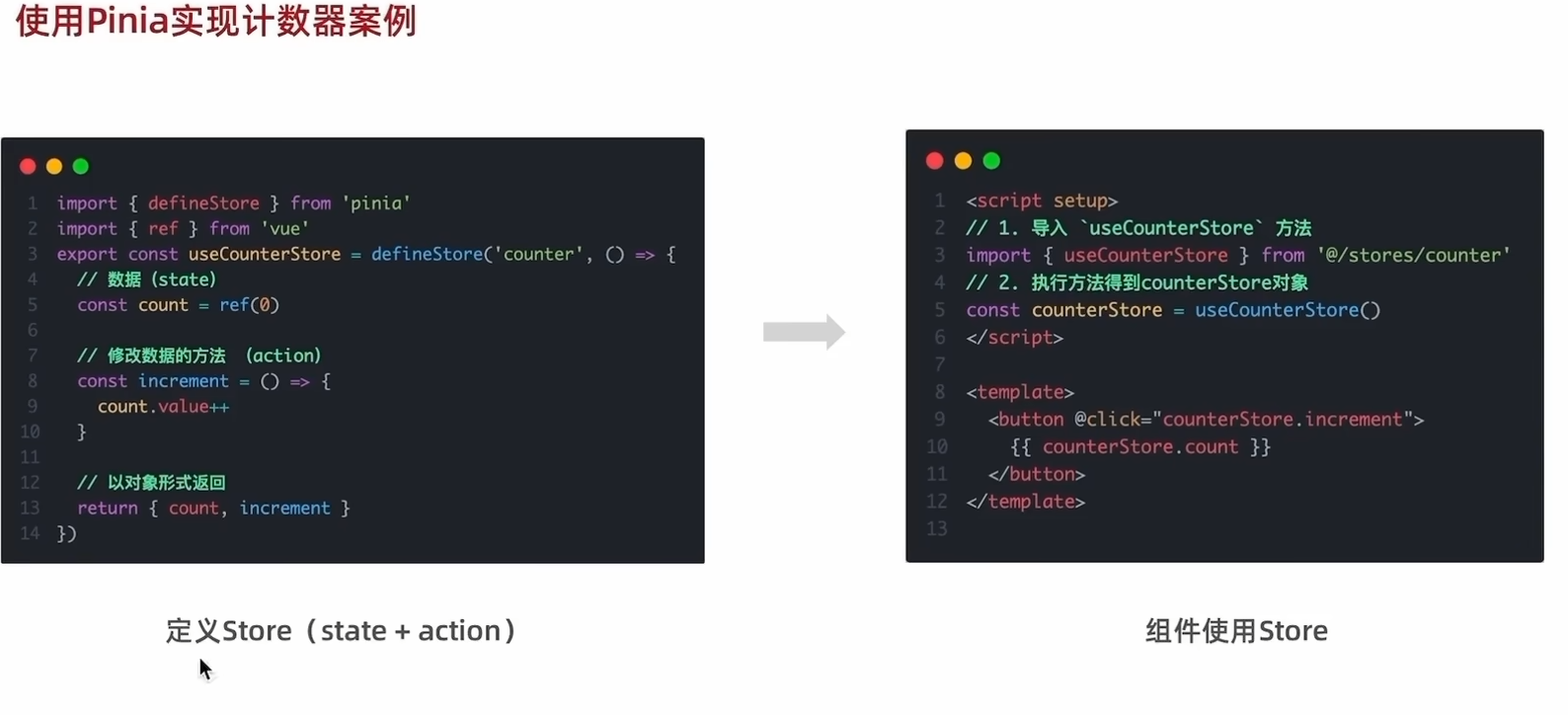
在src文件夹中创建目录stores,在其中创建counter.js文件,用来定义store
//导出一个方法defineStore
import { defineStore } from "pinia";
import { ref } from "vue";

export const useCounterStore = defineStore('counter', () =>{

//定义数据state
const count = ref(0)

//定义修改数据的方法(action 同步+异步)
const increment = () =>{
    count.value++
}

//以对象的方式return供组件使用
return{
    count,
    increment
}
})
在App.vue中使用store:
<script setup>
//1.导入定义好的use打头的方法
import {useCounterStore} from '@/stores/Counter'
//2.执行方法得到store实例对象
const counterStore = useCounterStore()
console.log(counterStore)

</script>

<template>
  <button @click="counterStore.increment">{{ counterStore.count }}</button>
</template>

<style scoped>

</style>
实现效果点击按钮自增:

1.3 getters和异步action
getter:
首先安装一下axios
npm install axios
在counter.js导入axios和接口
import axios from "axios";
const API_URL = 'http://geek.itheima.net/v1_0/channels'
定义getter
//getter定义
const doubleCount = computed(() => count.value*2)
在return中添加doubleCount组件。
在App.vue中添加
{{ counterStore.doubleCount }}
运行结果:
异步action:
在counter.js中添加方法
//定义异步action
const list = ref([])
const getList = async () => {
    const res = await axios.get(API_URL)
    list.value = res.data.data.channels
}
添加return对象
在App.vue中添加
onMounted(() =>{
  counterStore.getList()
})
<ul>
<li v-for="item in counterStore.list" :key="item.id">{{ item.name }}</li>
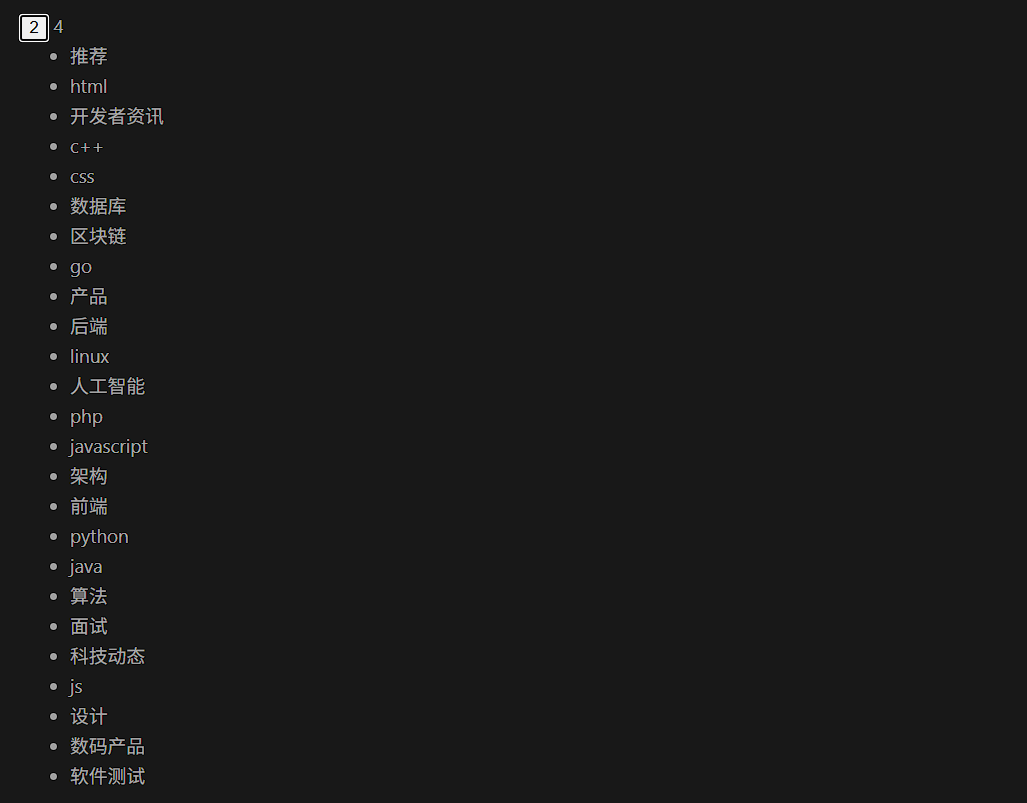
</ul>执行结果为
全部代码:
counter.js
//导出一个方法defineStore
import { defineStore } from "pinia";
import { computed, ref } from "vue";
import axios from "axios";
const API_URL = 'http://geek.itheima.net/v1_0/channels'
export const useCounterStore = defineStore('counter', () =>{
//定义数据state
const count = ref(0)
//定义修改数据的方法(action 同步+异步)
const increment = () =>{
count.value++
}
//getter定义
const doubleCount = computed(() => count.value*2)
//定义异步action
const list = ref([])
const getList = async () => {
const res = await axios.get(API_URL)
list.value = res.data.data.channels
}
//以对象的方式return供组件使用
return{
count,
increment,
doubleCount,
list,
getList
}
})App.vue
<script setup>
//1.导入定义好的use打头的方法
import {useCounterStore} from '@/stores/Counter'
import { onMounted } from 'vue'
//2.执行方法得到store实例对象
const counterStore = useCounterStore()
console.log(counterStore)
onMounted(() =>{
counterStore.getList()
})
</script>
<template>
<button @click="counterStore.increment">{{ counterStore.count }}</button>
{{ counterStore.doubleCount }}
<ul>
    <li v-for="item in counterStore.list" :key="item.id">{{ item.name }}</li>
  </ul>
</template>
<style scoped>
</style>
1.4 storeToRefs和调试
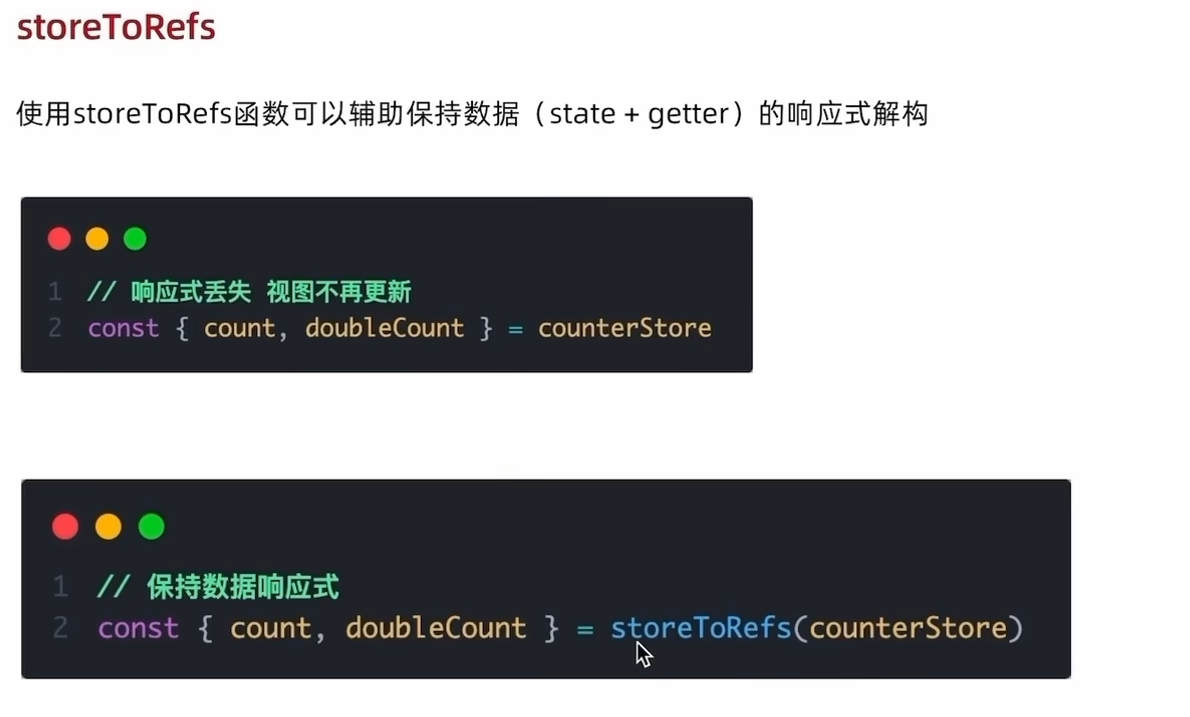
注意:storeToRefs只负责数据的解构赋值,方法类型的对象还需要从原来的counterStore中进行解构赋值。
App.vue:
<script setup>
//1.导入定义好的use打头的方法
import {useCounterStore} from '@/stores/counter'
import { storeToRefs } from 'pinia'
import { onMounted } from 'vue'
//2.执行方法得到store实例对象
const counterStore = useCounterStore()
console.log(counterStore)

//直接解构赋值(回响应式丢失)
//const {count,doubleCount} = counterStore
//console.log(count,doubleCount)

//方法包裹(不会丢失响应式,保持响应式更新)
const {count,doubleCount} = storeToRefs (counterStore)
console.log(count,doubleCount)

//方法直接从原来的counterStore中解构赋值
const {increment} = counterStore

//触发action
onMounted(() =>{
  counterStore.getList()
})

</script>

<template>
  <button @click="increment">{{ count }}</button>
  {{ doubleCount }}

  <ul>
    <li v-for="item in counterStore.list" :key="item.id">{{ item.name }}</li>
  </ul>
</template>

<style scoped>

</style>
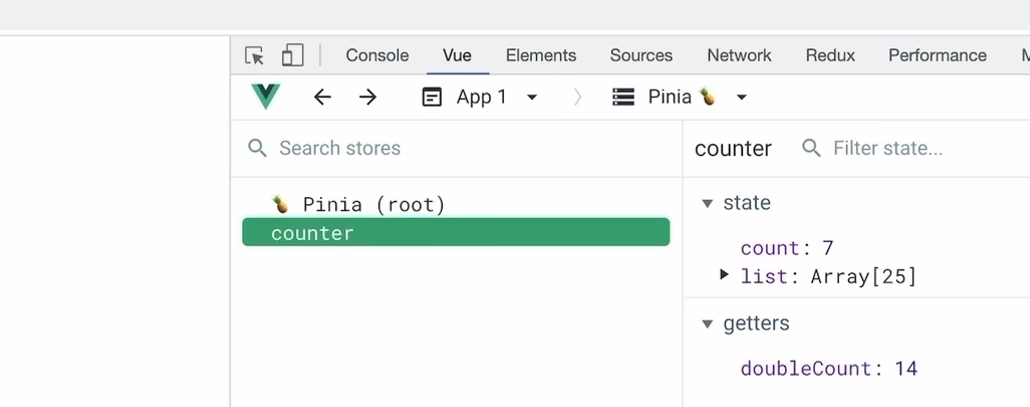
pinia 的调试可以用浏览器中的devtools进行调试,有的可能需要在浏览器中下载插件
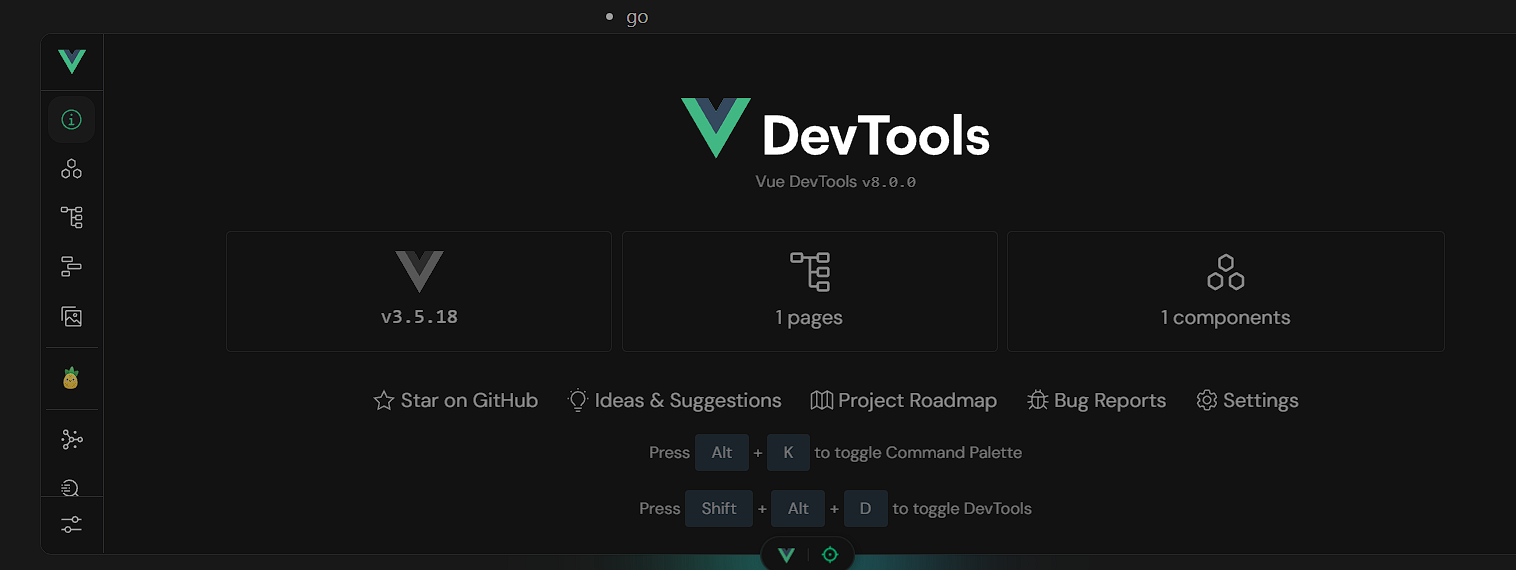
我和视频中的不一样,项目运行后下方自带devtools调试工具,朋友们可以参考
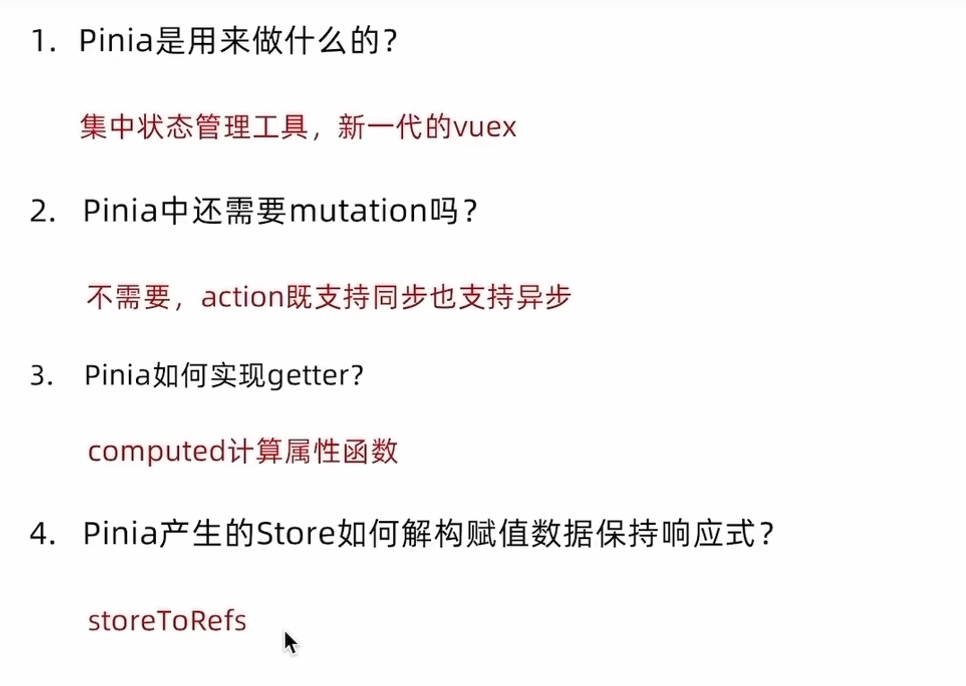
小结:

Agent 垂直技术社区,欢迎活跃、内容共建。
更多推荐


 21
21 0
0- 0


 已为社区贡献2条内容

所有评论(0)