使用 Vite 快速创建 React 项目 - SuperMap iClient JavaScript / Leaflet
·
作者:陈敏
- Node.js:v22.19.0
- React:19.1.1
- SuperMap iClient:supermapgis/iclient-leaflet
1、创建项目
# 查看 node 版本
node -v
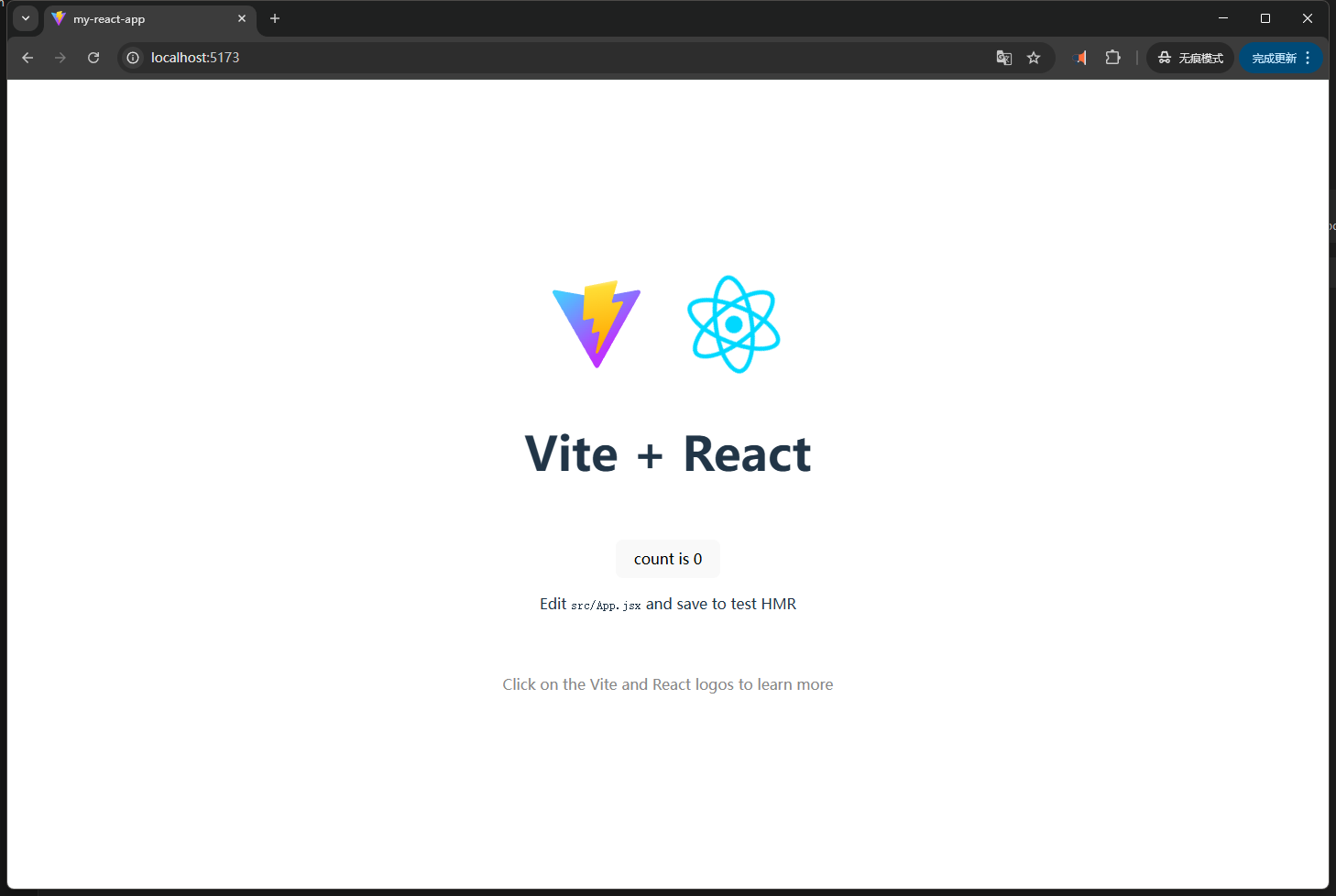
# 创建项目,创建后根据提示启动项目
npm create vite@latest my-react-app -- --template react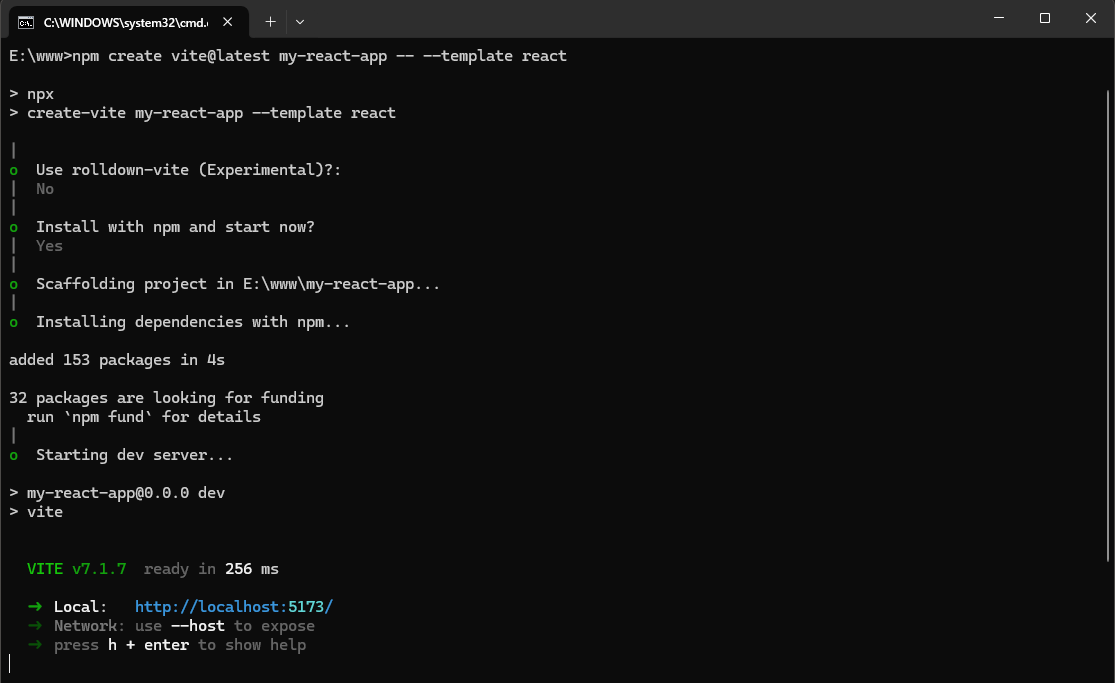
2、加载地图
2.1、编写代码
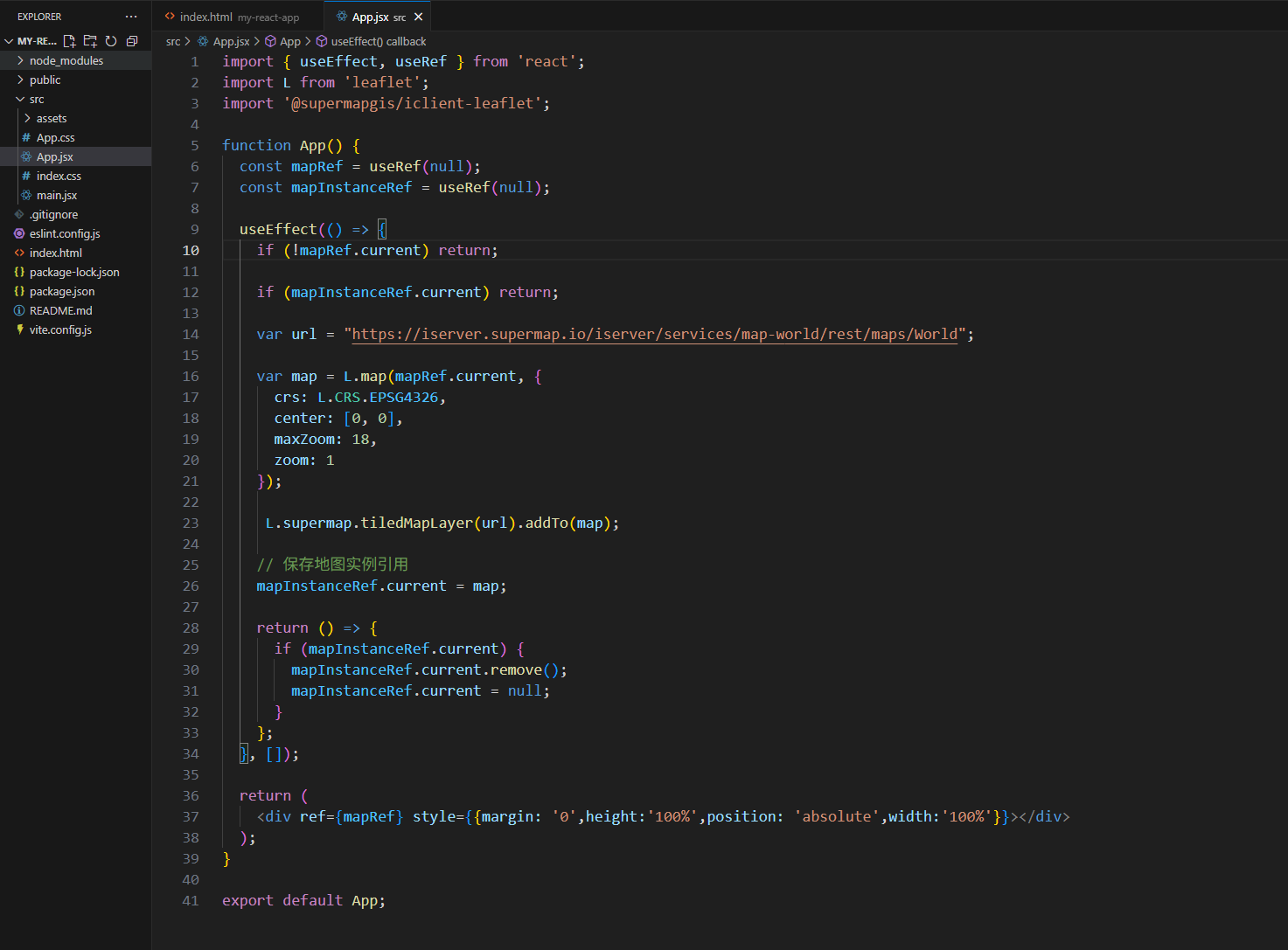
- App.js:具体加载地图代码
// App.js
import { useEffect, useRef } from 'react';
import L from 'leaflet';
import '@supermapgis/iclient-leaflet';

function App() {
  const mapRef = useRef(null);
  const mapInstanceRef = useRef(null);

  useEffect(() => {
    if (!mapRef.current) return;

    if (mapInstanceRef.current) return;

    var url = "https://iserver.supermap.io/iserver/services/map-world/rest/maps/World";

    var map = L.map(mapRef.current, {
      crs: L.CRS.EPSG4326,
      center: [0, 0],
      maxZoom: 18,
      zoom: 1
    });

     L.supermap.tiledMapLayer(url).addTo(map);

    mapInstanceRef.current = map;

    return () => {
      if (mapInstanceRef.current) {
        mapInstanceRef.current.remove();
        mapInstanceRef.current = null;
      }
    };
  }, []);

  return (
    <div ref={mapRef} style={{margin: '0',height:'100%',position: 'absolute',width:'100%'}}></div>
  );
}

export default App;
- index.html:引入 iclient-leaflet 相关 css 文件
<!-- index.html -->
<link rel="stylesheet" href="https://cdnjs.cloudflare.com/ajax/libs/leaflet/1.5.1/leaflet.css" />
<link rel="stylesheet" href="https://iclient.supermap.io/dist/leaflet/iclient-leaflet.min.css" />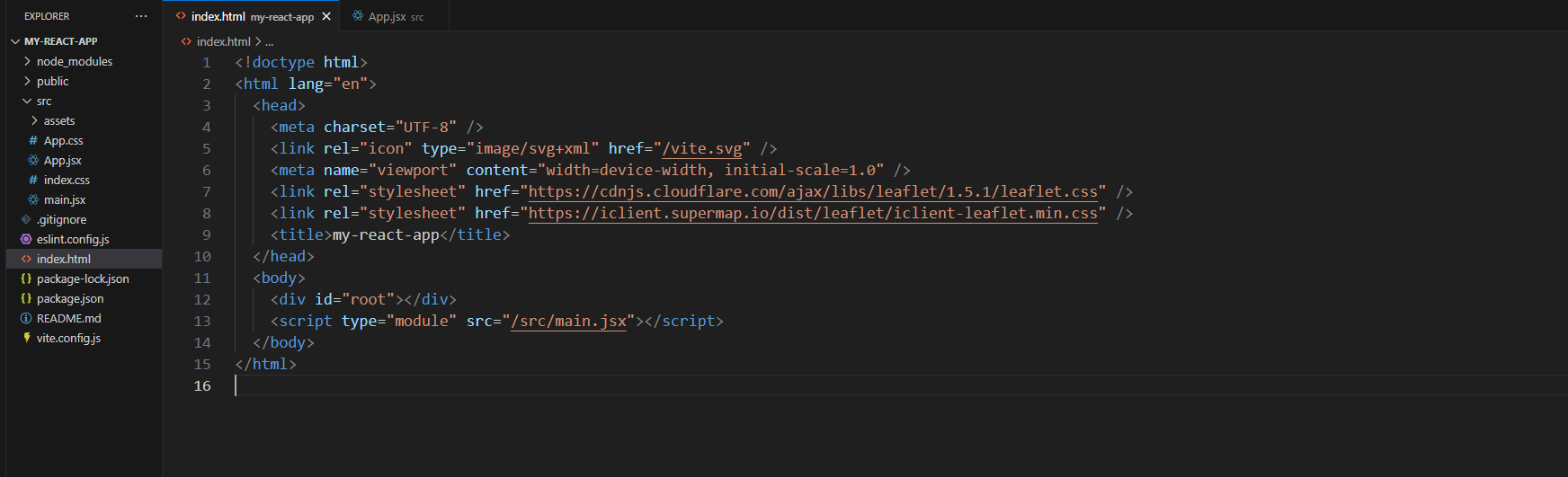
2.2、引入 SuperMap iClient for Leaflet
# 进入项目目录
cd my-react-app
# 安装 supermap-iclient
npm install @supermapgis/iclient-leaflet
# 启动
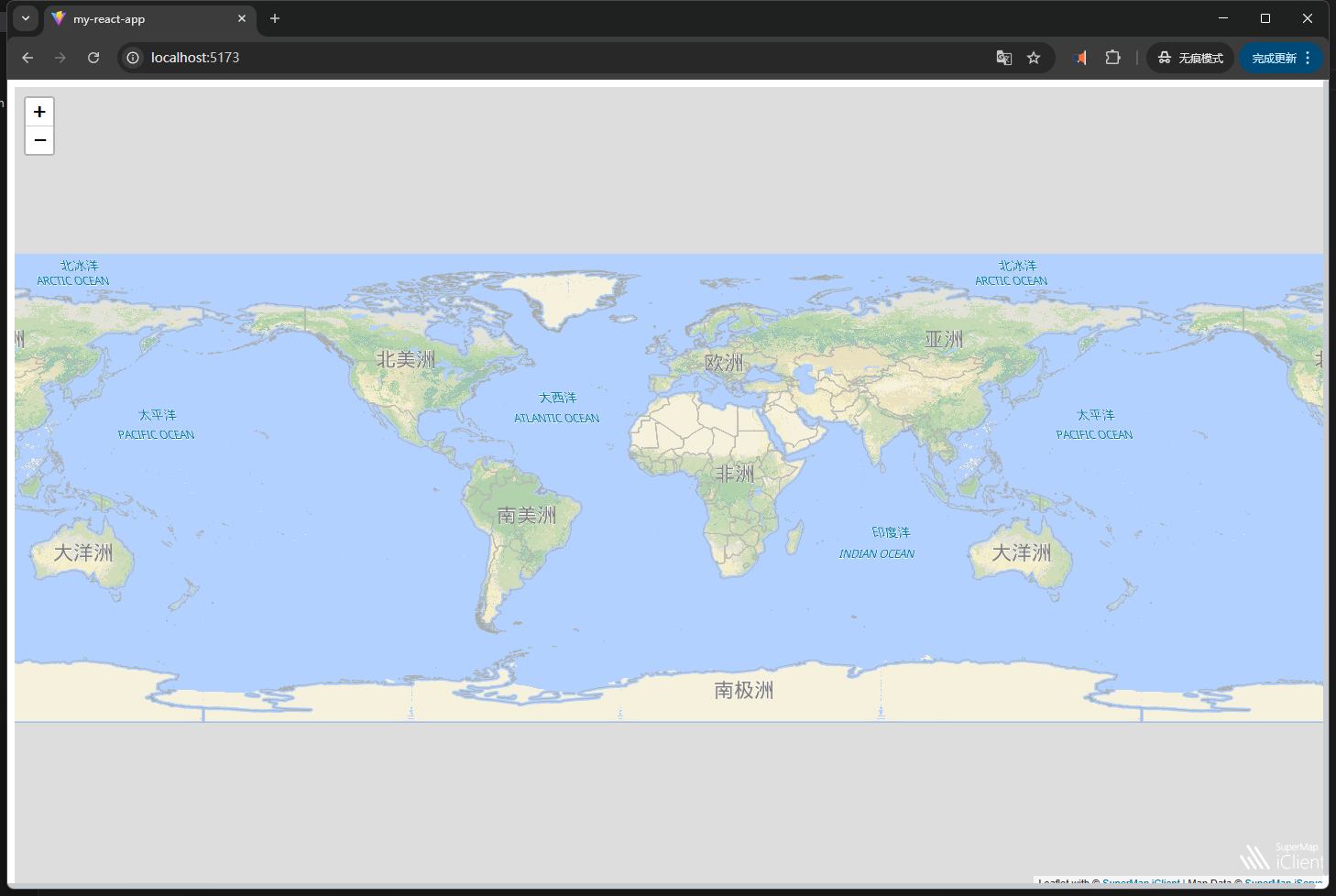
npm run dev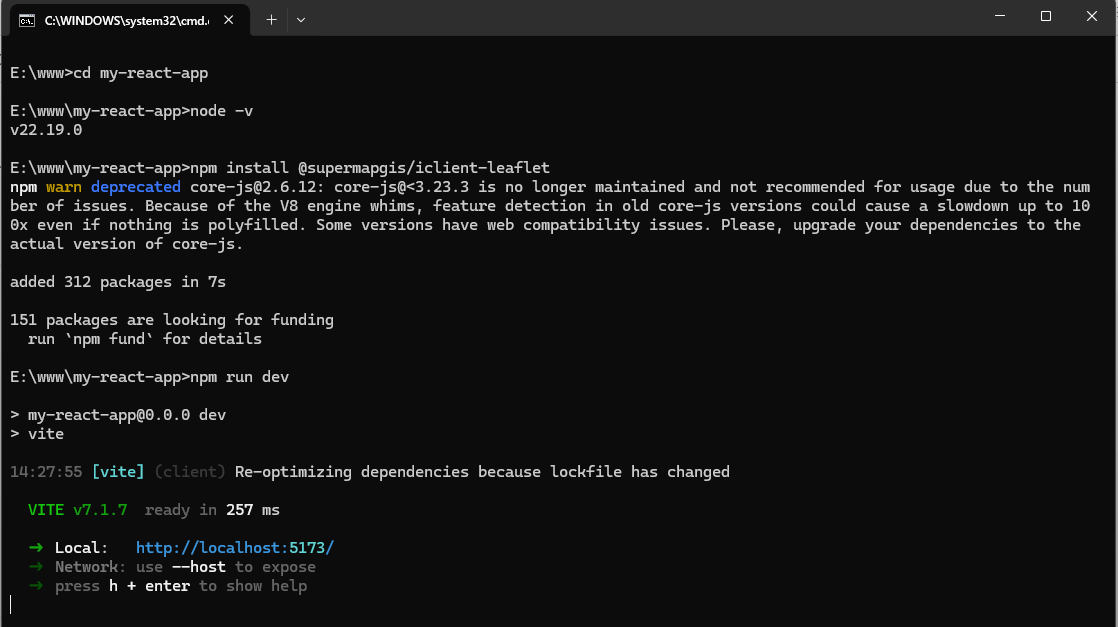

Agent 垂直技术社区,欢迎活跃、内容共建。
更多推荐
 0
0 0
0- 0


 已为社区贡献3条内容

所有评论(0)