开发·SpringBoot+Vue
·
MVC
model-view-controller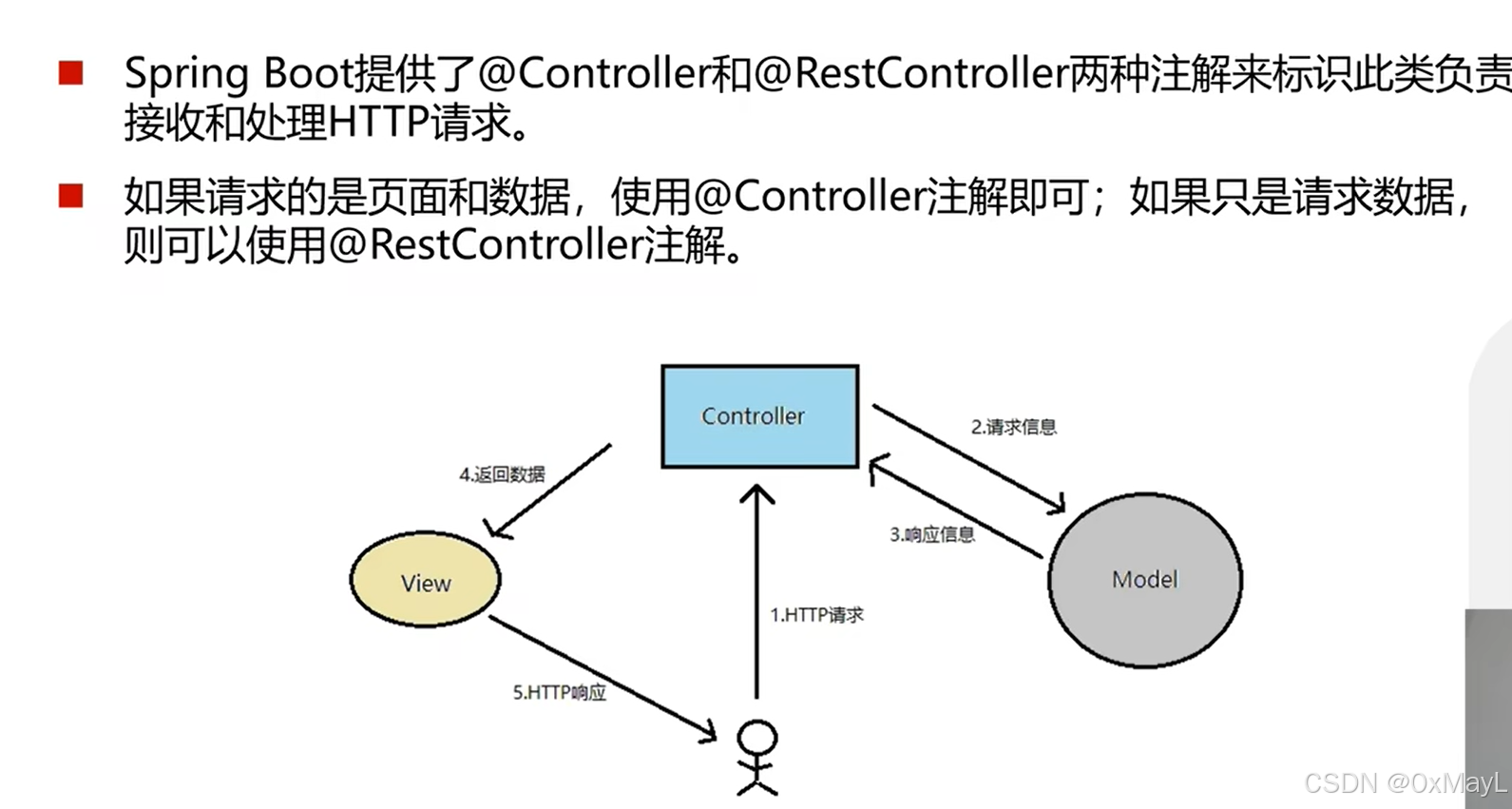
Controller和RestController
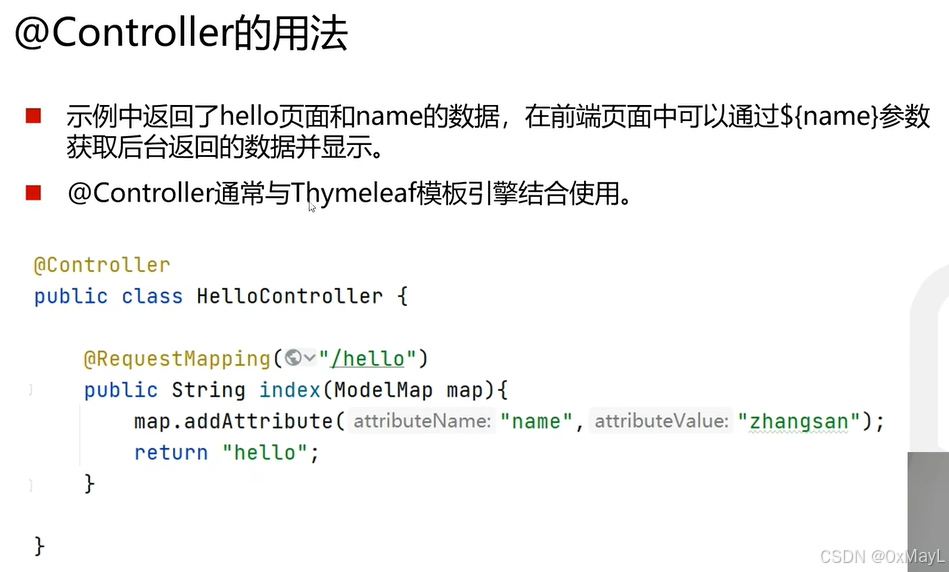
Controller
- 适合前后端不分离
- 返回数据+视图(html)
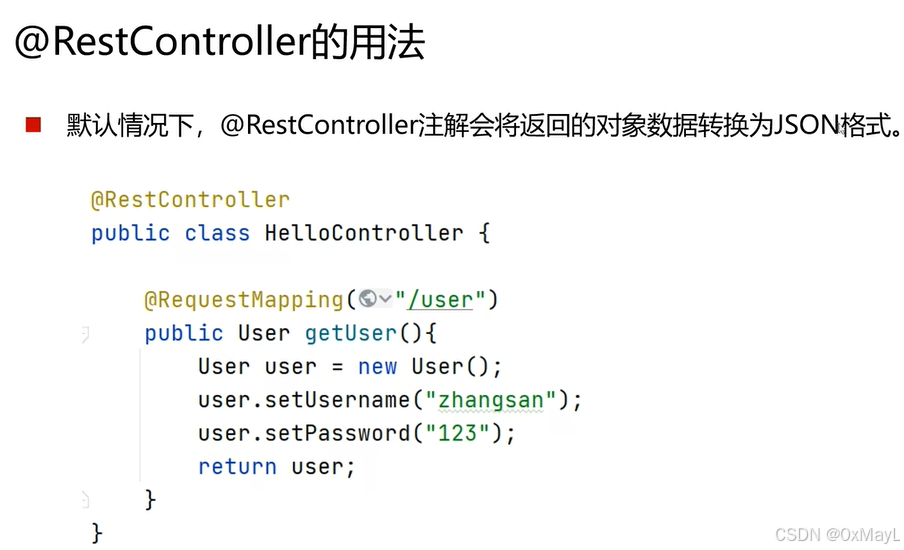
RestController
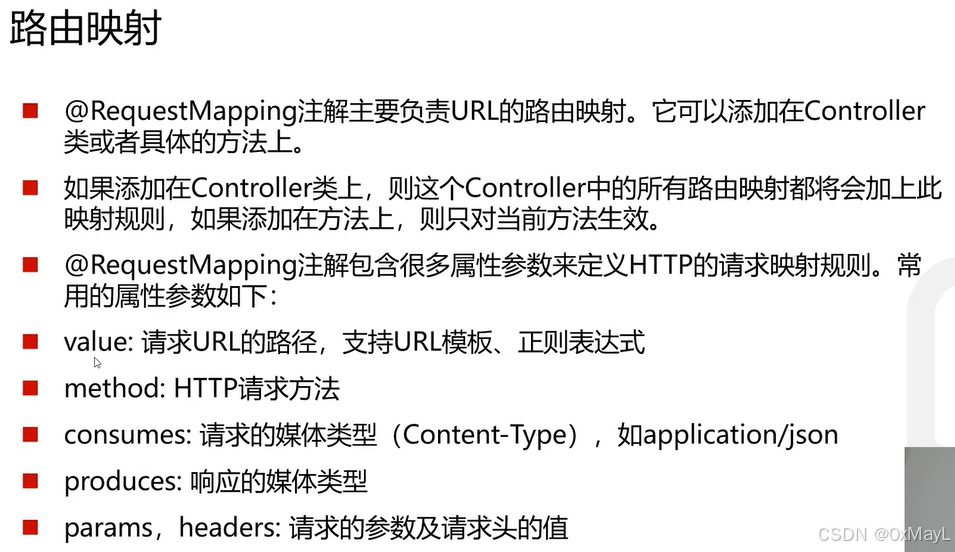
RequestMapping
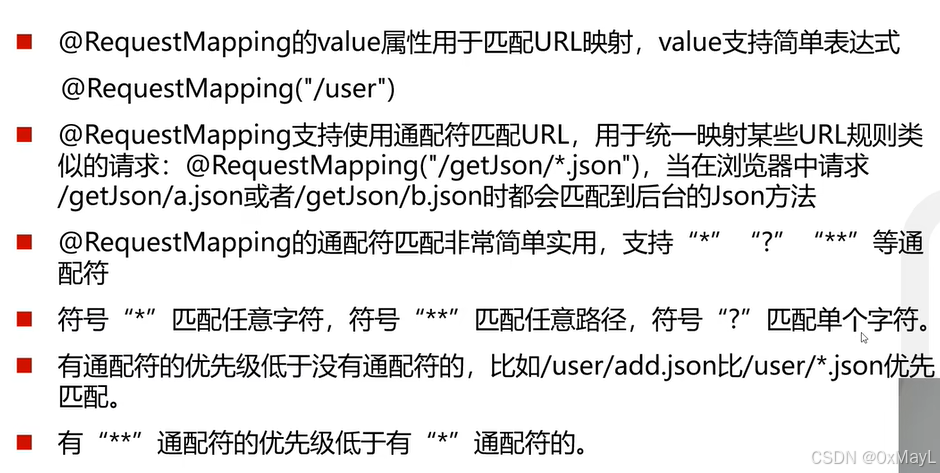
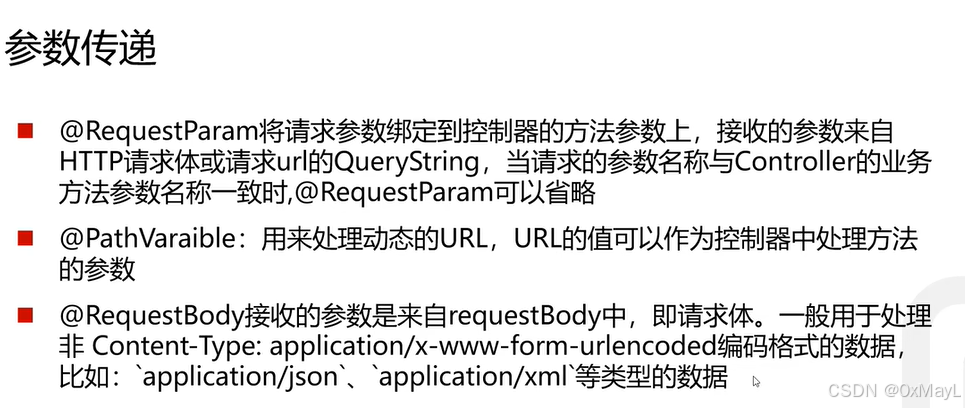
- 可以直接传入自定义类,但是参数名称和顺序必须完全一致
	@RequestMapping(value="/test1",method= RequestMethod.GET)
    public String test1(User user){
        System.out.println(user.getUsername());
        System.out.println(user.getPassword());
        return "hello world!";
    }
- 支持传入的参数与控制器接受的参数名称不一致,但需要RequestParam注解
    @RequestMapping(value="/test2",method= RequestMethod.GET)
    public String test2(@RequestParam(value="username",required = false) String nickname,
                        @RequestParam(value="password",required = false)String ciphertext){
        System.out.println(nickname);
        System.out.println(ciphertext);
        return "Get请求!";
    }
- 两个通配符表示/之后所有内容都能识别
@RequestMapping(value="/test3/**",method= RequestMethod.GET)
    public String test3(String username,String password){
        System.out.println(username);
        System.out.println(password);
        return "Get请求!";
    }
- 放在url里面还是body里面都能识别参数
@RequestMapping(value="/test4",method= RequestMethod.POST)
    public String test4(String username,String password){
        System.out.println(username);
        System.out.println(password);
        return "Get请求!";
    }
- json格式的POST请求,使用RequestBody注解包裹
    @RequestMapping(value="/test5",method= RequestMethod.POST)
    public String test5(@RequestBody  User user){
        System.out.println(user.getUsername());
        System.out.println(user.getPassword());
        return "Get请求!";
    }
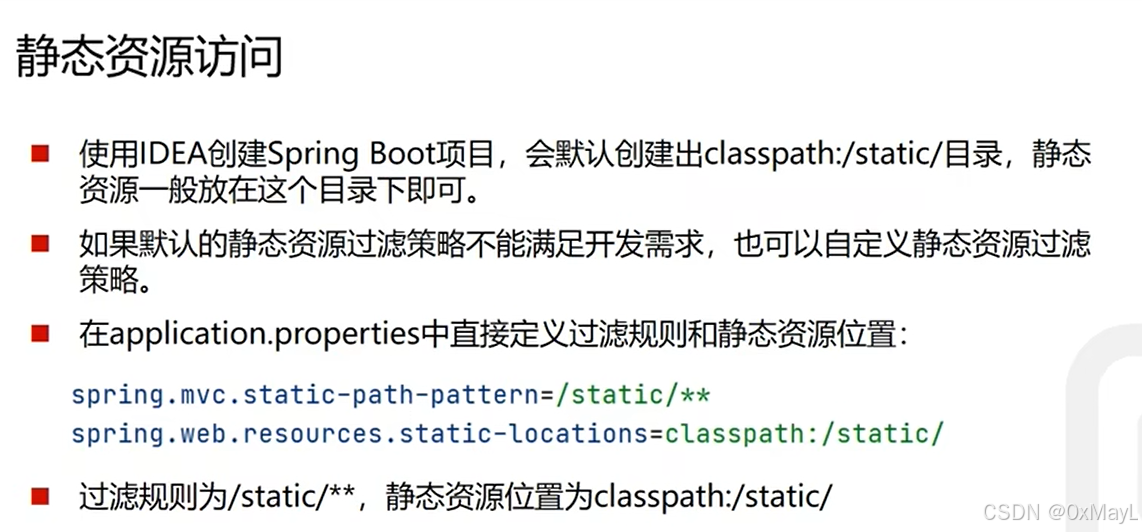
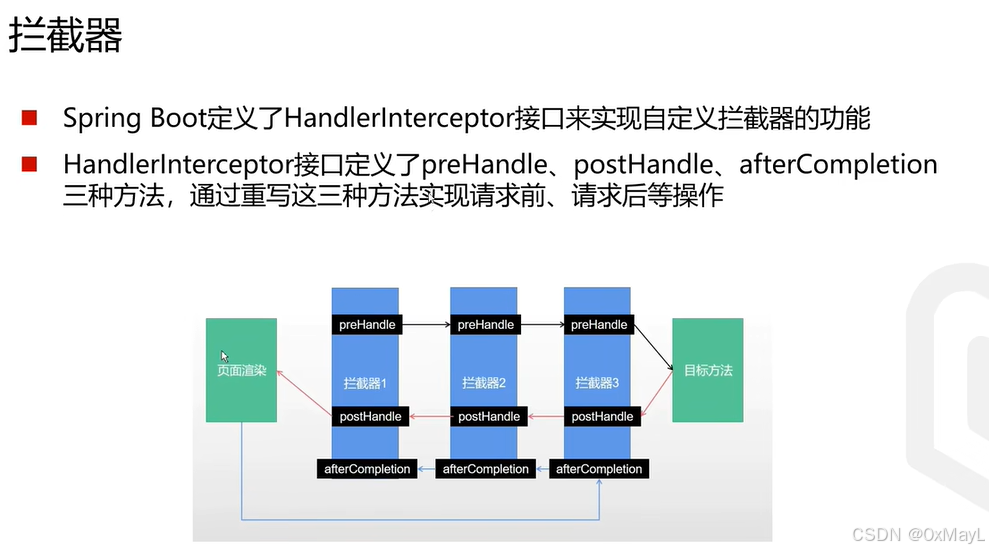
- 配置文件:继承WebMvcConfigurer ,使用Configuration注释
src/java/config/WebConfig.java
@Configuration
public class WebConfig implements WebMvcConfigurer {
    @Override
    public void addInterceptors(InterceptorRegistry registry) {
        registry.addInterceptor(new LoginInterceptor());
    }
}
- 配置拦截器,继承HandlerInterceptor。
public class LoginInterceptor implements HandlerInterceptor {
    @Override
    public boolean preHandle(HttpServletRequest request, HttpServletResponse response, Object handler) throws Exception {
        System.out.println("拦截成功!");
        return true;
    }

}
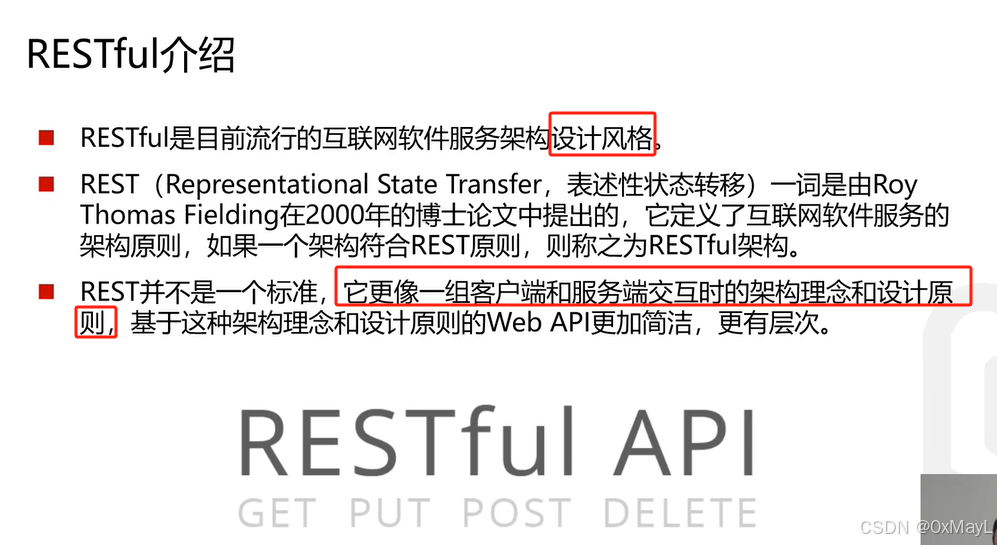
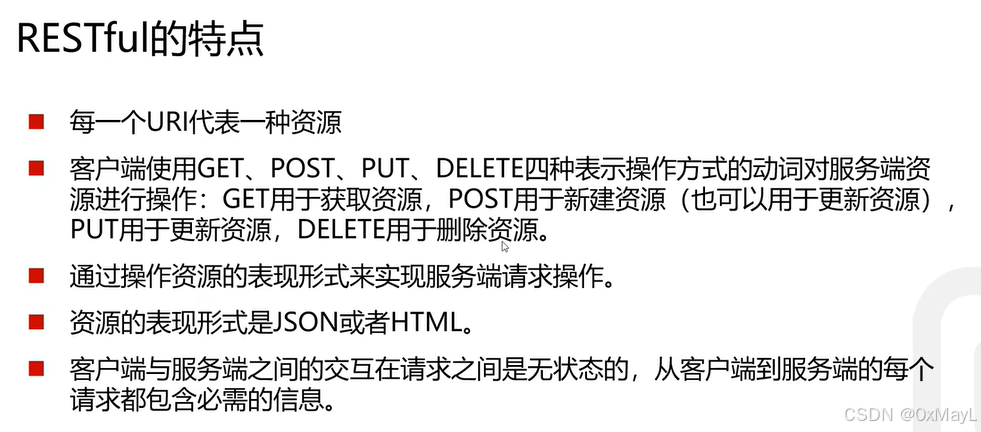
RESTful API

Agent 垂直技术社区,欢迎活跃、内容共建。
更多推荐

 10
10 0
0- 0


 已为社区贡献1条内容

所有评论(0)