uniApp 实时获取当前位置:API 实战与场景化实现指南
uniApp 实时获取当前位置:API 实战与场景化实现指南
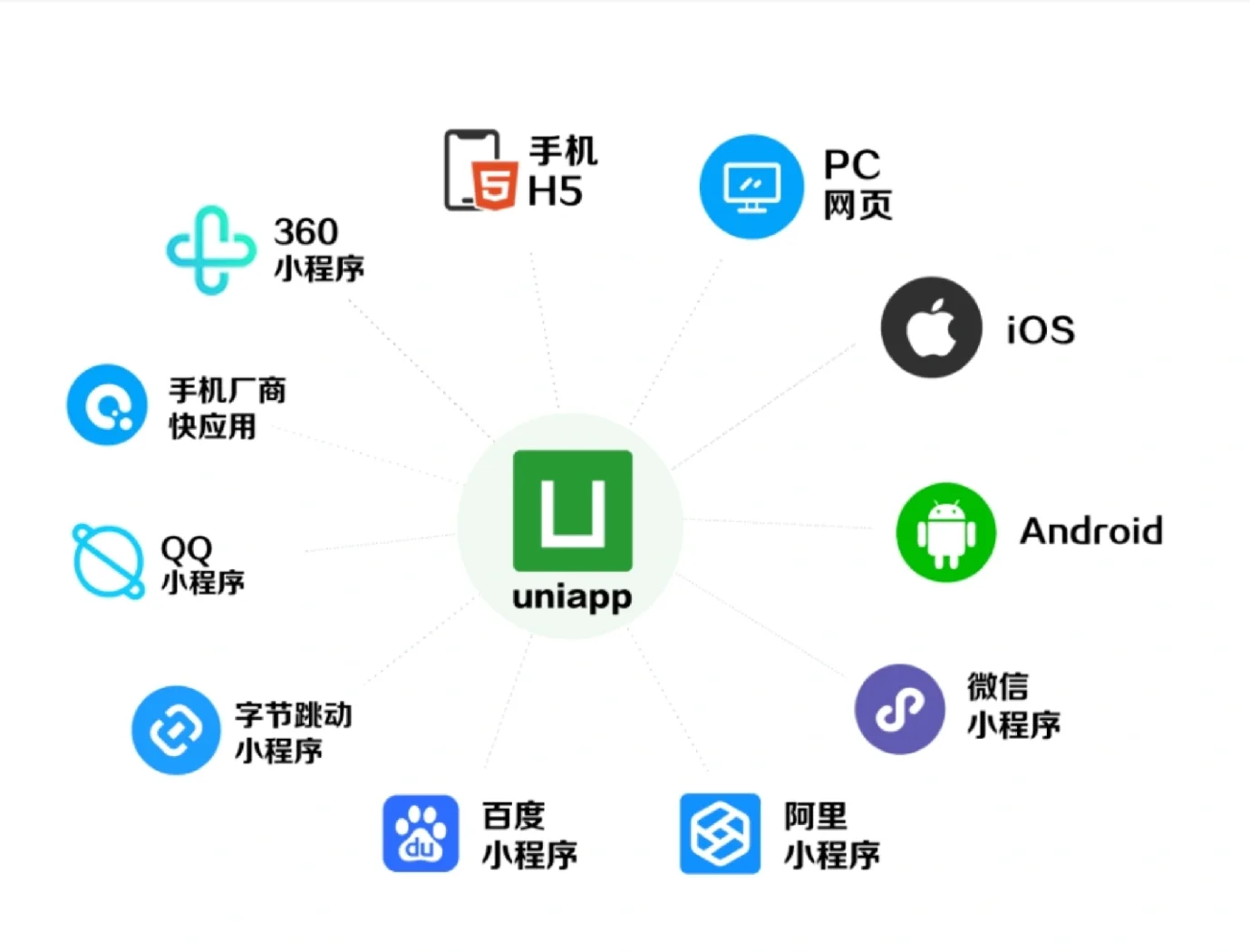
在移动应用开发中,实时位置获取是高频需求(如外卖配送、出行导航、本地服务定位)。uniApp 作为跨端开发框架,封装了统一的位置 API,支持 App、小程序、H5 等多端实时定位,无需针对不同平台单独开发。本文详解 uniApp 实时获取位置的核心原理、权限配置、代码实现与场景优化,附完整实战案例,帮助开发者快速落地功能。
一、核心原理与技术选型
1. 实时定位核心原理
uniApp 底层调用各平台原生定位能力(如 Android 的 GPS / 网络定位、iOS 的 CoreLocation、微信小程序的 wx.getLocation),通过 uni.getLocation 接口统一封装,开发者无需关注平台差异,只需调用统一 API 即可实现实时定位:
- 单次定位:直接获取当前位置坐标(经纬度、海拔、速度等);
- 实时定位:通过定时器循环调用定位 API,或监听位置变化事件,实现位置实时更新。
2. 技术选型与适配说明
|
技术点 |
选型说明 |
适配平台 |
|
核心 API |
uni.getLocation(uniApp 内置,无需额外依赖) |
App(Android/iOS)、微信小程序、H5(部分浏览器) |
|
权限申请 |
uni.authorize(统一申请定位权限) |
全平台 |
|
坐标转换 |
腾讯 / 高德地图 API(可选,转换为火星坐标) |
需精准定位的场景(如导航) |
|
实时更新方案 |
setInterval 循环调用 + 防抖优化 |
大多数实时定位场景 |
二、实战步骤:实时定位功能实现
1. 第一步:权限申请(关键前置操作)
所有平台都要求先获取用户定位权限,否则定位 API 会调用失败。需在 manifest.json 中配置权限,并在代码中主动申请。
(1)配置 manifest.json 权限
// 微信小程序权限配置(manifest.json -> 微信小程序配置)
"mp-weixin": {
"permission": {
"scope.userLocation": {
"desc": "需要获取您的位置信息,以便提供相关服务" // 权限申请描述
}
}
},
// App 权限配置(manifest.json -> App 权限配置)
"app-plus": {
"permissions": {
"location": {
"description": "获取位置信息"
}
},
"distribute": {
"android": {
"permissions": ["android.permission.ACCESS_FINE_LOCATION", "android.permission.ACCESS_COARSE_LOCATION"]
},
"ios": {
"plist": {
"NSLocationWhenInUseUsageDescription": "需要获取您的位置信息,以便提供相关服务"
}
}
}
}
(2)代码中申请权限
// 在页面 onLoad 生命周期中申请权限
onLoad() {
this.requestLocationPermission();
},
methods: {
// 申请定位权限
async requestLocationPermission() {
try {
// 检查是否已授权
const authSetting = await uni.getSetting();
if (!authSetting.authSetting['scope.userLocation']) {
// 未授权,发起申请
await uni.authorize({ scope: 'scope.userLocation' });
console.log('定位权限申请成功');
// 权限通过后,启动实时定位
this.startRealTimeLocation();
} else {
// 已授权,直接启动实时定位
this.startRealTimeLocation();
}
} catch (err) {
console.error('定位权限申请失败:', err);
uni.showToast({ title: '请开启定位权限', icon: 'none' });
}
}
}
2. 第二步:实时定位核心代码实现
通过 setInterval 循环调用 uni.getLocation,结合防抖优化,实现位置实时更新(每 3 秒获取一次,可按需调整频率)。
export default {
data() {
return {
locationTimer: null, // 定时器实例
currentLocation: { // 当前位置信息
latitude: '', // 纬度
longitude: '', // 经度
address: '', // 地址(逆地理编码结果)
speed: 0 // 移动速度(m/s)
}
};
},
methods: {
// 启动实时定位
startRealTimeLocation() {
// 清除之前的定时器,防止重复调用
if (this.locationTimer) clearInterval(this.locationTimer);
// 每 3 秒获取一次位置
this.locationTimer = setInterval(async () => {
await this.getLocation();
}, 3000);
},
// 获取当前位置
async getLocation() {
try {
const res = await uni.getLocation({
type: 'gcj02', // 坐标类型:gcj02(火星坐标,适用于国内)
altitude: true, // 是否返回海拔
speed: true // 是否返回速度
});
// 更新位置坐标
this.currentLocation.latitude = res.latitude;
this.currentLocation.longitude = res.longitude;
this.currentLocation.speed = res.speed || 0;
// (可选)逆地理编码:将经纬度转为具体地址
await this.getAddress(res.latitude, res.longitude);
} catch (err) {
console.error('获取位置失败:', err);
// 定位失败时,清除定时器,避免无限报错
clearInterval(this.locationTimer);
uni.showToast({ title: '定位失败,请检查权限', icon: 'none' });
}
},
// 逆地理编码:经纬度转地址(调用腾讯地图 API)
async getAddress(latitude, longitude) {
// 需在腾讯地图开放平台申请 API 密钥(免费额度足够开发)
const key = '您的腾讯地图 API 密钥';
const url = `https://apis.map.qq.com/ws/geocoder/v1/?location=${latitude},${longitude}&key=${key}`;
try {
const res = await uni.request({ url });
if (res.data.status === 0) {
// 更新地址信息
this.currentLocation.address = res.data.result.address;
}
} catch (err) {
console.error('逆地理编码失败:', err);
}
}
},
// 页面卸载时,清除定时器(重要:防止内存泄漏)
onUnload() {
if (this.locationTimer) clearInterval(this.locationTimer);
}
};
3. 第三步:页面渲染与场景实战
在页面中展示实时位置信息(经纬度、地址、速度),适配洗衣店订单、外卖配送等场景。
(1)页面模板(pages/location/location.vue)
<template>
<view class="location-container">
<view class="location-item">
<text class="label">当前地址:</text>
<text class="value">{{ currentLocation.address || '获取中...' }}</text>
</view>
<view class="location-item">
<text class="label">经纬度:</text>
<text class="value">{{ currentLocation.latitude.toFixed(6) }}, {{ currentLocation.longitude.toFixed(6) }}</text>
</view>
<view class="location-item">
<text class="label">移动速度:</text>
<text class="value">{{ currentLocation.speed.toFixed(1) }} m/s</text>
</view>
<!-- 场景按钮:如洗衣店订单的“确认当前取件地址” -->
<button class="confirm-btn" @click="confirmLocation">确认当前取件地址</button>
</view>
</template>
<style scoped>
.location-container {
padding: 20rpx;
}
.location-item {
margin-bottom: 30rpx;
font-size: 28rpx;
}
.label {
color: #666;
margin-right: 10rpx;
}
.value {
color: #333;
font-weight: 500;
}
.confirm-btn {
background-color: #2c3e50;
color: #fff;
margin-top: 50rpx;
}
</style>
(2)场景化应用:洗衣店订单取件地址确认
methods: {
// 确认当前地址为取件地址(对接洗衣店订单系统)
confirmLocation() {
if (!this.currentLocation.address) {
uni.showToast({ title: '地址获取中,请稍后', icon: 'none' });
return;
}
// 将实时位置传递给订单页面(或调用订单提交接口)
uni.$emit('confirmPickAddress', {
address: this.currentLocation.address,
latitude: this.currentLocation.latitude,
longitude: this.currentLocation.longitude
});
// 返回上一页
uni.navigateBack();
}
}
三、关键优化与多端适配
1. 核心优化点
- 防抖与节流:通过 setInterval 控制定位频率(建议 2-5 秒一次),避免频繁调用 API 消耗性能;
- 内存泄漏防护:页面卸载时必须清除定时器,防止后台持续调用;
- 异常处理:定位失败时(如权限关闭、信号弱),及时提示用户并停止定位;
- 坐标转换:国内平台需使用 gcj02 火星坐标,海外使用 wgs84 坐标,避免定位偏移。
2. 多端适配注意事项
|
平台 |
适配要点 |
|
微信小程序 |
需在微信公众平台配置 “地理位置” 接口权限,且必须部署上线后才能正常使用; |
|
App(Android) |
Android 10+ 要求定位权限为 ACCESS_FINE_LOCATION,且需开启 GPS; |
|
App(iOS) |
需在 info.plist 配置定位描述,且仅支持前台定位(后台定位需额外配置); |
|
H5 |
仅支持 HTTPS 协议,且部分浏览器(如 Safari)可能限制定位频率。 |
3. 性能优化:减少定位消耗
- 非实时场景(如仅确认一次地址):使用单次定位(直接调用 uni.getLocation,无需定时器);
- 实时场景:根据业务需求调整定位频率(如导航场景 1 秒一次,普通定位 3-5 秒一次);
- 网络优化:逆地理编码可缓存结果,避免每次定位都调用第三方 API。
四、常见问题与解决方案
- 定位权限申请失败:检查 manifest.json 权限配置是否完整,确保权限描述清晰(部分平台要求描述需具体);
- 定位偏移严重:确认坐标类型为 gcj02(国内),若使用 wgs84 坐标会出现偏移;
- H5 端定位失败:确保页面使用 HTTPS 协议,本地开发可通过 localhost 测试;
- App 端后台定位失效:Android 需申请后台定位权限,iOS 需配置 UIBackgroundModes 为 location。
总结
uniApp 通过统一的 uni.getLocation API,实现了多端实时定位功能的快速落地,无需针对不同平台单独开发,大幅提升开发效率。本文提供的代码示例覆盖了权限申请、实时更新、逆地理编码、场景化应用等核心环节,可直接复用至洗衣店订单、外卖配送、本地服务等场景。实际开发中,需根据业务需求调整定位频率、优化异常处理,并注意多端适配细节,确保功能稳定可用。随着移动应用对位置服务的需求日益增长,uniApp 定位能力的灵活运用将成为提升用户体验的关键。

Agent 垂直技术社区,欢迎活跃、内容共建。
更多推荐
 9
9 0
0- 0


 已为社区贡献34条内容

所有评论(0)