【JAVA】Mac本地运行毕设神器开源框架RuoYi(若依),内含踩坑日志
·
运行步骤
后端篇
1、使用IEDA打开
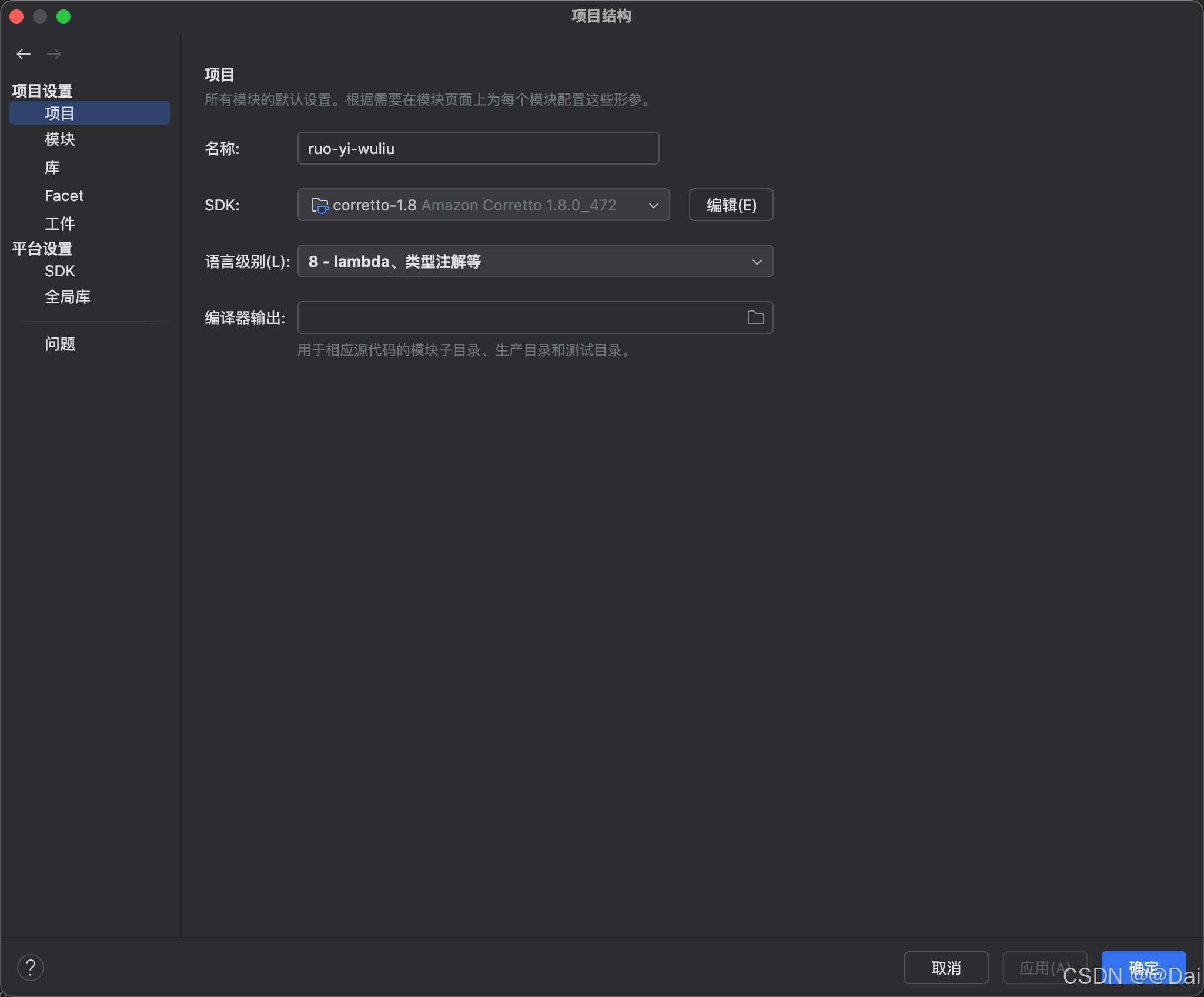
2、配置SDK(1.8)
3、启动Redis
# 安装:brew install redis
# 启动:brew services start redis
4、application-druid.yml修改数据库配置(一般只需更改密码)

4、运行
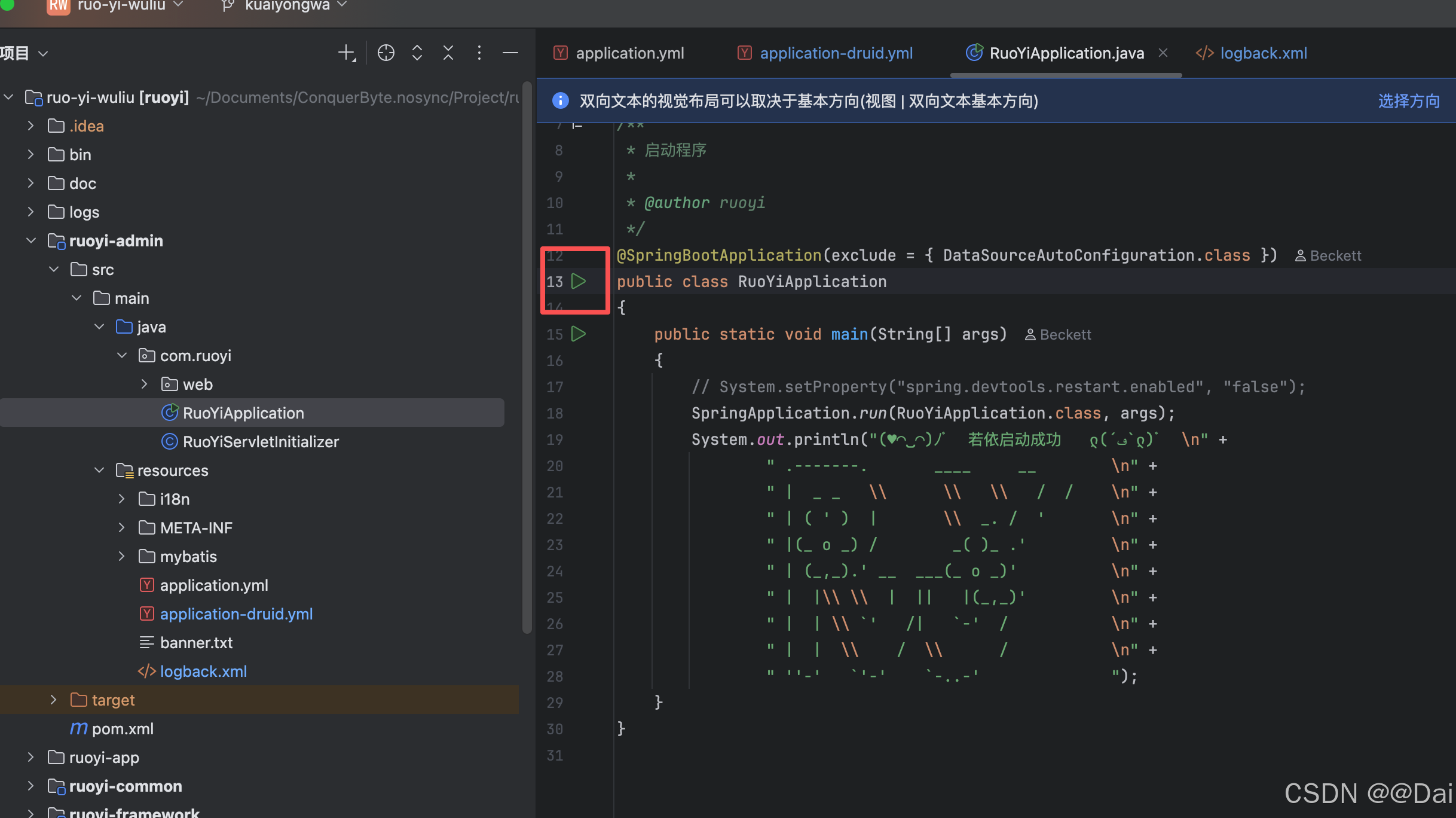
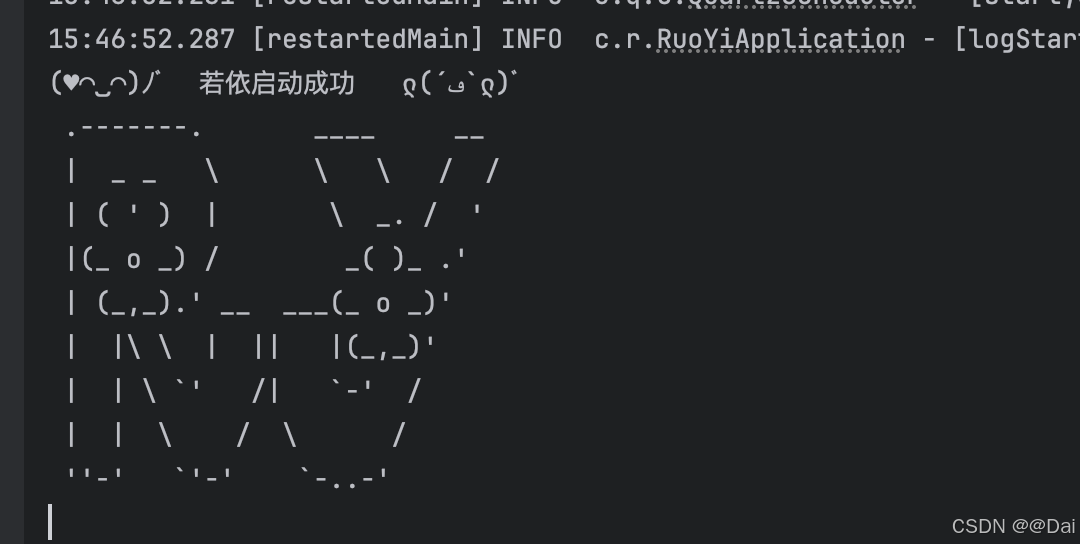
✅成功
前端篇
1、cd ruoyi-ui 进入前端项目目录
2、npm install安装依赖
3、npm run dev运行项目
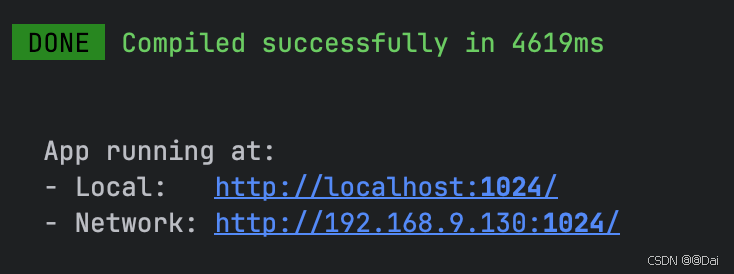
4、访问http://localhost:1024
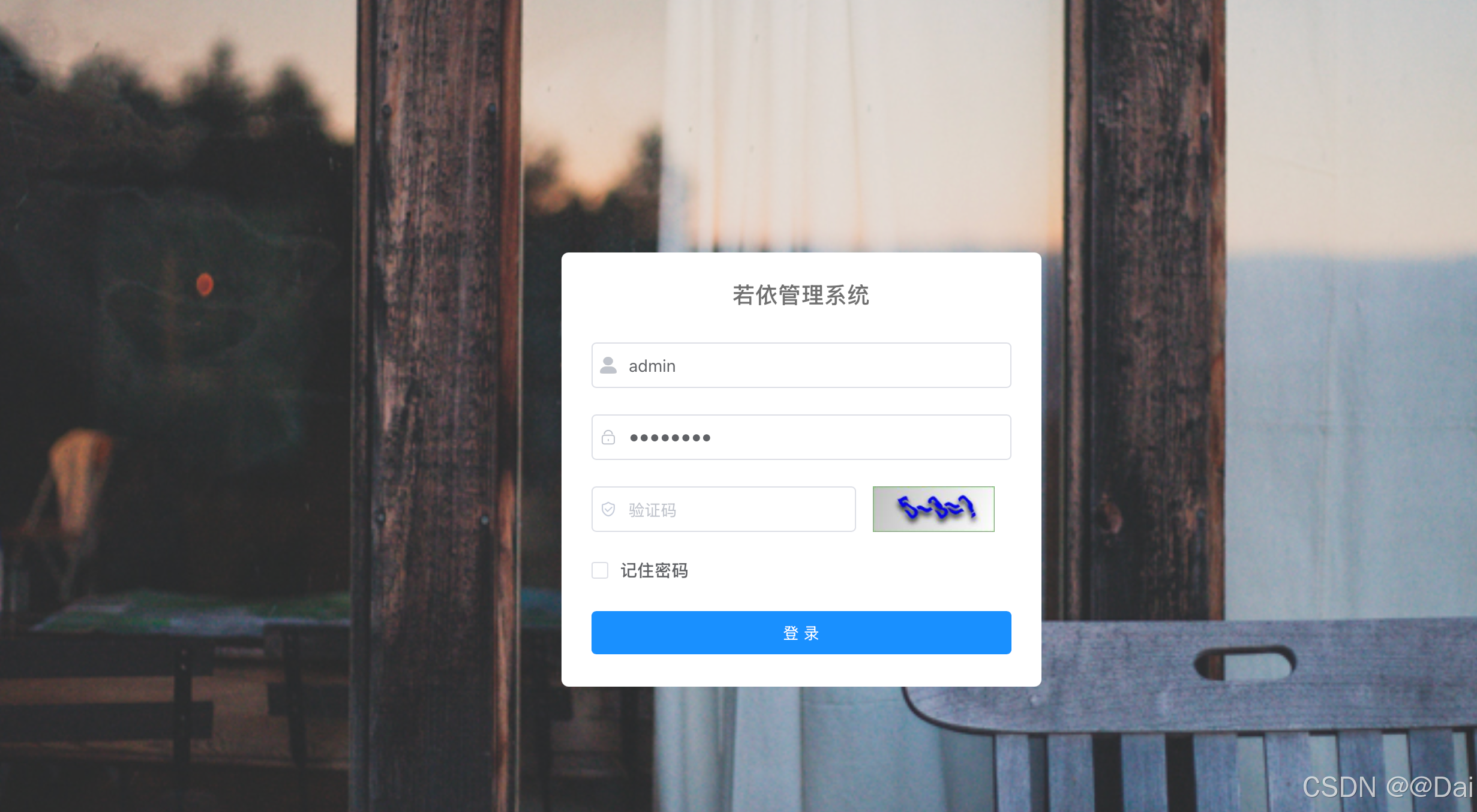
✅成功
部署篇
通过命令打jar包,传到服务器进行运行即可。
默认账密
账号:admin
密码:admin123
踩坑日志
logback
ERROR in ch.qos.logback.core.rolling.RollingFileAppender[file_info] - Failed to create parent directories for [/home/ruoyi/logs/sys-info.log]
14:49:07,827 |-ERROR in ch.qos.logback.core.rolling.RollingFileAppender[file_info] - openFile(/home/ruoyi/logs/sys-info.log,true) call failed. java.io.FileNotFoundException: /home/ruoyi/logs/sys-info.log (No such file or directory)
	at java.io.FileNotFoundException: /home/ruoyi/logs/sys-info.log (No such file or directory)
	at 	at java.io.FileOutputStream.open0(Native Method)
	at 	at java.io.FileOutputStream.open(FileOutputStream.java:270)
	at 	at java.io.FileOutputStream.<init>(FileOutputStream.java:213)
	at 	at ch.qos.logback.core.recovery.ResilientFileOutputStream.<init>(ResilientFileOutputStream.java:26)
	at 	at ch.qos.logback.core.FileAppender.openFile(FileAppender.java:204)
	at 	at ch.qos.logback.core.FileAppender.start(FileAppender.java:127)
	at 	at ch.qos.logback.core.rolling.RollingFileAppender.start(RollingFileAppender.java:100)
解决:
到logback.xml重新指定日志目录
<property name="log.path" value="/home/ruoyi/logs" />
/home/ruoyi/logs改为本地能访问的目录
欢迎大家私信咨询问题!
➡️阿里云优惠购机渠道

Agent 垂直技术社区,欢迎活跃、内容共建。
更多推荐


 4
4 0
0- 0


 已为社区贡献1条内容

所有评论(0)