【Anaconda | Python | pytorch】sklearn scikit-learn 报错:
·
文章目录
question
Import “sklearn.model_selection” could not be resolved from source

Analysis && Solution
This is a code completion/Intelligent suggestion error in an IDE (such as VS Code), not a runtime error. It indicates a problem with Pylance (VS Code’s…).
The Python extension could not find the source code for the sklearn.model_selection module, therefore it cannot provide features such as auto-completion and jump to definitions.
could not be resolved from source
Possible reasons:
- The scikit-learn package is not installed correctly/not installed.
- Perform a check using
pip list | findstr scikit-learn@[TOC]
问题
Import “sklearn.model_selection” could not be resolved from source
分析&&解决
这是一个 IDE(如 VS Code)中的代码提示/智能感知错误,而不是程序运行时的错误。它表示 Pylance(VS Code 的
Python 扩展)无法找到 sklearn.model_selection 模块的源码位置,所以不能提供自动补全、跳转定义等功能。‘
could not be resolved from source
可能的原因:
- 没有正确/没有安装该包 scikit-learn 没有安装
- 做检查 pip list | findstr scikit-learn ;conda list scikit-learn
- Python 环境配置错误 ,是不是你选错环境了。/选错了 错误的解释器(Python 解释器)(conda)
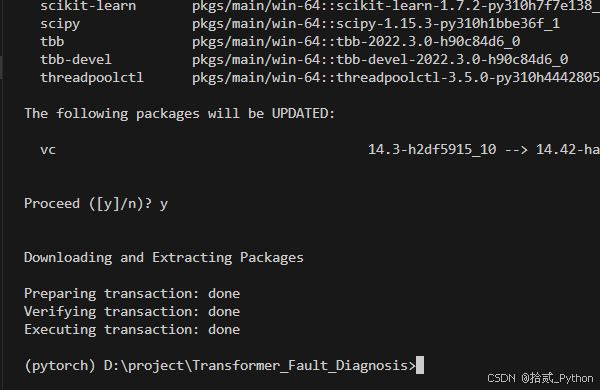
安装 conda install scikit-learn
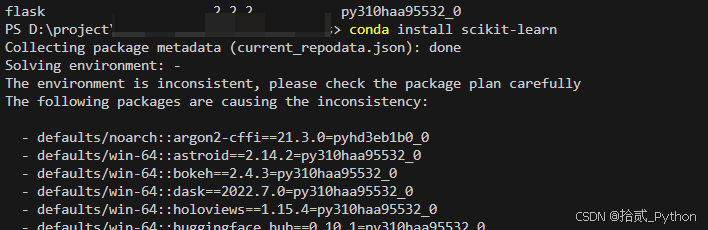
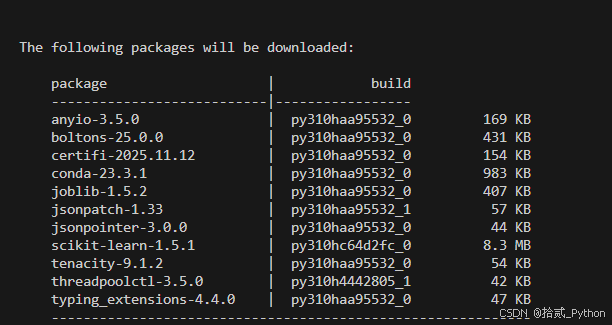
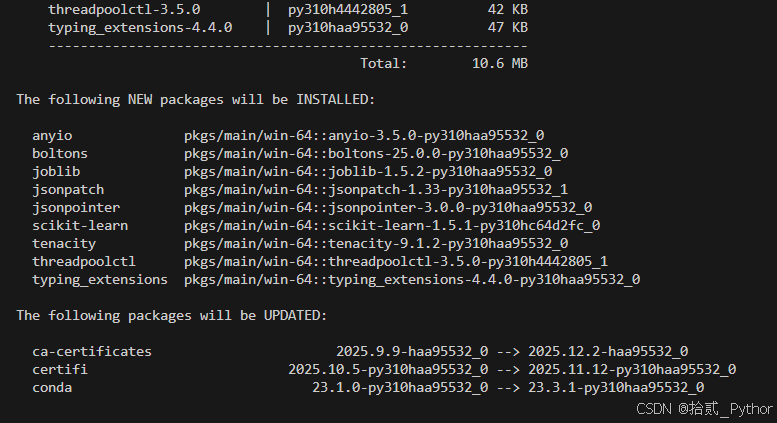
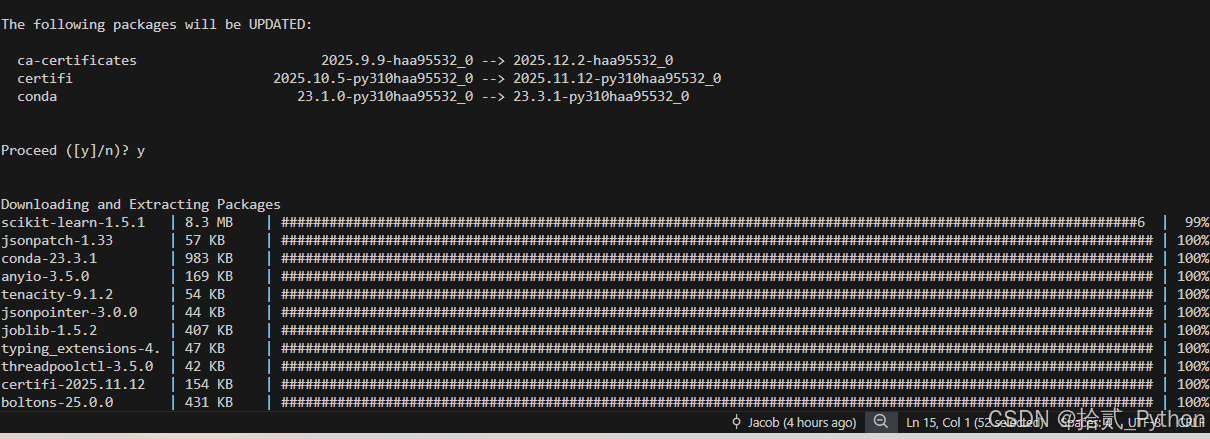
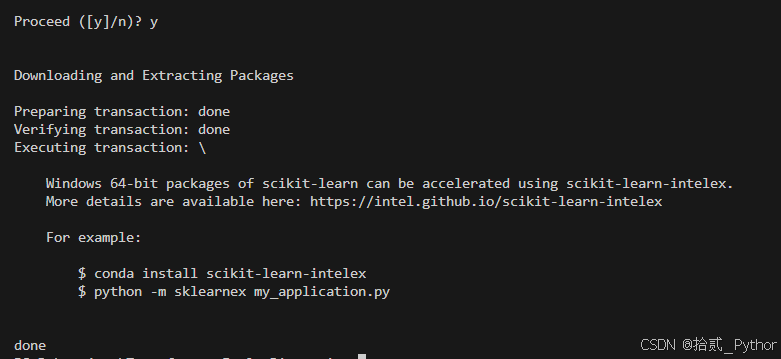
重启vscode
检查是否还有该提示
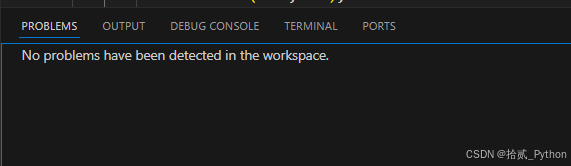


要是还存在就不是没有安装的问题了

Agent 垂直技术社区,欢迎活跃、内容共建。
更多推荐

 6
6 0
0- 0


 已为社区贡献11条内容

所有评论(0)