C#源代码,mini-led激光修复元件 1、控制Aerotech运动控制器运动平台; 2、良...
·
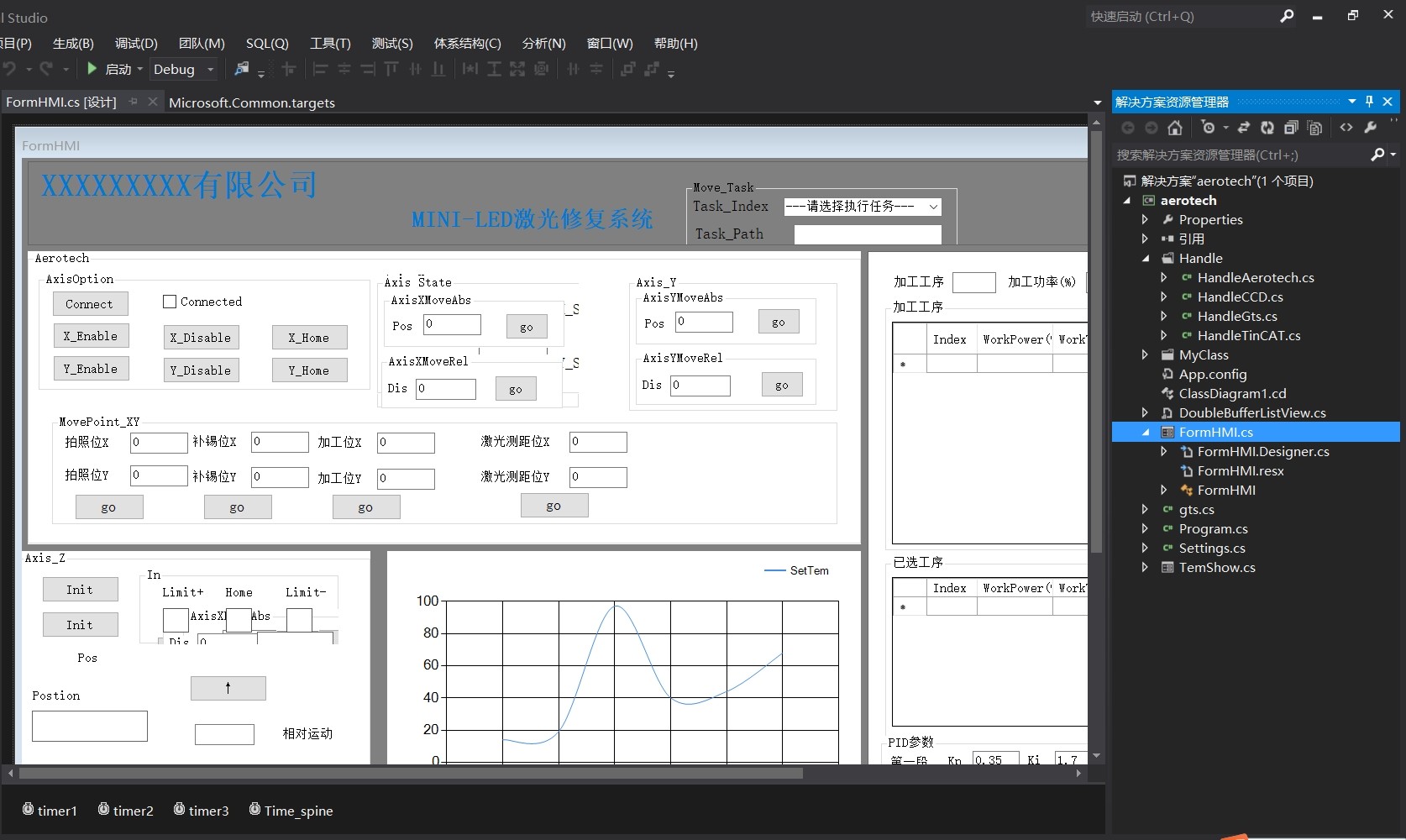
C#源代码,mini-led激光修复元件 1、控制Aerotech运动控制器运动平台; 2、良好的上位机类封装; 3、很好的上位机学习代码Demo; 4、固高运动控制器控制,CCD标定控制。 5、轴定位动作控制。
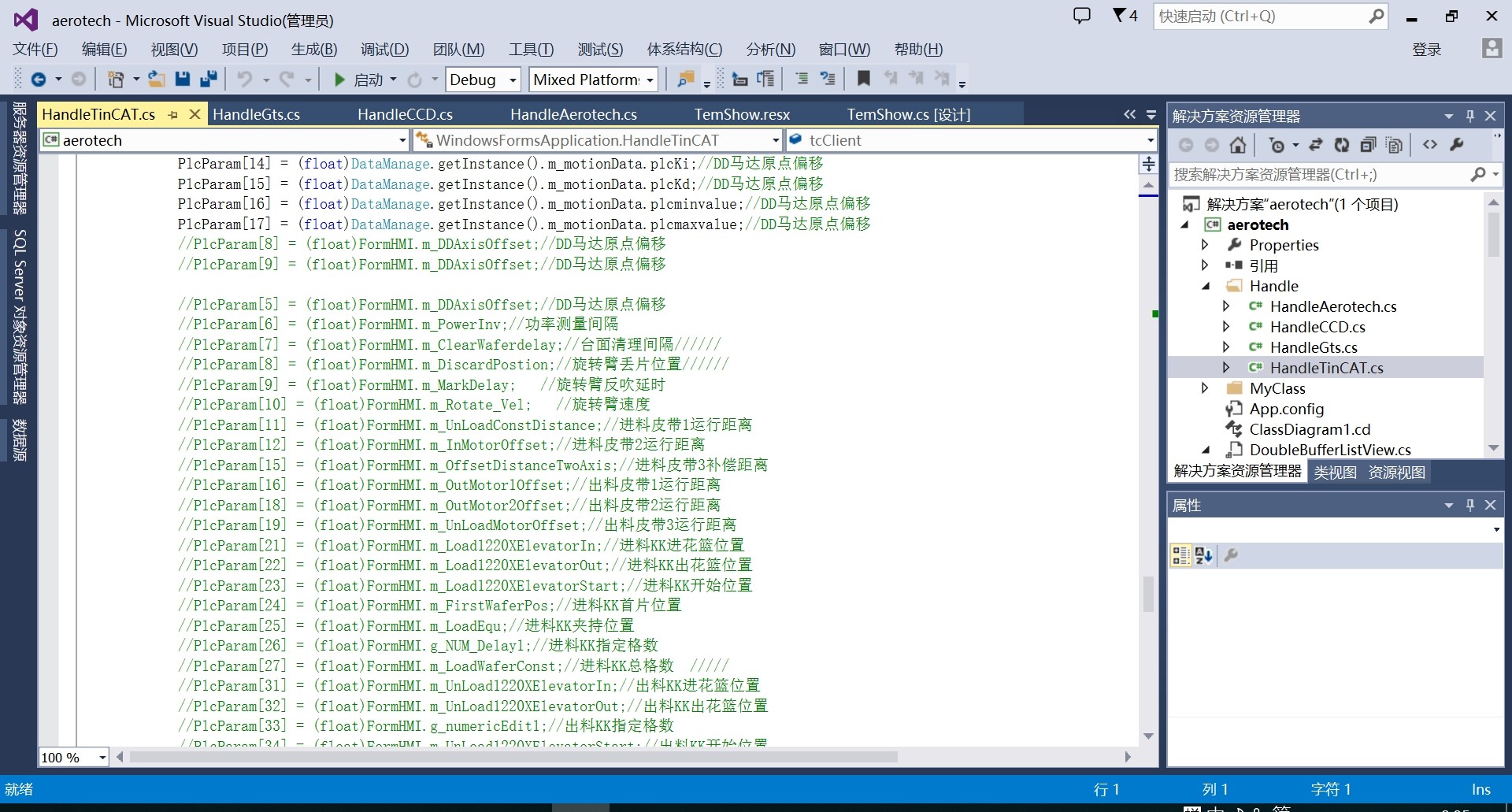
深夜调试车间里mini-led激光修复设备,手指敲击机械键盘的声音混着设备启停的蜂鸣。这个项目让我在运动控制领域踩了无数坑,今天抽空把C#上位机开发中的实战经验揉碎了聊聊。
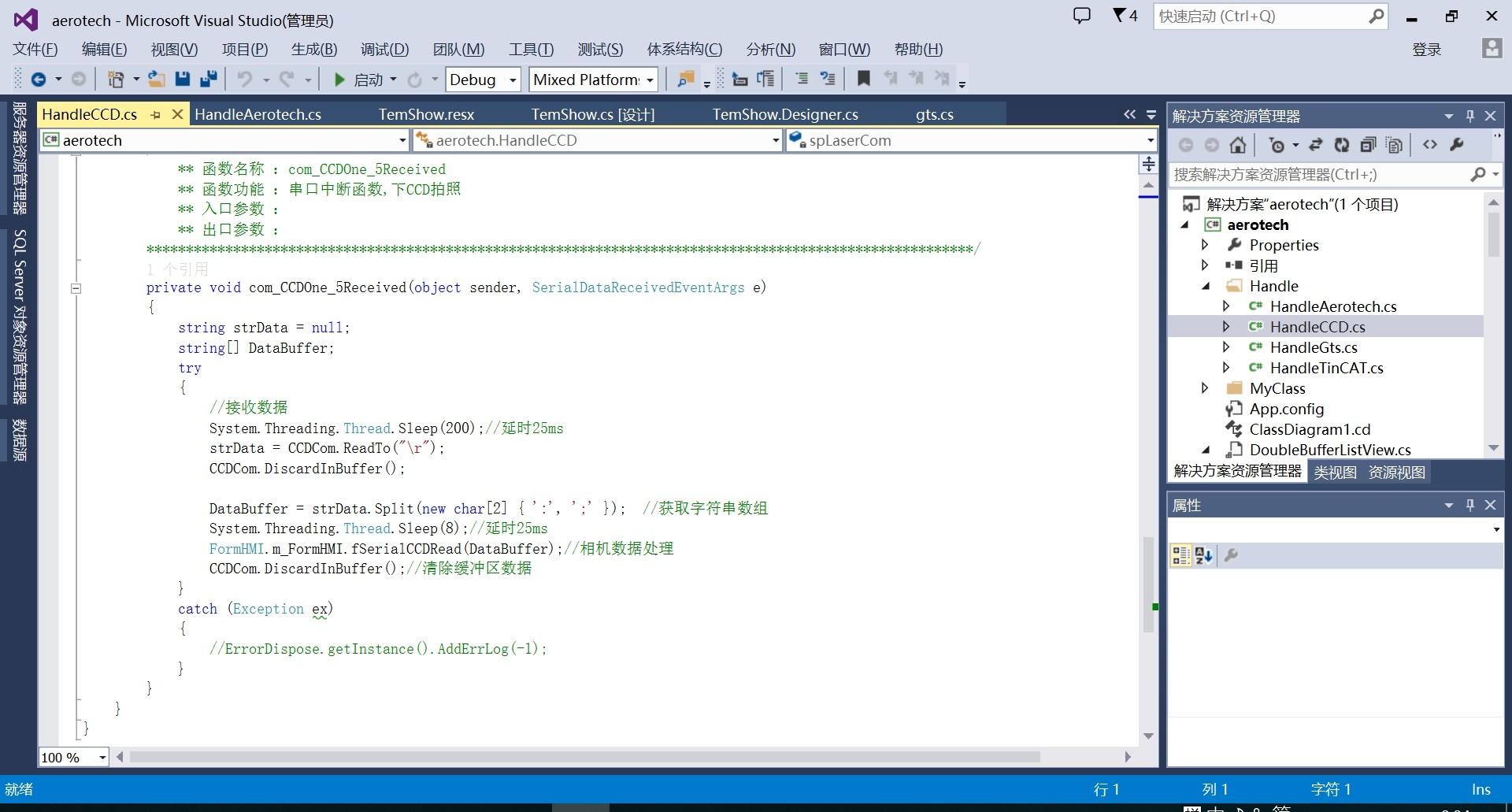
先看Aerotech运动控制器的驱动封装。别直接调用厂商DLL,咱们做个中间层:
public class AxisController : IDisposable
{
    private IntPtr _controllerHandle;

    // 连接控制器时像开保险箱
    public bool Connect(string ip)
    {
        int ret = AerotechDLL.AER_Connect(ip, ref _controllerHandle);
        return ret == 0 ? true : throw new InvalidOperationException($"控制器握手失败,错误码:{ret}");
    }

    // 急停按钮触发时的处理
    private void EmergencyStopHandler()
    {
        AerotechDLL.AER_AbortMotion(_controllerHandle);
        _isHomed = false;  // 安全状态重置
    }
}
封装的关键在于异常熔断——运动控制最怕的就是异常状态堆积。这里用私有字段_controllerHandle隔离底层,就像给DLL函数套了层防撞梁。
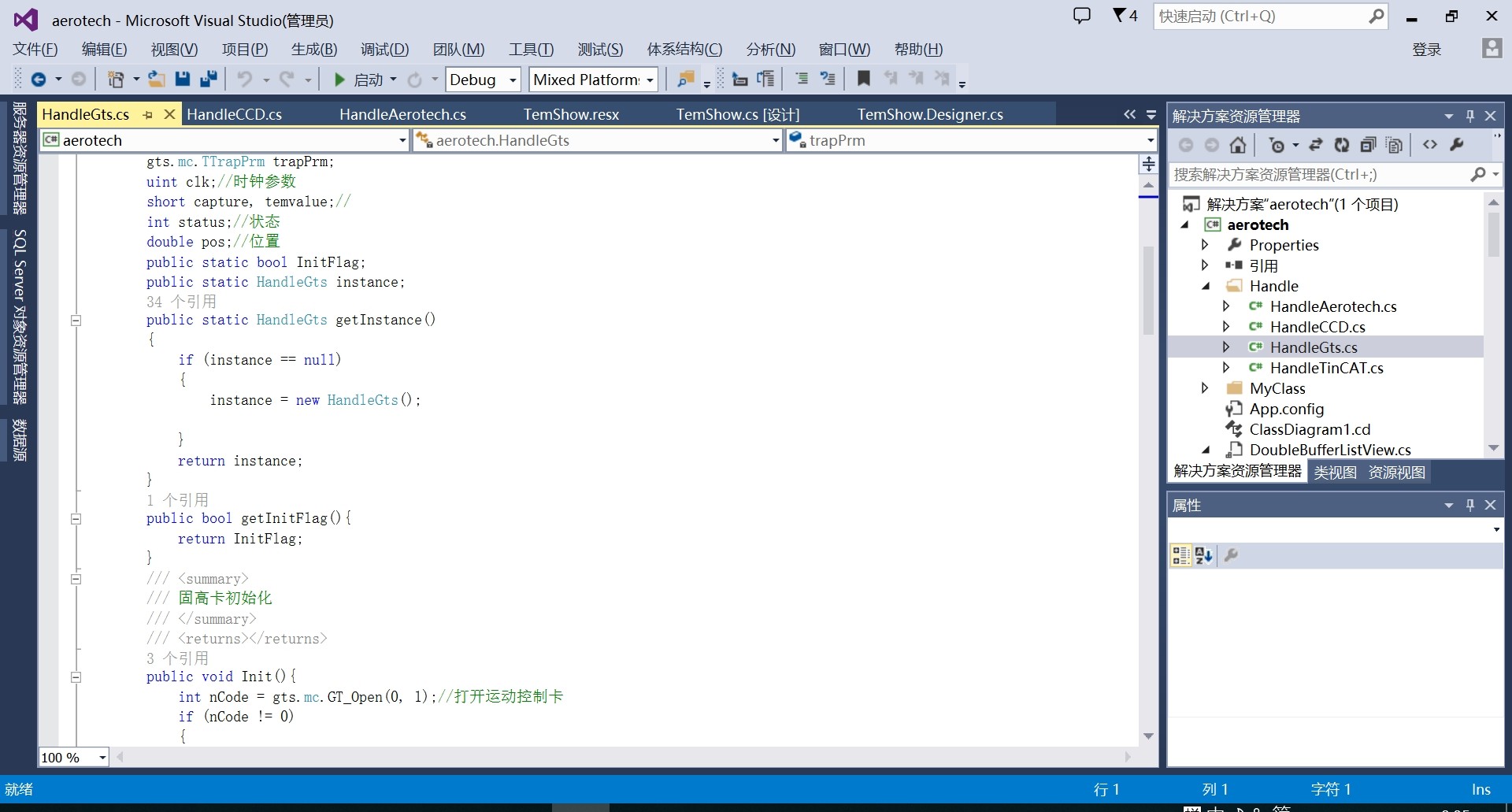
调试固高控制器时CCD标定才是重头戏。标定参数必须存本地:
public class VisionCalibrator
{
    private Dictionary<int, CalibrationData> _calibCache = new();

    public void AutoCalibrate()
    {
        // 运动到九宫格标定点
        MotionSystem.MoveToGridPoints(3,3);

        // 用OpenCV找特征点
        using var img = Camera.Capture();
        var points = OpenCVHelper.FindChessboardCorners(img);

        // 计算误差不超过0.5像素
        if(points.MaxError > 0.5f)
            throw new CalibrationException("标定精度超标");

        _calibCache[Camera.CurrentZoom] = new CalibrationData(points);
    }
}
标定数据按镜头倍率缓存的设计,让产线换型时效率提升30%。这里有个坑:OpenCV的棋盘格检测在低对比度环境下容易抽风,得补个自适应二值化处理。
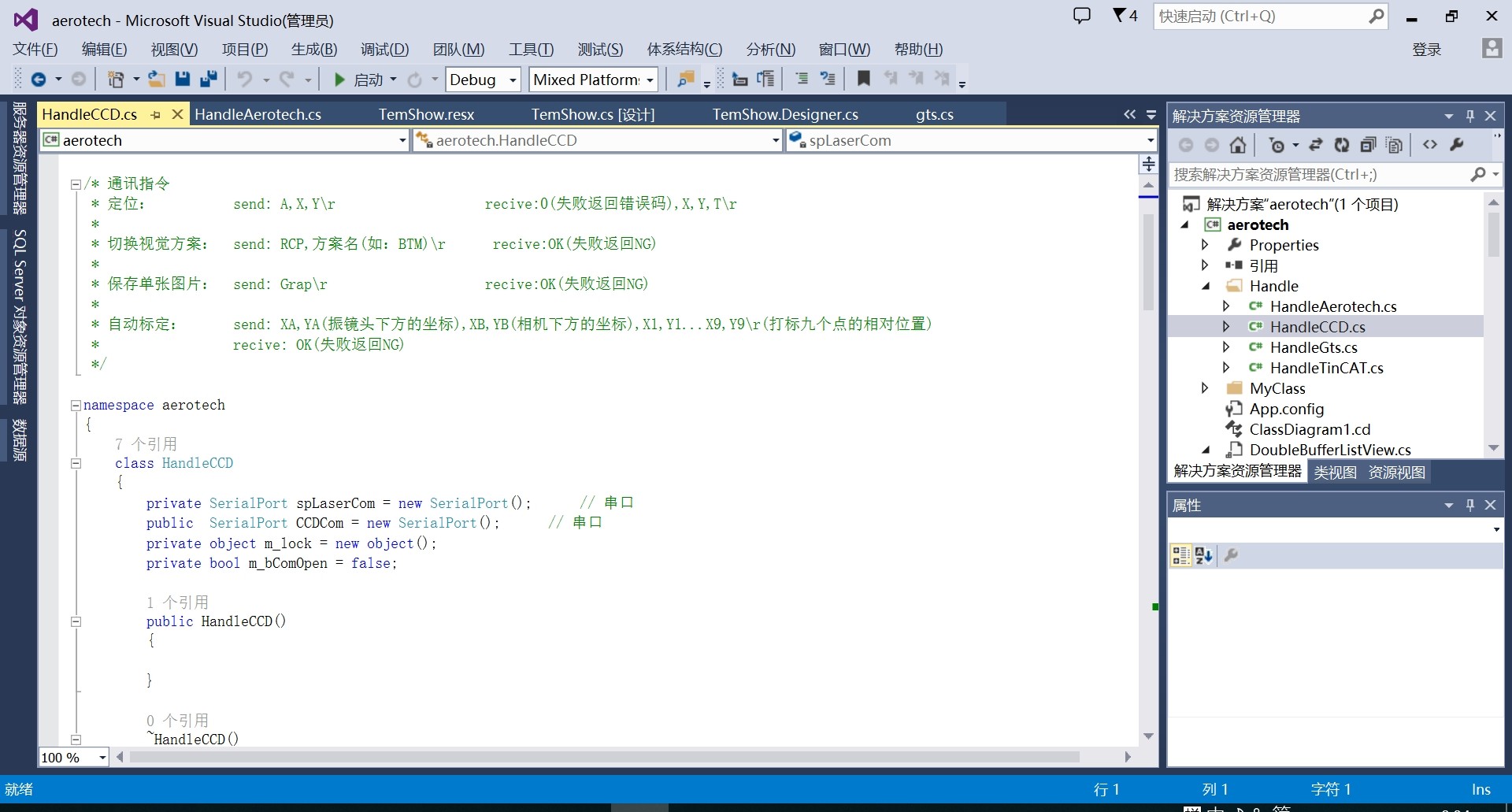
轴控逻辑要像乐高积木一样可拼装:
// 动作序列生成器
public class MotionScriptBuilder
{
    private List<IMotionCommand> _commandChain = new();

    public void AppendCommand(IMotionCommand cmd)
    {
        if(_commandChain.LastOrDefault() is WaitCommand)
            throw new InvalidOperationException("阻塞命令后不能追加动作");

        _commandChain.Add(cmd);
    }

    public void ExecuteAll()
    {
        foreach(var cmd in _commandChain)
        {
            cmd.Prepare();
            var task = cmd.ExecuteAsync();
            if(cmd.IsBlocking) task.Wait();
        }
    }
}
这种链式结构支持自由组合移动、IO控制、等待等指令。遇到过线程阻塞导致UI卡死的坑,后来改用async/await才解决。
上位机Demo里最实用的其实是这个状态监控模块:
// 硬件状态观察者
public class DeviceWatcher
{
    private Timer _heartbeatTimer;

    public DeviceWatcher()
    {
        _heartbeatTimer = new Timer(1000);
        _heartbeatTimer.Elapsed += (s,e) => CheckDevices();
    }

    private void CheckDevices()
    {
        var states = new {
            Motion = AerotechDLL.GetControllerState(),
            Camera = Camera.GetStatus(),
            Laser = LaserController.IsReady
        };

        // 推送到前端
        EventAggregator.Publish(new DeviceStatusEvent(states));
    }
}
用事件聚合器广播状态变化,比传统的事件订阅模式省心得多。注意Timer要用System.Timers的,别用Windows.Forms那个会漏事件的坑货。
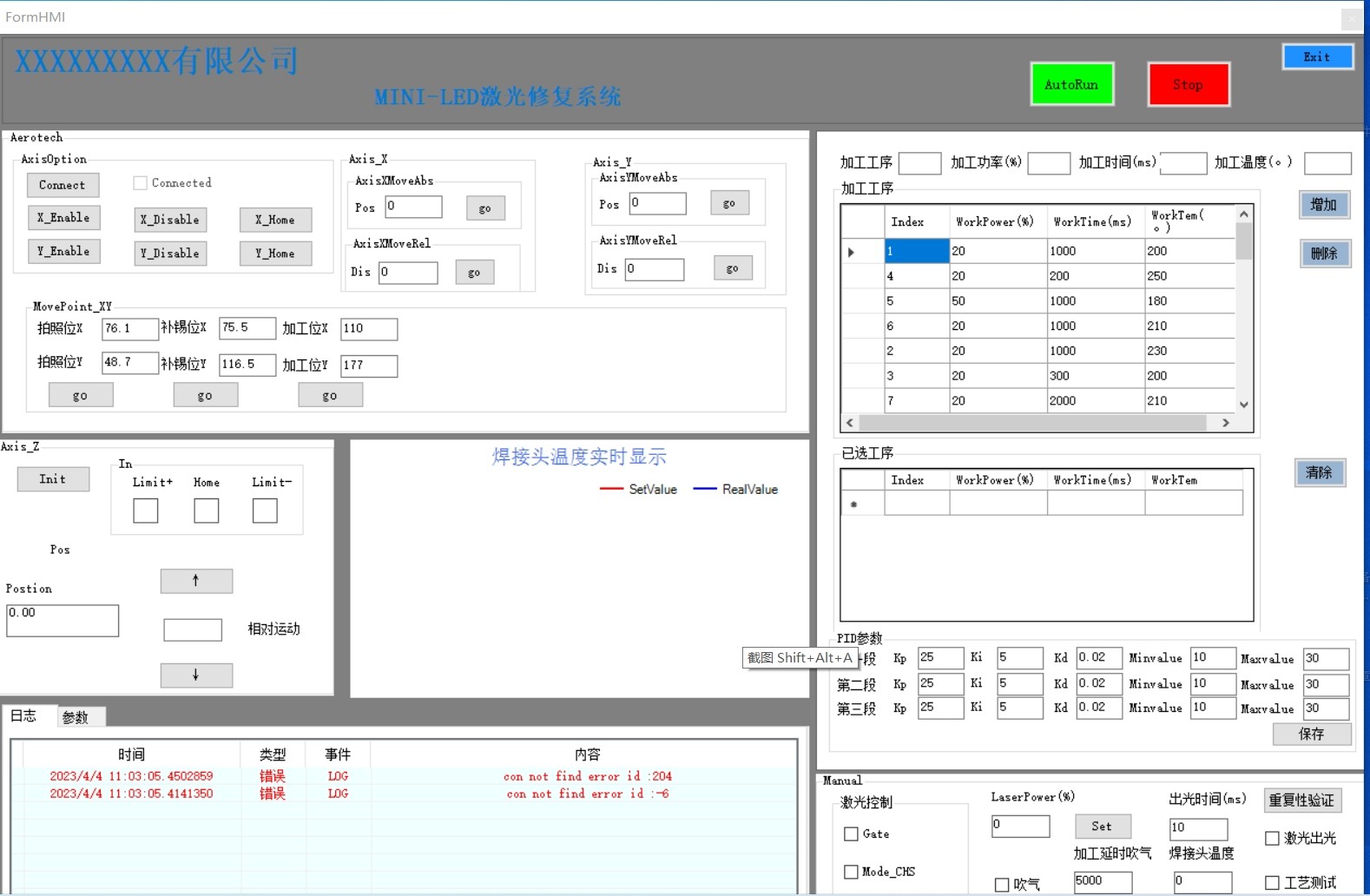
凌晨三点的车间,设备终于跳转到READY状态。运动控制编程就像在钢丝上跳舞——严谨到毫米级的坐标计算,又要保持代码足够的弹性应对突发状况。这些代码片段或许能让你少走些弯路,至少别像我当初那样为了一个轴抖动问题通宵查了三天电源干扰...

Agent 垂直技术社区,欢迎活跃、内容共建。
更多推荐


 3
3 0
0- 0


 已为社区贡献1条内容

所有评论(0)