一文搞定claude code的安装和使用
·
本文为mac电脑 M1芯片的安装过程,其他电脑遇到问题可以直接丢给ai帮你解决~~
1、Node.js环境安装
先安装依赖环境
brew install node
验证安装结果
node -v  # 应输出v18.x或更高版本
npm -v   # 应输出9.x或更高版本
2、Claude Code安装配置
npm install -g @anthropic-ai/claude-code
验证
claude --version # 应输出版本号(如1.0.61)
3、安装代理工具
使用质谱代理
npx @z_ai/coding-helper
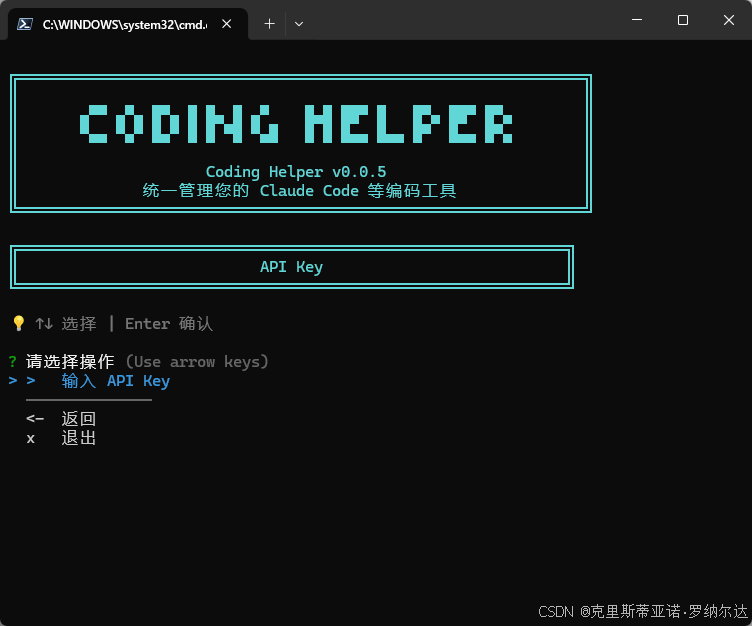
4、配置key
需要去创建key
https://www.big去model掉.cn/glm-文本coding?ic=UIRGENFFRL
使用创建好的api key配置到上面的coding heldper里
5、使用
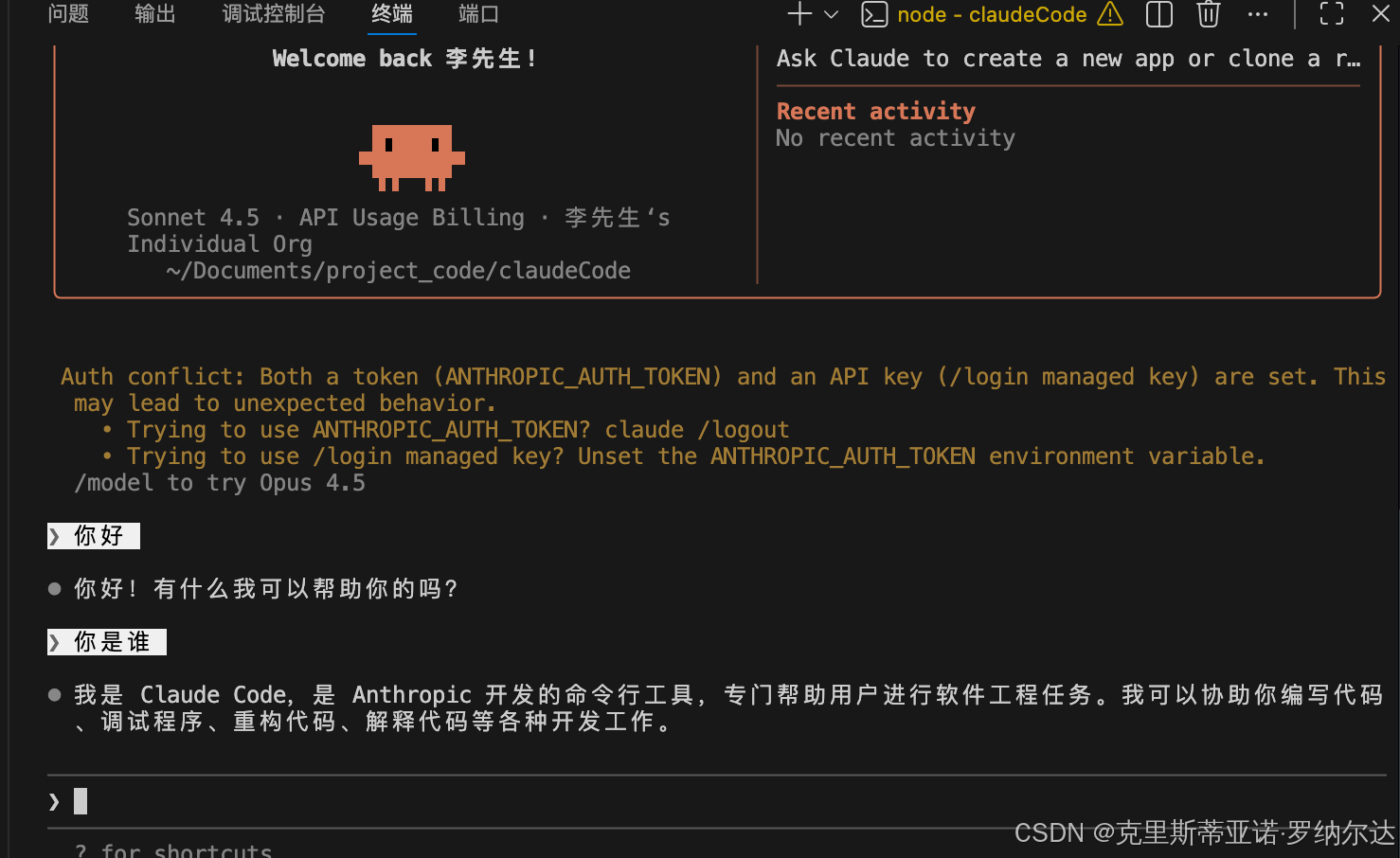
终端打开,输入 claude,就可以使用啦
claude
危险模式
claude --dangerously-skip-permissions
skiils
npx skills-installer install @anthropics/claude-code/frontend-design --client claude-code

Agent 垂直技术社区,欢迎活跃、内容共建。
更多推荐



 4
4 0
0- 0


 已为社区贡献3条内容

所有评论(0)