Claude Code Installation and Troubleshooting During the Process
·
Claude Code
windows 安装
npm
官网 https://code.claude.com/docs/en/overview
我用的 npm install -g @anthropic-ai/claude-code
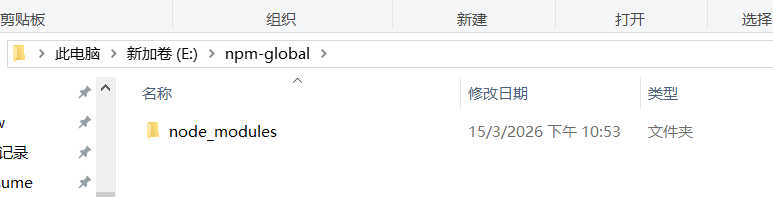
注意:npm install -g 的安装位置取决于 Node.js 的全局 prefix,而不是你当前所在的盘符。
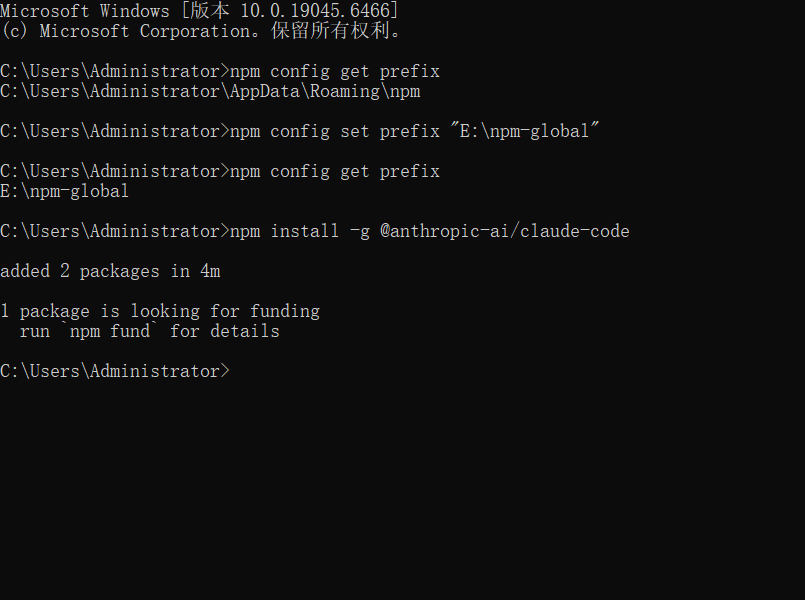
因为我修改了 npm prefix 所以我必须要去环境变量 path 先把这个路径加上
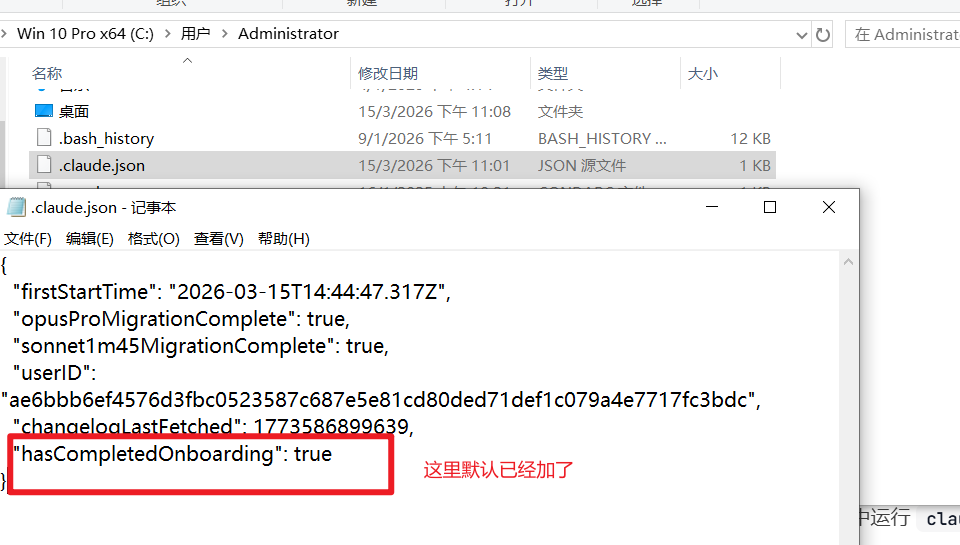
not be available
解决方法:https://blog.csdn.net/2402_88456264/article/details/157589114
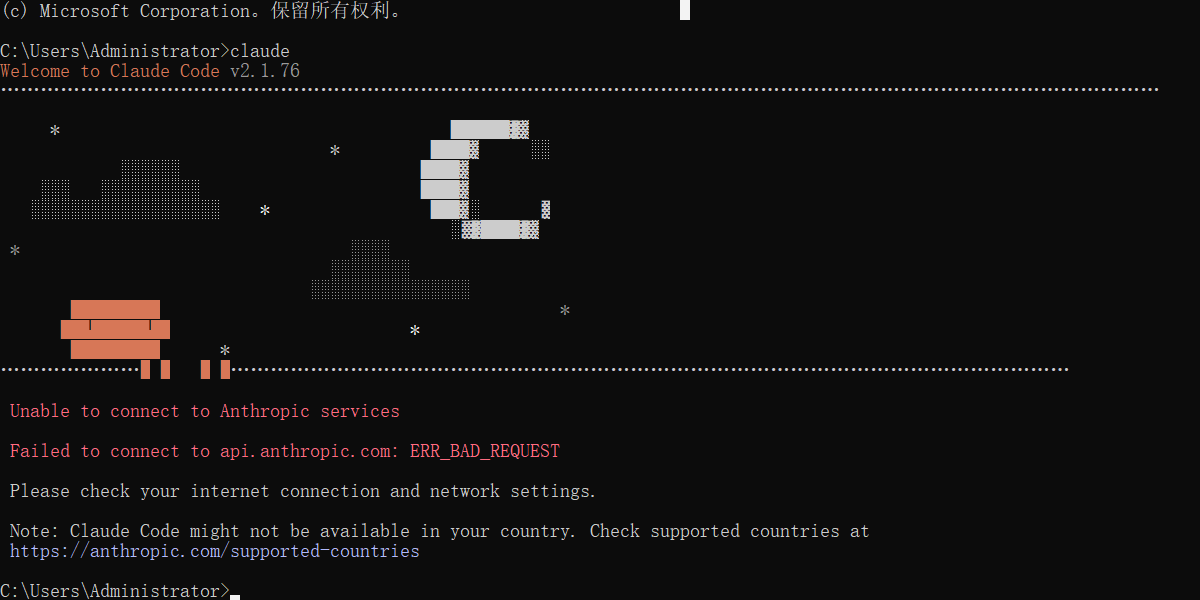
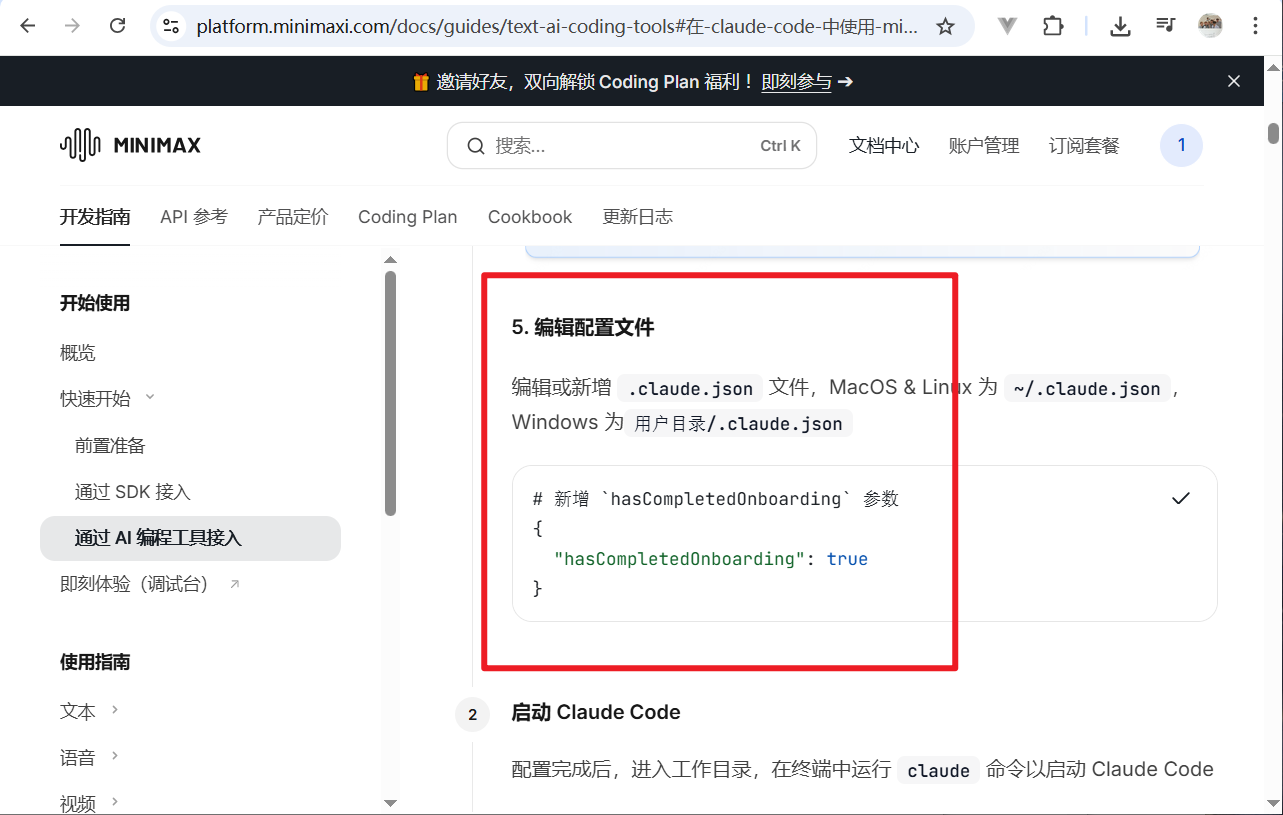
终端输入
powershell -Command "$f='%USERPROFILE%\.claude.json';$j=Get-Content $f|ConvertFrom-Json;$j|Add-Member -NotePropertyName 'hasCompletedOnboarding' -NotePropertyValue $true -Force;$j|ConvertTo-Json|Set-Content $f"
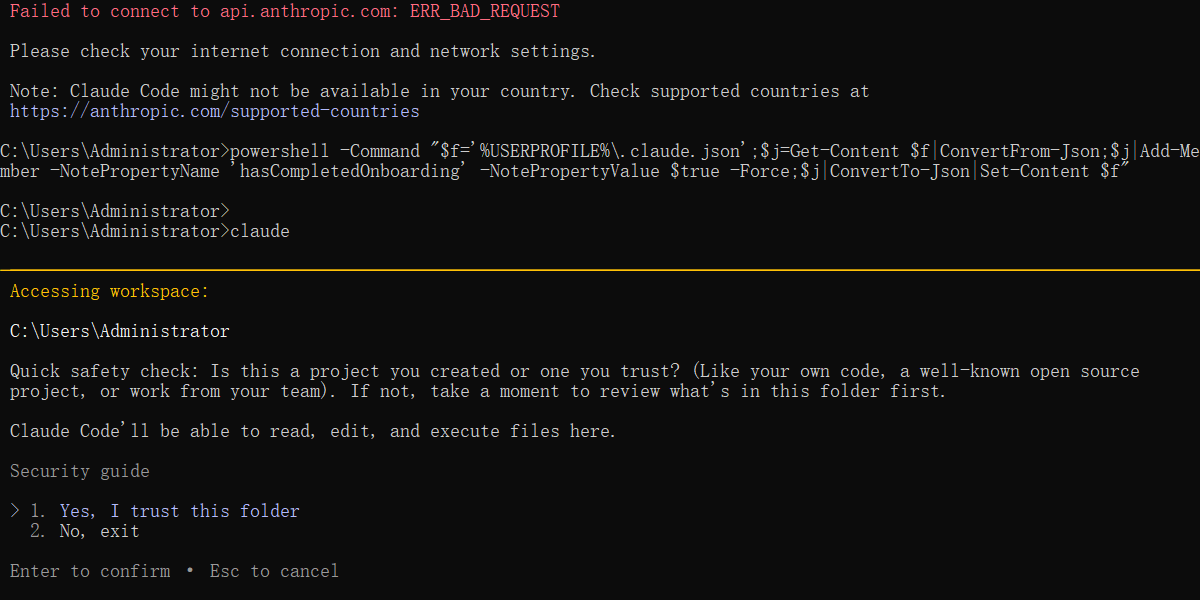
接入 minimax
https://platform.minimaxi.com/docs/guides/text-ai-coding-tools#%E5%9C%A8-claude-code-%E4%B8%AD%E4%BD%BF%E7%94%A8-minimax-m2-5%EF%BC%88%E6%8E%A8%E8%8D%90%EF%BC%89
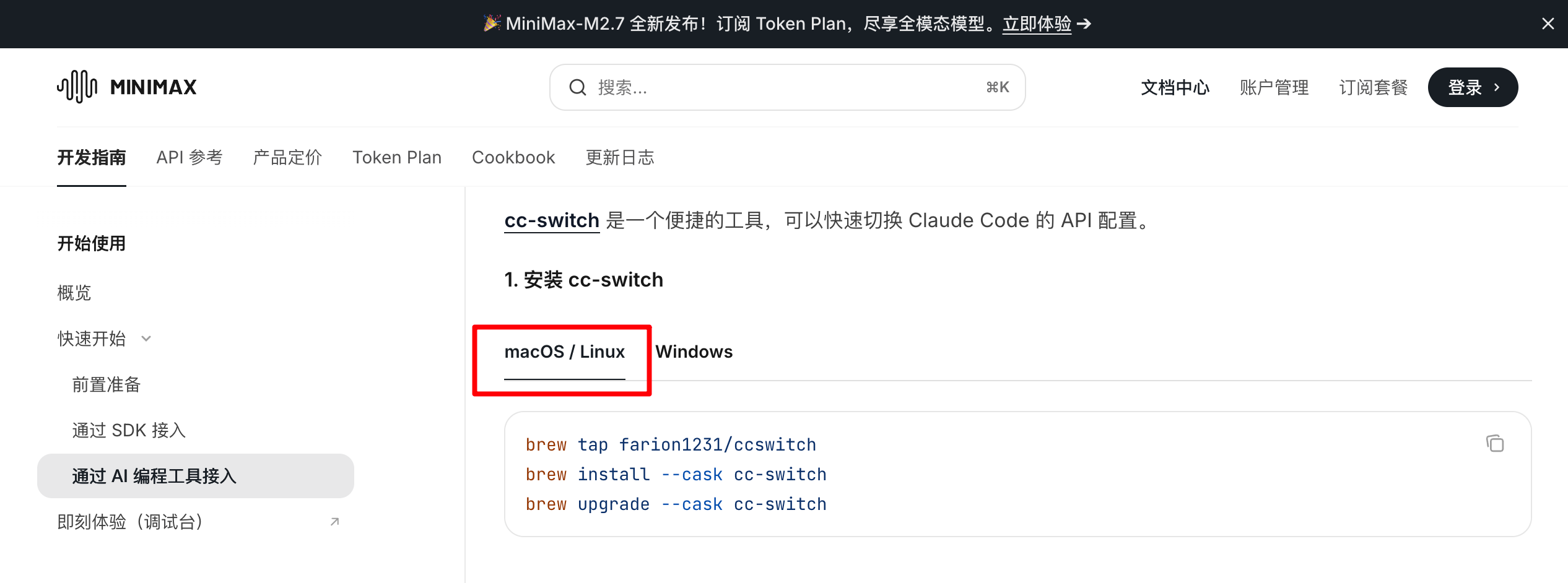
cc-switch
https://platform.minimaxi.com/docs/guides/text-ai-coding-tools#windows
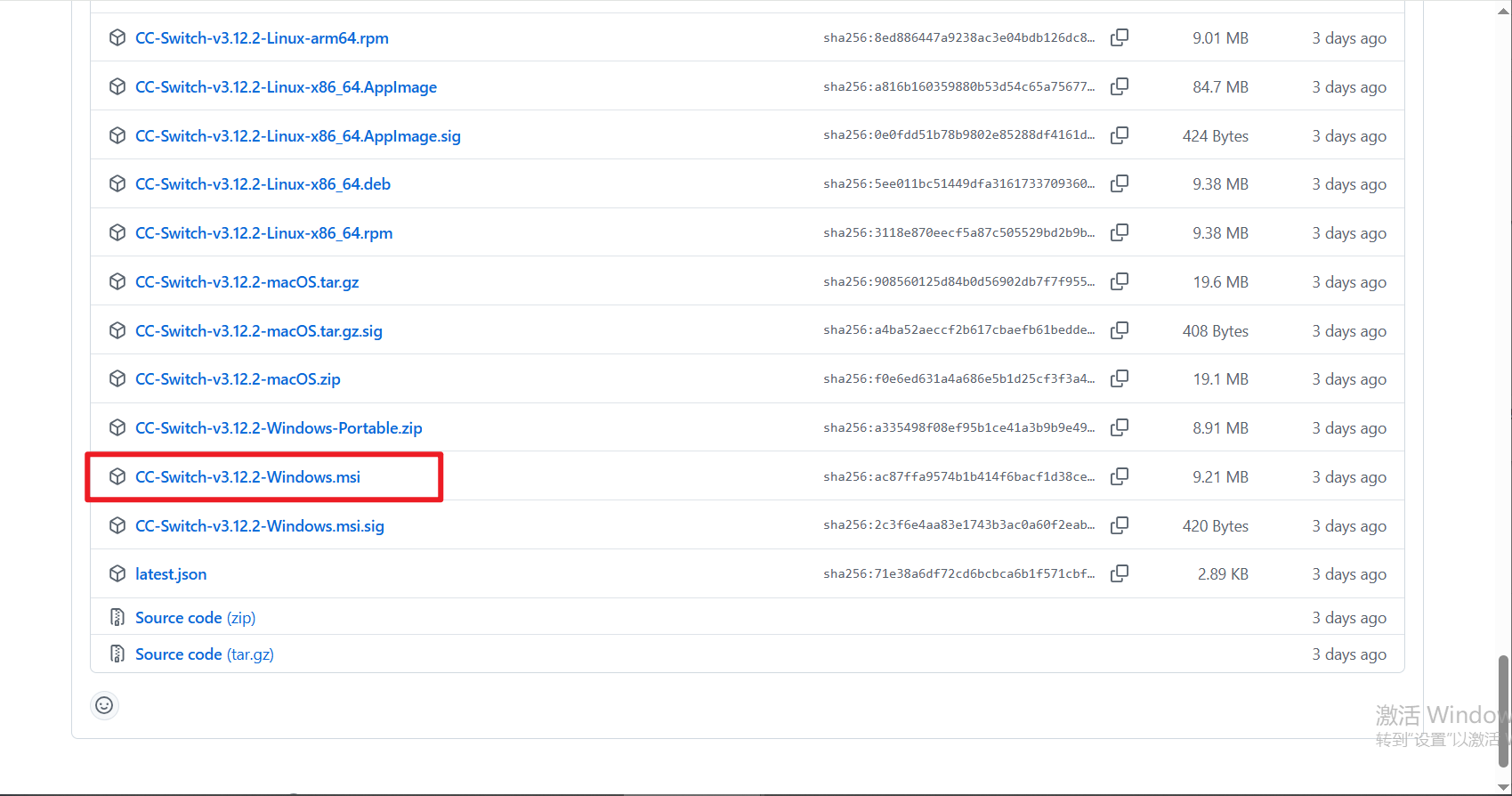
https://github.com/farion1231/cc-switch/releases/tag/v3.12.2
下载
注册账号
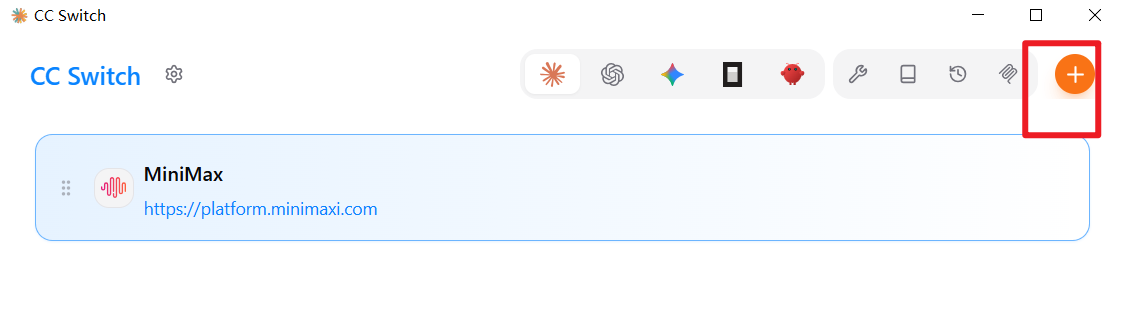
配置
开始使用
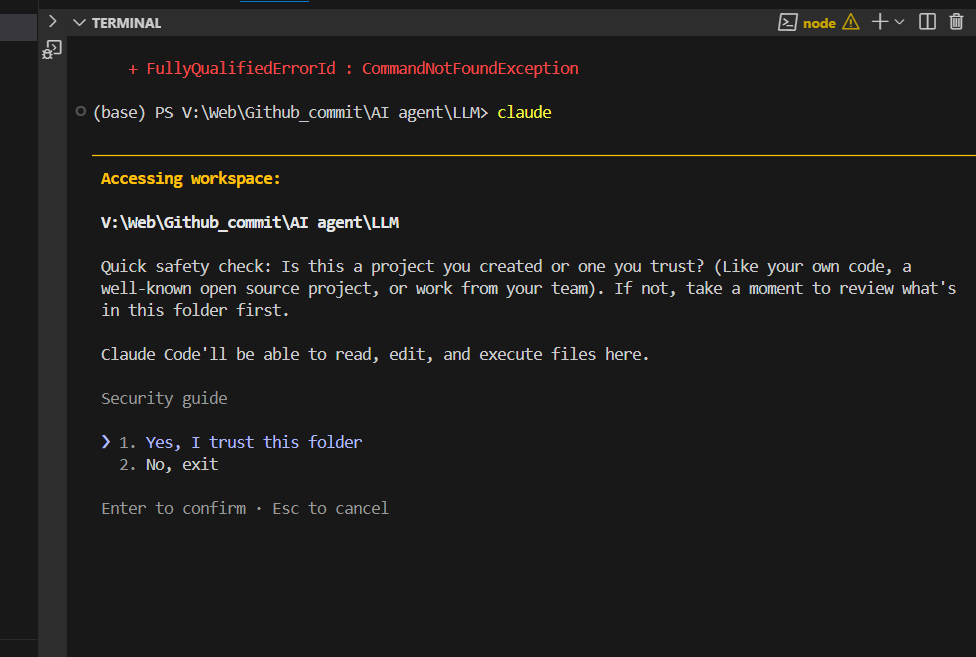
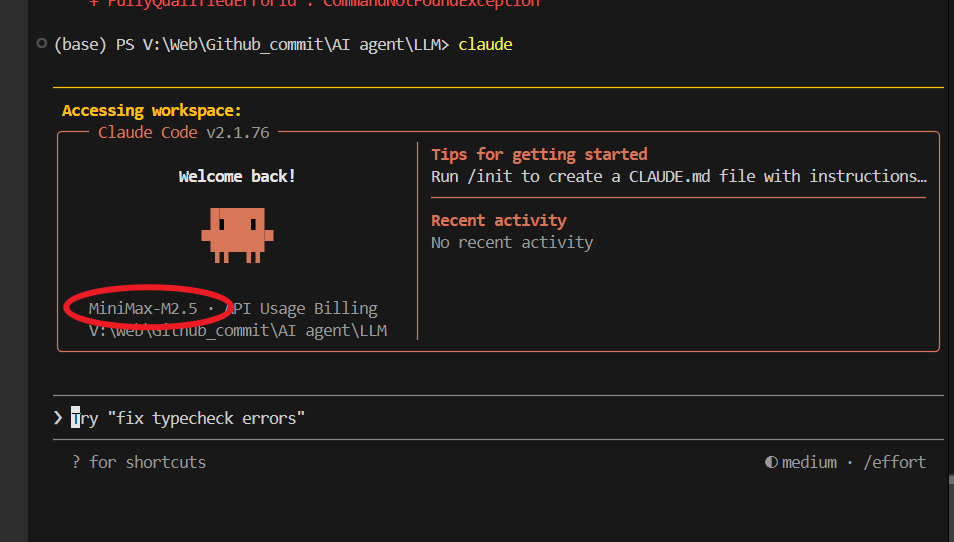
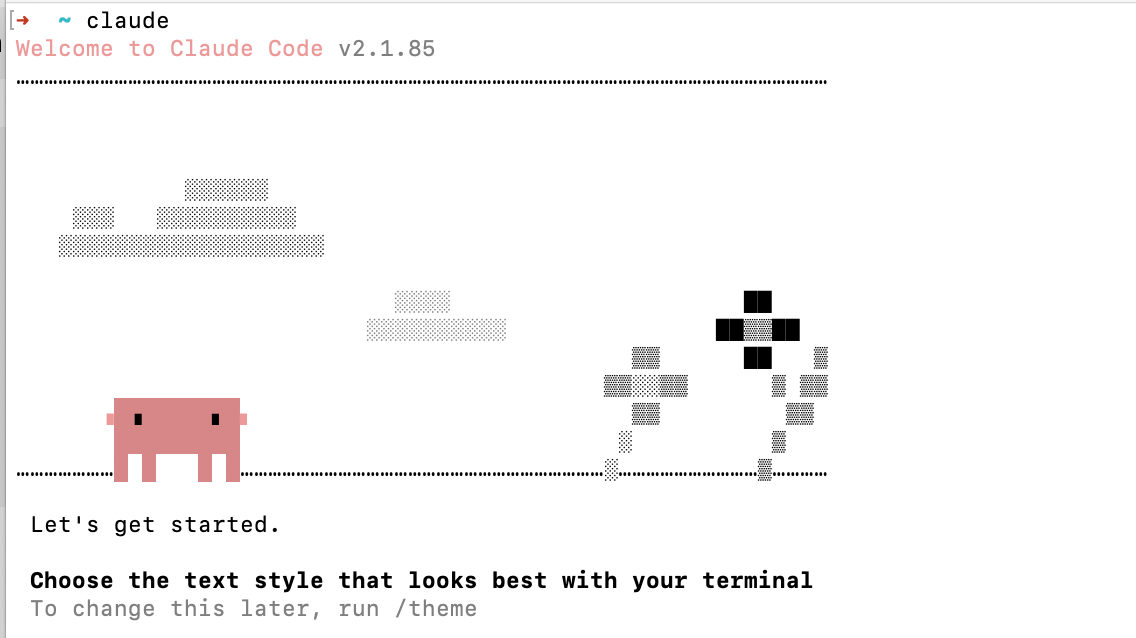
mac 安装
claude
npm install -g @anthropic-ai/claude-code
cc-switch
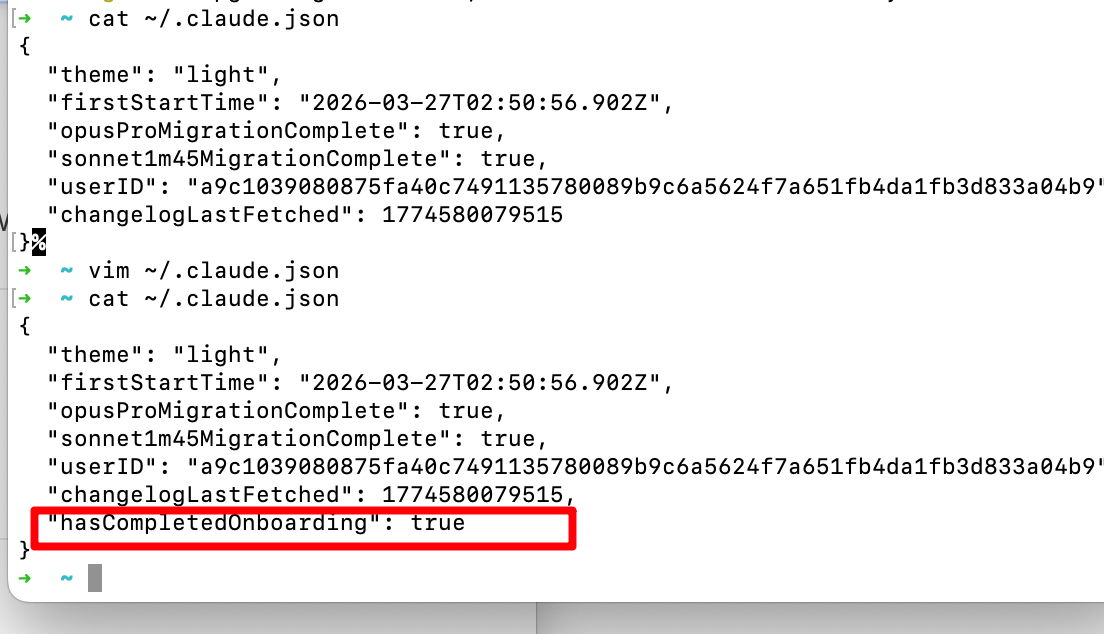
# 查看全局安装路径
npm root -g

# 查看全局安装路径(完整配置)
npm config get prefix

# 查看 npm 配置详情
npm config list
测试
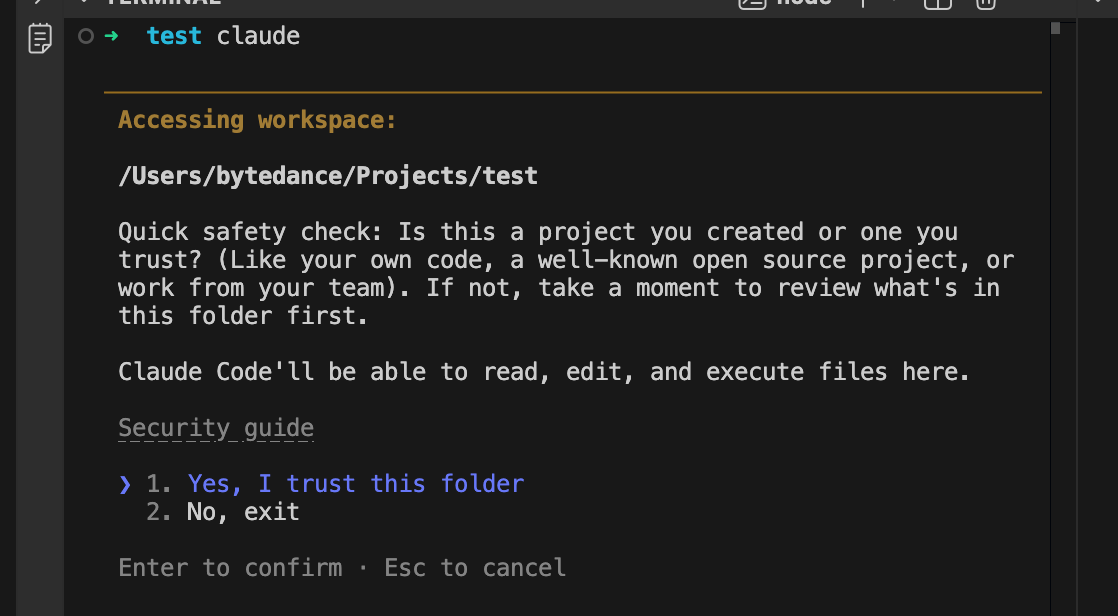
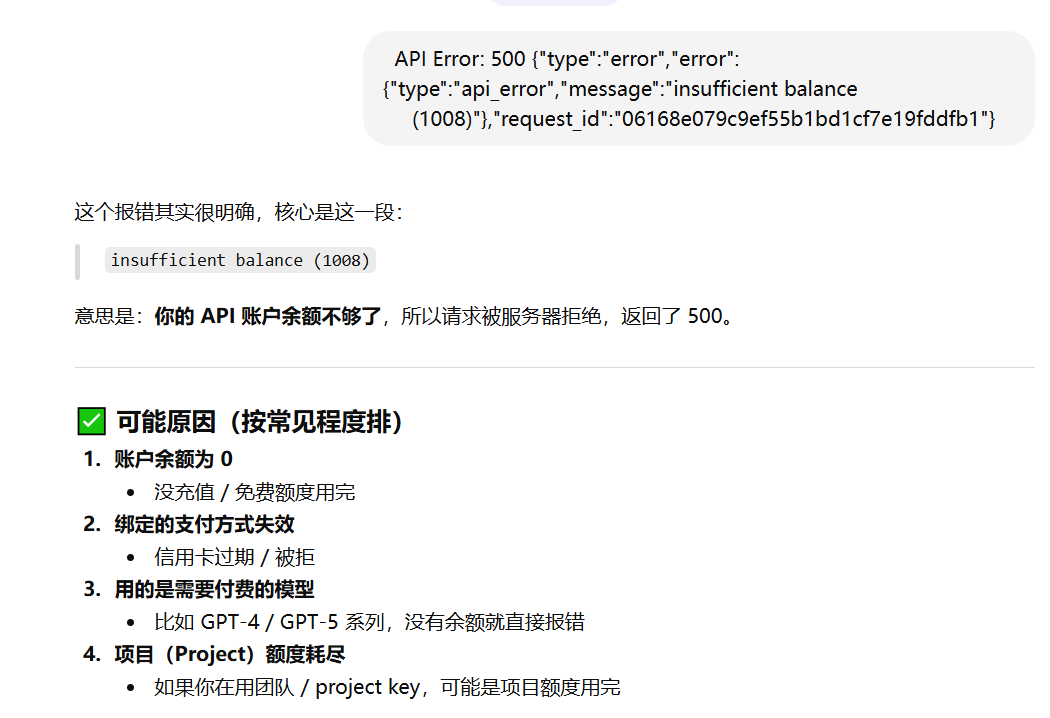
 500 {"type":"error","error":{"type":"api_error","message":"ins
     ufficient balance
     (1008)"},"request_id":"06152768526df6ee82a1da05bee74a40"}

Agent 垂直技术社区,欢迎活跃、内容共建。
更多推荐


 6
6 0
0- 0


 已为社区贡献1条内容

所有评论(0)