图文Cursor添加Figma MCP
·
前往FigmaMCP官网:https://www.figma.com/mcp-catalog/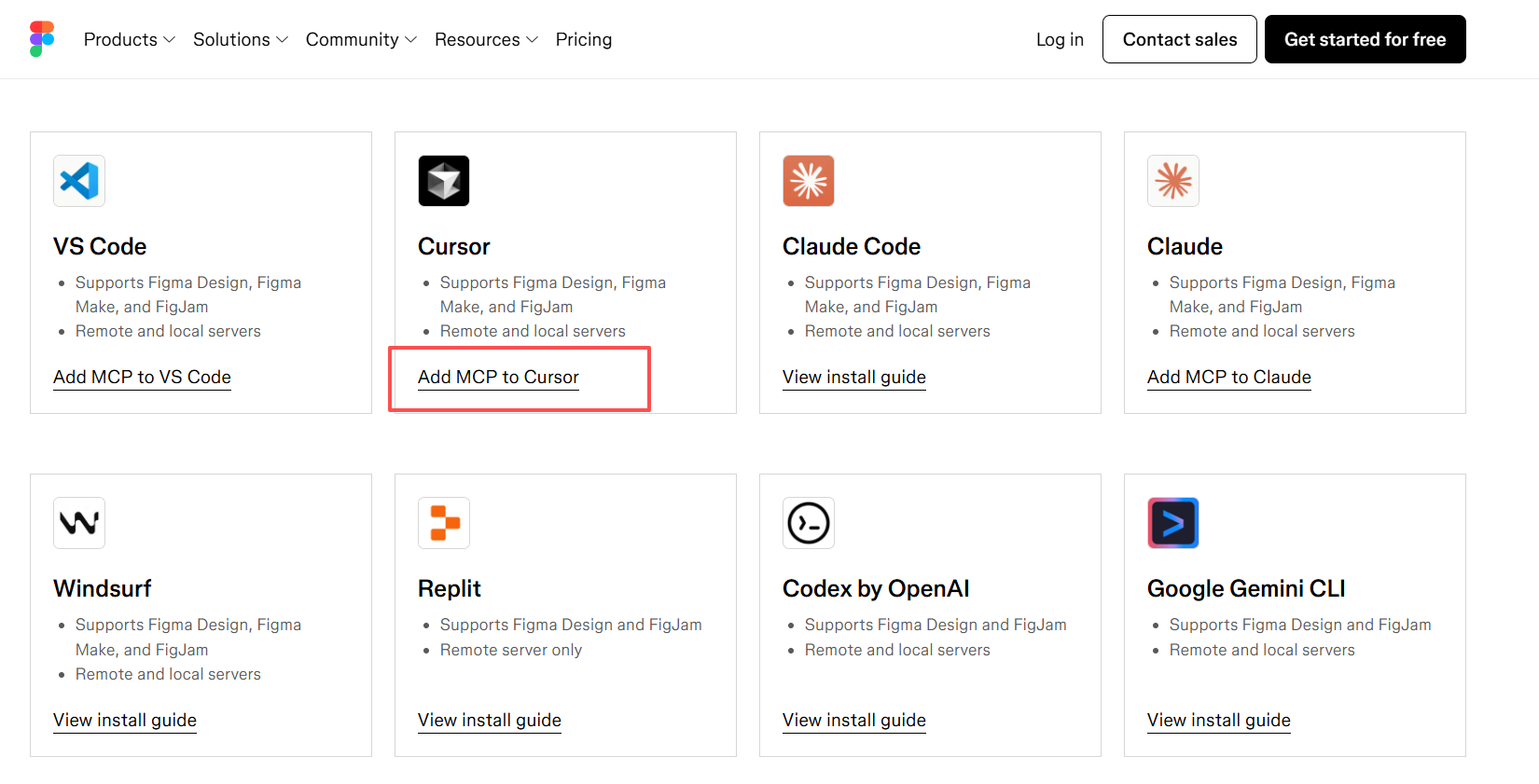
将插件加入到cursor中: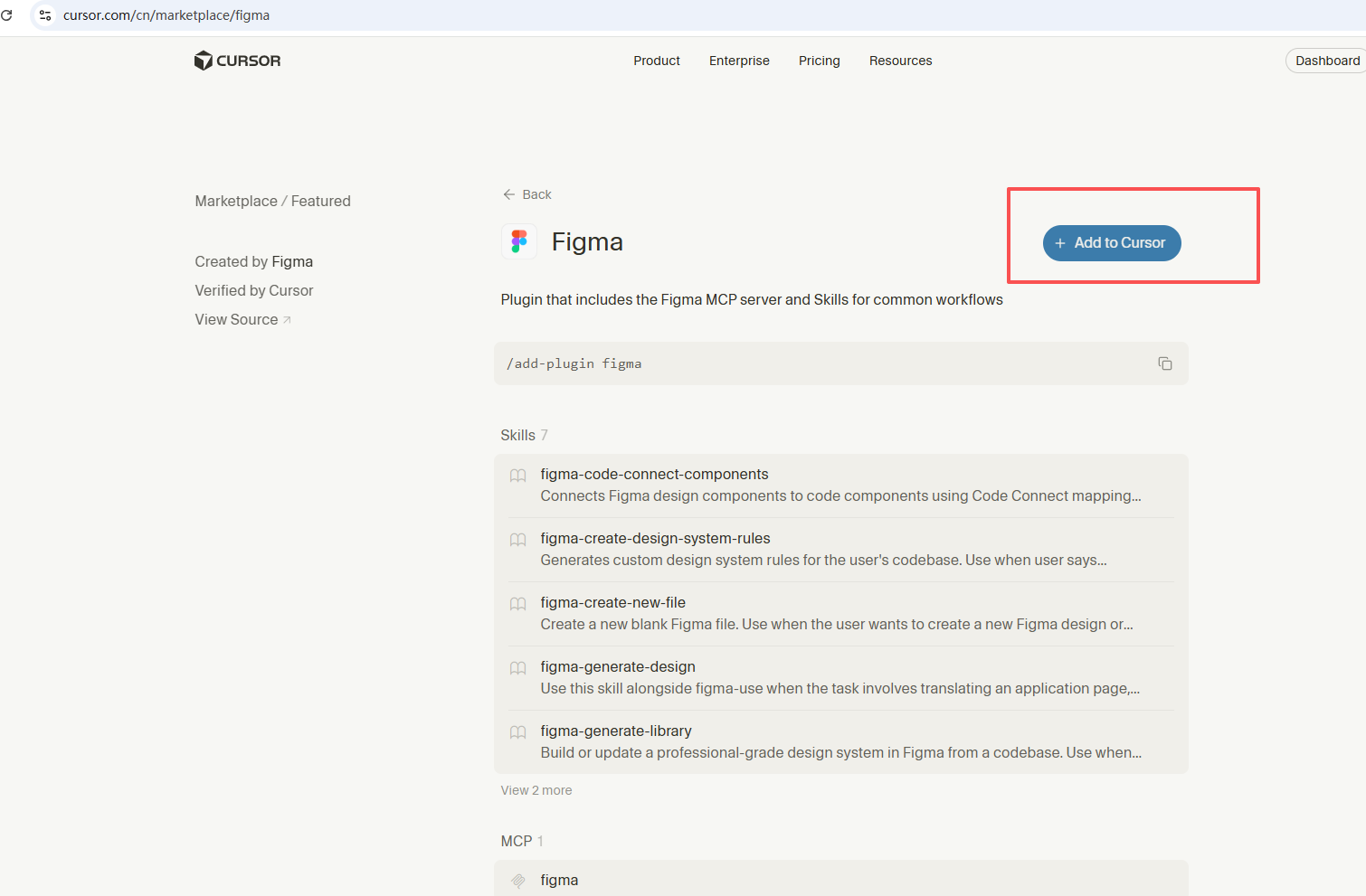
打开cursor: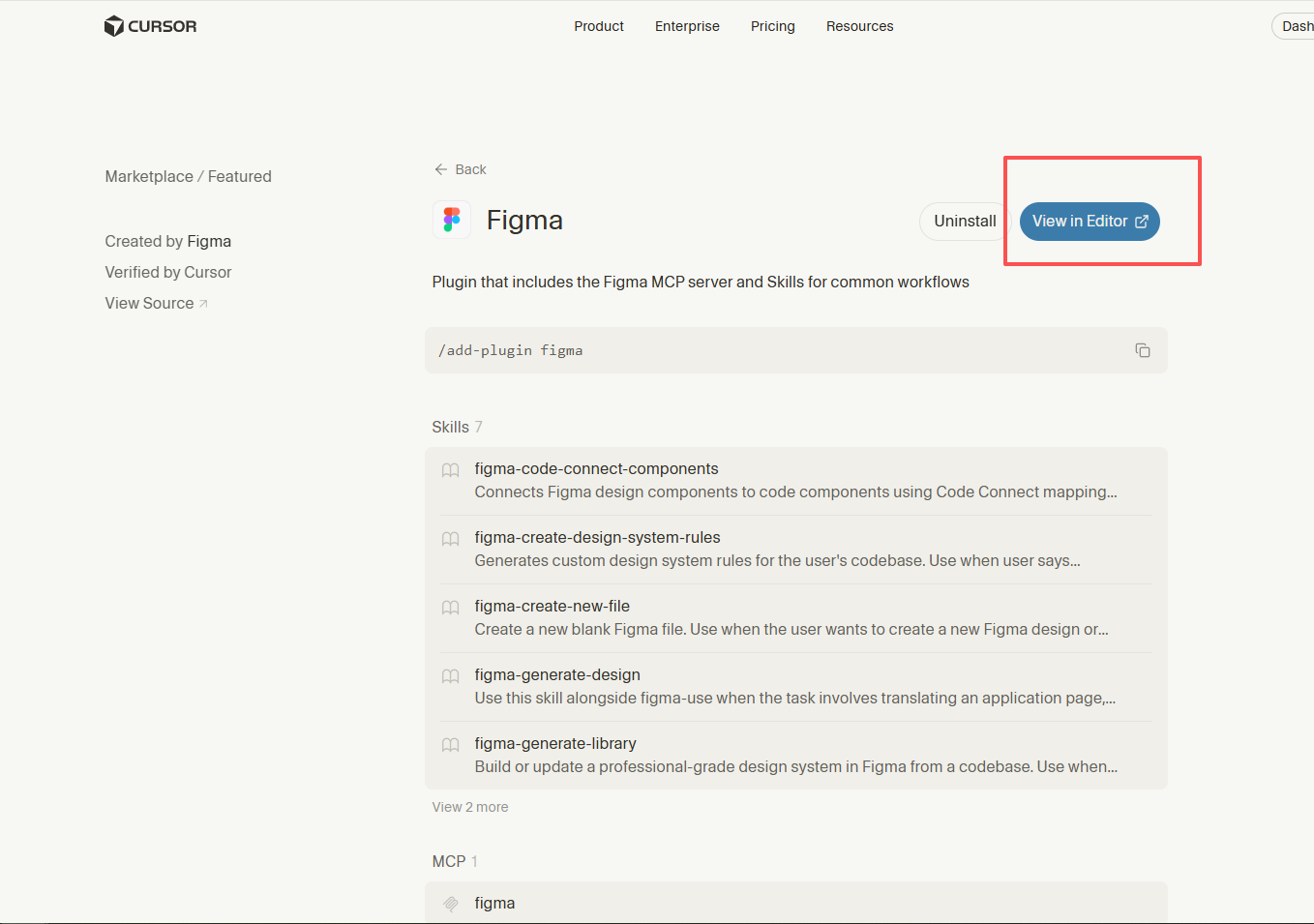
菜单切换到"Tools & MCP",发现提示JSON错误。
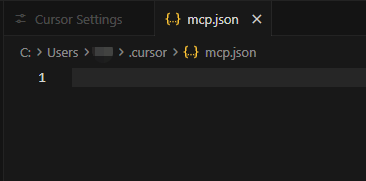
点击下方New MCP Server,mcp.json空白导致提示JSON错误: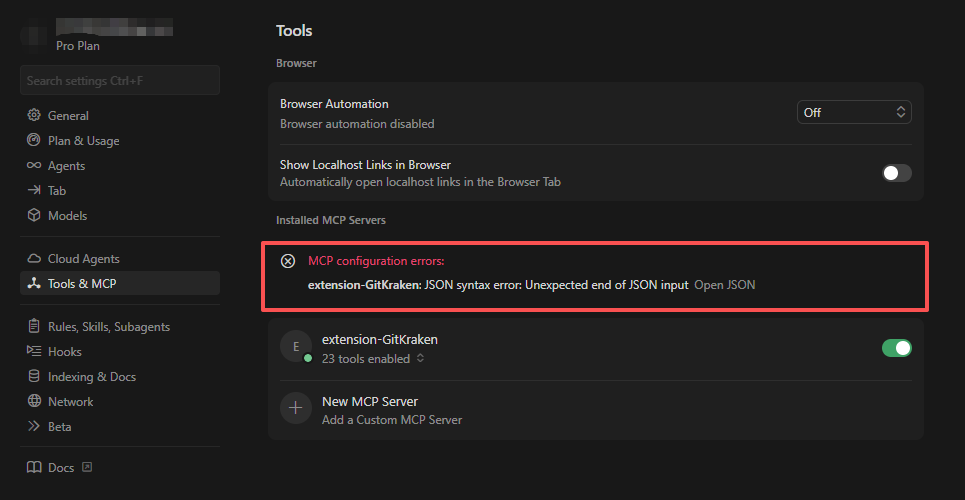
找到github入口并进入: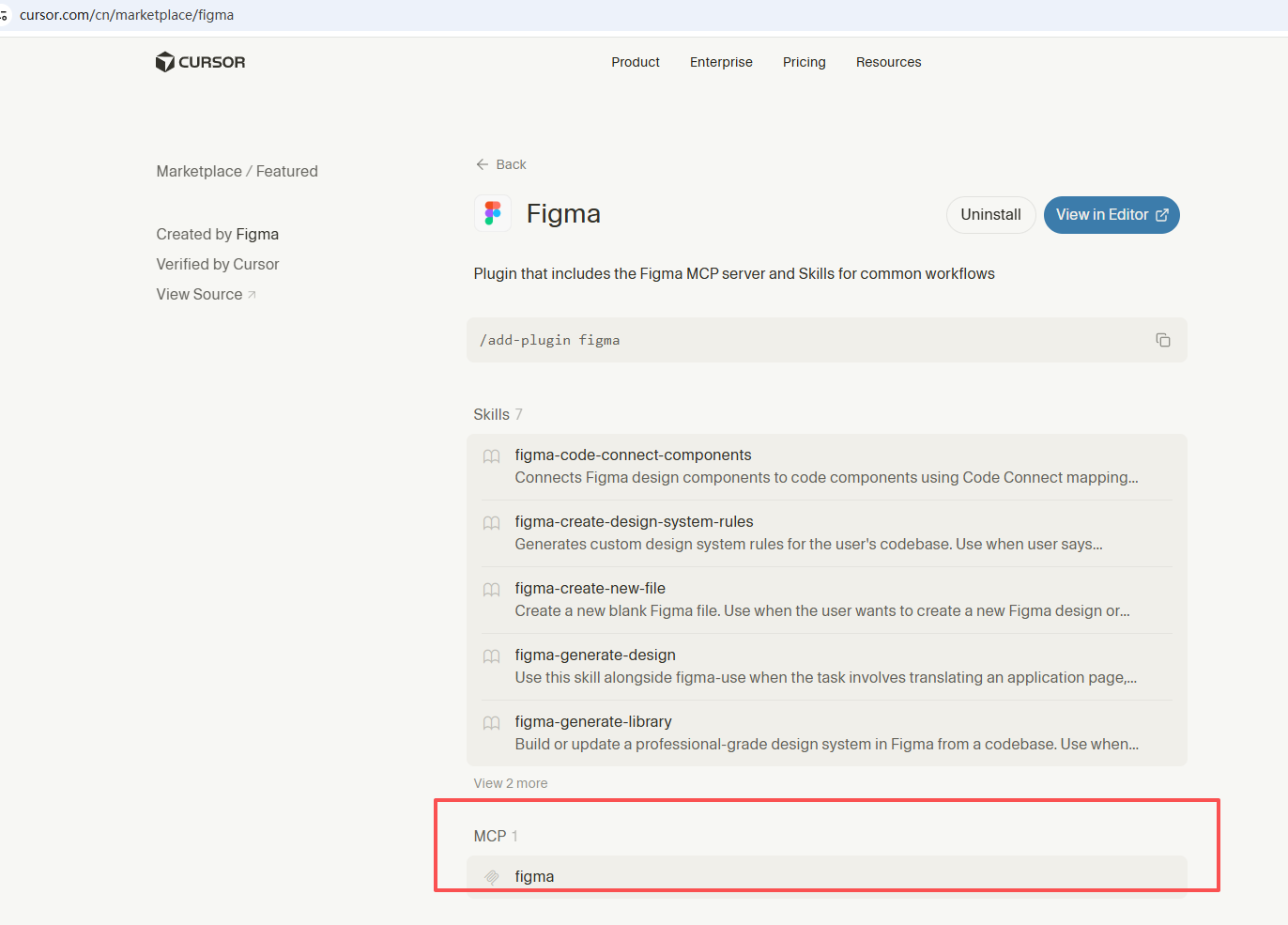
复制粘贴到mcp.json: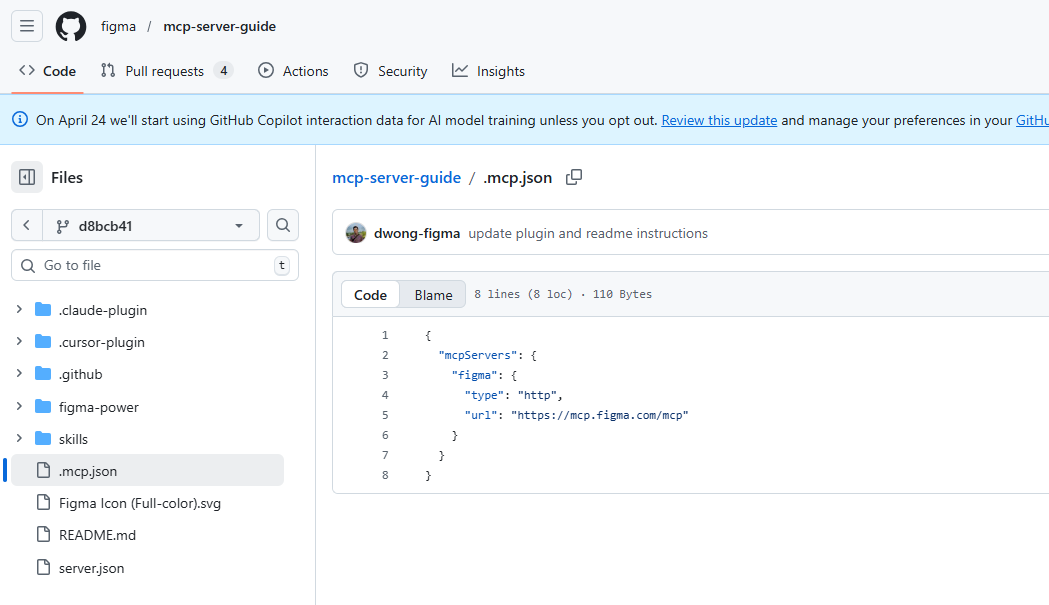
{
	"mcpServers": {
		"figma": {
			"type": "http",
			"url": "https://mcp.figma.com/mcp"
		}
	}
}
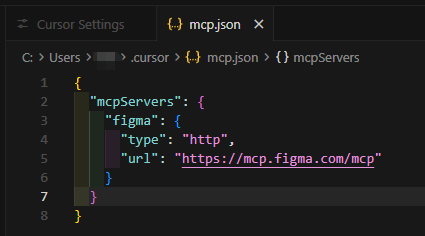
JSON错误消失。点击Connect: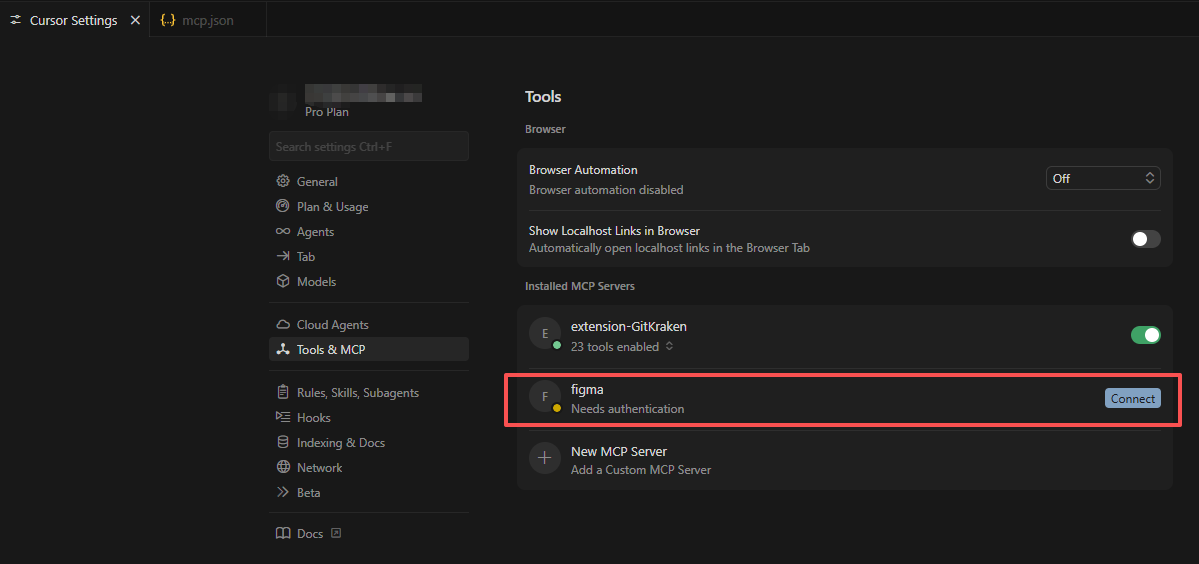
登录Figma后,同意: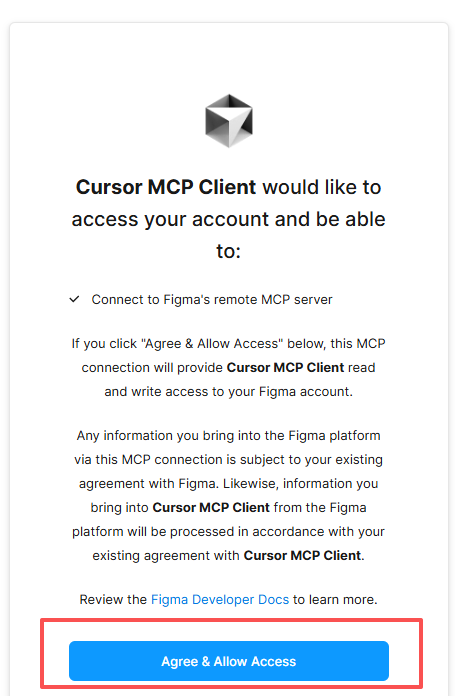
连接成功: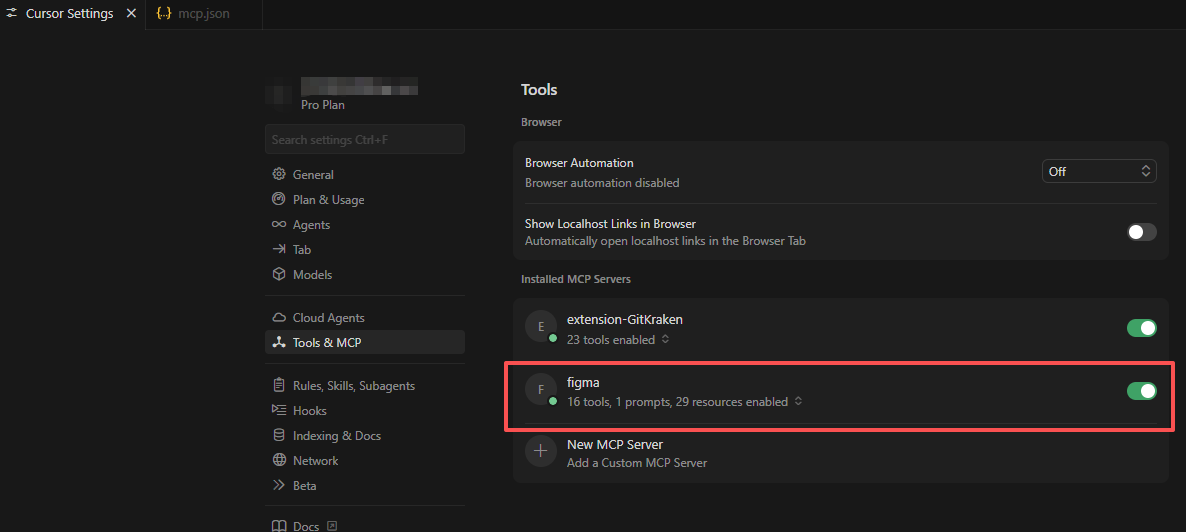

Agent 垂直技术社区,欢迎活跃、内容共建。
更多推荐
 1
1 0
0- 0


 已为社区贡献1条内容

所有评论(0)