openclaw连接微信报错:“[openclaw-weixin] 未找到 openclaw,请先安装”解决方案
·
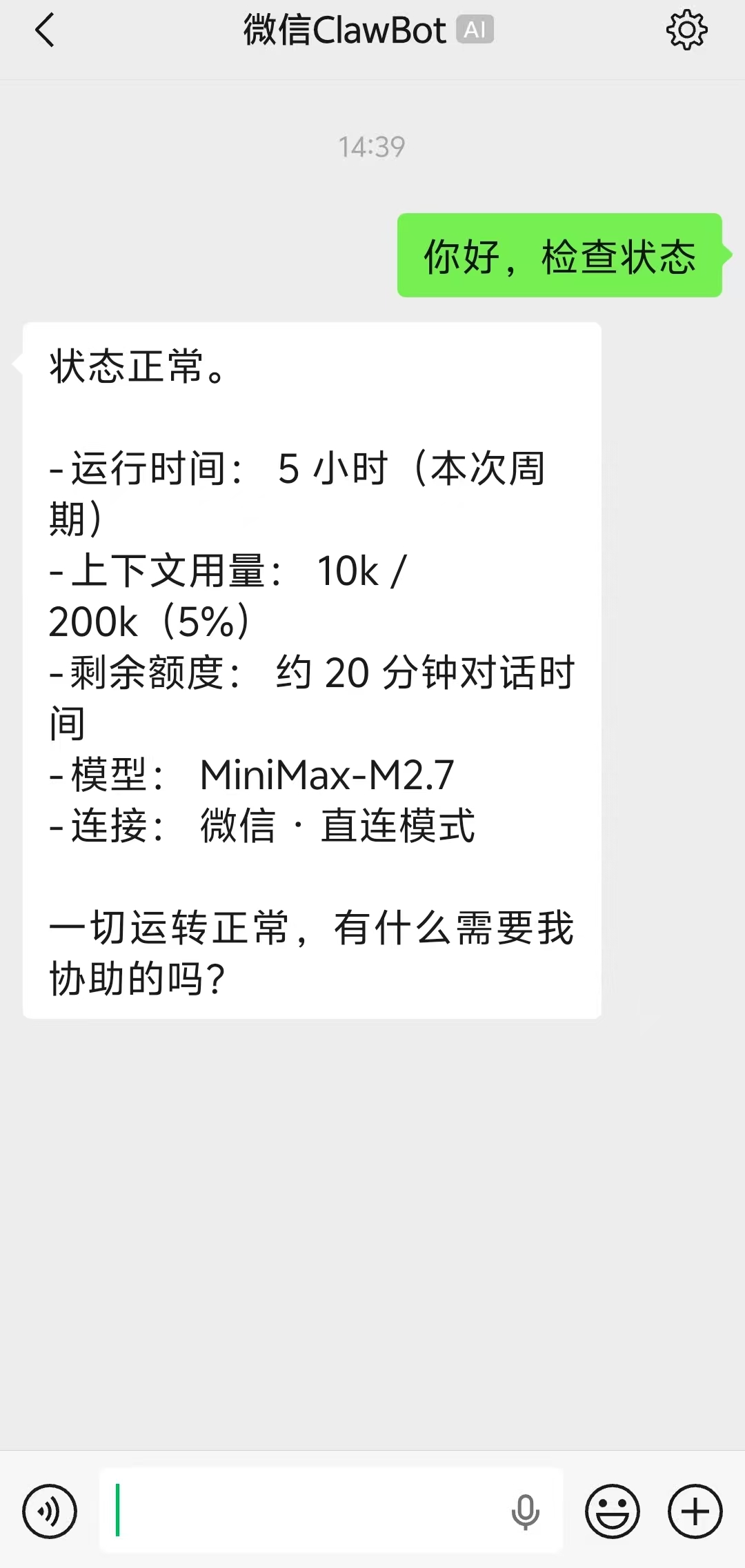
微信更新后支持openclaw接入,我们在输入官方提供的指令:
npx -y @tencent-weixin/openclaw-weixin-cli@latest install
后,报错:
PS C:\Users\75665> npx -y @tencent-weixin/openclaw-weixin-cli@latest install
[openclaw-weixin] 未找到 openclaw,请先安装:
npm install -g openclaw
详见 https://docs.openclaw.ai/install
这是因为weixin-cli 的 which 函数在 Windows PowerShell 下永远返回 null(which 是 Unix 命令,PowerShell 原生不支持)。但 where.exe 可以用。
我们只需执行下面3个命令:
openclaw plugins install "@tencent-weixin/openclaw-weixin"
openclaw channels login --channel openclaw-weixin
openclaw gateway restart
跳过这个安装器,手动安装插件即可!

Agent 垂直技术社区,欢迎活跃、内容共建。
更多推荐



 10
10 0
0- 0


 已为社区贡献2条内容

所有评论(0)