LSI Storage Authority (LSA) on Linux(LSA web使用 方法)
LSA web使用 方法
·
step0. firewall and selinux
1 2 3 4 5 6 7 8 |
firewall-cmd --add-port=2463/tcp --permanent firewall-cmd --add-port=9000/tcp --permanent firewall-cmd --reload firewall-cmd --list-all sed -i 's/^SELINUX=.*/SELINUX=disabled/' /etc/selinux/config reboot |
step1. From following URL search your HBA controller and download LSA packages
1 |
unzip x.x.x.x_LSA_Linux-x64.zip |
step2. Download and install OpenSLP
1 2 3 4 5 6 7 |
yum groupinstall -y 'Development Tools' wget https://jaist.dl.sourceforge.net/project/openslp/2.0.0/2.0.0%20Release/openslp-2.0.0.tar.gz tar -zxvf openslp-2.0.0.tar.gz cd openslp-2.0.0/ ./configure make && make install /usr/local/sbin/slpd stop |
step3. Install LSA
1 2 3 4 |
cd x.x.x.x_LSA_Linux-x64/x64/ ./install.sh ln -sf /usr/local/lib/libslp.so.1.0.0 /opt/lsi/LSIStorageAuthority/bin/libslp.so.1 /etc/init.d/LsiSASH restart |
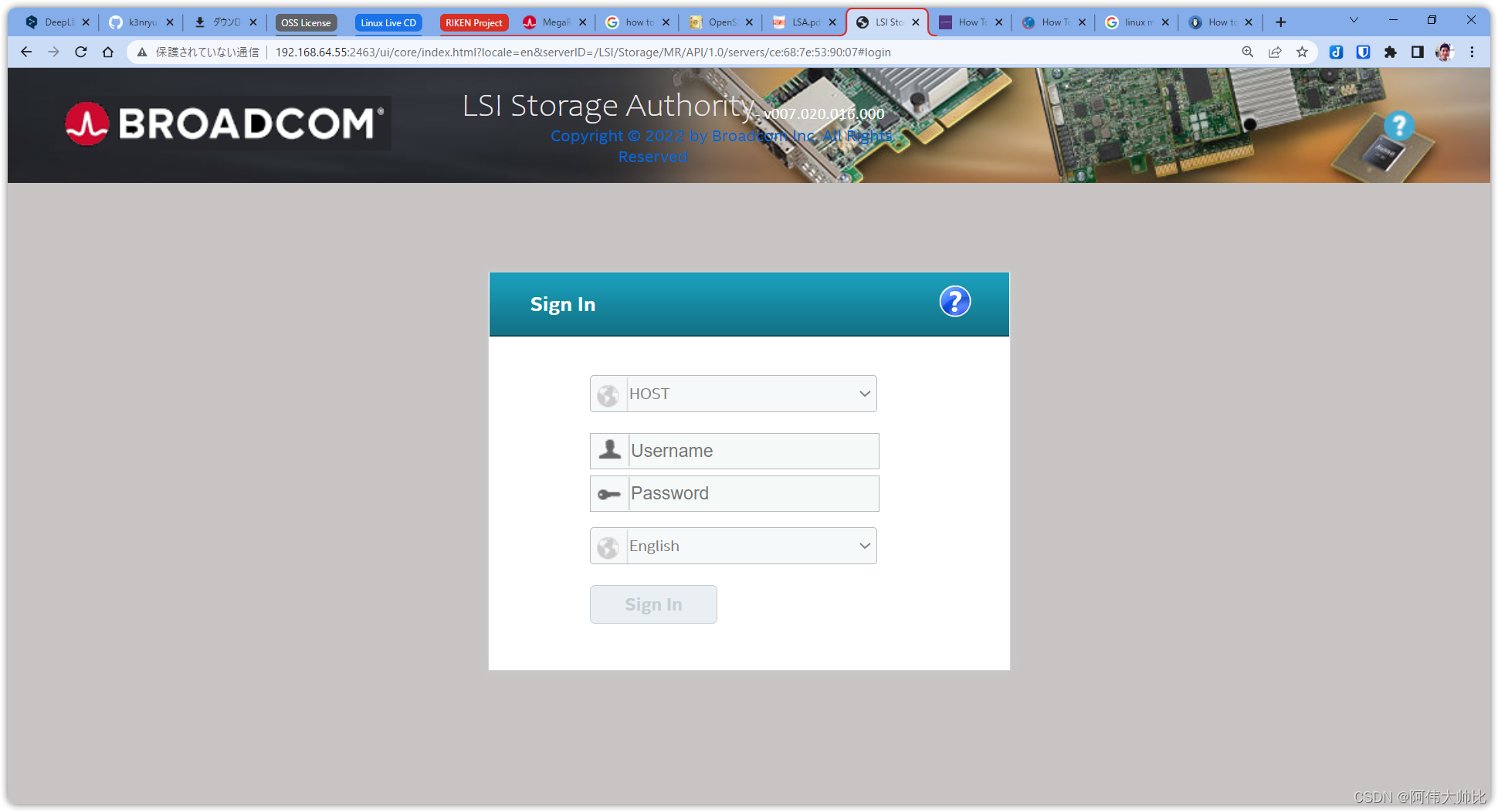
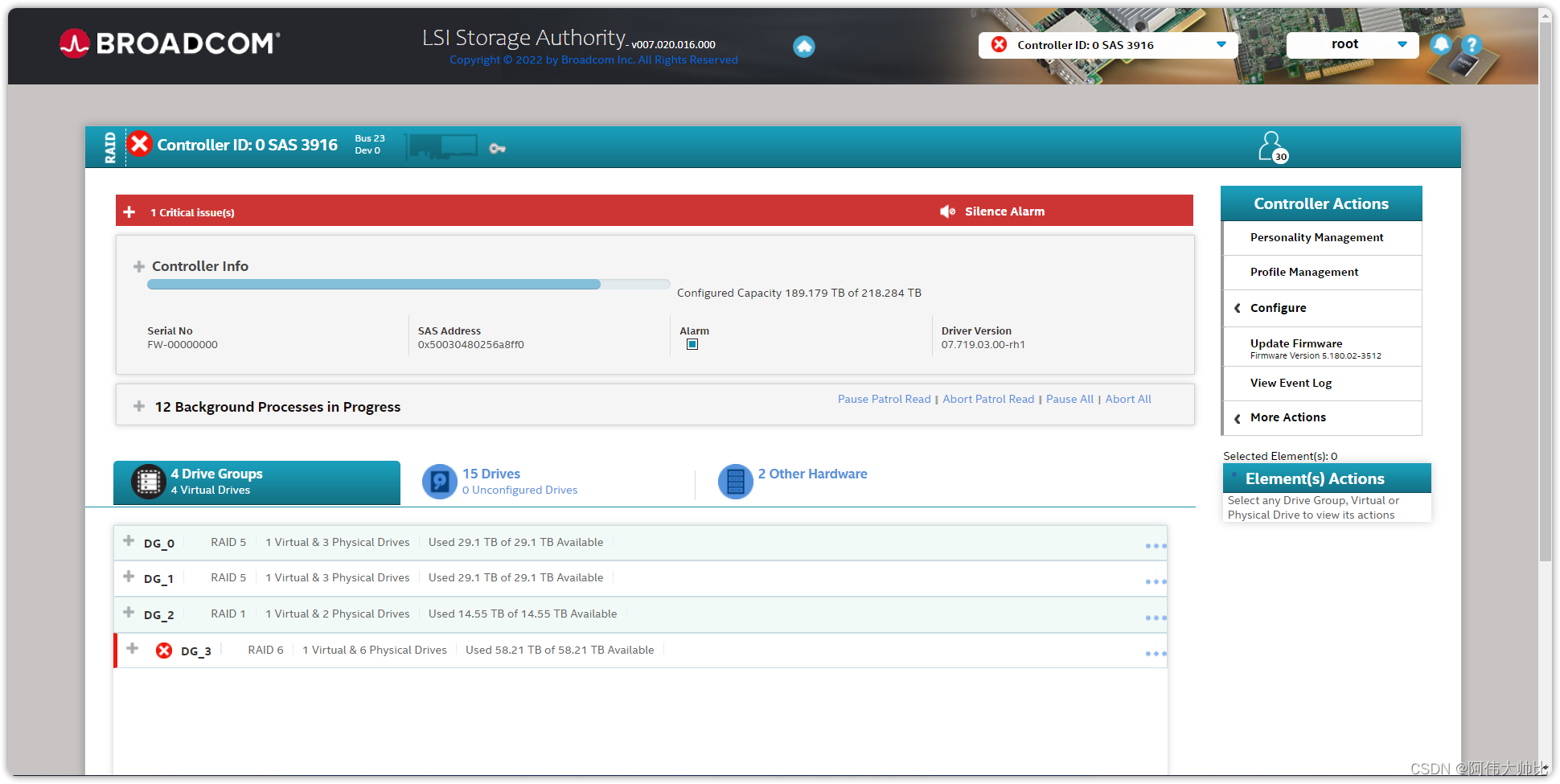
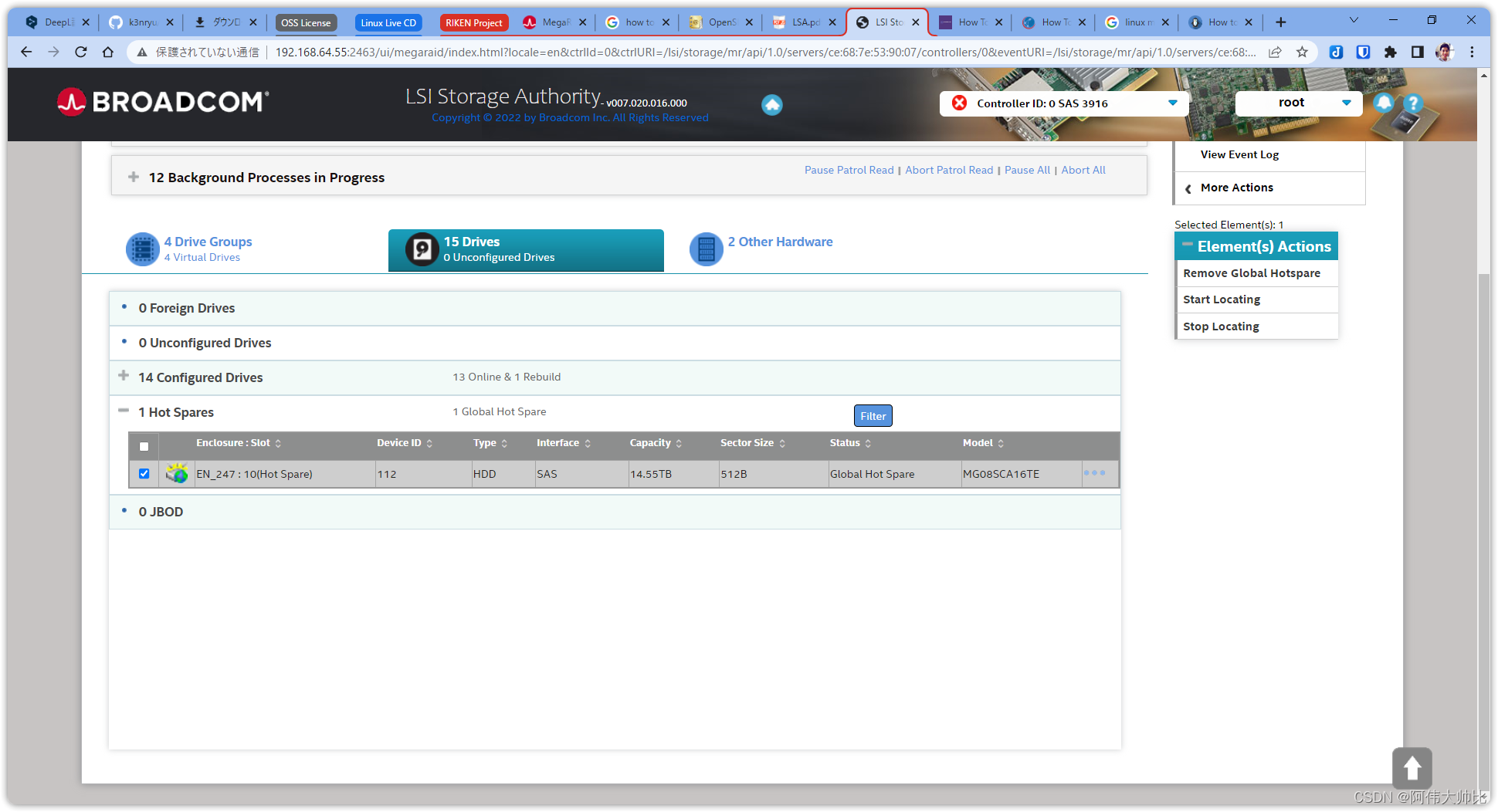
Uninstall
1 |
/opt/lsi/LSIStorageAuthority/uninstaller.sh |

Agent 垂直技术社区,欢迎活跃、内容共建。
更多推荐

 15
15 0
0- 0


 已为社区贡献1条内容

所有评论(0)